
在python和matplotlib生成的PPTX中向图片(图)添加边框
在python和matplotlib生成的PPTX中向图片(图)添加边框
提问于 2015-09-06 09:11:47
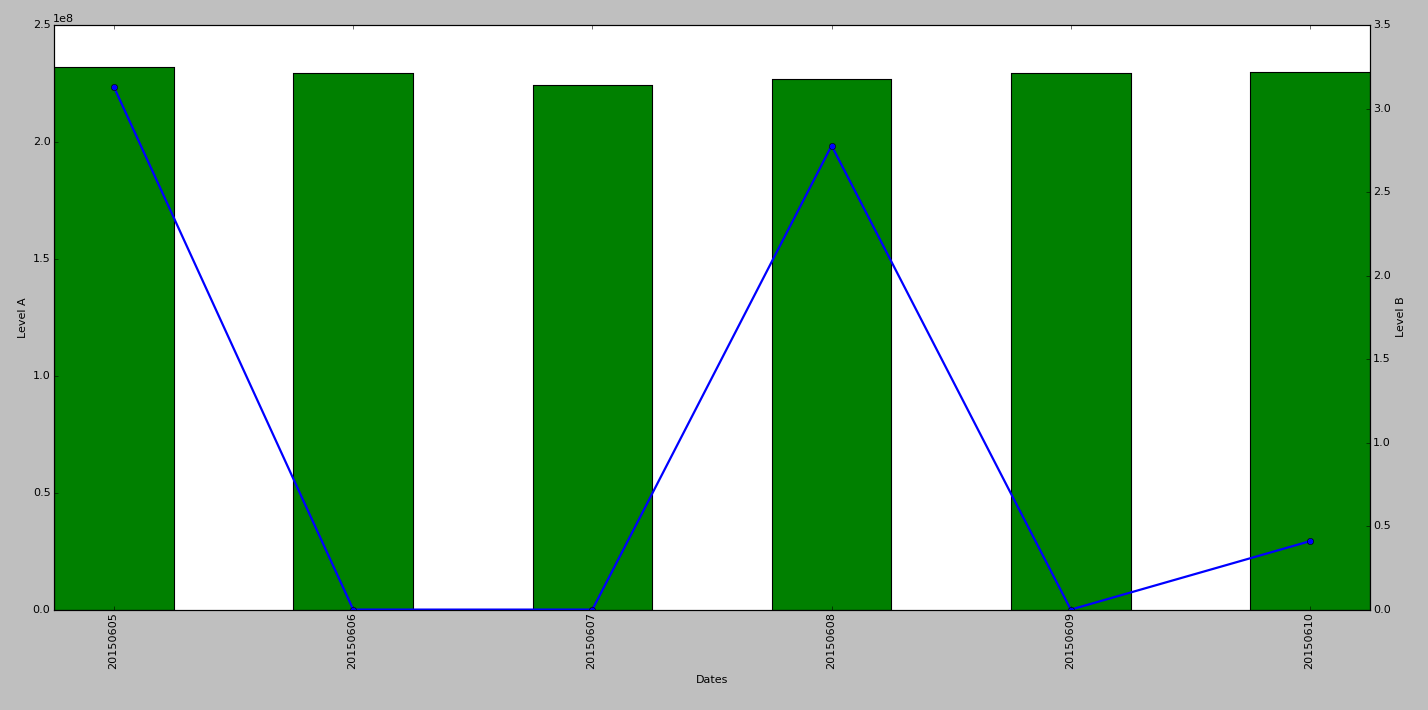
我有一个由matplotlib生成的图,然后将它保存为.png,然后使用pptx模块将它放在PPT文件中。我想在我的PPT文件中添加图片的边框,谁能帮我写代码..?
from pptx.util import Inches
from pptx import Presentation

prs = Presentation('dashboard.pptx')
left = Inches(0.5)
top = Inches(1)
slide = prs.slides.add_slide(prs.slide_masters[0].slide_layouts[2])
pic = slide.shapes.add_picture('test.png',left, top,width =None ,height =None)
prs.save('dashboard_new.pptx')回答 2
Stack Overflow用户
回答已采纳
发布于 2015-09-06 23:41:41
python中的Picture对象具有一个line属性,该属性提供对边框属性的访问:
- http://python-pptx.readthedocs.org/en/latest/api/shapes.html#picture-objects
- http://python-pptx.readthedocs.org/en/latest/api/dml.html#pptx.dml.line.LineFormat
所以代码会像这样:
from pptx.dml.color import RGBColor

line = pic.line
line.color.rgb = RGBColor(0xFF, 0x00, 0x00)
line.width = Inches(0.1)Stack Overflow用户
发布于 2015-09-06 16:30:48
形状(在本例中是pic对象)具有一个.Line属性,该属性控制形状周围的边框。下面是一个如何在VBA中添加行的示例。在您的示例中,您将修改pic对象的相同.Line属性:
Sub AddBorder()

    Dim oSh As Shape

    ' this assumes that the current shape is selected
    ' in other cases, you'd work with an object reference
    ' generated when you added the shape
    Set oSh = ActiveWindow.Selection.ShapeRange(1)

    With oSh
        ' if you don't set the line to be visible,
        ' you get odd results
        .Line.Visible = msoTrue
        .Line.ForeColor.RGB = RGB(255, 0, 0)
        .Line.Weight = 6    ' in points
    End With

End Sub页面原文内容由Stack Overflow提供。腾讯云小微IT领域专用引擎提供翻译支持
原文链接:
https://stackoverflow.com/questions/32421858
复制相关文章
相似问题
腾讯云开发者

Copyright © 2013 - 2026 Tencent Cloud. All Rights Reserved. 腾讯云 版权所有
深圳市腾讯计算机系统有限公司 ICP备案/许可证号:粤B2-20090059  粤公网安备44030502008569号
腾讯云计算(北京)有限责任公司 京ICP证150476号 | 京ICP备11018762号