
动画bezier直线
动画bezier直线
提问于 2015-08-28 04:41:42
我想要如何动画一个贝塞尔直线,如锯。有谁能建议一下。参考链接的动画,它应该是什么样子(https://www.youtube.com/watch?v=bjCx128BZK8)。
回答 1
Stack Overflow用户
回答已采纳
发布于 2015-08-28 06:07:49
您没有说明如何呈现此UIBezierPath,但如果您将其添加为CAShapeLayer,则只需向其应用CAKeyframeAnimation:
// create simple path

let path = UIBezierPath()
path.moveToPoint(CGPoint(x: 50, y: view.bounds.size.height / 2))
path.addLineToPoint(CGPoint(x: view.bounds.size.width - 50, y: view.bounds.size.height / 2))

// create `CAShapeLayer` from that path

let layer = CAShapeLayer()
layer.path = path.CGPath
layer.lineWidth = 10
layer.strokeColor = UIColor.blueColor().CGColor
layer.fillColor = UIColor.clearColor().CGColor

view.layer.addSublayer(layer)

// animate it

let animation = CAKeyframeAnimation(keyPath: "transform")
var values = [NSValue]()
for var x: CGFloat = 0.0; x < CGFloat(M_PI * 4); x += CGFloat(M_PI * 4 / 100.0) {
    var transform = CATransform3DMakeTranslation(view.frame.size.width/2, view.frame.size.height/2, 0.0)
    transform = CATransform3DRotate(transform, sin(x) / 3.0, 0.0, 0.0, 1.0)
    transform = CATransform3DTranslate(transform, -view.frame.size.width/2, -view.frame.size.height/2, 0.0)

    values.append(NSValue(CATransform3D: transform))
}
animation.duration = 2
animation.values = values

layer.addAnimation(animation, forKey: "transform")
这会产生:
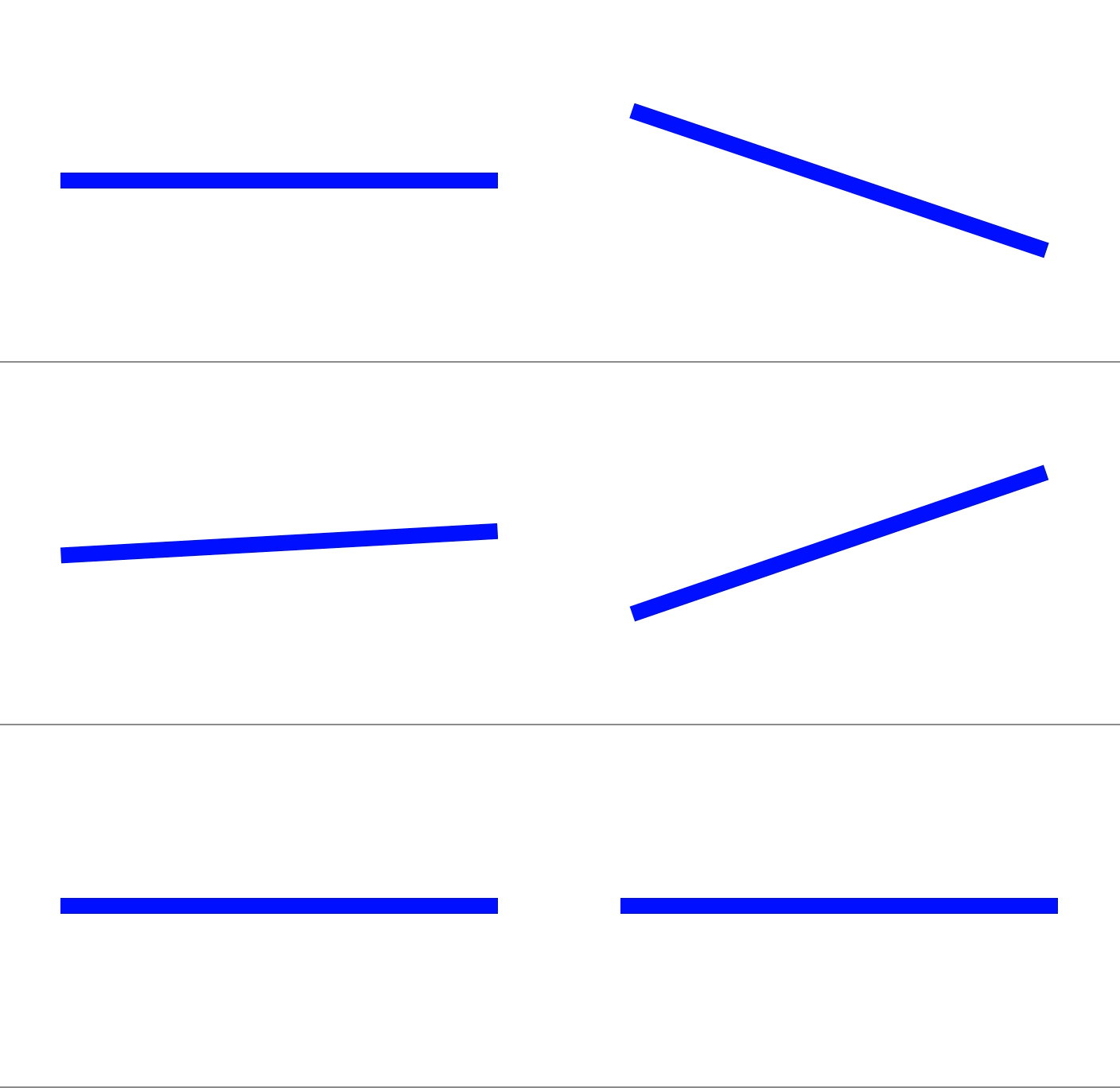
或者可以将CAShapeLayer添加到视图中,然后使用基于块的UIView动画旋转视图。基本的想法是一样的。
如果您想做更复杂的事情,可以使用CADisplayLink,或者更新CAShapeLayer的path (如概述的here),或者更新UIView子类使用的属性,然后调用setNeedsDisplay。
页面原文内容由Stack Overflow提供。腾讯云小微IT领域专用引擎提供翻译支持
原文链接:
https://stackoverflow.com/questions/32263475
复制相关文章
相似问题
腾讯云开发者

Copyright © 2013 - 2026 Tencent Cloud. All Rights Reserved. 腾讯云 版权所有
深圳市腾讯计算机系统有限公司 ICP备案/许可证号:粤B2-20090059  粤公网安备44030502008569号
腾讯云计算(北京)有限责任公司 京ICP证150476号 | 京ICP备11018762号