
用新材料设计覆盖内容AppBarLayout
用新材料设计覆盖内容AppBarLayout
提问于 2015-06-25 15:15:45
我想实现这样的目标。(不是FAB或Snackbar)。如何创建布局,覆盖AppBarLayout?像这样!V
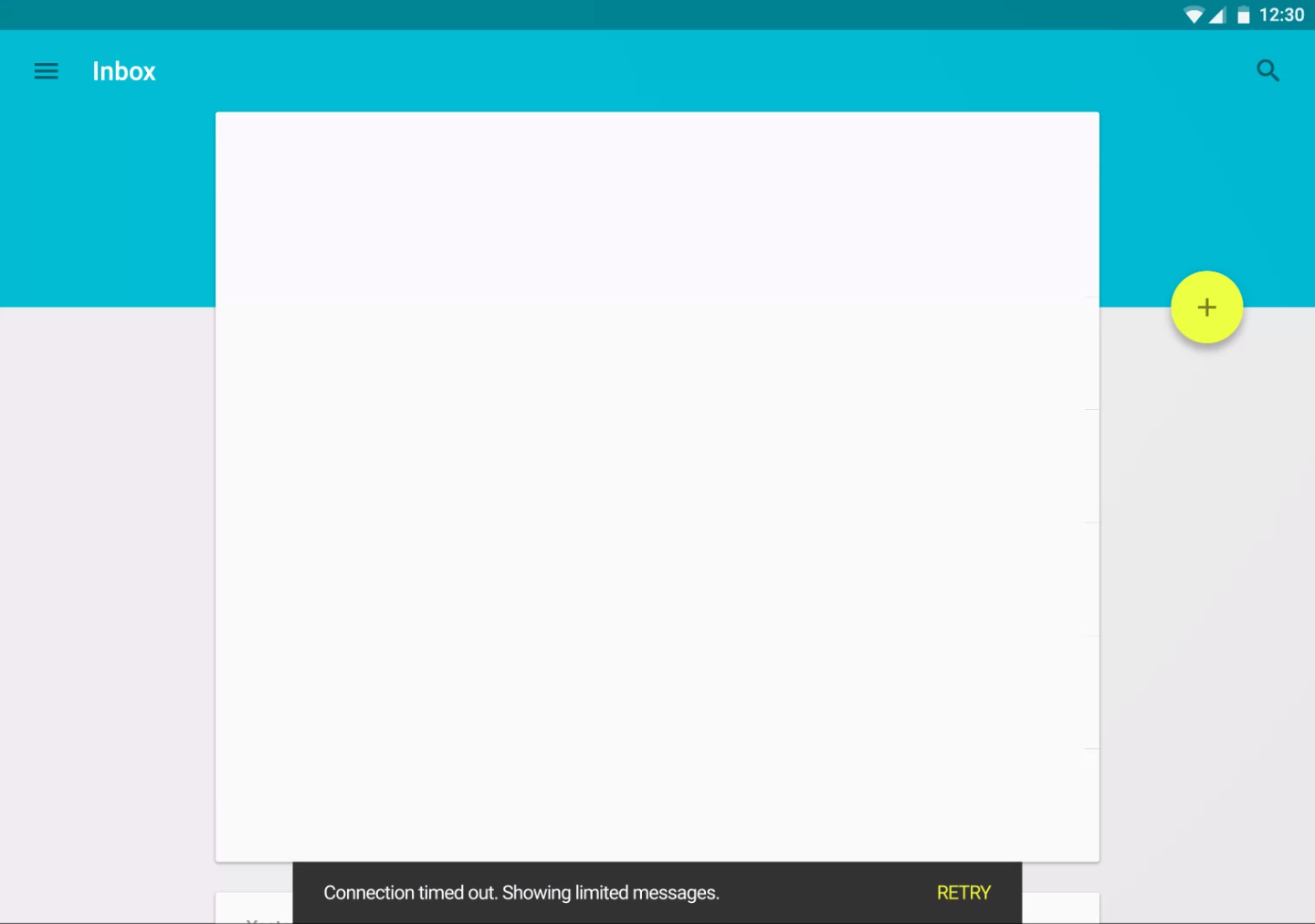
喜欢游戏商店!V
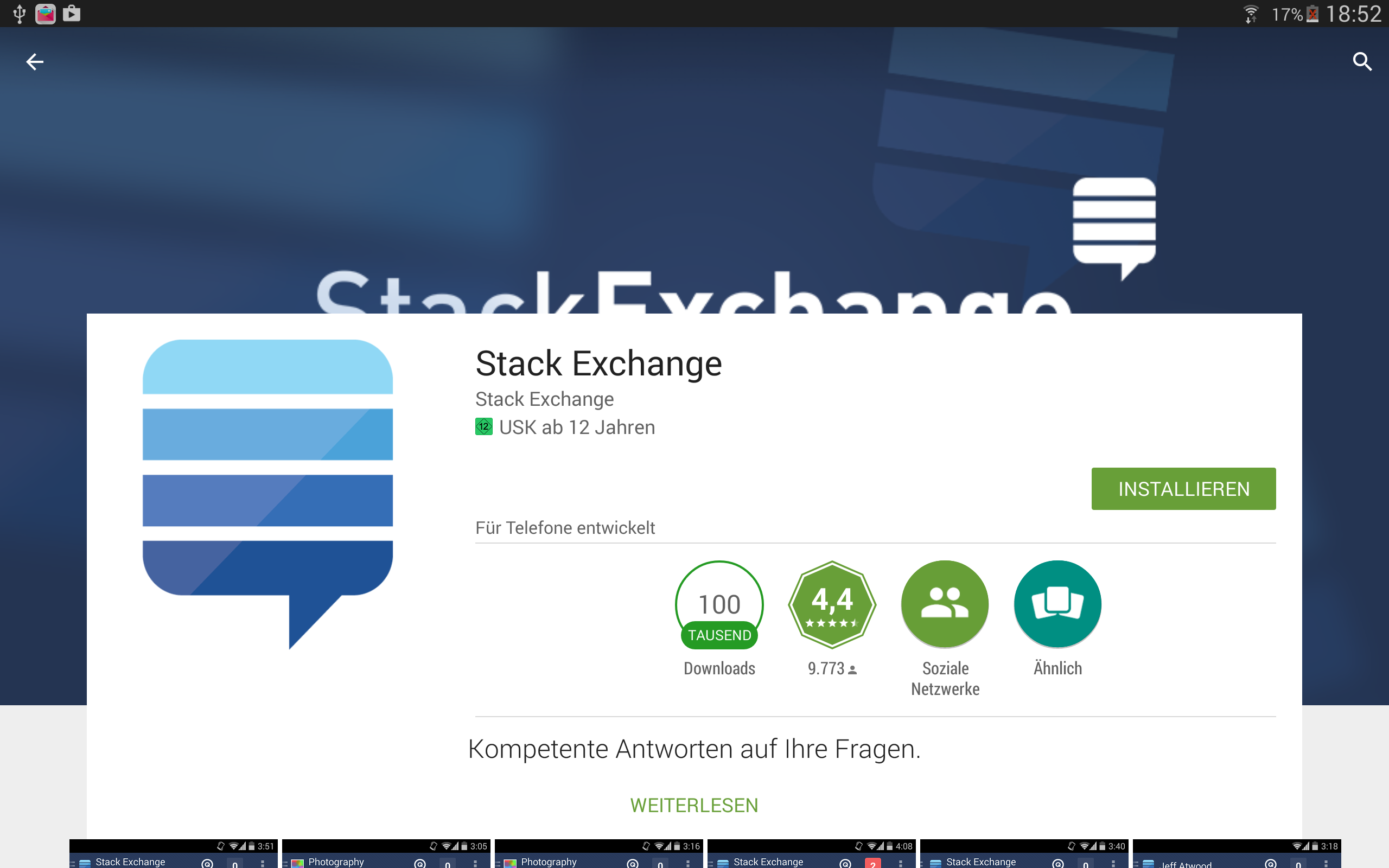
My AppBarLayout with CoordinatorLayout,NestedScrollView with RelativeLayout作为内容,如下所示!V
<android.support.design.widget.CoordinatorLayout xmlns:android="http://schemas.android.com/apk/res/android"
xmlns:app="http://schemas.android.com/apk/res-auto"
xmlns:tools="http://schemas.android.com/tools"
android:id="@+id/rootLayout"
android:layout_width="match_parent"
android:layout_height="match_parent">

<android.support.design.widget.AppBarLayout
    android:layout_width="match_parent"
    android:layout_height="@dimen/_118sdp"
    android:theme="@style/ThemeOverlay.AppCompat.Dark.ActionBar">

    <android.support.design.widget.CollapsingToolbarLayout
        android:id="@+id/collapsingToolbarLayout"
        android:layout_width="match_parent"
        android:layout_height="match_parent"
        app:contentScrim="@color/mpc_pink"
        app:expandedTitleMarginStart="@dimen/_40sdp"
        app:layout_scrollFlags="scroll|exitUntilCollapsed">

        <de.mypostcardstore.widgets.ItemImageView
            android:id="@+id/header"
            android:layout_width="match_parent"
            android:layout_height="match_parent"
            android:scaleType="centerCrop"
            android:src="@color/mpc_pink"
            app:layout_collapseMode="parallax"
            app:layout_collapseParallaxMultiplier="0.7" />

        <android.support.v7.widget.Toolbar
            android:id="@+id/article_toolbar"
            android:layout_width="match_parent"
            android:layout_height="?attr/actionBarSize"
            android:minHeight="?attr/actionBarSize"
            app:contentScrim="@color/mpc_pink"
            app:layout_collapseMode="pin"
            app:layout_scrollFlags="scroll|enterAlways"
            app:popupTheme="@style/ThemeOverlay.AppCompat.Light"
            app:theme="@style/ThemeOverlay.AppCompat.Dark.ActionBar" />


    </android.support.design.widget.CollapsingToolbarLayout>

</android.support.design.widget.AppBarLayout>

<android.support.v4.widget.NestedScrollView
    android:layout_width="match_parent"
    android:layout_height="match_parent"
    android:background="?android:colorBackground"
    android:fillViewport="true"
    app:layout_behavior="@string/appbar_scrolling_view_behavior">

    <RelativeLayout
        android:layout_width="match_parent".....>
,如果有人能帮我,那就太棒了。我在网上找不到ANYthing。提前谢谢你!
回答 1
Stack Overflow用户
发布于 2015-06-25 15:21:05
不难,您可以使用一些伪XML。
<FrameLayout>

    // this is the background part
    <LinearLayout>
       <Top part "blue">
       <Bottom part "white">
    <LinearLayout/>

    // here is your main content that overlay the background
    <MainContent margingTop="toolbar_height + something more"/>

    // here is the toolbar with no background
    <ToolBar background=@null height="toolbar_height"/>
<FrameLayout/>页面原文内容由Stack Overflow提供。腾讯云小微IT领域专用引擎提供翻译支持
原文链接:
https://stackoverflow.com/questions/31054316
复制相关文章
相似问题
腾讯云开发者

Copyright © 2013 - 2026 Tencent Cloud. All Rights Reserved. 腾讯云 版权所有
深圳市腾讯计算机系统有限公司 ICP备案/许可证号:粤B2-20090059  粤公网安备44030502008569号
腾讯云计算(北京)有限责任公司 京ICP证150476号 | 京ICP备11018762号