
如何使用ImageMagick替换图像中的白色矩形?
如何使用ImageMagick替换图像中的白色矩形?
提问于 2015-06-22 06:54:56
概述:
第一张照片是我的原作。在这里,我想用另一个图像替换白色的矩形。

我的方法:
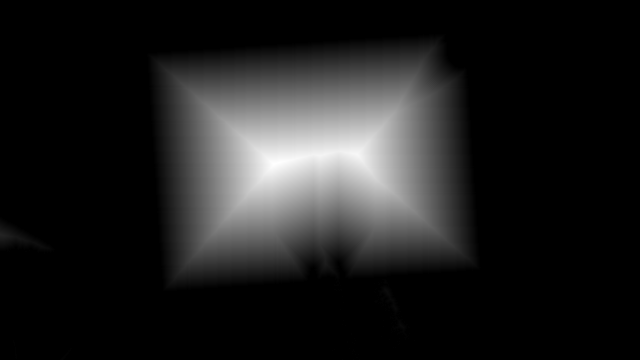
我使用floodfill创建了一个掩码映像,它看起来如下:
问题:
现在,我想在第二个图像中得到矩形的距离或坐标,这样我就可以使用这些坐标在第一个(原始图像)之上覆盖一个新的图像。
我有了一些想法来使用ImageMagick的切比雪夫形态学运算符,但我不知道如何做到这一点。
回答 1
Stack Overflow用户
回答已采纳
发布于 2015-06-22 10:05:37
我认为只要一个简单的阈值,你就可以非常准确地定位形状,如下所示:
convert image.jpg -threshold 90% result.jpg
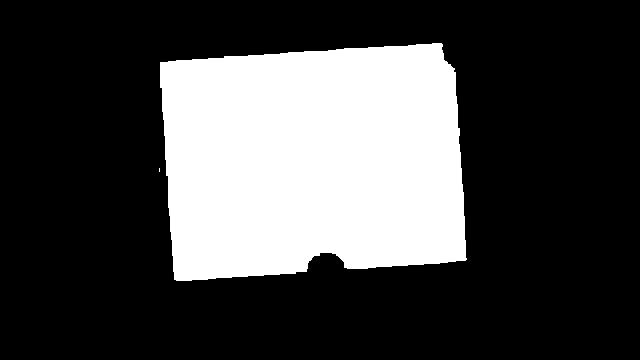
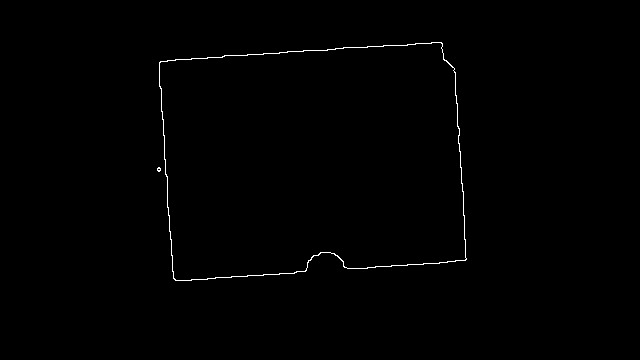
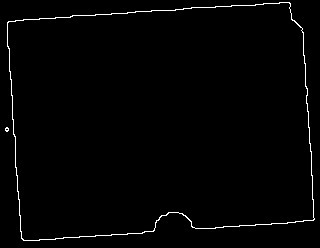
然后你可以做这样的Canny边缘检测:
convert image.jpg -threshold 90% -canny 0x1+10%+30% result.jpg
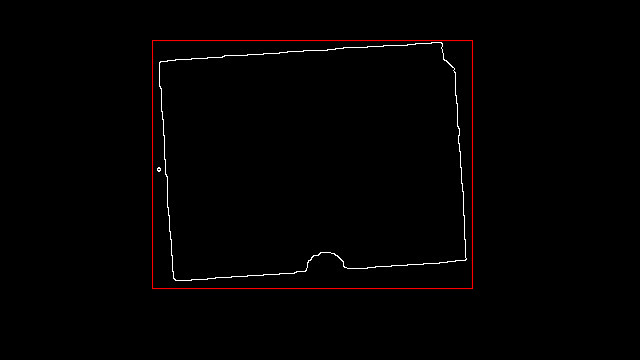
接下来我将看到的是,使用-trim函数来查找剪裁框坐标,如下所示:
convert result.jpg -format "%@" info:
320x248+152+40
我在下面用红色标记了那个。
如果您真的想做修剪,请使用以下命令:
convert result.jpg -trim result.jpg
同时,方格角
convert result.jpg -deskew 40 -format "%[deskew:angle]" info:
-0.111906
Hough线检测对您也可能是这样有效的:
convert image.jpg -threshold 90% -canny 0x1+10%+30%      \
    \( +clone -background none                           \
              -fill red -stroke red -strokewidth 2       \
              -hough-lines 5x5+80 -write lines.mvg       \
    \) -composite hough.png
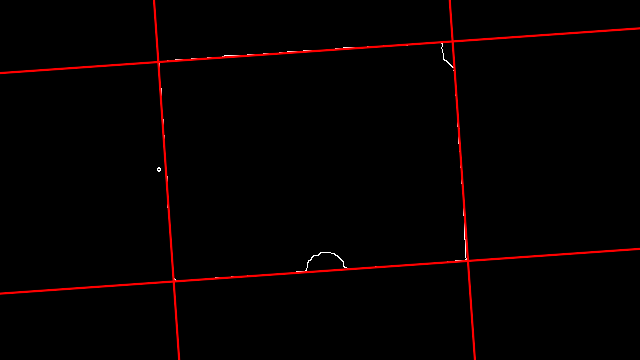
文件lines.mvg包含您要查找的4行
# Hough line transform: 5x5+80
viewbox 0 0 640 360
line 449.259,0 474.432,360  # 90
line 0,72.5604 640,27.8072  # 143
line 0,293.098 640,248.344  # 187
line 153.538,0 178.712,360  # 153
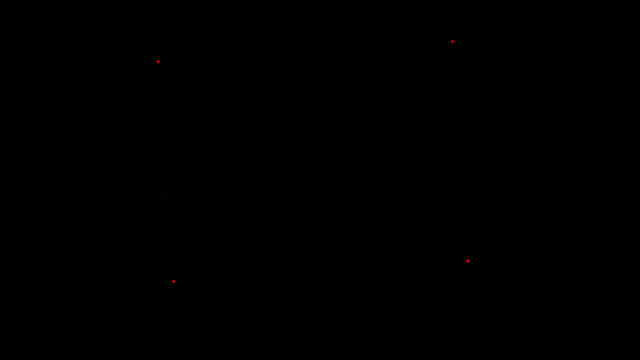
我有点懒,我不想为这些线的交叉点进行求解,所以我想我也应该让ImageMagick这样做--通过使用形态学来寻找这样的线连接:
convert image.jpg -threshold 90% -canny 0x1+10%+30%                        \
  \( +clone -background none -fill red -stroke red -hough-lines 5x5+80 \)  \
     -composite -fuzz 50% -fill black -opaque white                        \
     -morphology HMT LineJunctions hough.png
页面原文内容由Stack Overflow提供。腾讯云小微IT领域专用引擎提供翻译支持
原文链接:
https://stackoverflow.com/questions/30973677
复制相关文章
相似问题
腾讯云开发者

Copyright © 2013 - 2026 Tencent Cloud. All Rights Reserved. 腾讯云 版权所有
深圳市腾讯计算机系统有限公司 ICP备案/许可证号:粤B2-20090059  粤公网安备44030502008569号
腾讯云计算(北京)有限责任公司 京ICP证150476号 | 京ICP备11018762号