
我们如何在c#窗体中弹出图片框,如bing图像搜索
我试图使我的动态生成的图片框在鼠标悬停上的作用,就像“必应”一样。下面是附在鼠标悬停上bing搜索的图片:
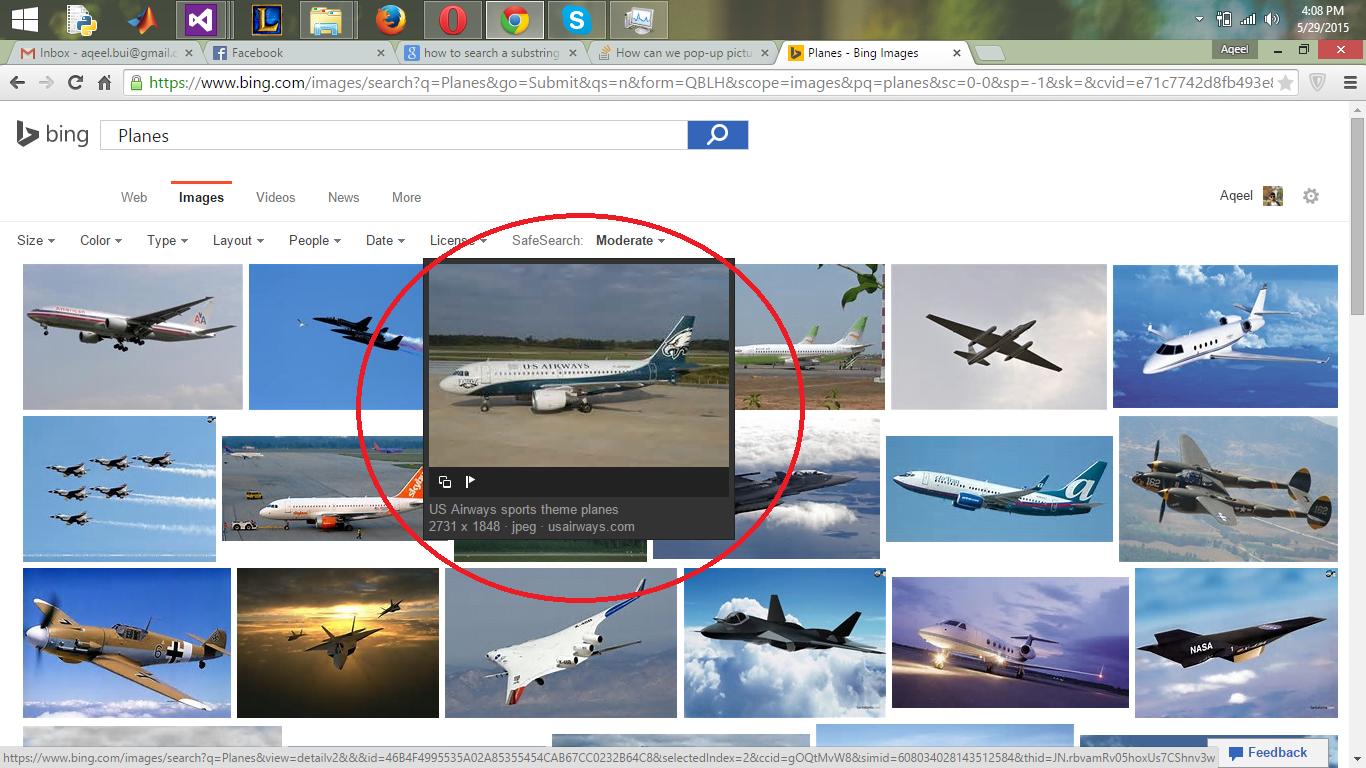
这是我正在做的一个项目的搜索结果,我真正想做的是,我想让图片弹出,就像上面在bing搜索中显示的那样。
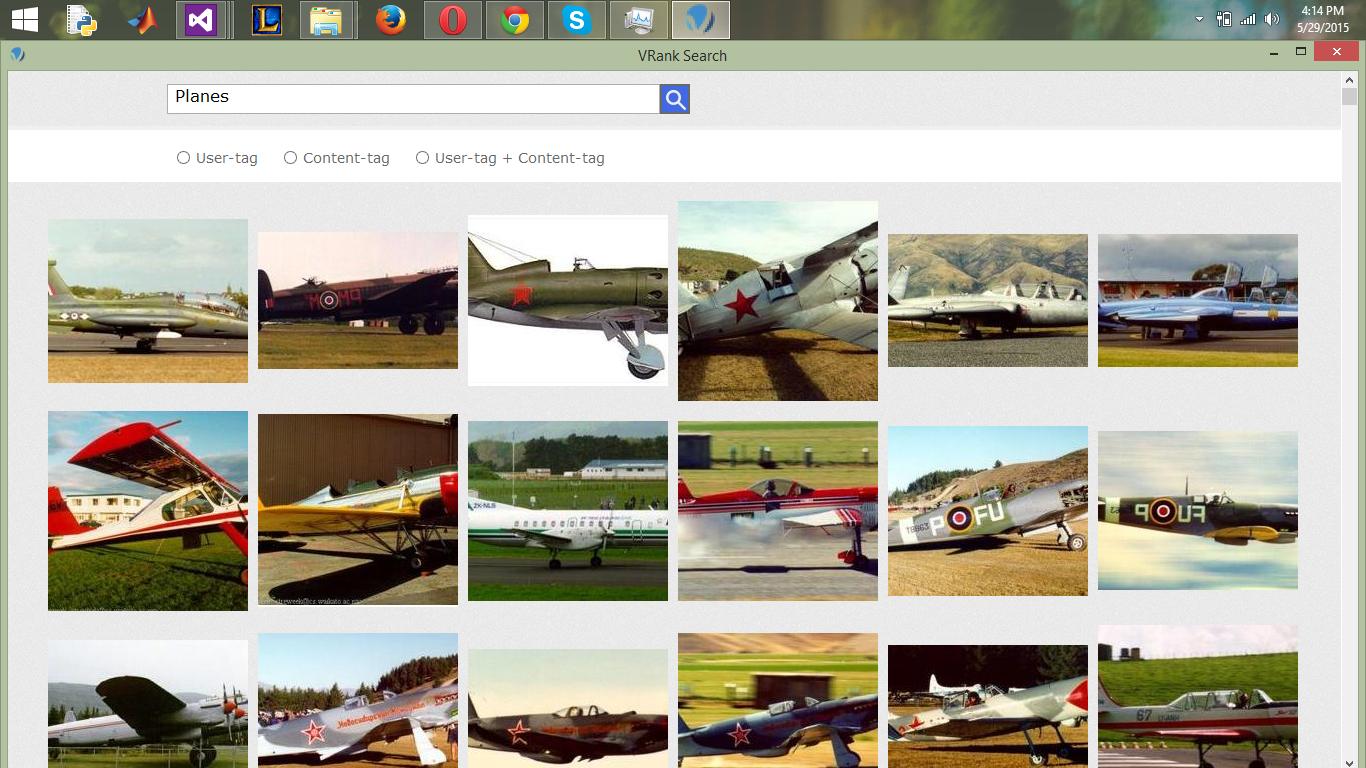
请注意,所有图片框都是在运行时动态生成的.。
回答 3
Stack Overflow用户
发布于 2015-05-29 11:54:27
如果您使用的是图片框。然后你可以像这样增强当前的图片框并使用它。
  //extending the picture box
    public  class PicControl : PictureBox
        {
            // variables to save the picture box old position
            private int _OldWidth;
            private int _OldHeight;
            private int _OldTop;
            private int _OldLeft;
            public PicControl()
            {
            }
    protected override void OnLoadCompleted(System.ComponentModel.AsyncCompletedEventArgs e)
        {

            _OldTop = this.Top;
            _OldLeft = this.Left;
            _OldWidth = this.Width;
            _OldHeight = this.Height;
            base.OnLoadCompleted(e);
        }
            protected override void OnMouseEnter(EventArgs e)
          {
                 //once mouse enters
                  // take the backup of height width top left
                 //so we can restore once mouse leaves
                _OldTop = this.Top;
                _OldLeft = this.Left;
                _OldWidth = this.Width;
                _OldHeight = this.Height;
                //decrease the control top left to show hover effect
                this.Top = this.Top - 10;
                this.Left = this.Left - 10;
                // same increase the height width
                this.Height = this.Height + 20;
                this.Width = this.Width + 20;
                 // show to control on top of all
                 this.BringToFront();
                //trigger the base event
                base.OnMouseEnter(e);
            }
            protected override void OnMouseLeave(EventArgs e)
            {
                   // mouse leaves now we have to restore
                  //picture box to its original position
                this.Height = _OldHeight;
                this.Width = _OldWidth;
                this.Left = _OldLeft;
                this.Top = _OldTop;
                base.OnMouseLeave(e);
            }
        }
现在,当您在项目中添加这个类并构建它时,它将在您的工具箱中向您展示PicControl,您可以用PicContorl替换pictureBox以获得这种效果。希望它能帮到你。
Stack Overflow用户
发布于 2015-05-29 11:48:47
下面是一些例子,您可以为这样的图像创建非常简单的弹出窗口。
    //Sample object representing one of your pictures
    PictureBox pb1 = new PictureBox();
    List<PictureBox> images = new List<PictureBox>();
    images.Add(pb1);

    int frameSize = 5;
    PictureBox popup = new PictureBox();
    popup.Visible = false;
    popup.MouseLeave += (s, a) =>
    {
        popup.Visible = false;
    };

    foreach (var pb in images)
    {
        pb.MouseEnter += (s, a) =>
        {
            var sender = (PictureBox)s;
            popup.Image = sender.Image;
            popup.Left = sender.Left - frameSize;
            popup.Top = sender.Top - frameSize;
            popup.Width = sender.Width + (2 * frameSize);
            popup.Height = sender.Height + (2 * frameSize);
            popup.Visible = true;
            popup.BringToFront();
        };
    }
让我们假设您的图片框在“图像”集合中。我们还有一个隐藏的图片框,可以作为弹出窗口使用。
接下来,我们将它们绑定到MouseEnter事件。在MouseEnter上,我们将弹出式图片框放置在悬停图像之上,我们设置了相同的图像,但我们使其稍微大一些,并在底层图片上居中,并显示弹出式图像。
我们还绑定到弹出窗口的MouseLeave事件,所以当鼠标离开弹出窗口时,它就会消失。
当然,这只是一个激励你进一步发展的概念。如果对你有帮助并且你喜欢的话,记得标记为答案:)
Stack Overflow用户
发布于 2015-05-29 11:38:59
在样式表中使用此代码
.image:hover {
-webkit-transform:scale(1.2); transform:scale(1.2);
}
.image {
-webkit-transition: all 0.7s ease; transition: all 0.7s ease;
}并将这个class传递给图像
 <img alt="" src="../Sample%20Pictures/Chrysanthemum.jpg"
            style="width: 301px; height: 196px" class="image " />
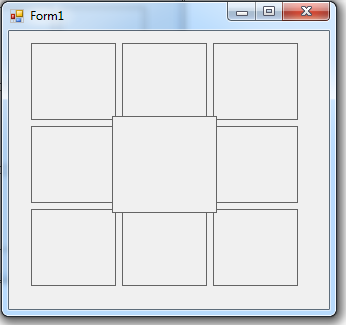
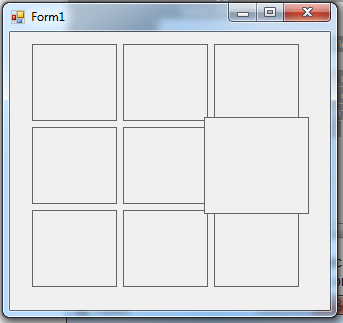
投入:-
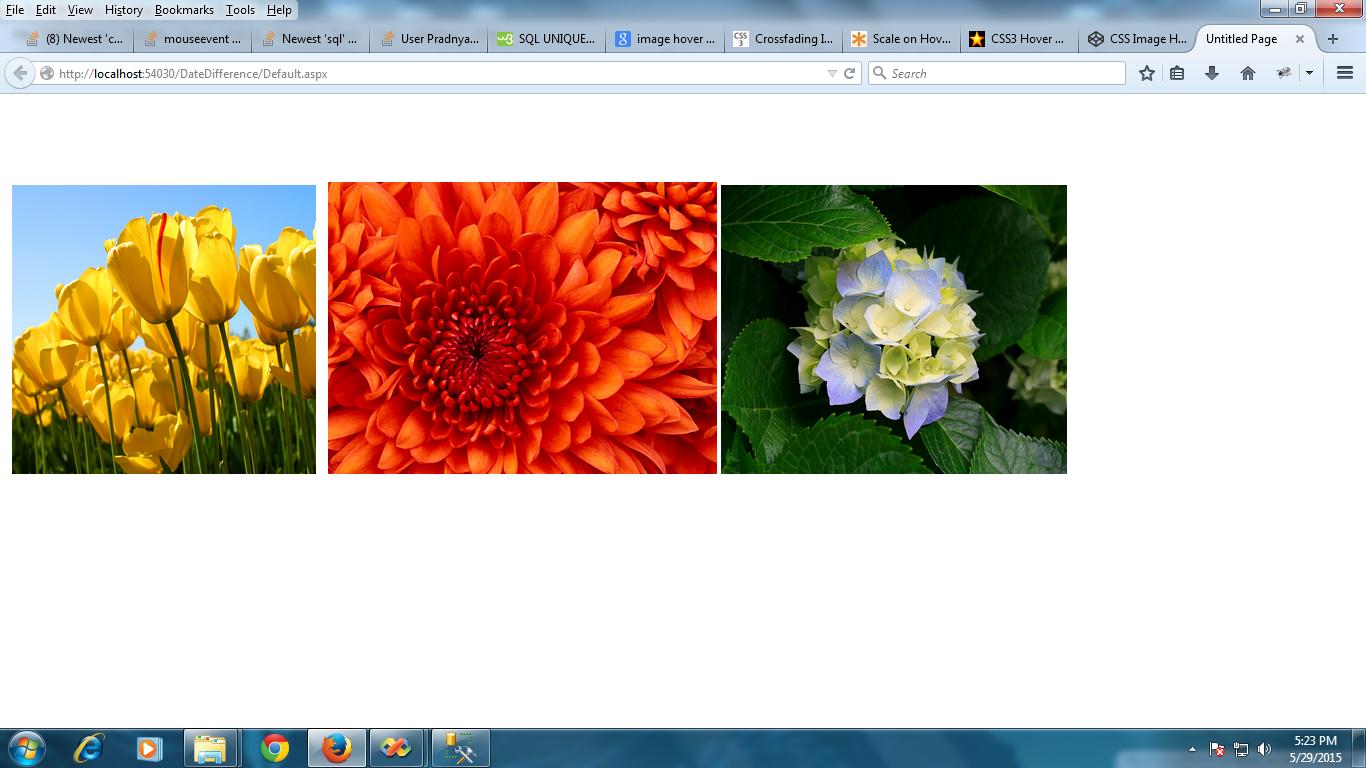
产出:-
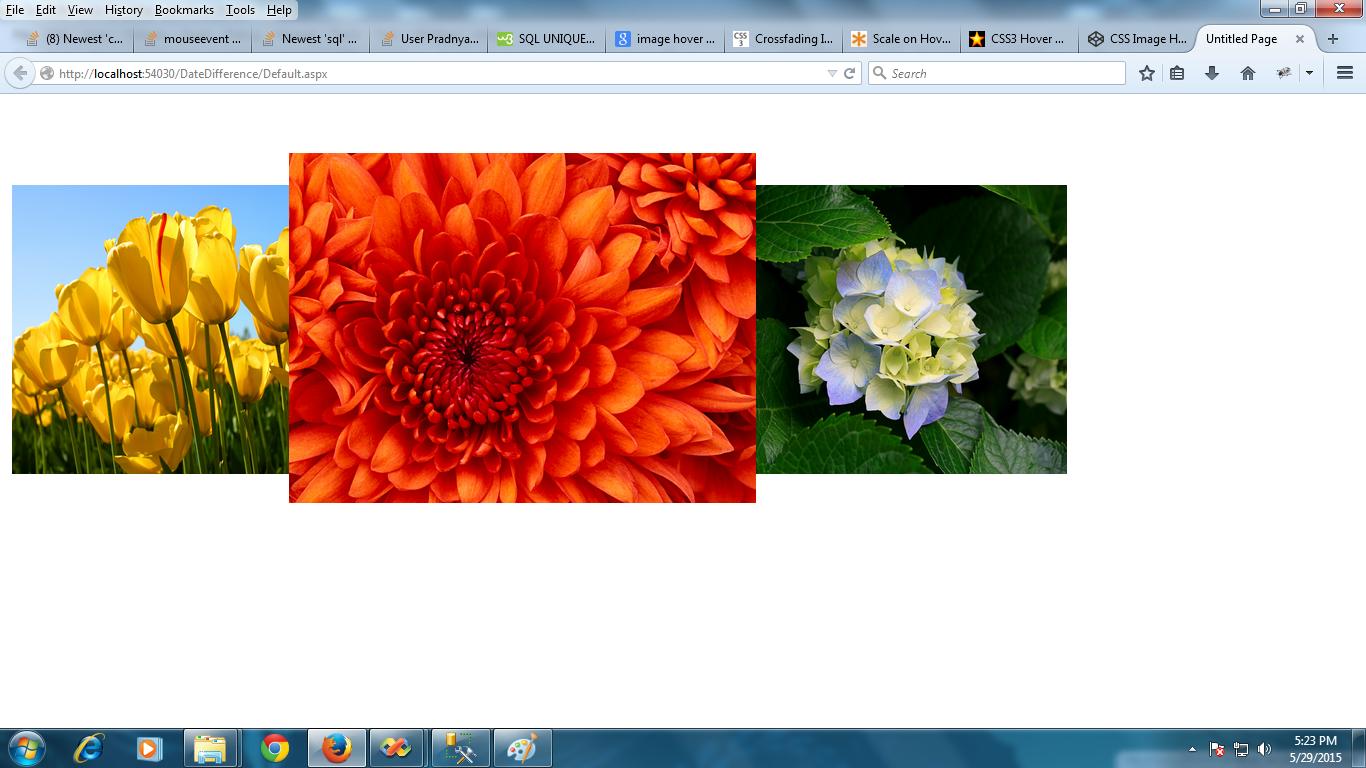
https://stackoverflow.com/questions/30528205
复制相似问题
腾讯云开发者

Copyright © 2013 - 2026 Tencent Cloud. All Rights Reserved. 腾讯云 版权所有
深圳市腾讯计算机系统有限公司 ICP备案/许可证号:粤B2-20090059  粤公网安备44030502008569号
腾讯云计算(北京)有限责任公司 京ICP证150476号 | 京ICP备11018762号