
没有找到与约束匹配的导出: Contractname。创建通用应用程序新项目时
我正在运行Visual 2013更新4和Visual 2015 RC
我在2013年收到这样的信息:
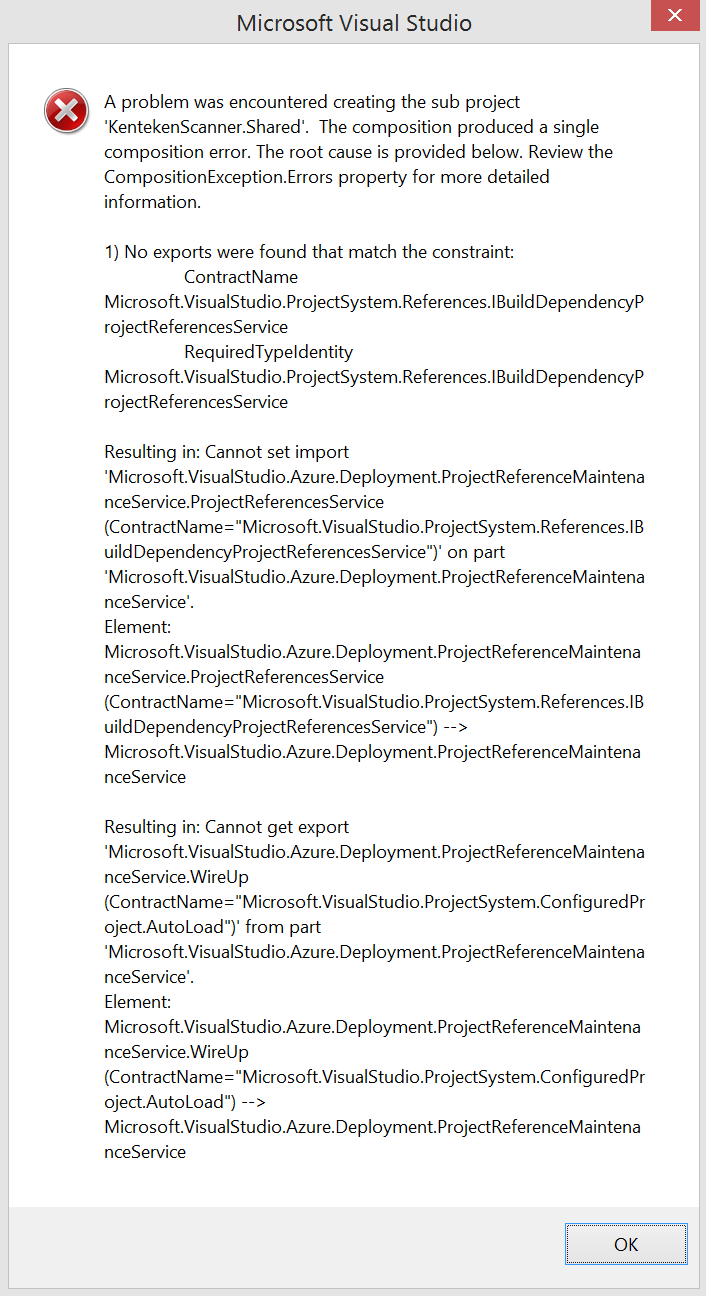
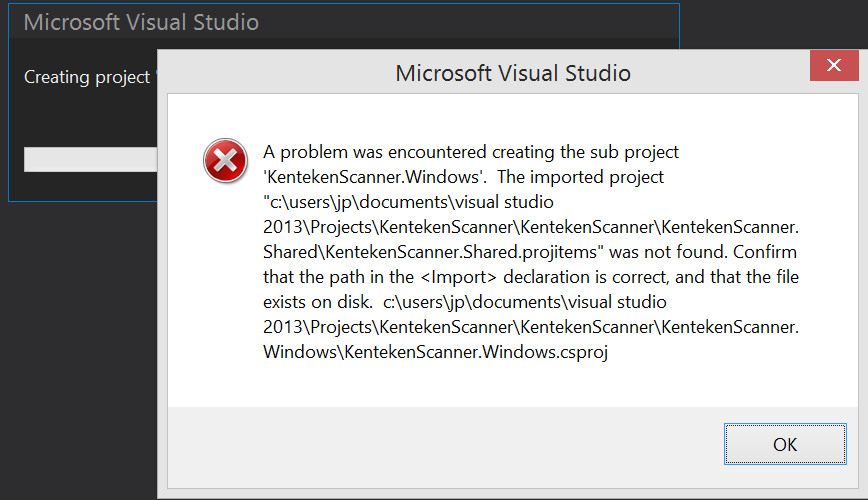
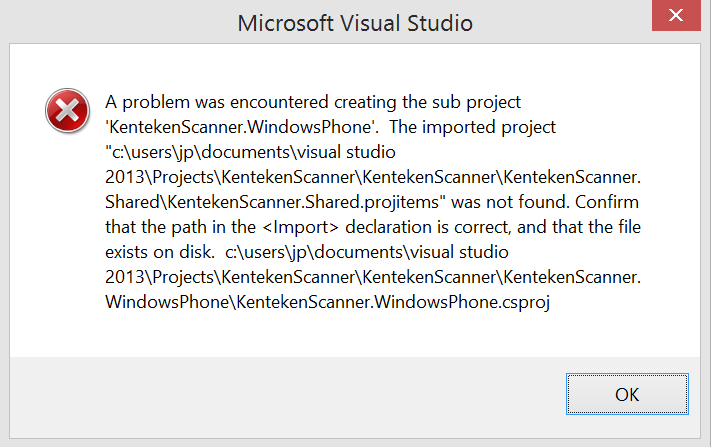
我读过no exports were found that match the constraint:ContractName和Error message "No exports were found that match the constraint contract name"
我有几个文件夹
C:\Users\JP\AppData\Local\Microsoft\VisualStudio
10、11、12、14
11只有一个设计文件夹,所以我可以跳过那个文件夹。12有一个ComponentModelCache文件夹,我将其重命名为ComponentModelCache-old ( 14 )。(我也重命名了组件模型缓存文件夹)
但这条信息依然存在。2015年给我的是“下载Windows通用工具”,它只适用于windows 10,我正在运行8.1,所以这是没有选择的。以前起过作用..。它似乎与这个问题有关:Cannot load shared 'project' in Windows Universal app after upgrading to Azure SDK 2.6
回答 1
Stack Overflow用户
发布于 2015-05-27 12:45:41
正如msdn上所建议的:卸载AzureSDKforVS2.6
https://stackoverflow.com/questions/30253588
复制相似问题
腾讯云开发者

Copyright © 2013 - 2026 Tencent Cloud. All Rights Reserved. 腾讯云 版权所有
深圳市腾讯计算机系统有限公司 ICP备案/许可证号:粤B2-20090059  粤公网安备44030502008569号
腾讯云计算(北京)有限责任公司 京ICP证150476号 | 京ICP备11018762号