
PNG图像在透明区域显示白色,而在网络摄像头馈送上覆盖。(OpenCV与Python一起使用)
PNG图像在透明区域显示白色,而在网络摄像头馈送上覆盖。(OpenCV与Python一起使用)
提问于 2015-04-08 14:49:12
OpenCV的新手总数。我正试图将一张(太阳镜的) png图像放在摄像头的屏幕上。在运行程序时,图像的透明区域是白色的。这是我代码的一部分-
# Create the mask for the glasses
imgGlassesGray = cv2.cvtColor(imgGlasses, cv2.COLOR_BGR2GRAY)
ret, orig_mask = cv2.threshold(imgGlassesGray, 10, 255, cv2.THRESH_BINARY)
#orig_mask = imgGlasses[:,:,3]

# Create the inverted mask for the glasses
orig_mask_inv = cv2.bitwise_not(orig_mask)

# Convert glasses image to BGR
# and save the original image size (used later when re-sizing the image)
imgGlasses = imgGlasses[:,:,0:3]
origGlassesHeight, origGlassesWidth = imgGlasses.shape[:2]

video_capture = cv2.VideoCapture(0)

while True:

    ret, frame = video_capture.read()

    gray = cv2.cvtColor(frame, cv2.COLOR_BGR2GRAY)

    faces = face_cascade.detectMultiScale(gray, 1.3, 5)

    for (x,y,w,h) in faces:
        #cv2.rectangle(frame,(x,y),(x+w,y+h),(255,0,0),2)
            roi_gray = gray[y:y+h, x:x+w]
            roi_color = frame[y:y+h, x:x+w]

            eyes = eye_cascade.detectMultiScale(roi_gray)

            for (ex,ey,ew,eh) in eyes:
            cv2.rectangle(roi_color,(ex,ey),(ex+ew,ey+eh),(0,255,0),1)

        for (ex, ey, ew, eh) in eyes:
            glassesWidth = 2*ew
            glassesHeight = glassesWidth * origGlassesHeight / origGlassesWidth

            # Center the glasses
            x1 = ex - (glassesWidth/4)
            x2 = ex + ew + (glassesWidth/4)
            y1 = ey + eh - (glassesHeight/2)
            y2 = ey + eh + (glassesHeight/2)

            # Re-calculate the width and height of the glasses image
            glassesWidth = x2 - x1
            glassesHeight = y2 - y1

            # Re-size the original image and the masks to the glasses sizes
            # calcualted above
            glasses = cv2.resize(imgGlasses, (glassesWidth,glassesHeight), interpolation = cv2.INTER_AREA)
            mask = cv2.resize(orig_mask, (glassesWidth,glassesHeight), interpolation = cv2.INTER_AREA)
            mask_inv = cv2.resize(orig_mask_inv, (glassesWidth,glassesHeight), interpolation = cv2.INTER_AREA)

            # take ROI for glasses from background equal to size of glasses image
            roi = roi_color[y1:y2, x1:x2]

            # roi_bg contains the original image only where the glasses is not
            # in the region that is the size of the glasses.
            roi_bg = cv2.bitwise_and(roi,roi,mask = mask_inv)

            # roi_fg contains the image of the glasses only where the glasses is
            roi_fg = cv2.bitwise_and(glasses,glasses,mask = mask)

            # join the roi_bg and roi_fg
            dst = cv2.add(roi_bg,roi_fg)

            # place the joined image, saved to dst back over the original image
            roi_color[y1:y2, x1:x2] = dst

            break
这里有压痕问题,但它们在我的程序中是正确的。另外,如果需要的话,我会发布完整的代码。
这就是我试图掩盖和覆盖的图像-
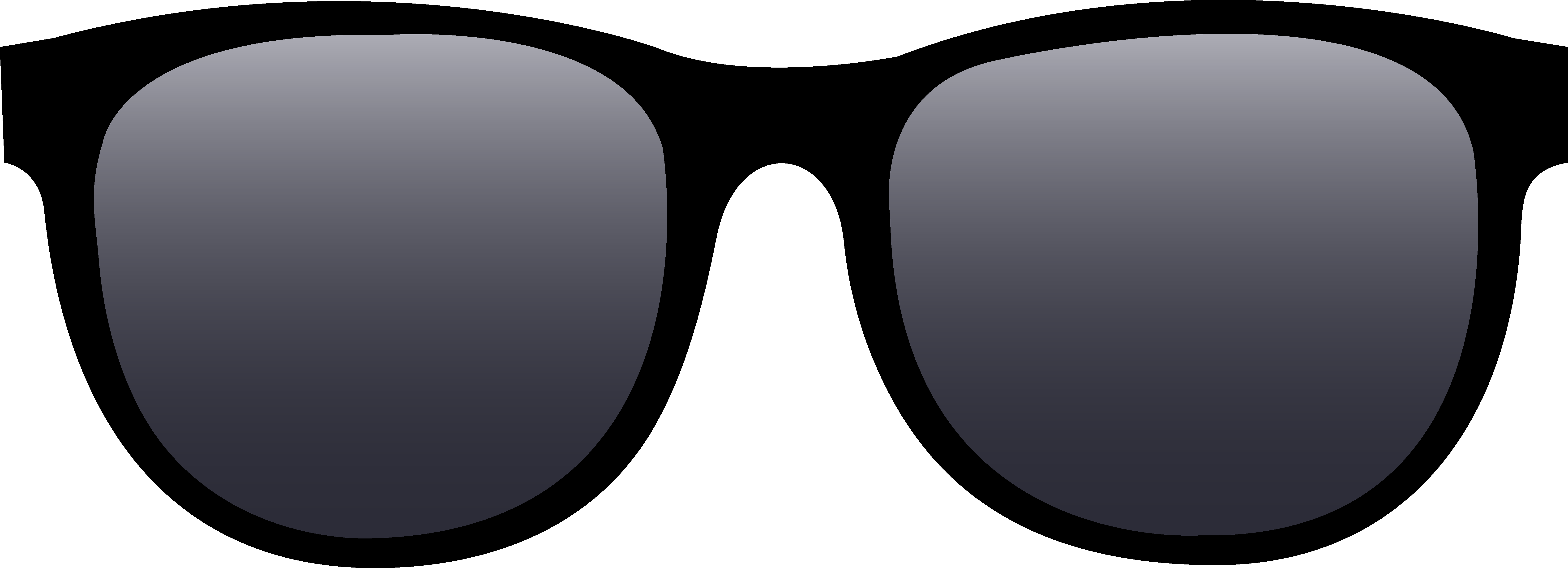
提前感谢!
回答 1
Stack Overflow用户
发布于 2015-04-08 15:14:13
您需要按以下方式加载映像,以获得所有4个通道:
import cv2

imgGlasses = cv2.imread(filename, cv2.CV_LOAD_IMAGE_UNCHANGED)
或
imgGlasses = cv2.imread(filename, -1)如果这不起作用,您可以尝试使用这个example设置颜色。
页面原文内容由Stack Overflow提供。腾讯云小微IT领域专用引擎提供翻译支持
原文链接:
https://stackoverflow.com/questions/29518055
复制相关文章
相似问题
腾讯云开发者

Copyright © 2013 - 2026 Tencent Cloud. All Rights Reserved. 腾讯云 版权所有
深圳市腾讯计算机系统有限公司 ICP备案/许可证号:粤B2-20090059  粤公网安备44030502008569号
腾讯云计算(北京)有限责任公司 京ICP证150476号 | 京ICP备11018762号