
人像与景观中的柱状图单元格
我被困在uicollectionview细胞框架中我想做的是,
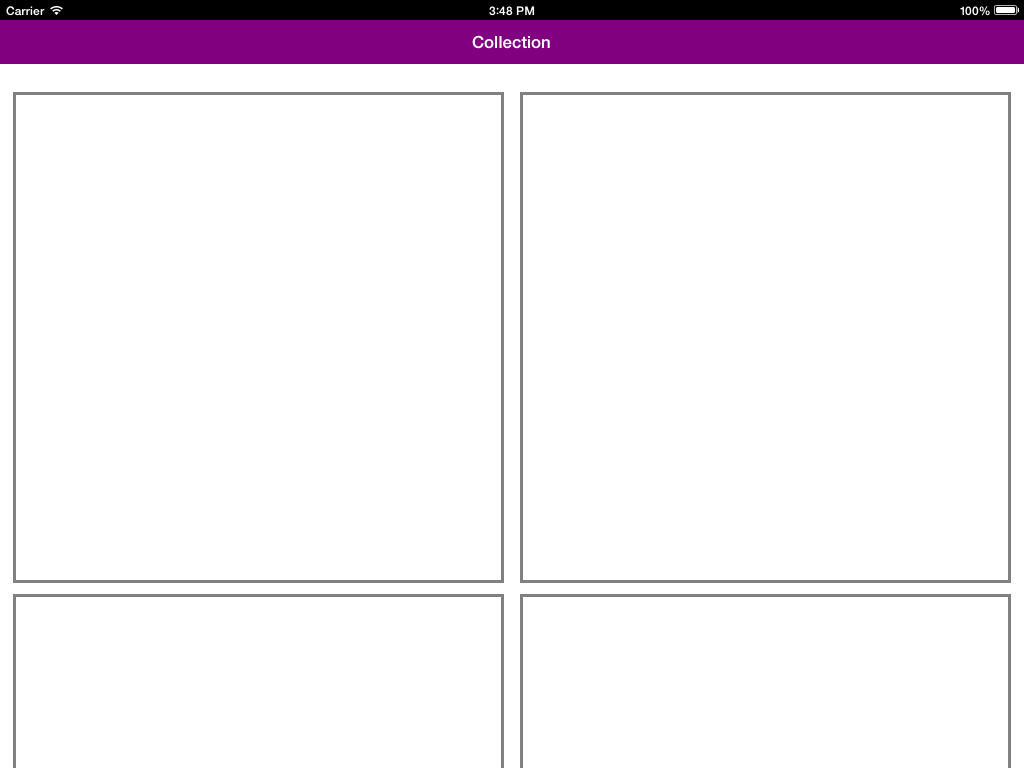
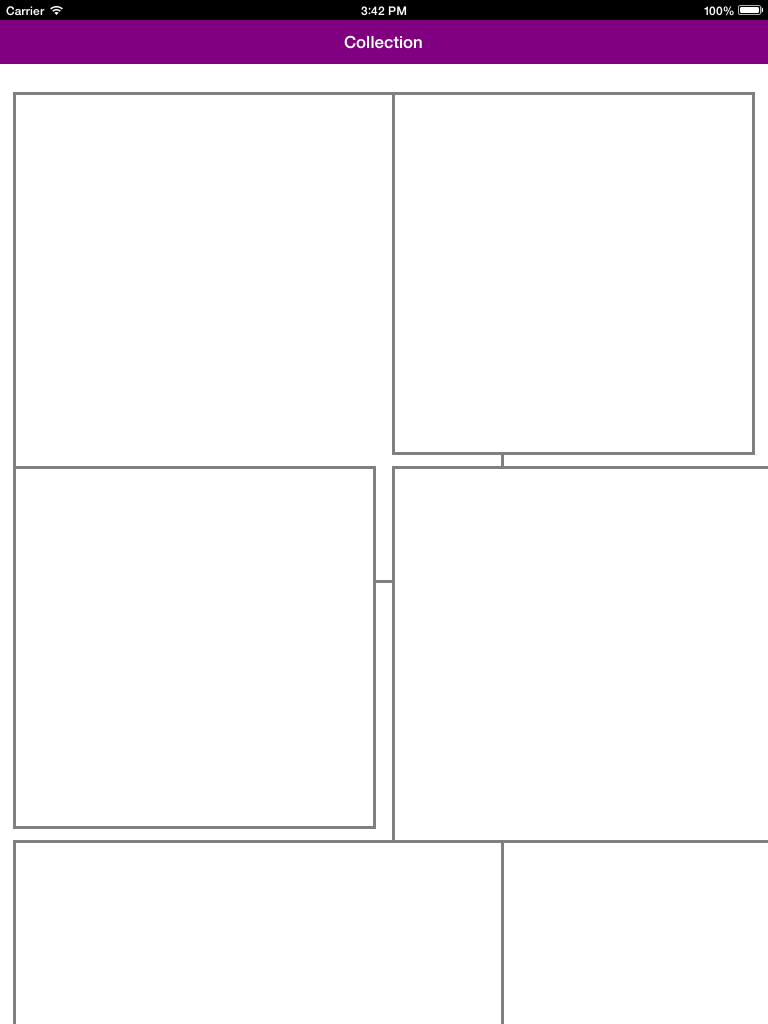
在iPad的景观模式下,我想显示3个单元,在纵向2个单元中。
当我用- (CGSize)collectionView:(UICollectionView *)collectionView layout:(UICollectionViewLayout *)collectionViewLayout sizeForItemAtIndexPath:(NSIndexPath *)indexPath方法编写帧代码时,它不影响帧的大小。
我通过应用调试器检查它是否出现在此方法中。但它的到来和回归的大小。
默认情况下,我必须启动我的应用程序在景观,然后如果需要在肖像。
这里是它在景观中的表现
在这里,这个细胞是如何在肖像中出现的?
这是我的框架代码
- (CGSize)collectionView:(UICollectionView *)collectionView layout:(UICollectionViewLayout *)collectionViewLayout sizeForItemAtIndexPath:(NSIndexPath *)indexPath
{
  //return [self.cellSizes[indexPath.item] CGSizeValue];
    if (UIDeviceOrientationIsLandscape([[UIApplication sharedApplication] statusBarOrientation]))
    {
        return CGSizeMake(100, 100);
    }
    return CGSizeMake(200, 200);
}
无论我所传递的价值是什么,框架都不会改变。我没有传递任何其他帧值,也没有传递任何位置。
我想先给单元帧硬编码的值,然后再进行动态。但我一开始就被困住了。有谁能帮帮我吗。
提前谢谢。
回答 3
Stack Overflow用户
发布于 2014-11-11 10:46:58
我遇到了类似的问题,所以基本上您应该在视图控制器中实现UICollectionViewDelegateFlowLayout,否则就会设计一个自定义的收集器并在视图控制器中注册,它肯定会工作的。试试看。
在我的例子中,我通过子类UICollectionViewCell添加了xib,并相应地设计了xib,所以您可以尝试。
Stack Overflow用户
发布于 2014-11-11 10:39:08
对于动态集合视图单元格,可以使用如下的集合视图方法。
-(NSInteger)numberOfSectionsInCollectionView:(UICollectionView *)collectionView{
  return 1;
    }

 -(NSInteger)collectionView:(UICollectionView *)collectionView numberOfItemsInSection:  (NSInteger)section{
    return [_elements count];
   }

  -(UICollectionViewCell *)collectionView:(UICollectionView *)collectionView cellForItemAtIndexPath:(NSIndexPath *)indexPath{
   static NSString *cellIdentifier = @"cell";
    MosaicCell *cell = [collectionView dequeueReusableCellWithReuseIdentifier:cellIdentifier forIndexPath:indexPath];
   MosaicData *data = [_elements objectAtIndex:indexPath.row];
   cell.mosaicData = data;

    float randomWhite = (arc4random() % 40 + 10) / 255.0;
    cell.backgroundColor = [UIColor colorWithWhite:randomWhite alpha:1];
     return cell;
}有关详细信息,您可以看到此示例。这是您需要https://github.com/betzerra/MosaicLayout的一个完美示例。
Stack Overflow用户
发布于 2014-11-11 11:39:13
当方向发生变化时,您需要重新加载集合视图。因此,将调用CGRect size方法来重新创建单元格。
- (void)didRotateFromInterfaceOrientation:(UIInterfaceOrientation)fromInterfaceOrientation
{
    // do something after rotation
    [_collectView reloadData];
}添加此方法并重新加载您的集合视图,以便调用- (CGSize)collectionView:(UICollectionView *)collectionView layout:(UICollectionViewLayout *)collectionViewLayout sizeForItemAtIndexPath:(NSIndexPath *)indexPath并更改大小。谢谢
https://stackoverflow.com/questions/26862533
复制相似问题
腾讯云开发者

Copyright © 2013 - 2026 Tencent Cloud. All Rights Reserved. 腾讯云 版权所有
深圳市腾讯计算机系统有限公司 ICP备案/许可证号:粤B2-20090059  粤公网安备44030502008569号
腾讯云计算(北京)有限责任公司 京ICP证150476号 | 京ICP备11018762号