
如何使UITextView的掩码与其帧保持同步
如何使UITextView的掩码与其帧保持同步
提问于 2014-10-25 07:00:14
下面是一个说明这个问题的GIF:
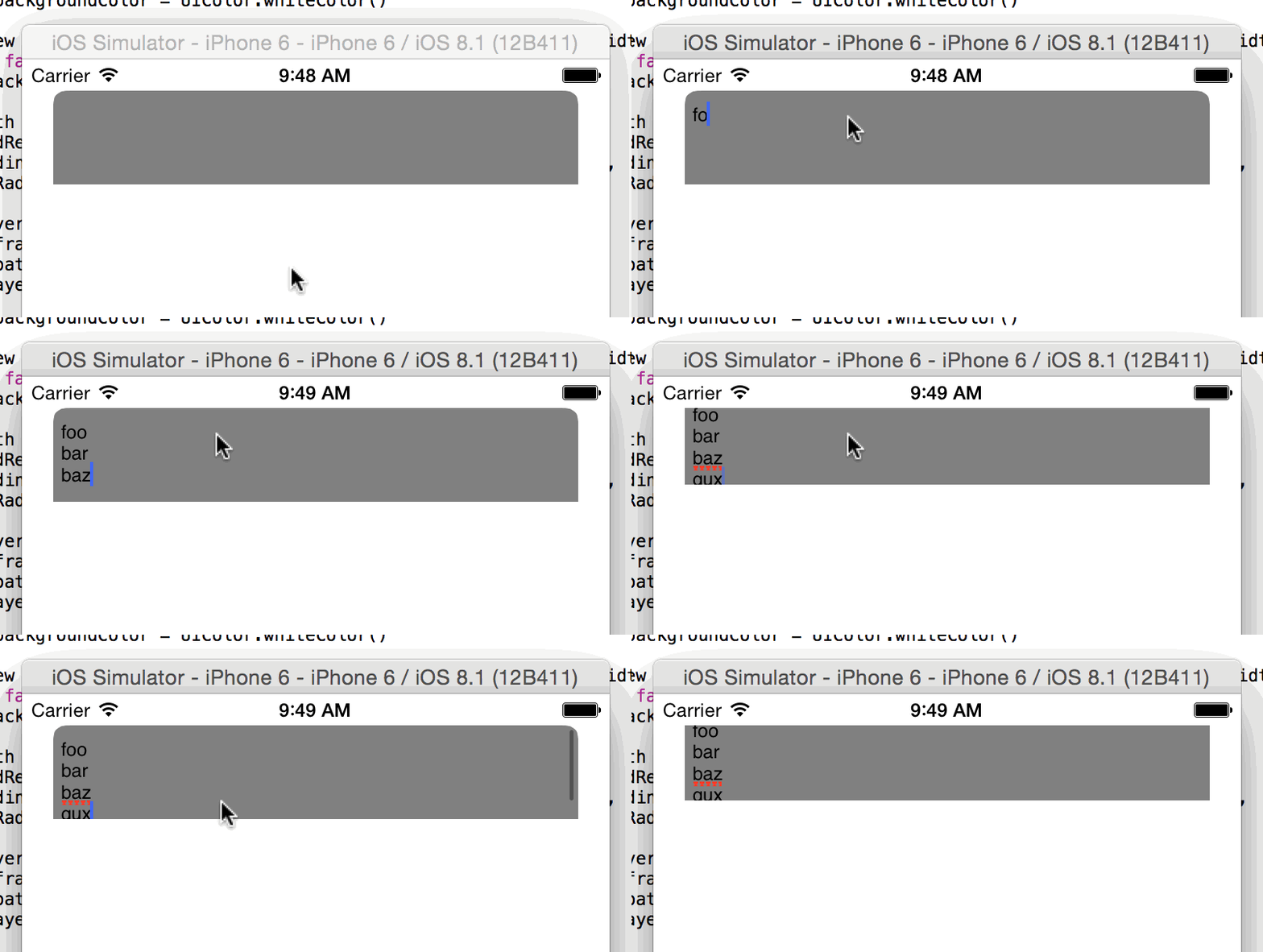
下面是我目前的代码,它简单地围绕着UITextView的前两个角落。
class ViewController: UIViewController {

    override func viewDidLoad() {
        super.viewDidLoad()

        self.view.backgroundColor = UIColor.whiteColor()

        let textView = UITextView(frame: CGRectMake(20, 20, self.view.frame.width - 40, 60))
textView.bounces = false
        textView.backgroundColor = UIColor.grayColor()

        let maskPath = UIBezierPath(
            roundedRect: textView.bounds,
            byRoundingCorners: (UIRectCorner.TopLeft | UIRectCorner.TopRight),
            cornerRadii: CGSizeMake(8, 8)
        )
        let maskLayer = CAShapeLayer()
        maskLayer.frame = textView.bounds
        maskLayer.path = maskPath.CGPath
        textView.layer.mask = maskLayer

        self.view.addSubview(textView)
    }

}我试着对UITextView进行子类化,并像这样重写layoutSubviews:
class TextView: UITextView {
    var maskLayer: CAShapeLayer!

    override func layoutSubviews() {
        maskLayer.frame = bounds
    }
}
但最后却出现了一幅奇怪的动画:
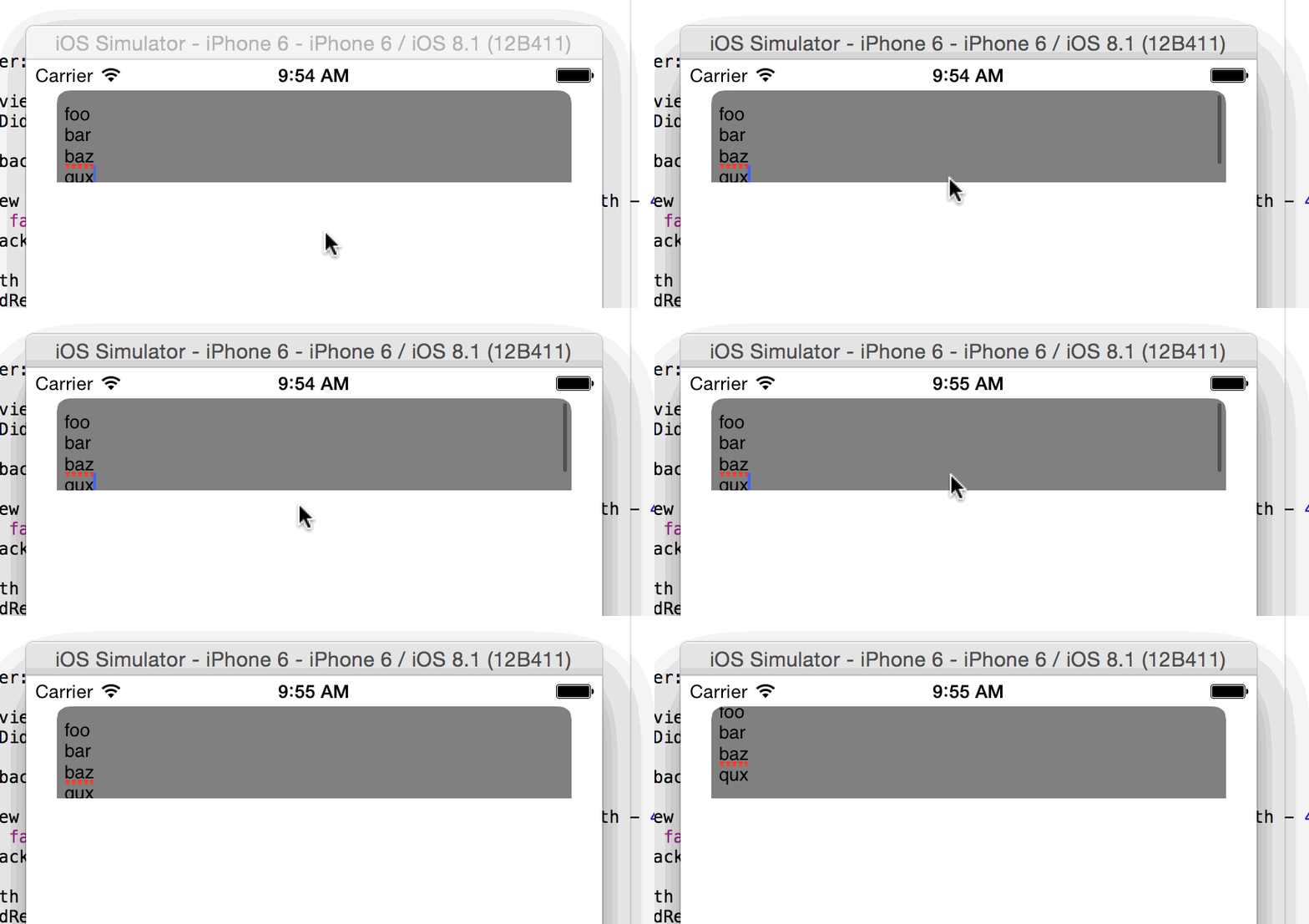
我的问题是:我如何保持两者同步?
回答 1
Stack Overflow用户
回答已采纳
发布于 2014-10-25 07:14:16
您在layoutSubviews中的解决方案是正确的。问题是,对核心动画层的更改是隐式动画的。可以通过将框架更改包装在CATransaction中并设置禁用核心动画操作的事务属性来防止这种情况:
override func layoutSubviews() {
    CATransaction.begin()
    CATransaction.setDisableActions(true)
    maskLayer.frame = bounds
    CATransaction.commit()
}页面原文内容由Stack Overflow提供。腾讯云小微IT领域专用引擎提供翻译支持
原文链接:
https://stackoverflow.com/questions/26560069
复制相关文章
相似问题
腾讯云开发者

Copyright © 2013 - 2026 Tencent Cloud. All Rights Reserved. 腾讯云 版权所有
深圳市腾讯计算机系统有限公司 ICP备案/许可证号:粤B2-20090059  粤公网安备44030502008569号
腾讯云计算(北京)有限责任公司 京ICP证150476号 | 京ICP备11018762号