
叠加div元素
叠加div元素
提问于 2014-10-02 12:32:08
我想堆叠一些div元素,比如下面的图片,而不必手动输入我添加的每个新div的位置。有什么办法可以写一种风格吗?我的元素会像这样堆叠起来吗?我想避免使用javascript。
做以下事情:
div{
  left:-30px;
}
不会起作用,因为它会把所有的人都移到同样的数量。
我知道我可能能做的是让小的div和彼此之间的差距一样大,并让它们包含更大的。这个方法的问题是,我希望能够通过操作大元素的z索引来改变堆栈顺序,如果它们是不同div的子元素,则不能工作。
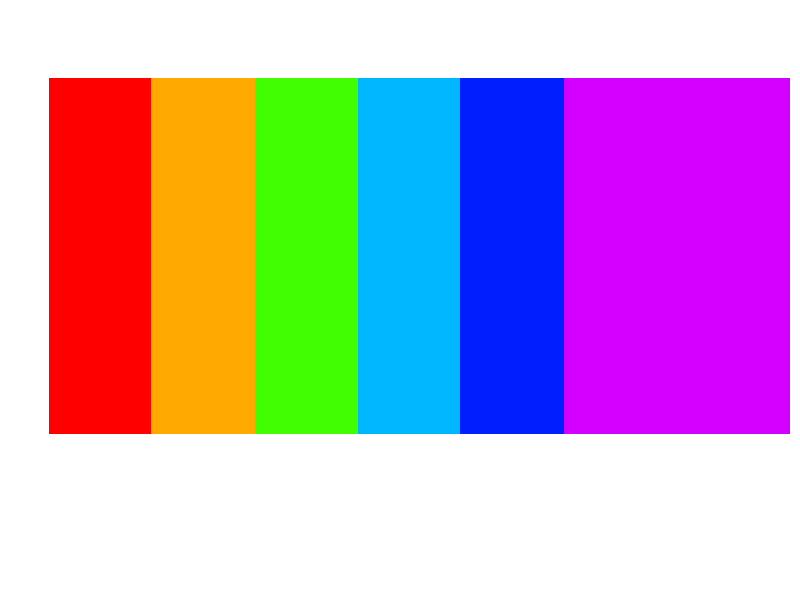
下面是一个堆栈片段:
div {
  position: relative;
  float: left;
  width: 200px;
  height: 300px;
}
#div_1 {
  background-color: red;
}
#div_2 {
  background-color: blue;
}
#div_3 {
  background-color: yellow;
}
#div_4 {
  background-color: green;
}<body>
<div id="div_1">div1</div>
<div id="div_2">div2</div>
<div id="div_3">div3</div>
<div id="div_4">div4</div>
</body>
回答 2
Stack Overflow用户
回答已采纳
发布于 2014-10-02 13:26:29
这就是你想要的吗?
div {
  position: relative;
  float: left;
  width: 200px;
  height: 300px;
  margin-right: -50px;
  z-index: 0;
  box-shadow: 0 0 2px 2px rgba(0,0,0,0.8);
}
div:hover {
  z-index: 100
}
#div_1 {
  background-color: red;
}
#div_2 {
  background-color: blue;
}
#div_3 {
  background-color: yellow;
}
#div_4 {
  background-color: green;
}<body>
<div id="div_1">div1</div>
<div id="div_2">div2</div>
<div id="div_3">div3</div>
<div id="div_4">div4</div>
</body>
Stack Overflow用户
发布于 2014-10-02 12:47:52
使用dispaly:inline:block float:left;
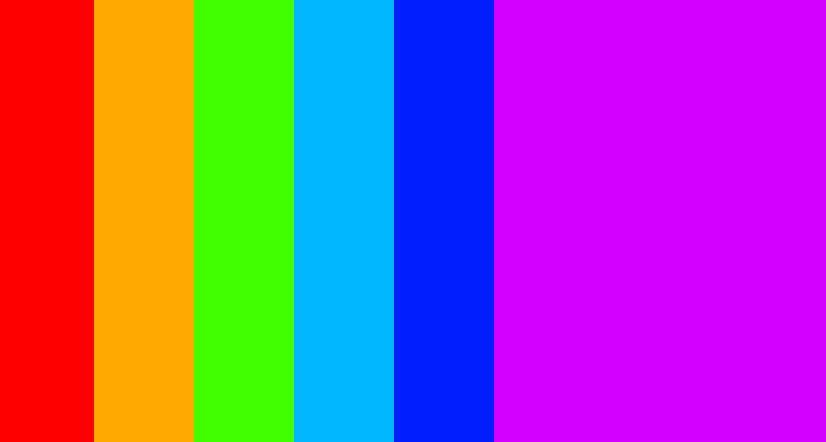
body {
  background: #d300ff;
  margin: 0;
  padding: 0;
}
.strip {
  width: 100px;
  height: 700px;
  display: inline-block;
  margin: 0;
  padding: 0;
  float: left;
}
.strip1 {
  background: #fe0000;
}
.strip2 {
  background: #ffa901;
}
.strip3 {
  background: #41ff01;
}
.strip4 {
  background: #01b7ff;
}
.strip5 {
  background: #011eff;
}<div class="strip strip1"></div>
<div class="strip strip2"></div>
<div class="strip strip3"></div>
<div class="strip strip4"></div>
<div class="strip strip5"></div>
页面原文内容由Stack Overflow提供。腾讯云小微IT领域专用引擎提供翻译支持
原文链接:
https://stackoverflow.com/questions/26160868
复制相关文章
相似问题
腾讯云开发者

Copyright © 2013 - 2026 Tencent Cloud. All Rights Reserved. 腾讯云 版权所有
深圳市腾讯计算机系统有限公司 ICP备案/许可证号:粤B2-20090059  粤公网安备44030502008569号
腾讯云计算(北京)有限责任公司 京ICP证150476号 | 京ICP备11018762号