
在调整图表大小后,如何调整datavisualization.charting的轴标?
我更新了一个图表,从本质上是72 from,到300 from。这是因为我正在使用itextsharp向我的pdf中添加一个图像,而且质量很差。所以我把图像的大小增加了3X,图像看起来更好,但问题是。
新闻部增加了,但细节却很难看出来。
原始海图
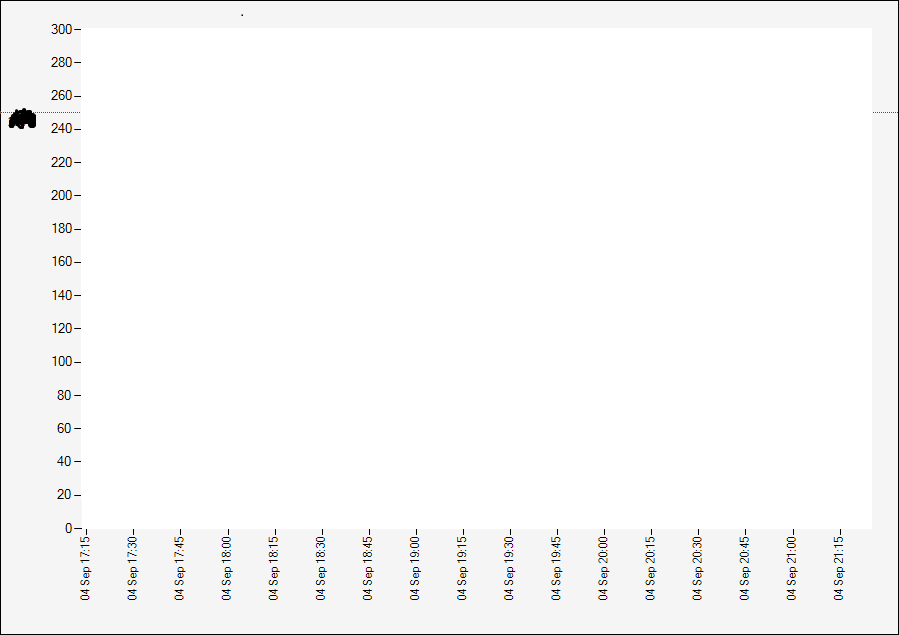
重构图
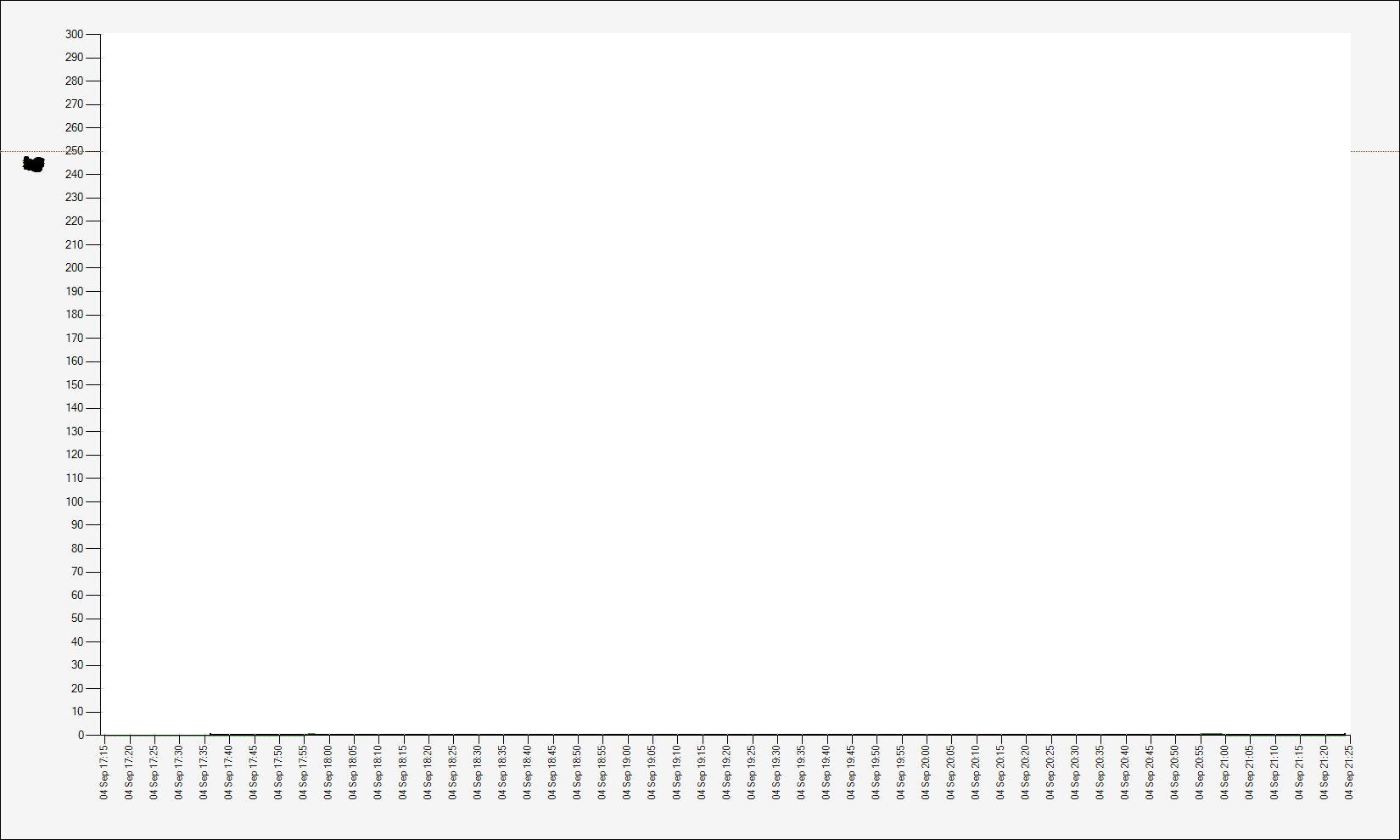
代码
我就是这样调整我的图表的。
private static System.Drawing.Bitmap GetChartBitmap()
        {


            System.Drawing.Rectangle targetBounds = new System.Drawing.Rectangle(0, 0, chart_runs.Width, chart_runs.Height);
            System.Drawing.Bitmap bitmap = new System.Drawing.Bitmap(targetBounds.Width, targetBounds.Height);
            bitmap.SetResolution(1000, 1000);
            chart_runs.DrawToBitmap(bitmap, targetBounds);
            bitmap.Save(@"C:\Temp\OriginalChartImage.bmp");


            System.Drawing.Bitmap bitmap3 = new System.Drawing.Bitmap(1650, 990);
            bitmap3.SetResolution(300, 300);
            chart_runs.DrawToBitmap(bitmap3, new System.Drawing.Rectangle(0, 0, 1650, 990));
            bitmap3.Save(@"C:\Temp\RefactoredChartImage.png");


            //This stuff below is for my code elsewhere. Using bitmap3 to be added to pdf.
            //chart_runs.DrawToBitmap(bitmap, targetBounds);
            string path = System.IO.Path.GetTempPath();

            bitmap1.Save(path + @"\Image.png");
            return bitmap1;
        }
我看过Microsoft示例,没有找到任何解决我的问题的方法。也就是说,我怎样才能增加标签的大小,让人们能够再读一遍。或者,我是否有办法增加DPI,保持第一张图片中使用的标签x和标签y比例尺?也就是说,有一个更大的图像和300 300,但是0到300乘以20,而不是像我重构的图片那样的5?
试图修复
- 缩放轴?见这里。我不认为这是正确的。在这里没什么成功。
- 一直试图在图表类中找到一种方法,以查看是否有一种方法可以指定严格的比例。(y标度为20,x为15秒)。
- 大多数在线资源都乐于增加图片的规模,然后走开。像这里。这样的东西
我非常感谢任何帮助和帮助。
回答 1
Stack Overflow用户
发布于 2014-09-15 18:24:25
几个不同的问题,有几个不同的答案。最简单的方法是将轴标签的字体大小更改为更大。这可以通过
chart1.ChartAreas[0].AxisX.LabelStyle.Font = new Font...;如果不这样做,无论您做什么,标签都是不可读的,这仅仅是因为您更改了DPI (这正是更改DPI所做的)。
如果希望在y轴上每20个单元显示标签,在x上每15个单元显示一次标签,则可以使用该轴的Interval和IntervalType属性。当显示IntervalType对象时,将使用DateTime:
chart1.ChartAreas[0].AxisX.Interval = 15;
chart1.ChartAreas[0].AxisX.IntervalType = DateTimeIntervalType.Seconds;
chart1.ChartAreas[0].AxisY.Interval = 20;
关于缩放轴的第一个链接本质上是缩放的,这就是为什么你没有成功的原因。
https://stackoverflow.com/questions/25854141
复制相似问题
腾讯云开发者

Copyright © 2013 - 2026 Tencent Cloud. All Rights Reserved. 腾讯云 版权所有
深圳市腾讯计算机系统有限公司 ICP备案/许可证号:粤B2-20090059  粤公网安备44030502008569号
腾讯云计算(北京)有限责任公司 京ICP证150476号 | 京ICP备11018762号