
应用程序在本机4k中显示图像内容的机制
据我所知,目前4k电视上播放的UHD视频内容大多使用HEVC codec。
我想了解拥有UHD图像内容的应用程序如何能够在本地4K中显示它们的图像内容。
我要找的是渲染4k(3840*2060) jpeg图像。我的显示器支持4k渲染,SOC甚至可以输出4k。我正在寻找框架中的修改,这样所有有4k图像的应用程序都可以在我的设备上渲染它们,而不需要缩小比例。
实际上,我正在尝试提出其他人可以使用的API集。但我的主要困惑是:对于jpeg图像,我创建了一个4k曲面,但它们也是其他曲面(按钮等)。它们是由在1280*720处呈现的表面喷射器呈现的。
现在,用其他曲面合成我的4k曲面的最好方法是什么?我应该在哪里升级这些表面,在哪里组成所有这些表面?
回答 1
Stack Overflow用户
发布于 2014-04-16 07:30:22
有一件重要的事情需要弄清楚,那就是你想到了什么样的发展。如果您只是希望在应用程序中显示一个视频流,则应该使用用户界面作为主要活动的用户界面,该活动将仅由VideoView类的一个实例组成。为了管理视频的回放,可以调用VideoView类的多种方法。
使用要播放的视频的路径配置VideoView,然后开始播放。然后选择VideoPlayerActivity.java文件并修改OnCreate()方法,如下所示:
package com.example.videoplayer;

import android.os.Bundle;
import android.app.Activity;
import android.view.Menu;
import android.widget.VideoView;

public class VideoPlayerActivity extends Activity {

    @Override
    protected void onCreate(Bundle savedInstanceState) {
        super.onCreate(savedInstanceState);
        setContentView(R.layout.activity_video_player);

        final VideoView videoView =
               (VideoView) findViewById(R.id.videoView1);

           videoView.setVideoPath(
               "http://www.ebookfrenzy.com/android_book/movie.mp4");

        videoView.start();
    }
.
.
.
}本质上,您所拥有的是应用程序用户界面的Android,这意味着您可以使用不同的选择来在UI层下实际呈现视频流式传输。
将您的现有应用程序从平板电脑或移动设备迁移到智能电视上也是相当顺利的。有些事情需要调整--例如,通常用于智能电视的触摸屏可能不是一种选择。
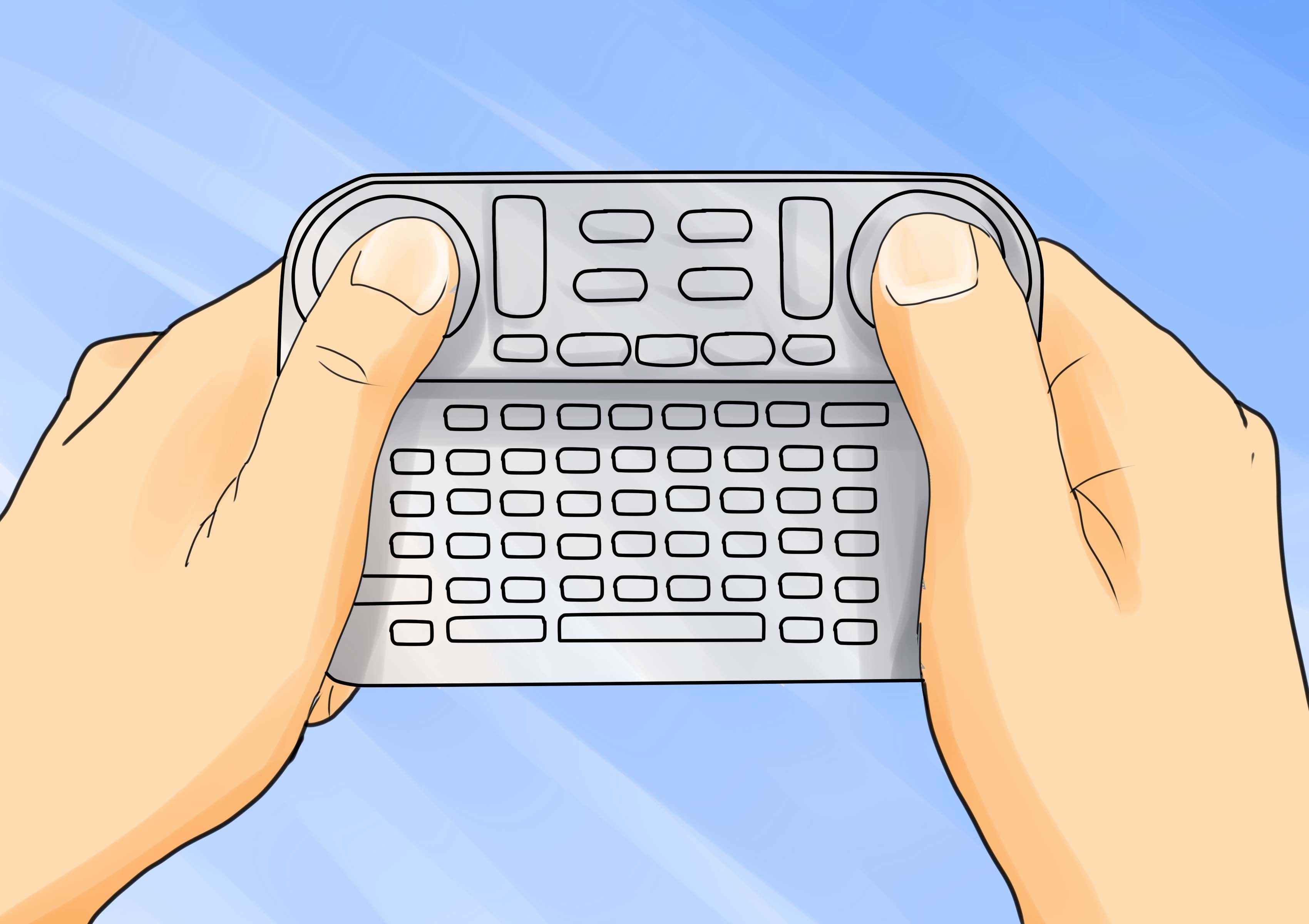
相反,您应该将onkeyDown视为为应用程序输入交互的一种更可靠的方法:
@Override
public boolean onKeyDown(int keyCode, KeyEvent event) {

    switch (keyCode) {
        case KeyEvent.KEYCODE_MEDIA_PLAY:{
            if (!mPlaying) {
                startSlideShow();
            }
            mPlaying = true;
            break;
        }
        case KeyEvent.KEYCODE_MEDIA_PAUSE:{
            mPlaying = false;
            showStatusToast(R.string.slideshow_paused);
        }
    }
    return super.onKeyDown(keyCode, event);
}
作为Android智能谷歌电视API的一部分,您还可以对大屏幕分辨率进行必要的调整:
   // Get the source image's dimensions
   BitmapFactory.Options options = new BitmapFactory.Options();
   options.inJustDecodeBounds = true; // this does not download the actual image, just downloads headers.
   BitmapFactory.decodeFile(IMAGE_FILE_URL, options);

   int srcWidth = options.outWidth;  // actual width of the image.
   int srcHeight = options.outHeight;  // actual height of the image.

   // Only scale if the source is big enough. This code is just trying to fit a image into a certain width.
   if(desiredWidth > srcWidth)
     desiredWidth = srcWidth;

   // Calculate the correct inSampleSize/scale value. This helps reduce memory use. It should be a power of 2.
   int inSampleSize = 1;
   while(srcWidth / 2 > desiredWidth){
     srcWidth /= 2;
     srcHeight /= 2;
     inSampleSize *= 2;
   }

   float desiredScale = (float) desiredWidth / srcWidth;

   // Decode with inSampleSize
   options.inJustDecodeBounds = false;  // now download the actual image.
   options.inDither = false;
   options.inSampleSize = inSampleSize;
   options.inScaled = false;
   options.inPreferredConfig = Bitmap.Config.ARGB_8888;  // ensures the image stays as a 32-bit ARGB_8888 image.
                                                         // This preserves image quality.
   Bitmap sampledSrcBitmap = BitmapFactory.decodeFile(IMAGE_FILE_URL, options);

   // Resize
   Matrix matrix = new Matrix();
   matrix.postScale(desiredScale, desiredScale);
   Bitmap scaledBitmap = Bitmap.createBitmap(sampledSrcBitmap, 0, 0,
       sampledSrcBitmap.getWidth(), sampledSrcBitmap.getHeight(), matrix, true);
   sampledSrcBitmap = null;

   // Save
   FileOutputStream out = new FileOutputStream(LOCAL_PATH_TO_STORE_IMAGE);
   scaledBitmap.compress(Bitmap.CompressFormat.JPEG, 100, out);
scaledBitmap = null;你也可以轻松地将你的液晶电视转换成智能电视,并开始播放和测试你的google应用程序的行为。为此,您只需将手放在适配器套件中即可。
事实上,联想正在发布一个28英寸的4K显示器( ThinkVision 28),它也可以运行安卓,允许你运行所有常用的流媒体应用程序,而高根也在这样做。
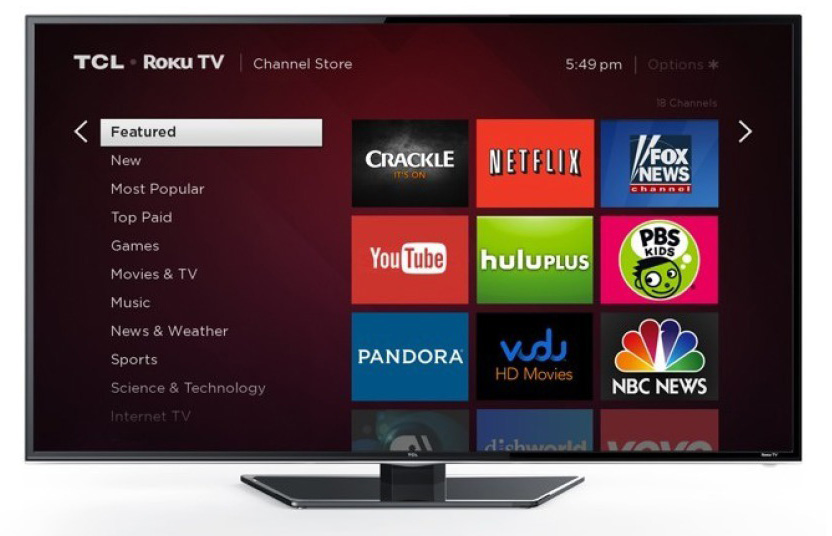
在玩小工具的过程中,你甚至可以在电视上使用MHL或者把它作为电脑来使用。
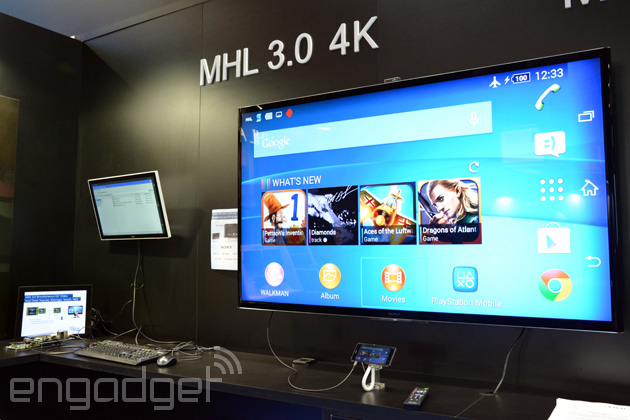
因此,安卓与MHL 3.0播放4K视频输出的工作是一个现实,好的开发人员已经可以生产他们的应用程序与必要的分辨率和输入调整相应的设备使用。
如果您的主要关注点是放置性能和优化视频流,您可以考虑以下选项:
- NDK:您决定使用一些库或实现自己的程序,这些程序实际上是在C++中创建的,以优化视频流。
- RenderScript:它使用C99语法和最终被编译到本机代码的新API。虽然这个语法是众所周知的,但是使用这个系统有一个学习曲线,因为API不是。
- OpenCL:用于图形加速,并为3D渲染和高性能视频流提供了许多工具。
实际上,OpenCL中的代码类似于C/C++:
    for (int yy=-filterWidth; yy<=filterWidth; ++yy)
    {
      for (int xx=-filterWidth; xx<=filterWidth; ++xx)
       {
          int thisIndex = (y + yy) * width + (x + xx);
          float4 currentPixel = oneover255 *convert_float4(srcBuffer[thisIndex]);
          float domainDistance = fast_distance((float)(xx), (float)(yy));
          float domainWeight = exp(-0.5f * pow((domainDistance/sigmaDomain),2.0f));

          float rangeDistance = fast_distance(currentPixel.xyz, centerPixel.xyz);
          float rangeWeight = exp(-0.5f * pow((rangeDistance/sigmaRange),2.0f));

          float totalWeight = domainWeight * rangeWeight ;
          normalizeCoeff += totalWeight;

          sum4 += totalWeight * currentPixel;
       }
    }
在ARM微处理器能力方面,值得一提的是机顶盒的SMP8756 ARM,这意味着要解决完全高效的视频编码(HEVC)功能。
- 双线性滤波
要调整图像/视频的大小,您需要的是应用双线性滤波。双线性插值是利用隔行视频帧中的每个中间字段生成全尺寸目标图像的过程。字段被使用上的所有奇数行或所有偶数行。然后,在线条之间和相邻像素之间执行插值,以生成用于逐行扫描输出的整个非交错帧。
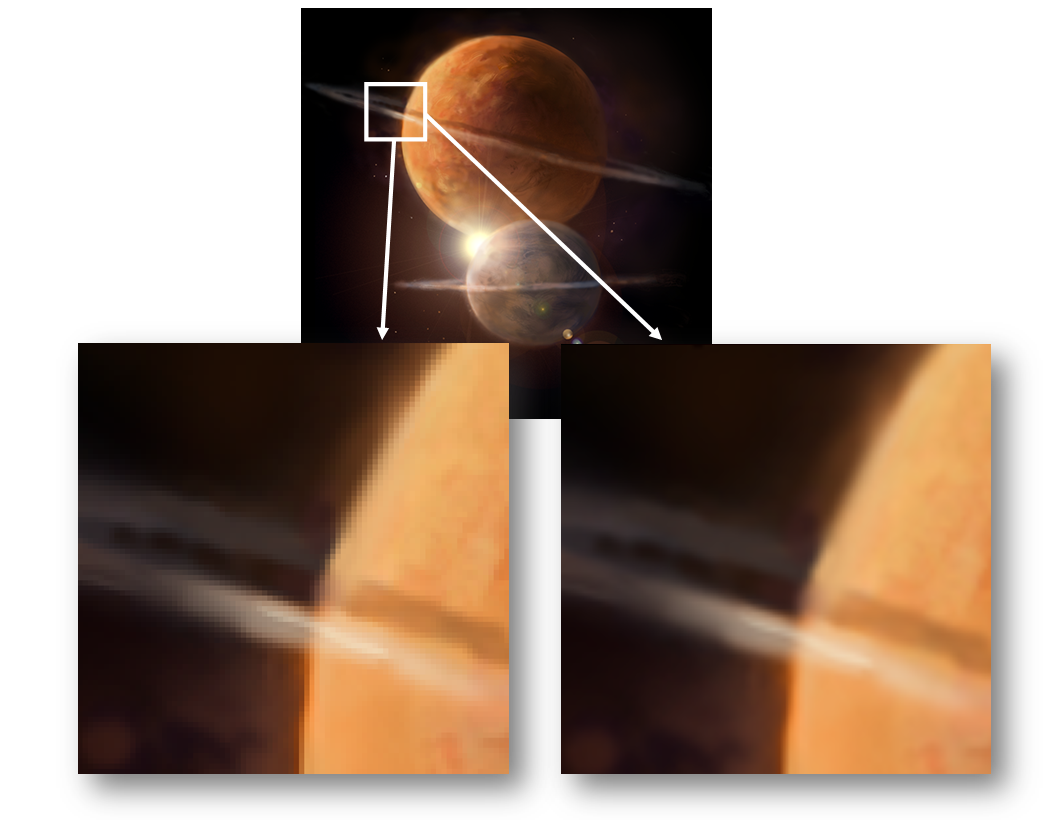
为了实现您的映像根据您需要的大小进行适当调整,有许多很好的算法可用于此目的,例如用于图像缩放的一些图像缩放特性,同样对于本地C++,其他选项也是可用。
https://stackoverflow.com/questions/22834402
复制相似问题
腾讯云开发者

Copyright © 2013 - 2026 Tencent Cloud. All Rights Reserved. 腾讯云 版权所有
深圳市腾讯计算机系统有限公司 ICP备案/许可证号:粤B2-20090059  粤公网安备44030502008569号
腾讯云计算(北京)有限责任公司 京ICP证150476号 | 京ICP备11018762号