
如何以编程方式将iOS中的文本从右移至左
如何以编程方式将iOS中的文本从右移至左
提问于 2014-03-14 05:46:01
我想在我的应用程序中显示一些文本,比如移动文本(从右到左用动画滚动)。如何以编程方式完成此操作?
我拿了UIViewcontroller。我正在开发AVAudioplayer。因此,在UIViewController的顶部,文本将从右向左移动。
回答 9
Stack Overflow用户
回答已采纳
发布于 2014-03-14 06:20:04
首先,您在视图中取一个标签,并将其框架设置为以下所示。
 - (void)viewDidLoad
{
    [super viewDidLoad];

    la = [[UILabel alloc]initWithFrame:CGRectMake(320, 100, 200, 60)];

    la.text = @"This is my music line";

    [self.view addSubview:la];

    [NSTimer scheduledTimerWithTimeInterval:2.0
                                     target:self
                                   selector:@selector(LabelAnimation)
                                   userInfo:nil
                                    repeats:YES];

}现在,该标签提供了如下方法在ViewDidLoad中调用的动画
-(void)LabelAnimation
{
    [UIView animateWithDuration:3.0f delay:0.0f options:UIViewAnimationOptionTransitionNone animations:^{
        la.frame = CGRectMake(-320, 100, 200, 60);
    } completion:^(BOOL finished)
     {
         la.frame = CGRectMake(320, 100, 200, 60);
     }];

}
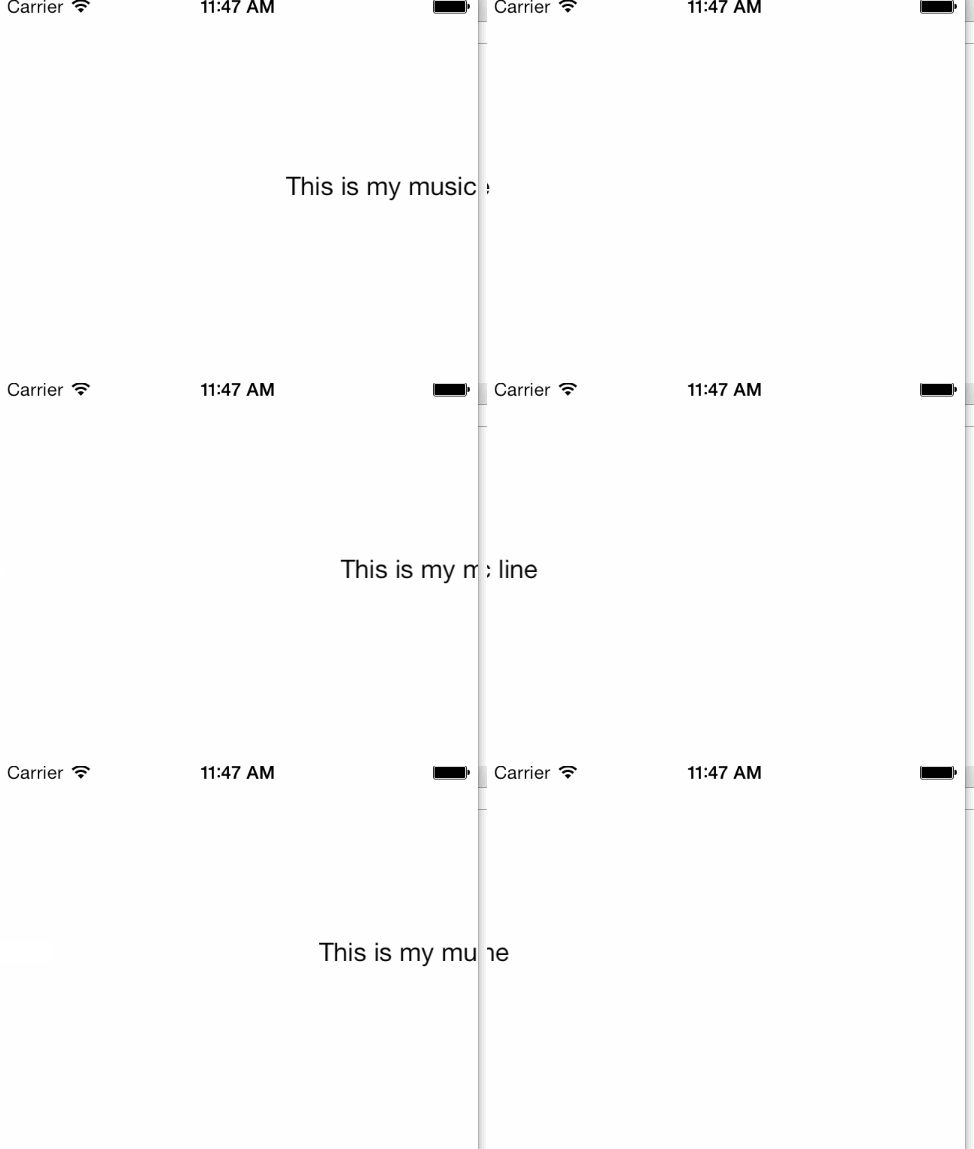
产出低于。
Stack Overflow用户
发布于 2014-03-14 06:30:21
 UILabel*label=[[UILabel alloc]init];
    label.text=@"Song Name";
    label.frame=CGRectMake(321, 20, 300, 30);
    [self.view addSubview:label];
    [UIView beginAnimations:@"" context:nil];
    [UIView setAnimationDuration:20.0];
    label.frame=CGRectMake(0, 20, 300, 30);

    [UIView commitAnimations];
或者,如果您想重复文本的滚动,可以尝试此方法。
UILabel*label=[[UILabel alloc]init];
    label.text=@"Song Name";
    label.frame=CGRectMake(321, 20, 300, 30);
    [self.view addSubview:label];
    [UIView animateWithDuration:5.0 delay:0.0 options: UIViewAnimationOptionRepeat
                     animations:^{
                         label.frame=CGRectMake(-100, 20, 300, 30);
                     }completion:^(BOOL finished){
}];Stack Overflow用户
发布于 2014-03-15 08:33:56
//在需要此方法的地方调用此方法。//并在此方法中编写以下4行代码
[self Message:@"test"];

- (void)Message:(NSString *)messageString
{
UILabel *label = [[UILabel alloc] initWithFrame:(CGRectMake(321, 20, 300, 30))];
label.text = messageString;
label.backgroundColor = [UIColor clearColor];
[self.view addSubview:label];
[UIView beginAnimations:@"test" context:nil];
[UIView setAnimationDuration:3];
[UIView setAnimationDidStopSelector:@selector(Message:)];
[UIView setAnimationDelegate:self];

label.frame = CGRectMake(-100, 20, 300, 30);
[UIView commitAnimations];
}

enter code here
起作用了..。
页面原文内容由Stack Overflow提供。腾讯云小微IT领域专用引擎提供翻译支持
原文链接:
https://stackoverflow.com/questions/22397122
复制相关文章
相似问题
腾讯云开发者

Copyright © 2013 - 2026 Tencent Cloud. All Rights Reserved. 腾讯云 版权所有
深圳市腾讯计算机系统有限公司 ICP备案/许可证号:粤B2-20090059  粤公网安备44030502008569号
腾讯云计算(北京)有限责任公司 京ICP证150476号 | 京ICP备11018762号