
UIView on UIView和UIButton不工作
UIView on UIView和UIButton不工作
提问于 2014-02-01 02:07:05
UIView *background = [[UIView alloc] initWithFrame:self.view.bounds];
background.frame = CGRectMake(0, 0, self.view.bounds.size.width, self.view.bounds.size.height-70);
[self.view addSubview:background];

UIView *background2 = [[UIView alloc] initWithFrame:CGRectMake(10, self.view.bounds.size.height-60, 300, 50)];
background2.backgroundColor = [UIColor whiteColor];
background2.layer.cornerRadius = 8;
background2.layer.masksToBounds = YES;
[background addSubview:background2];


UIButton *button = [UIButton buttonWithType:UIButtonTypeCustom];
button.frame = CGRectMake(0, 0, 158, 50);
[button setTitle:@"myButton" forState:UIControlStateNormal];
[button addTarget:self action:@selector(myButton:) forControlEvents:UIControlEventTouchUpInside];
[background2 addSubview:button];
按钮不响应触摸?为什么?
回答 2
Stack Overflow用户
回答已采纳
发布于 2014-02-01 06:03:35
background.frame = CGRectMake(0, 0, self.view.bounds.size.width, self.view.bounds.size.height-70);


UIView *background2 = [[UIView alloc] initWithFrame:CGRectMake(10, self.view.bounds.size.height-60, 300, 50)];self.view.bounds.size.height-70比较背景帧外的self.view.bounds.size.height-60 background2
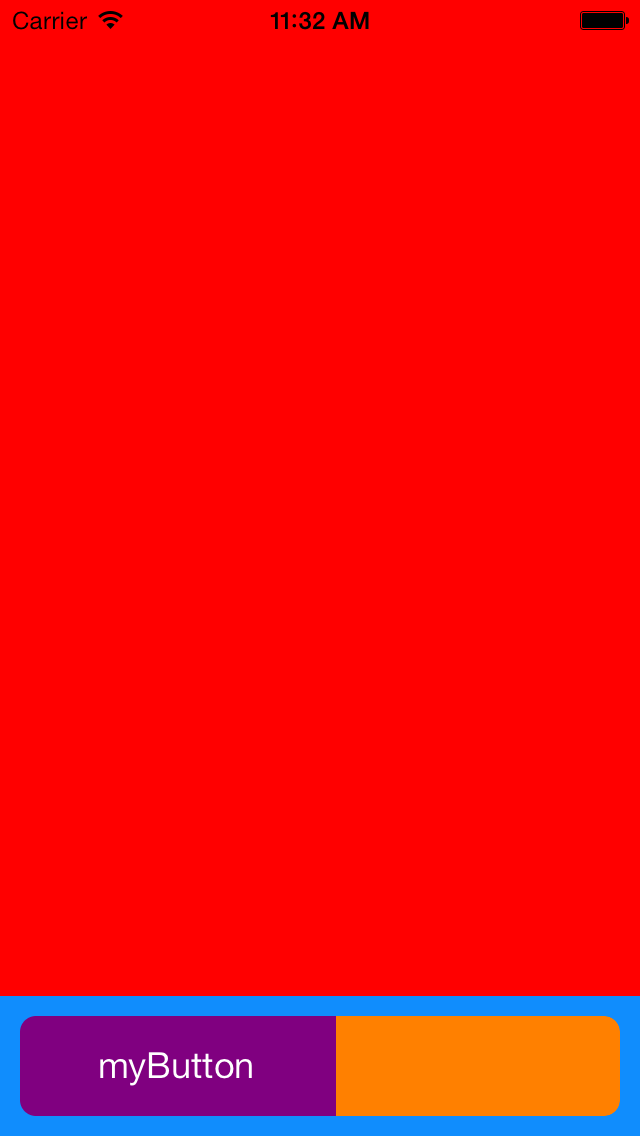
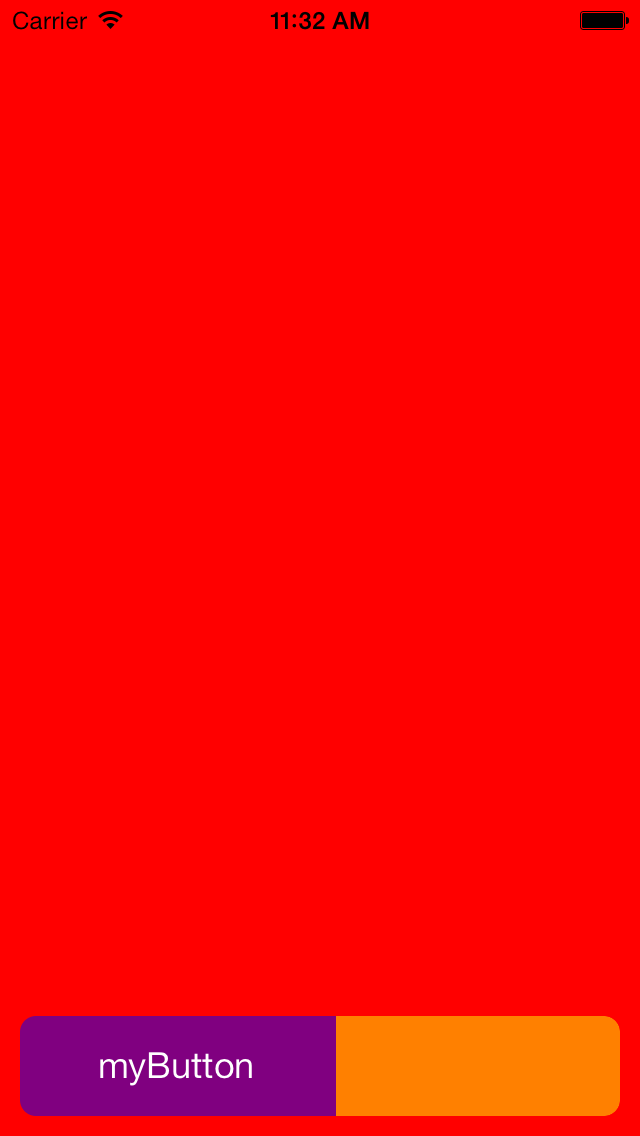
设置您的背景框架self.view.bounds.size.height,现在它将完美地工作
Stack Overflow用户
发布于 2014-02-01 02:38:48
你的代码很好,我刚试过了。我只更改了background2的框架,使其不超出background的框架。
页面原文内容由Stack Overflow提供。腾讯云小微IT领域专用引擎提供翻译支持
原文链接:
https://stackoverflow.com/questions/21493286
复制相关文章
相似问题
腾讯云开发者

Copyright © 2013 - 2026 Tencent Cloud. All Rights Reserved. 腾讯云 版权所有
深圳市腾讯计算机系统有限公司 ICP备案/许可证号:粤B2-20090059  粤公网安备44030502008569号
腾讯云计算(北京)有限责任公司 京ICP证150476号 | 京ICP备11018762号