
NSMenuItem高度?
NSMenuItem高度?
提问于 2013-08-03 10:07:08
如何更改NSMenuItem的高度?当我更改菜单的字体时,NSMenuItem会自动调整大小以适应标题,在标题上方或下方不留下任何空间。看上去很拥挤。
看起来是这样的:
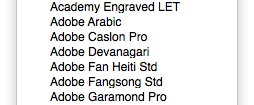
希望它看起来像这样:
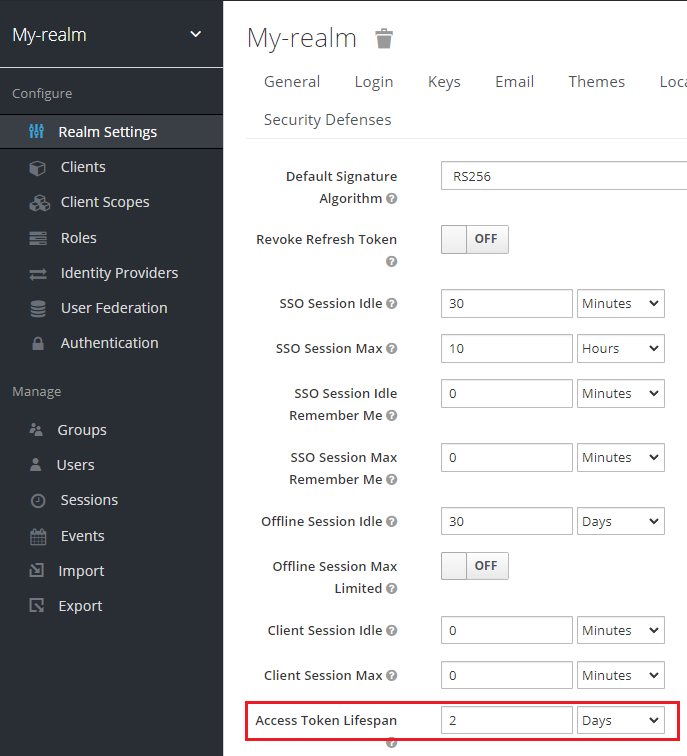
我尝试过与菜单项的属性标题相关的一百万次调整,但都没有效果。我也不想使用菜单项的view属性,因为我想保留突出显示。还有其他想法吗?
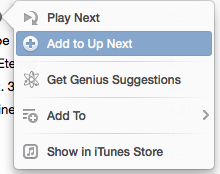
编辑:,这是我想要的(或多或少),但是基于NSMenu,而不是从头再做。
回答 4
Stack Overflow用户
回答已采纳
发布于 2013-08-03 14:56:41
您可以设置一个空的1像素宽的图像,并具有所需的高度:
NSImage *image=[[NSImage alloc]initWithSize:NSMakeSize(1,30)];

[menuItem setImage:image];
显然,您的标题是偏移1像素的右边,虽然这可能是可以接受的,如果统一应用。
Stack Overflow用户
发布于 2014-11-21 03:36:42
// you want height 100
[menuItem setView:[[NSView alloc] initWithFrame:NSMakeRect(0, 0, 0, 100)]];Stack Overflow用户
发布于 2021-09-10 02:42:40
一个选项是使用NSAttributedString,如下所示:
let font = NSFont.systemFont(ofSize: NSFont.systemFontSize)
let fontLineHeight = (font.ascender + abs(font.descender))
let lineHeight: CGFloat = fontLineHeight * 1.4
let style = NSMutableParagraphStyle()
style.minimumLineHeight = lineHeight
style.maximumLineHeight = lineHeight
let baselineOffset = (lineHeight - fontLineHeight) / 2
let item = NSMenuItem()
item.attributedTitle = NSAttributedString(string: title,
                                          attributes: [
                                            .paragraphStyle: style,
                                            .baselineOffset: baselineOffset
])页面原文内容由Stack Overflow提供。腾讯云小微IT领域专用引擎提供翻译支持
原文链接:
https://stackoverflow.com/questions/18031666
复制相关文章
相似问题
腾讯云开发者

Copyright © 2013 - 2026 Tencent Cloud. All Rights Reserved. 腾讯云 版权所有
深圳市腾讯计算机系统有限公司 ICP备案/许可证号:粤B2-20090059  粤公网安备44030502008569号
腾讯云计算(北京)有限责任公司 京ICP证150476号 | 京ICP备11018762号