
MSDTC (分布式事务协调器)停止工作。错误代码-1073737669
MSDTC (分布式事务协调器)停止工作。错误代码-1073737669
提问于 2013-04-24 08:35:54
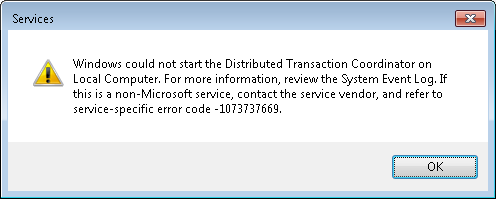
我无法开始分布式事务协调器服务。它几天前就停止工作了。
当我试图开始服务时:
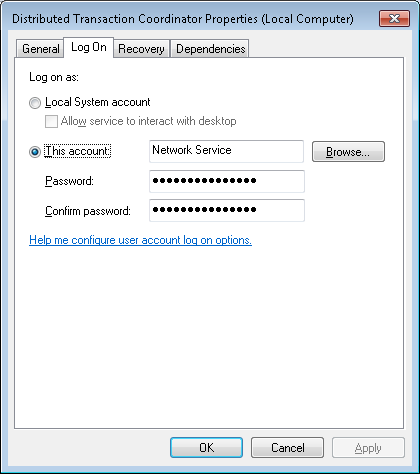
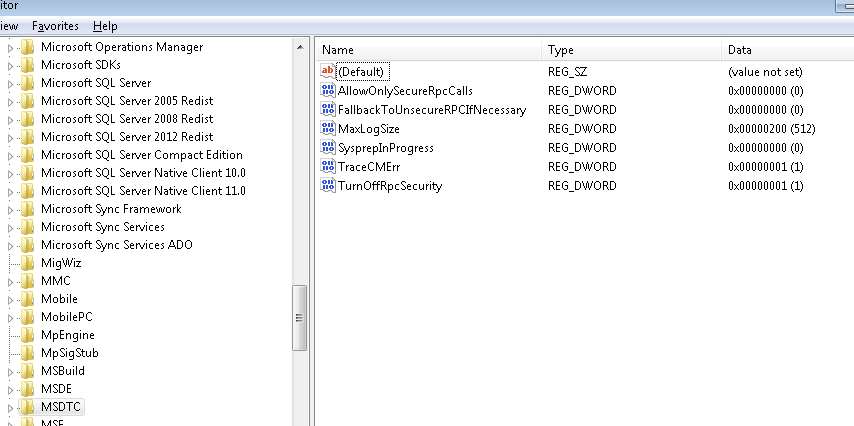
注册表属性:
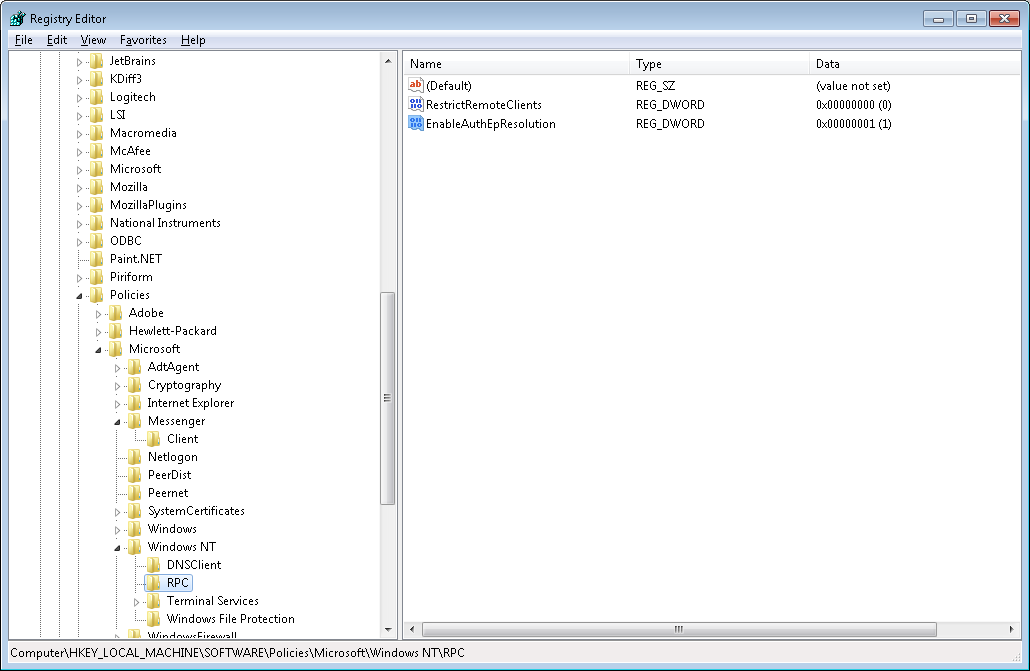
RPC (对于测试值在这里更改为oposite和back -没有任何结果):
Windows logs\application logs:

53283
    A MS DTC component has encountered an internal error. The process is being terminated. Error Specifics: DtcSystemShutdown (d:\w7rtm\com\complus\dtc\dtc\msdtc\src\msdtc.cpp@2539): Shutting down with an error

4111
    The MS DTC service is stopping.

4102
    DTC Security Configuration values (OFF = 0 and ON = 1):  Network Administration of Transactions = 1,
      Network Clients = 1,
       Inbound Distributed Transactions using Native MSDTC Protocol = 1,
          Outbound Distributed Transactions using Native MSDTC Protocol = 1,
       Transaction Internet Protocol (TIP) = 0,
       XA Transactions = 1,
       SNA LU 6.2 Transactions = 1

    Could not initialize the MS DTC Transaction Manager.

    4356

    Failed to initialize the MS DTC Communication Manager.  Error Specifics: hr = 0x80070057, d:\w7rtm\com\complus\dtc\dtc\cm\src\ccm.cpp:2117, CmdLine: C:\Windows\System32\msdtc.exe, Pid: 5332

4358
    The MS DTC Connection Manager is unable to register with RPC to use one of LRPC, TCP/IP, or UDP/IP. Please ensure that RPC is configured properly. If "ServerTcpPort" registry key is configured(DWORD value under the HKEY_LOCAL_MACHINE\Software\Microsoft\MSDTC for local DTC instance or under cluster hive for clustered DTC instance), please verify if the configured port is valid and the port is not already in use by a different component. Error Specifics:hr = 0x80070057, d:\w7rtm\com\complus\dtc\dtc\cm\src\iomgrsrv.cpp:2523, CmdLine: C:\Windows\System32\msdtc.exe, Pid: 5332

4156

    String message: RPC raised an exception with a return code RPC_S_INVALIDA_ARG..

I found that we can use -resetlog command. But this doesnot resolving my problem:
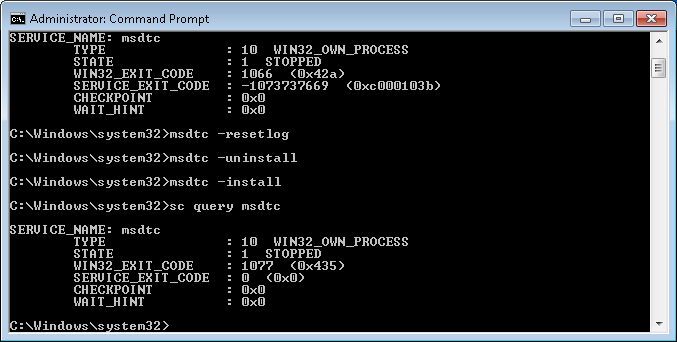
禁用了防火墙。
回答 2
Stack Overflow用户
回答已采纳
发布于 2013-04-24 11:58:16
尝试从注册表中删除HKLM\Software\Microsoft\Rpc\Internet键。
Stack Overflow用户
发布于 2015-08-21 06:46:51
为了解决这个问题,我不得不将日志文件(我意外地删除了)复制到Local日志信息位置指定的位置。
页面原文内容由Stack Overflow提供。腾讯云小微IT领域专用引擎提供翻译支持
原文链接:
https://stackoverflow.com/questions/16187226
复制相关文章
相似问题
腾讯云开发者

Copyright © 2013 - 2026 Tencent Cloud. All Rights Reserved. 腾讯云 版权所有
深圳市腾讯计算机系统有限公司 ICP备案/许可证号:粤B2-20090059  粤公网安备44030502008569号
腾讯云计算(北京)有限责任公司 京ICP证150476号 | 京ICP备11018762号