
更改ErrorProvider的图标会导致异常
更改ErrorProvider的图标会导致异常
提问于 2021-11-22 06:20:22
我试图在Windowsform表单中更改errorProvider的图标。我在Properties->Resources文件夹中添加了.ico文件。我尝试过直接复制粘贴.ico文件,还使用了Add resources->Add现有文件选项。无论我做什么,如果我添加我自己的.ico文件并尝试将它们设置为errorProvider图标,如下面的代码所示,我在运行程序时会得到一个异常(特别是在我的程序中演示errorProvider功能时)。我的代码是:
 private void textBox1_Leave(object sender, EventArgs e)
        {
            if(string.IsNullOrEmpty(textBox1.Text))
            {
                textBox1.Focus();
                errorProvider1.Icon = Properties.Resources.cross; //here I have change the default icon
                errorProvider1.SetError(this.textBox1, "Input UserId"); //having exception in this line
            }
            else
            {
                errorProvider1.Icon = Properties.Resources.right;
            }
        }
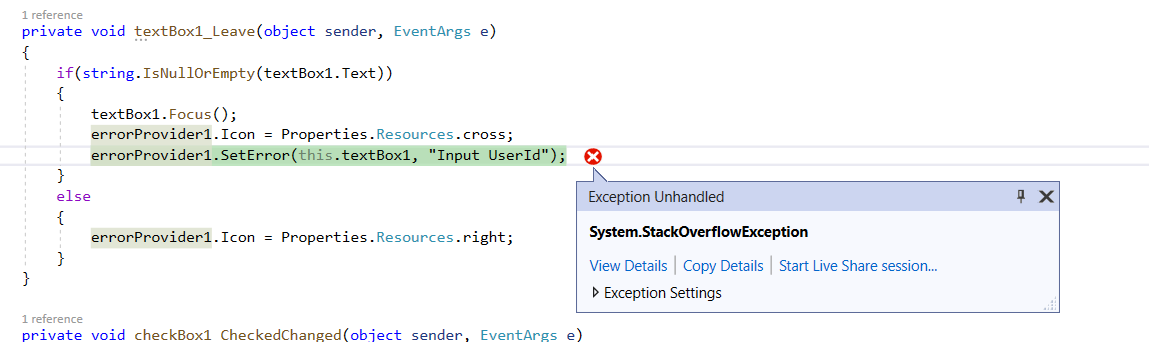
例外细节如下:
System.StackOverflowException
  HResult=0x800703E9
  Source=<Cannot evaluate the exception source>
  StackTrace:
<Cannot evaluate the exception stack trace>回答 2
Stack Overflow用户
回答已采纳
发布于 2021-11-22 09:00:19
通过Resource.resx添加资源也可以很好地引用ico。Copy if new是另一种调用方法。
增加现有资源:
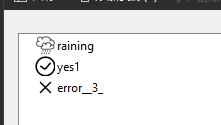
最好将leave事件更改为Validating事件。
我已经测试了您的代码本身,没有问题。
我这里有reproduced the error,因为它是由ico file itself引起的。
它可以通过改变图片来解决.
private void TextBox1_Validating(object sender, CancelEventArgs e) {
    if(string.IsNullOrEmpty(textBox1.Text)) {
            textBox1.Focus();
            errorProvider1.Icon=Properties.Resources.error__3_; //here I have change the default icon
            errorProvider1.SetError(textBox1, "Input UserId"); //having exception in this line
        } else {
            errorProvider1.Icon=Properties.Resources.yes1;
    }
}


可以使用文件转换器将其转换为ico。
输出:
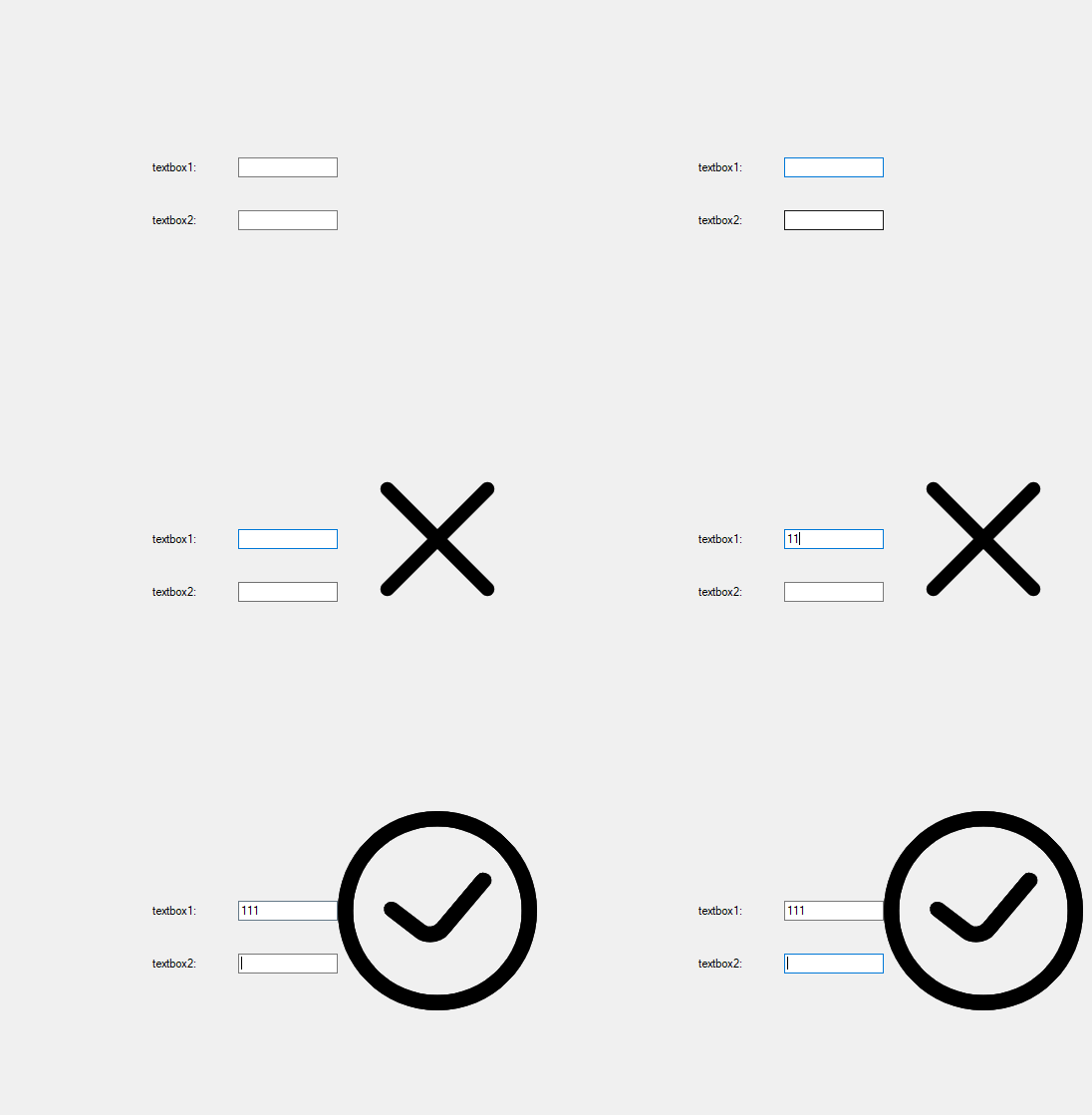
Stack Overflow用户
发布于 2021-11-22 06:49:50
首先,将您的ico文件添加到资源中,并将“复制到输出目录”设置为始终复制
 private void textBox1_Validating(object sender, CancelEventArgs e)
    {
        if (textBox1.Text.Trim() == "")
        {
            errorProvider1.SetError(textBox1, "ERROR WARNING");
            errorProvider1.Icon = new Icon(@"Resources\termicon.ico");
        }


}页面原文内容由Stack Overflow提供。腾讯云小微IT领域专用引擎提供翻译支持
原文链接:
https://stackoverflow.com/questions/70061611
复制相关文章
相似问题
腾讯云开发者

Copyright © 2013 - 2026 Tencent Cloud. All Rights Reserved. 腾讯云 版权所有
深圳市腾讯计算机系统有限公司 ICP备案/许可证号:粤B2-20090059  粤公网安备44030502008569号
腾讯云计算(北京)有限责任公司 京ICP证150476号 | 京ICP备11018762号