
如何使用Opencv缩小/扩展面部特征?
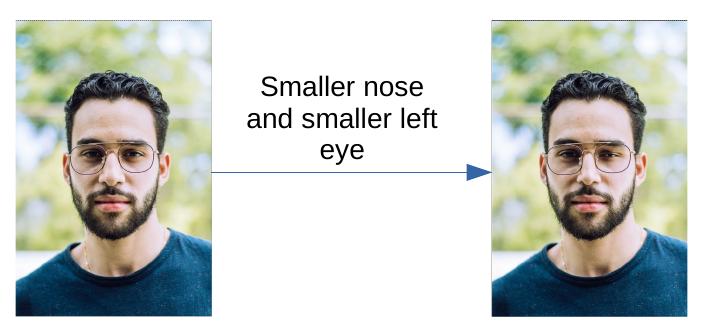
我正在尝试用opencv和dlib编写一个应用程序,使脸部图像的部分变得更大或更小。我用shape_predictor_68_face_landmarks.dat检测面部标志。在下面的函数中,tmp变量应该以缩放鼻子或图像左眼的方式进行转换。
def visualize_facial_landmarks(image, shape, colors=None, alpha=0.75):
# create two copies of the input image -- one for the
# overlay and one for the final output image
overlay = image.copy()
output = image.copy()

# if the colors list is None, initialize it with a unique
# color for each facial landmark region
if colors is None:
    colors = [(19, 199, 109), (79, 76, 240), (230, 159, 23),
              (168, 100, 168), (158, 163, 32),
              (163, 38, 32), (180, 42, 220)]

# loop over the facial landmark regions individually
for (i, name) in enumerate(FACIAL_LANDMARKS_INDEXES.keys()):
    # grab the (x, y)-coordinates associated with the
    # face landmark
    (j, k) = FACIAL_LANDMARKS_INDEXES[name]
    pts = shape[j:k]

    facial_features_cordinates[name] = pts
    if name != "Jaw" and name == "Left_Eye" or name == "Nose":
        minX = min(pts[:,0])
        maxX = max(pts[:,0])
        minY = min(pts[:,1])
        maxY = max(pts[:,1])

        rect = []
        rect.append([minX, minY])
        rect.append([minX, maxY])
        rect.append([maxX, minY])
        rect.append([maxX, maxY])
        rect = np.array(rect)

        hull = cv2.convexHull(rect)
        # print(hull)
        # output = cv2.resize(overlay, dsize)
        # print(overlay[minX:maxX,minY:maxX,:])
        tmp = overlay[minY:maxY, minX:maxX, :]
        print(tmp.shape)
        s = 2

        Affine_Mat_w = [s, 0, tmp.shape[0]/2.0 - s*tmp.shape[0]/2.0]
        Affine_Mat_h = [0, s, tmp.shape[1]/2.0 - s*tmp.shape[1]/2.0]


        M = np.c_[ Affine_Mat_w, Affine_Mat_h].T

        tmp = cv2.warpAffine(tmp, M, (tmp.shape[1], tmp.shape[0]))
        overlay[minY:maxY, minX:maxX, :] = tmp

return overlay
例如,所附的图片如下:
回答 1
Stack Overflow用户
发布于 2021-11-09 20:11:24
更新#1
在眼睛和鼻子周围少量使用面部标记物pinch and bulge distortion,可能会在不进入另一种方法的情况下提供良好的效果。虽然有机会,它也会明显扭曲眼镜,如果它影响更大的面积。这些应该会有帮助,
- 使用Python OpenCV的夹点/胀形失真
- 图像翘曲-膨胀效应算法
- https://math.stackexchange.com/questions/266250/explanation-of-this-image-warping-bulge-filter-algorithm
- 桶形/枕形变形公式
我不知道如何在opencv中做到这一点,而不让脸看起来不自然。下面是一个基于我自己的探索的一般解释。如果我犯了任何错误,请随时纠正我。
三维网格
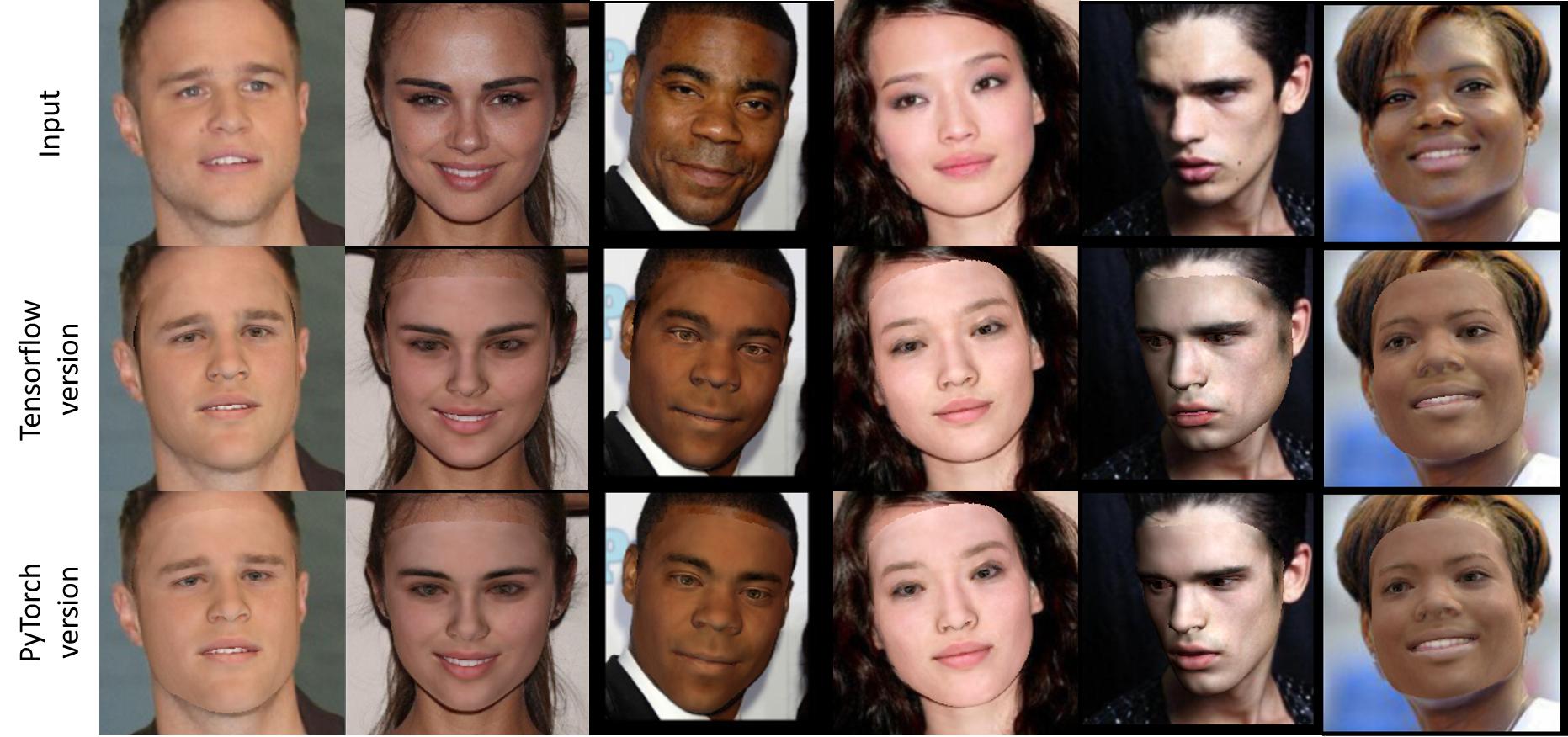
我认为,目前的面部美化方法,如Android摄像头上的方法,是将三维人脸网格或整个头部模型对齐到原来的面部。
该方法利用人脸地标提取人脸纹理,并将其与相应的三维网格对齐。这样,三维网格就可以被调整,纹理将跟随人脸几何。可能还有一些额外的步骤,例如将结果传递到另一个网络,涉及到后处理,以使其看起来更自然。
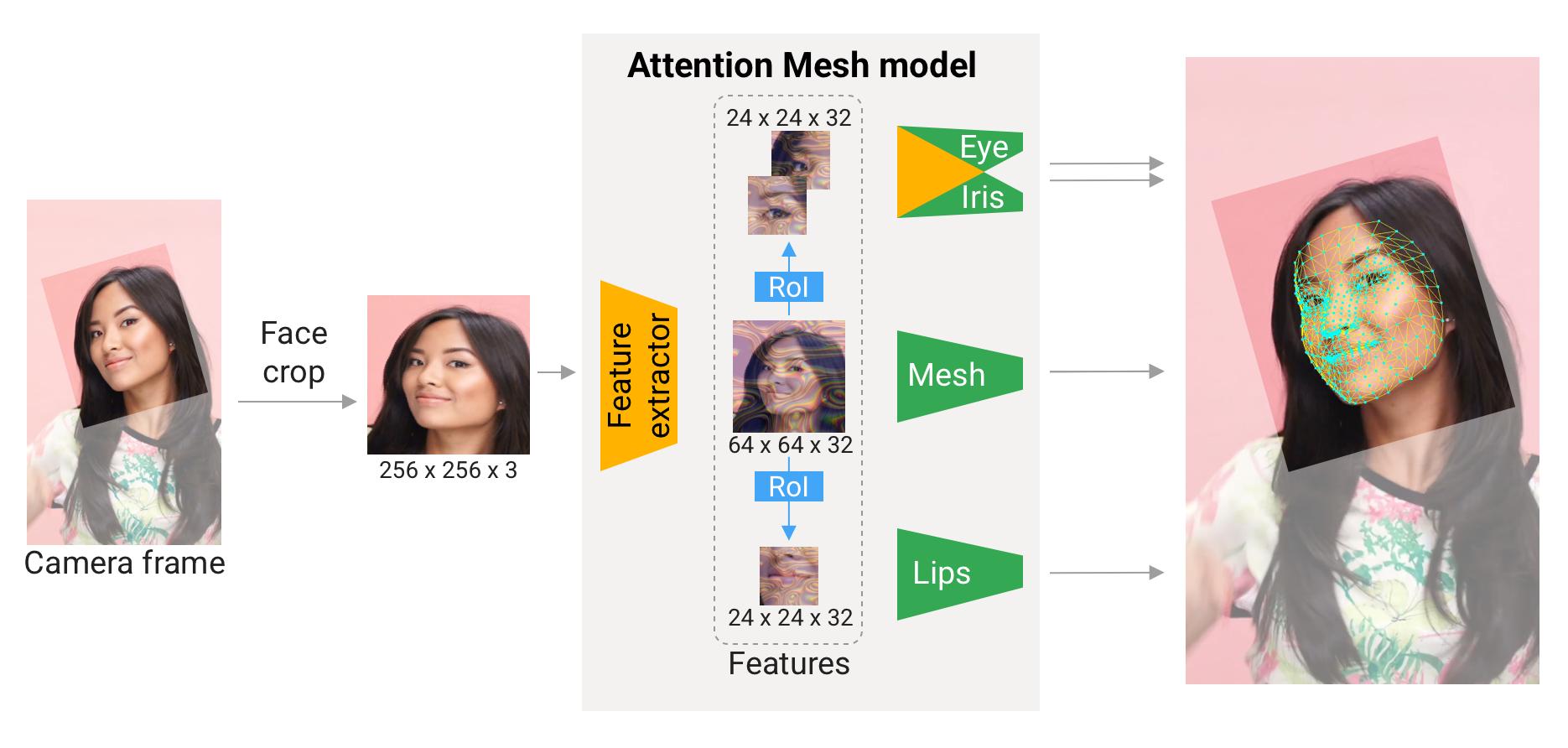
中介面网格可能也会有帮助,因为它提供了密集的三维人脸地标与三维人脸模型,UV可视化,坐标。这是一次讨论用于中芹菜面的紫外线展开。
例如,https://github.com/YadiraF/DECA。

例如,火炬。
GAN
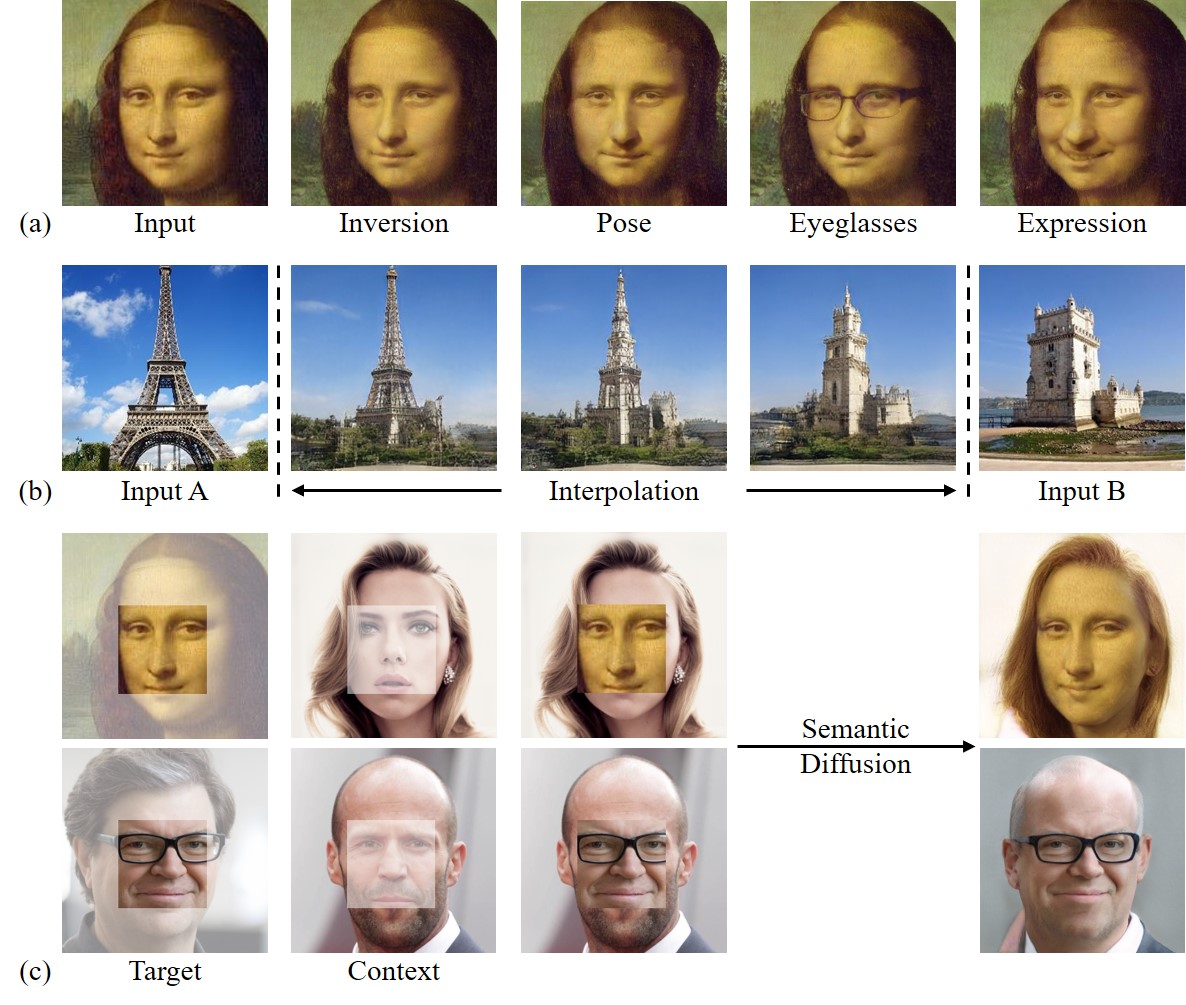
另一种方法是使用GANs编辑面部特征,应用灯光,化妆等。
例如,https://github.com/run-youngjoo/SC-FEGAN。
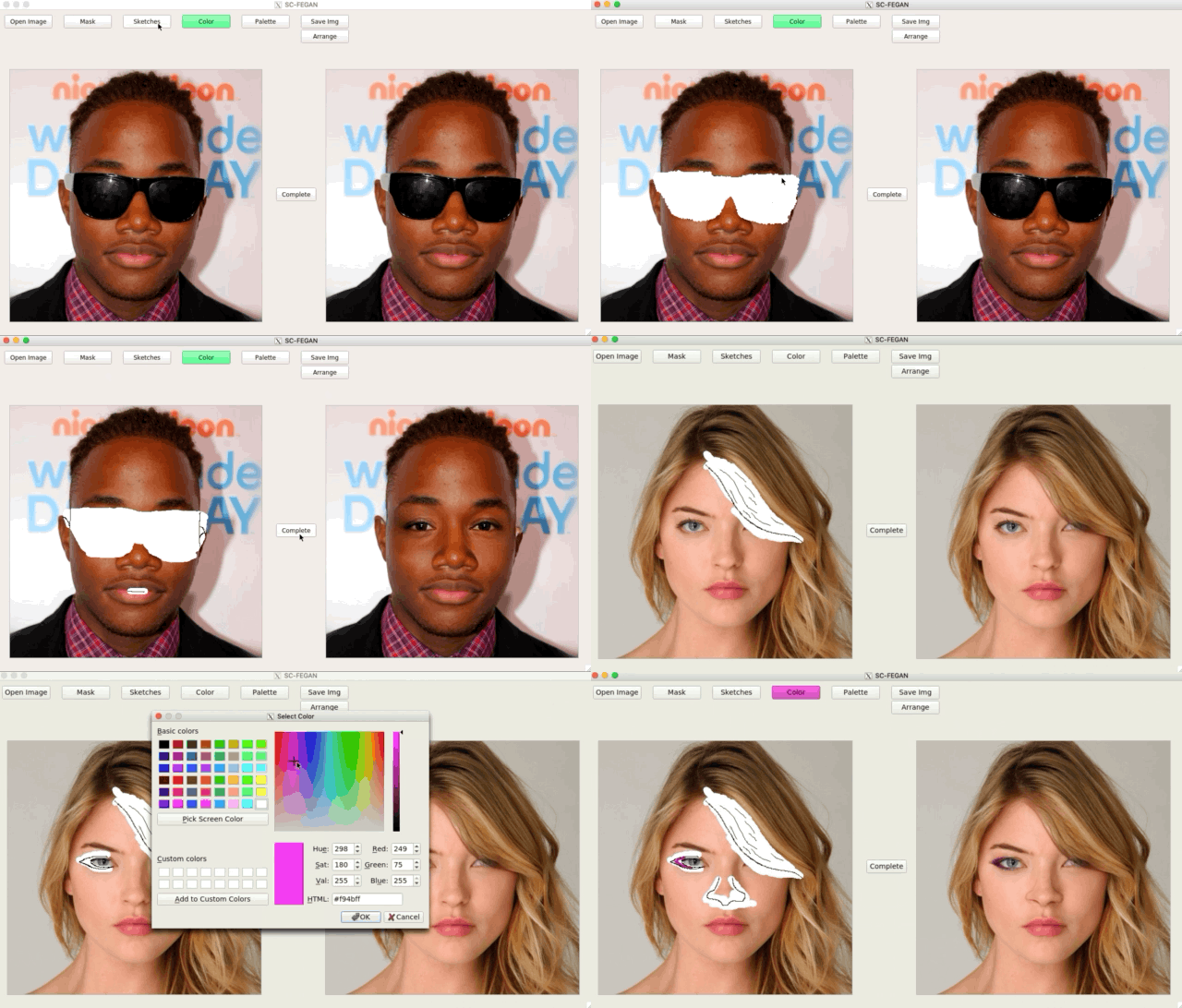
另一个例子,火炬。
https://stackoverflow.com/questions/69887034
复制相似问题
腾讯云开发者

Copyright © 2013 - 2026 Tencent Cloud. All Rights Reserved. 腾讯云 版权所有
深圳市腾讯计算机系统有限公司 ICP备案/许可证号:粤B2-20090059  粤公网安备44030502008569号
腾讯云计算(北京)有限责任公司 京ICP证150476号 | 京ICP备11018762号