
带机车卷轴和gsap问题的nuxt关于路线改变的问题
带机车卷轴和gsap问题的nuxt关于路线改变的问题
提问于 2021-10-14 12:03:31
我一直徘徊在我的Nuxtjs项目上,使用机车滚动和gsap scrollTrigger和Scrollproxy实现平滑的滚动效果。但在半路上有一些连线问题我不能回去了。在我的Nuxt项目中,我正在使用类型记录和类组件。
问题是
- 改变路线,滚动效果被打破,页面高度越来越高。然后必须硬重新加载该特定页面才能正常工作。需要一个解决方案的路线改变,但我没有任何线索,在这个设置。
这是密码
import { gsap } from "gsap";
import ScrollTrigger from "gsap/ScrollTrigger";
import LocomotiveScroll from 'locomotive-scroll';
gsap.registerPlugin(ScrollTrigger)

const scrollContainer = document.querySelector('[data-scroll-container]')

const bodyScrollBar = new LocomotiveScroll({
    el: scrollContainer,
    smooth: true,
    initPosition: { x: 0, y: 0 },
    lerp: 0.12,
    getSpeed: true,
    getDirection: true,
    offset:["15%",0],
    tablet: {
        smooth: true,
        direction: 'vertical',
        gestureDirection: 'vertical',
        breakpoint: 1024
    },
    smartphone: {
        smooth: true,
        direction: 'vertical',
        gestureDirection: 'vertical'
    }
})

bodyScrollBar.on('scroll', ScrollTrigger.update)

  ScrollTrigger.scrollerProxy('.scroller-wrapper', {
                scrollTop(value) {
                    if(arguments.length) {

                        return arguments.length ?
                        bodyScrollBar.scrollTo(value, 0, 0)  :
                        bodyScrollBar.scroll.instance.scroll.y
                        // return bodyScrollBar.scrollTop = value
                    }
                },
                getBoundingClientRect() {
                    return {
                        left: 0, top: 0,
                        width: window.innerWidth,
                        height: window.innerHeight
                    }
                },

                pinType:  scrollContainer.style.transform ? "transform" : "fixed"
            })

ScrollTrigger.addEventListener('refresh', () => bodyScrollBar.update())
ScrollTrigger.addEventListener('resize', () => bodyScrollBar.update())


ScrollTrigger.refresh(true)- 火车头有视差和其他效果的实例,如
data-scroll和data-scroll-speed='1'。刷新页面时,它工作正常,但当我更改路径时,它就不工作了。你可以在我的演示-项目链接上看到它。 - 希望在具有
overflow-scroll和固定height的页面上滚动特定的部分。但是,当尝试滚动时,整个页面将滚动,这是不期望的。若要从导航中查看**scrollable-div**菜单,请执行以下操作。
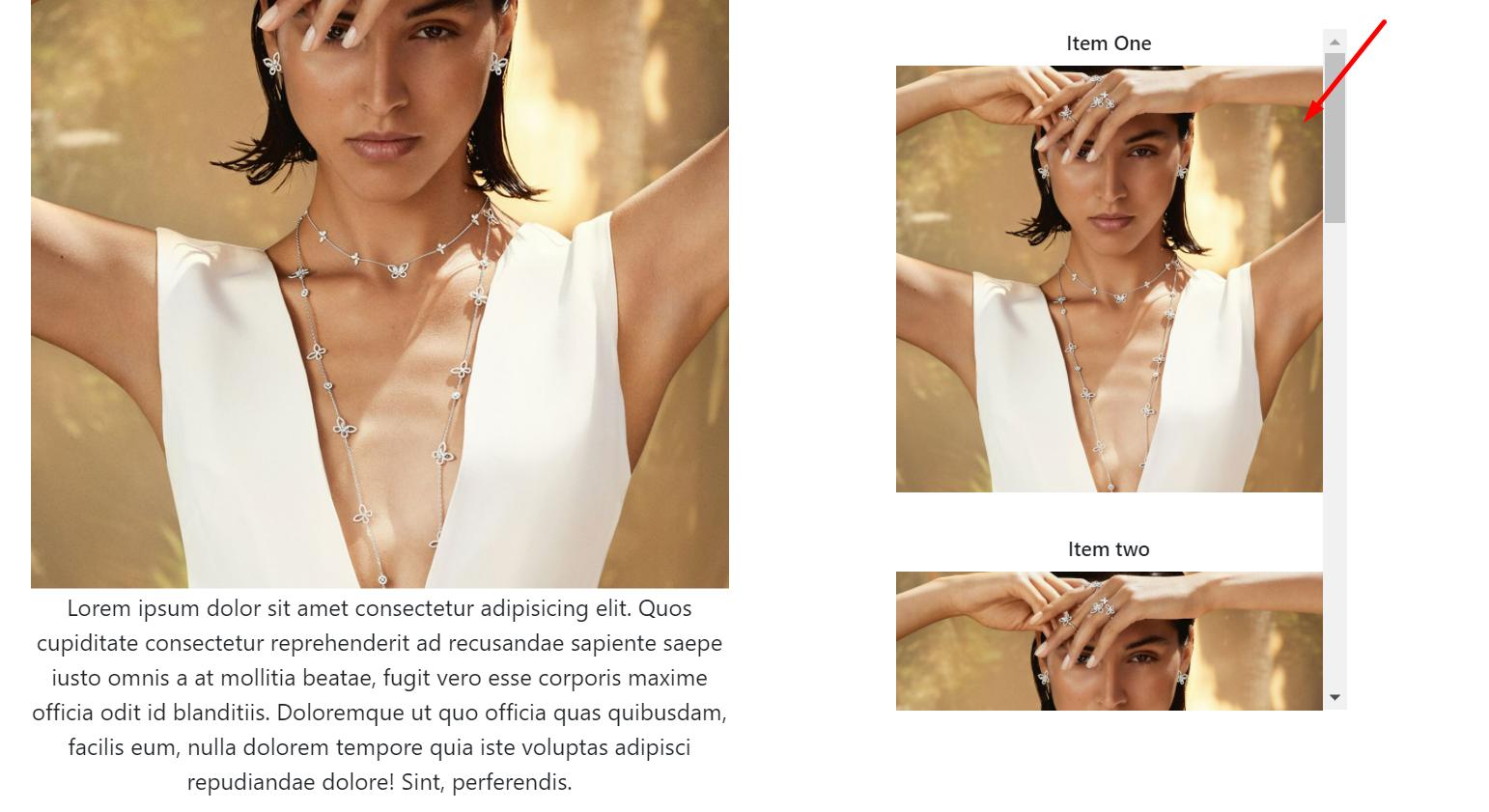
这个部分我想以不同的方式滚动,当我滚动这个部分时,需要停止整个页面的滚动。
需要你的支持和解决方案,因为我被这些连线的问题。任何解决办法都是徒劳无功的。
回答 1
Stack Overflow用户
发布于 2021-10-20 08:34:41
当我使用locomotive-scroll和Nuxt.js时,我总是在每个页面中设置scroll-container并运行一个新的locomotive-scroll实例,并且使用beforeDestroy()钩子销毁这个实例。
这样,实例就知道其内部的内容,并设置每个动画和位置;相反,如果更改路由,则实例是相同的,但DOM是不同的。
页面的完整示例:
<template lang="pug">
div(ref="scroll")
  h1 Your HTML here
</template>

<script>
export default {
  data () {
    return {
      scroll: undefined
    }
  },

  beforeDestroy () {
    if (typeof this.scroll !== 'undefined') {
      this.scroll.destroy()
    }
  },

  mounted () {
    this.$nextTick(() => {
      this.enableLocomotiveScroll()
    })
  },

  methods: {
    enableLocomotiveScroll () {
      if (process.client && typeof this.scroll === 'undefined') {
        this.scroll = new this.LocomotiveScroll({
          el: this.$refs.scroll,
          smooth: true
        })

        setTimeout(() => {
          this.scroll.update()
        }, 1000)
      }
    }
  }
}
</script>当然,您可以将此功能移动到混合器中。并将其加载到每个页面中,以避免重复代码。
页面原文内容由Stack Overflow提供。腾讯云小微IT领域专用引擎提供翻译支持
原文链接:
https://stackoverflow.com/questions/69570364
复制相关文章
相似问题
腾讯云开发者

Copyright © 2013 - 2026 Tencent Cloud. All Rights Reserved. 腾讯云 版权所有
深圳市腾讯计算机系统有限公司 ICP备案/许可证号:粤B2-20090059  粤公网安备44030502008569号
腾讯云计算(北京)有限责任公司 京ICP证150476号 | 京ICP备11018762号