
在反应中呈现100万盒-3/纤维
在反应中呈现100万盒-3/纤维
提问于 2021-04-21 12:52:25
我正在测试的渲染100万盒在反应-3/纤维。表演很慢。
function App() {
  const boxes = [];

  for (let i = 0; i < 1000; i++) {
    const x = Math.random();
    const y = Math.random();
    const z = Math.random();

    const box = (
      <mesh position={[x, y, z]}>
        <boxGeometry args={[0.01, 0.01, 0.01]} />
        <meshLambertMaterial color={"red"} />
      </mesh>
    );

    boxes.push(box);
  }

  return (
    <MBox style={{ height: "100vh", width: "100vw" }}>
      <Canvas camera={{ position: [10, 10, 10] }}>
        <pointLight position={[15, 15, 15]} />
        {boxes}
        <OrbitControls />
        <Stats />
      </Canvas>
    </MBox>
  );
}
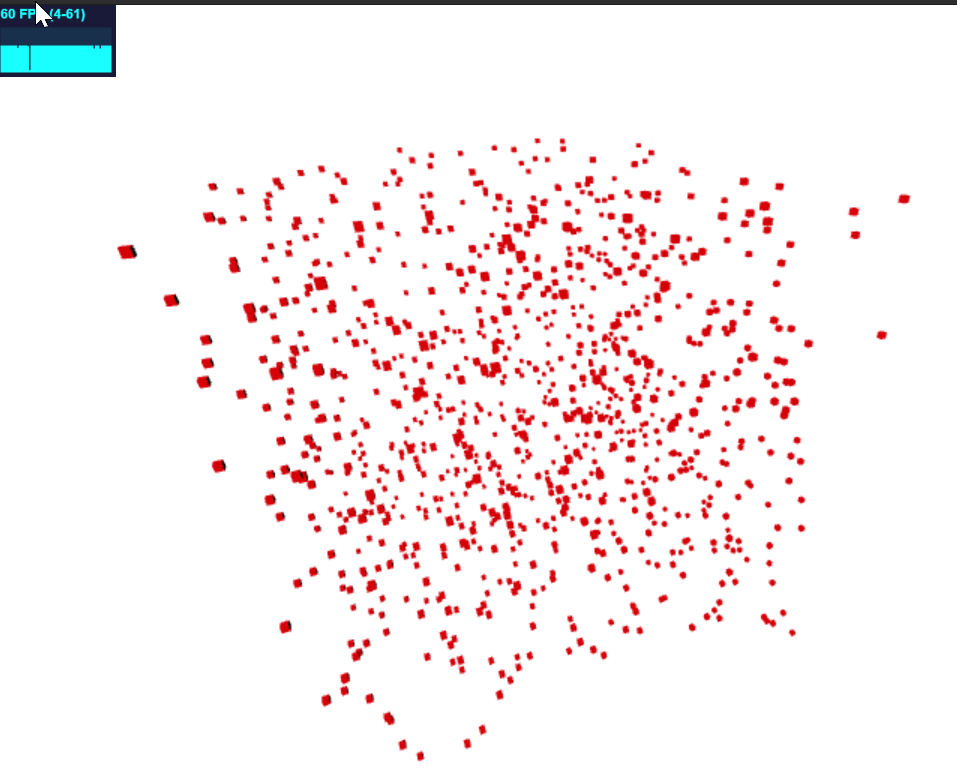
渲染响应1000盒(60 FPS)。与10000盒,它下降到7 FPS与一点不足。浏览器有100000个盒子。
计算机专用GPU NVIDIA根本没有被使用。
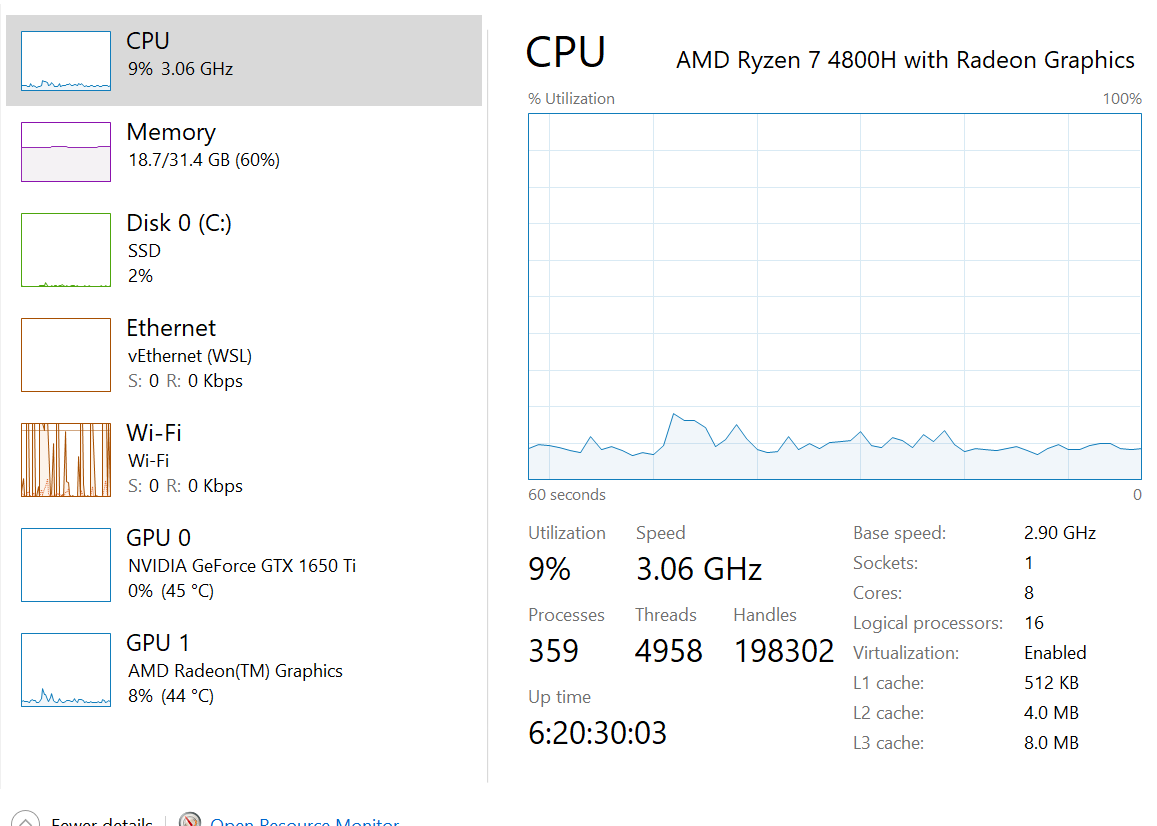
有什么改进的办法吗?
回答 1
Stack Overflow用户
回答已采纳
发布于 2021-04-23 14:38:25
得到了@Mugen87的建议。
function Boxes() {
  const meshRef = useRef<InstancedMesh>();
  const tempObject = new Object3D();

  useEffect(() => {
    if (meshRef == null) return;
    if (meshRef.current == null) return;

    let i = 0;
    for (let x = 0; x < 100; x++)
      for (let y = 0; y < 100; y++)
        for (let z = 0; z < 100; z++) {
          const id = i++;
          tempObject.position.set(x, y, z);
          tempObject.scale.set(1, 0.5, 1.5);
          tempObject.updateMatrix();
          meshRef.current.setMatrixAt(id, tempObject.matrix);
        }
    meshRef.current.instanceMatrix.needsUpdate = true;
  }, []);

  return (
    <instancedMesh ref={meshRef} args={[null as any, null as any, 1000000]}>
      <boxGeometry args={[0.1, 0.1, 0.1]}></boxGeometry>
      <meshBasicMaterial />
    </instancedMesh>
  );
}页面原文内容由Stack Overflow提供。腾讯云小微IT领域专用引擎提供翻译支持
原文链接:
https://stackoverflow.com/questions/67196360
复制相关文章
相似问题
腾讯云开发者

Copyright © 2013 - 2026 Tencent Cloud. All Rights Reserved. 腾讯云 版权所有
深圳市腾讯计算机系统有限公司 ICP备案/许可证号:粤B2-20090059  粤公网安备44030502008569号
腾讯云计算(北京)有限责任公司 京ICP证150476号 | 京ICP备11018762号