
Pytesseract只从图像中获取文本的一部分。
Pytesseract只从图像中获取文本的一部分。
提问于 2020-12-17 20:01:04
我试图使用pytesseract来检测这个图像中的文本:



具体来说,我更关心的是发现正在进行的商业中断。我使用了以下代码来实现这一点:
from PIL import Image
import pytesseract
print(pytesseract.image_to_string(Image.open('/home/me/Desktop/dataset/my-dataset/Apex-Legends/loustreams_001.jpg')))
然而,它返回:
nercial break in progress我知道我不应该期望从一行代码中得到SoTA结果,但是文本是非常可见的。我怎样才能改善这一点?
回答 1
Stack Overflow用户
回答已采纳
发布于 2020-12-17 23:58:15
您可以使用image_to_data获取“进行中的商业中断”字符串。
- 将图像转换为rgb
- 输出为字典
- 如果检测到的文本通过阈值置信级别,则显示.
代码:
import cv2
from pytesseract import *

img = cv2.imread("6cNav.jpg")
rgb = cv2.cvtColor(img, cv2.COLOR_BGR2RGB)
res = image_to_data(rgb, output_type=Output.DICT)

out_txt = ""

for i in range(0, len(res["text"])):
    x = res["left"][i]
    y = res["top"][i]
    w = res["width"][i]
    h = res["height"][i]

    txt = res["text"][i]
    cnf = int(res["conf"][i])

    if cnf > 95:
        text = "".join(txt).strip()
        cv2.rectangle(img,
                      (x, y),
                      (x + w, y + h),
                      (0, 0, 255), 2)
        cv2.putText(img,
                    text,
                    (x, y - 10),
                    cv2.FONT_HERSHEY_SIMPLEX,
                    1.2, (0, 255, 255), 3)
        out_txt += " " + text

print(out_txt)
cv2.imshow("img", img)
cv2.waitKey(0)
输出:
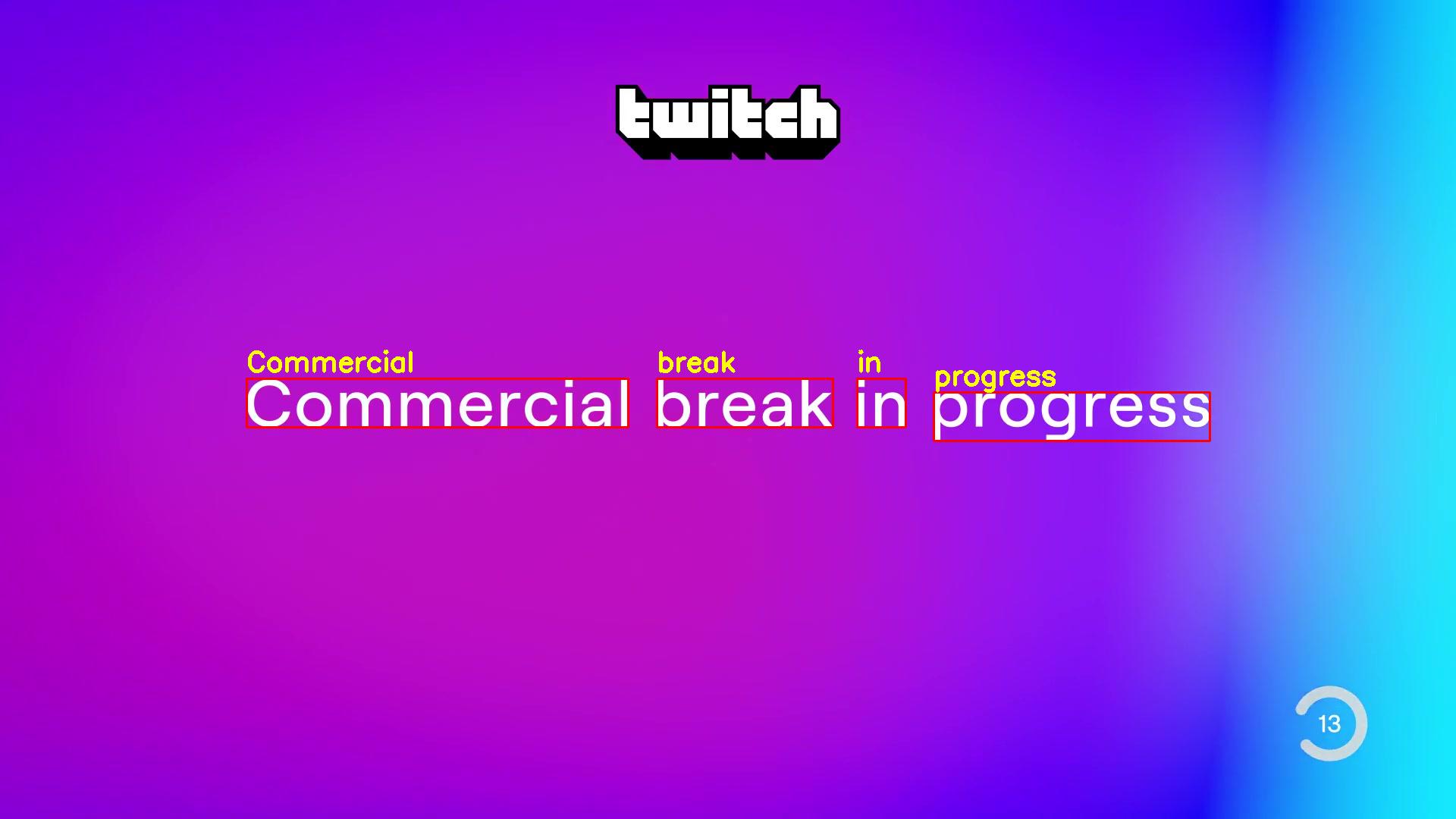
Commercial break in progress请注意,我的pytesseract版本是4.1.1
更新代码
对于上面的所有图像,您可以应用adaptive-threshold
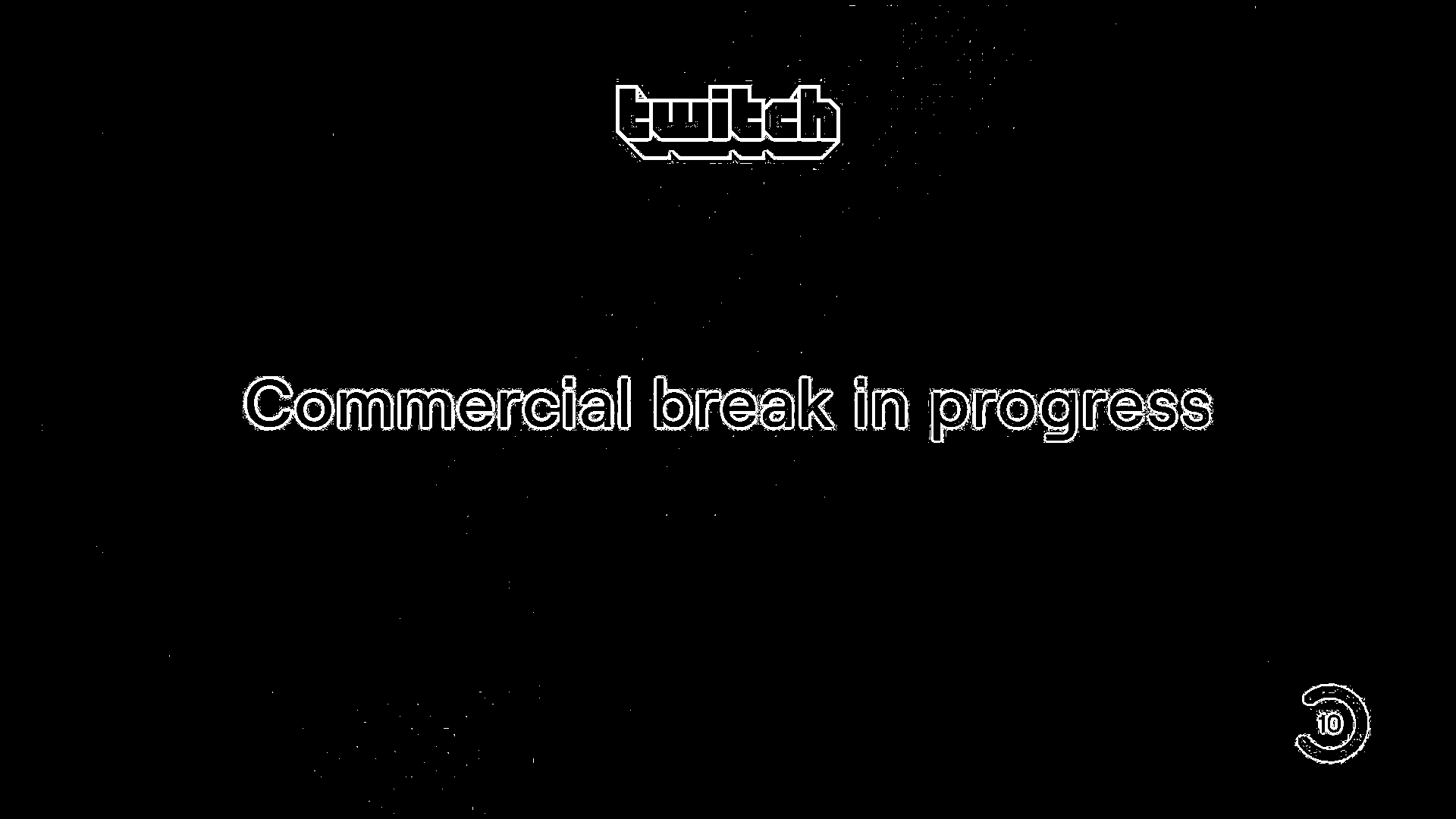
- (第1和第3幅图像也类似于上述)
其结果将是:
output 1:
Commercial loreak in progress

output 2:
Commercial break in progress

output 3:
Commercial break in progress
代码:
import cv2
import pytesseract

img1 = cv2.imread("6cNav.jpg")
img2 = cv2.imread("IKHKa.jpg")
img3 = cv2.imread("VTJse.jpg")

img_lst = [img1, img2, img3]

for i, img in enumerate(img_lst):
    gry = cv2.cvtColor(img, cv2.COLOR_BGR2GRAY)
    thr = cv2.adaptiveThreshold(gry, 255, cv2.ADAPTIVE_THRESH_GAUSSIAN_C,
                                cv2.THRESH_BINARY_INV, 11, 2)

    res = pytesseract.image_to_string(thr, config="--psm 6")
    print("output {}:".format(i+1))
print(res)页面原文内容由Stack Overflow提供。腾讯云小微IT领域专用引擎提供翻译支持
原文链接:
https://stackoverflow.com/questions/65347557
复制相关文章
相似问题
腾讯云开发者

Copyright © 2013 - 2026 Tencent Cloud. All Rights Reserved. 腾讯云 版权所有
深圳市腾讯计算机系统有限公司 ICP备案/许可证号:粤B2-20090059  粤公网安备44030502008569号
腾讯云计算(北京)有限责任公司 京ICP证150476号 | 京ICP备11018762号