
如何将图像大小随机化
如何将图像大小随机化
提问于 2020-10-21 14:02:46
感谢那些以前帮助过我的人,我在我的名片作业上做了很多工作。
我想在处理过程中随机调整9幅图像的大小,但似乎在互联网上找不到一个关于如何处理的好例子。图像大小为850x550,这也是背景尺寸。
有谁知道一个好的,容易遵循的教程吗?或者能给我举个例子?
回答 2
Stack Overflow用户
回答已采纳
发布于 2020-10-23 19:09:49
假设您已将图像存储在PImage对象中,则可以为图像的img_width和img_height生成两个随机性整数,然后使用调整大小()方法生成image。
int img_width = foor(random(min_value, max_value));
int img_height = floor(random(min_value, max_value));

image.resize(img_width, img_height); //this simple code resizes the image to any dimension或者,如果您希望保持相同的纵横比,则可以使用以下方法
//first set either of width or height to a random value
int img_width = floor(random(min_value, max_value));

//then proportionally calculate the other dimension of the image
float ratio = (float) image.width/image.height;
int img_height = floor(img_width/ratio);

image.resize(img_width, img_height);您可以查看这的YouTube播放列表,以获得一些图像处理教程。
Stack Overflow用户
发布于 2020-10-21 15:07:02
对image()方法的处理文档涵盖了这一点。
我仍然为您编写了一些基本代码来演示:
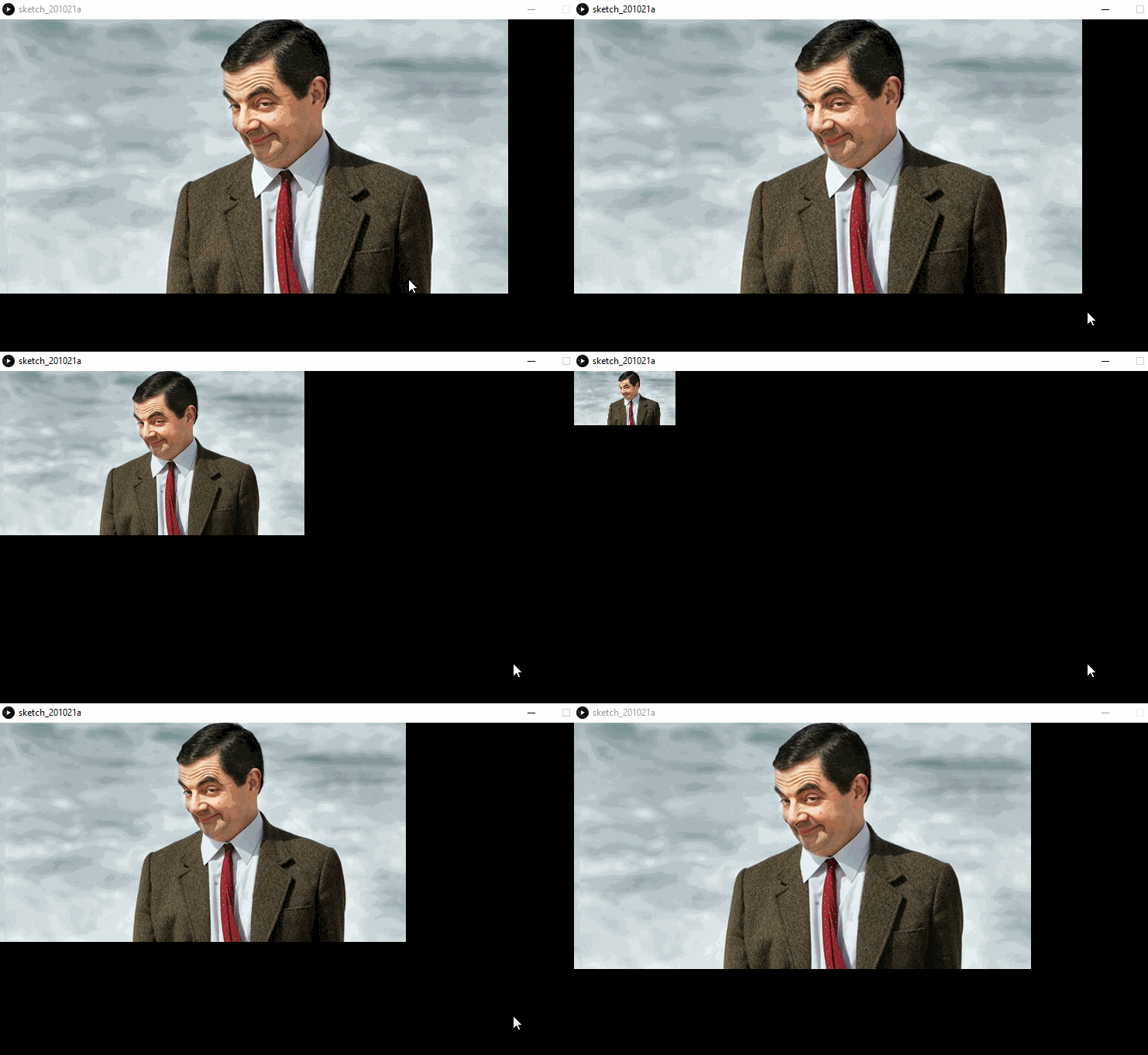
PImage img;
int w, h;
float scaleModifier = 1;

void setup() {
  size(800, 600);
  img = loadImage("bean.jpeg");
  w = img.width;
  h = img.height;
}

void draw() {
  background(0);
  image(img, 0, 0, w, h); // here is the important line
}

// Every click will resize the image
void mouseClicked() {
  scaleModifier += 0.1;
  if (scaleModifier > 1) {
    scaleModifier = 0.1;
  }

  w = (int)(img.width * scaleModifier);
  h = (int)(img.height * scaleModifier);
}
重要的是要知道以下几点:
image()有2个签名:
- 图像(img,a,b)
- 图像(img,a,b,c,d)
如适用下列规定:
- img为您的图像=> PImage
- 绘制图像的=> x坐标
- B => y坐标绘制图像的位置
- C =>图像的宽度(如果它与图像的宽度不同,这意味着调整大小)
- D =>图像的高度(如果与“真实”高度不同,也意味着调整大小)
玩得开心!
页面原文内容由Stack Overflow提供。腾讯云小微IT领域专用引擎提供翻译支持
原文链接:
https://stackoverflow.com/questions/64465295
复制相关文章
相似问题
腾讯云开发者

Copyright © 2013 - 2026 Tencent Cloud. All Rights Reserved. 腾讯云 版权所有
深圳市腾讯计算机系统有限公司 ICP备案/许可证号:粤B2-20090059  粤公网安备44030502008569号
腾讯云计算(北京)有限责任公司 京ICP证150476号 | 京ICP备11018762号