
图片标题可以包含换行(当与ggtext一起使用时)吗?
图片标题可以包含换行(当与ggtext一起使用时)吗?
提问于 2020-02-25 03:17:30
library(tidyverse)
library(ggtext)
ggplot(mpg, aes(cty, hwy)) +
  geom_point() +
  labs(title = "This is a Title\n") +
  theme(plot.title.position = "plot",
        plot.title = element_markdown(),
        legend.position = "none")
为什么我不能在标题和面板之间添加一个行间隔以获得一些空白呢?我知道还有其他方法可以实现这个填充,但我想明确地将这个问题限制在添加空白的换行方法上。
我几乎可以肯定,我以前做过这样的轴标题,以添加空白之间的轴线标题和绘图面板。为什么\n在情节标题中不起作用?
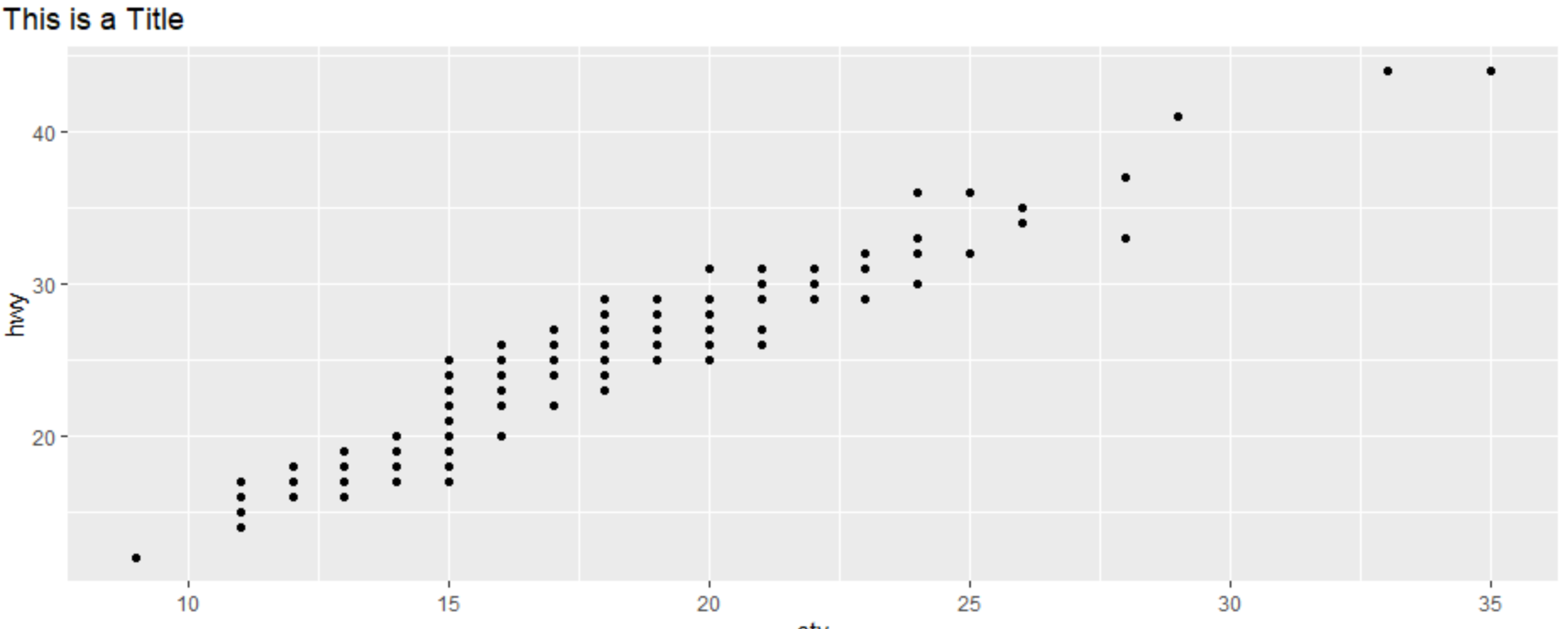
根据注释使用附加信息进行编辑
这个代码块将标题分成两行。
ggplot(mpg, aes(cty, hwy)) +
  geom_point() +
  labs(title = "Line Number One\nLine Number Two") +
  theme(plot.title.position = "plot",
        legend.position = "none")
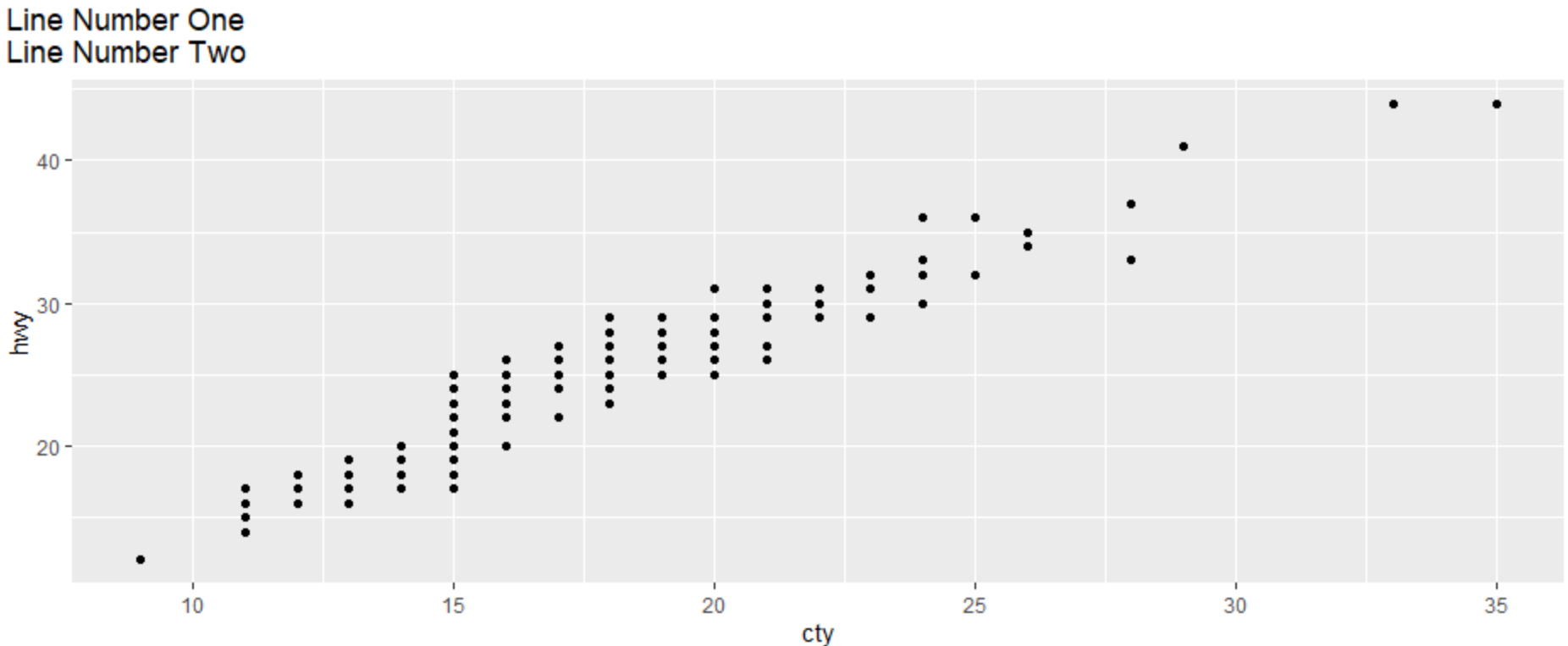
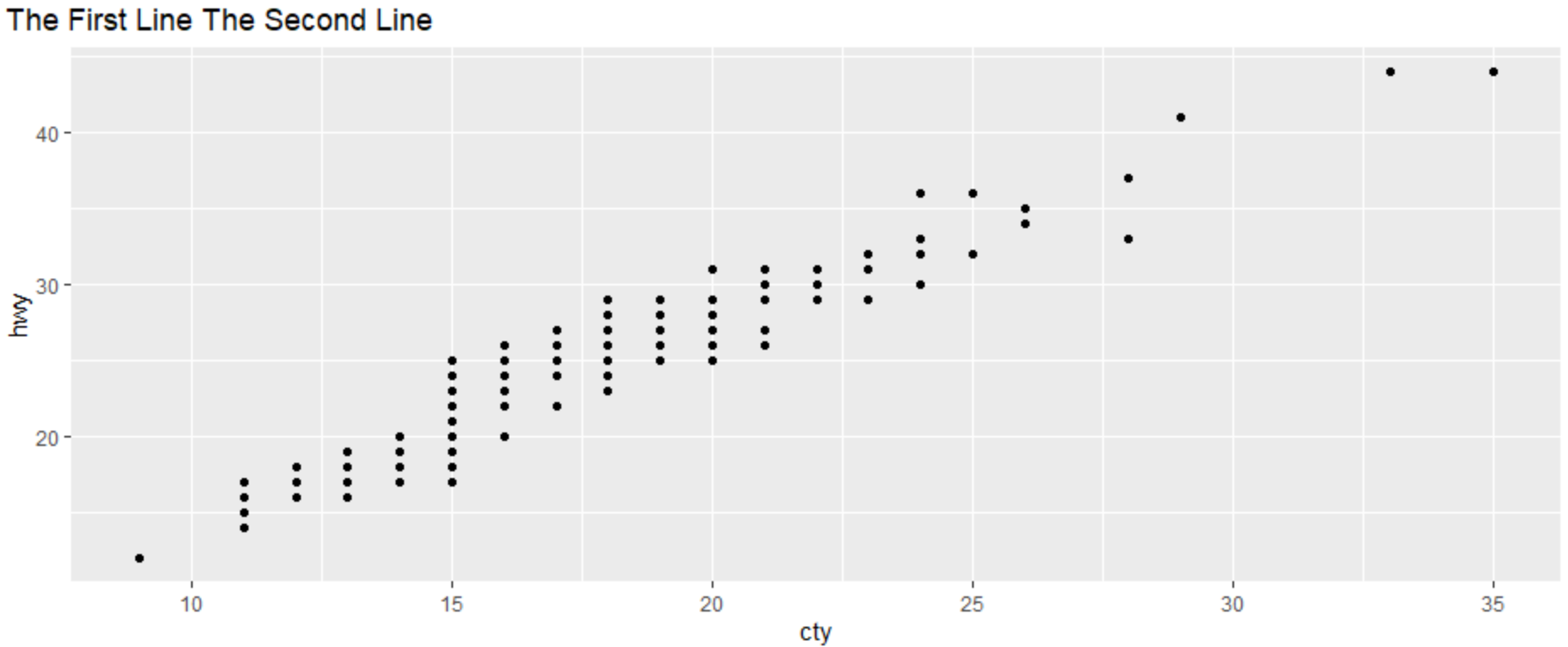
这个“几乎相同”的代码块不会。大问题.,为什么?,我在Markdown里想,我需要<br>或者两个空格?打破界限?
ggplot(mpg, aes(cty, hwy)) +
  geom_point() +
  labs(title = "The First Line\nThe Second Line") +
  theme(plot.title.position = "plot",
        plot.title = element_markdown(),
        legend.position = "none")
回答 3
Stack Overflow用户
发布于 2020-02-25 03:20:46
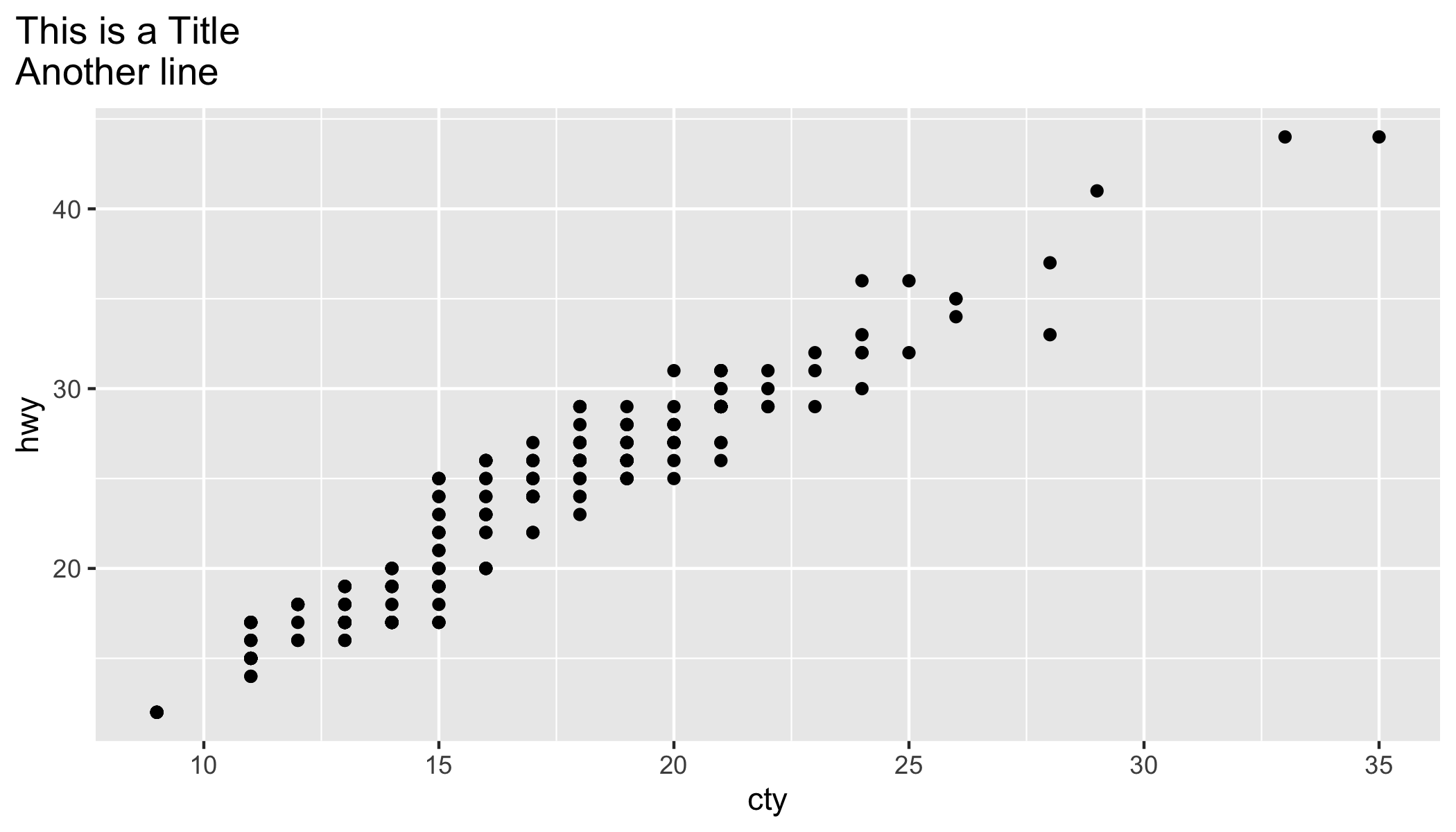
是。
选项1-使用ggtext
使用<br>
library(tidyverse)
library(ggtext)
ggplot(mpg, aes(cty, hwy)) +
  geom_point() +
  labs(title = "This is a Title<br>Another line") +
  theme(plot.title.position = "plot",
        plot.title = element_markdown(),
        legend.position = "none")
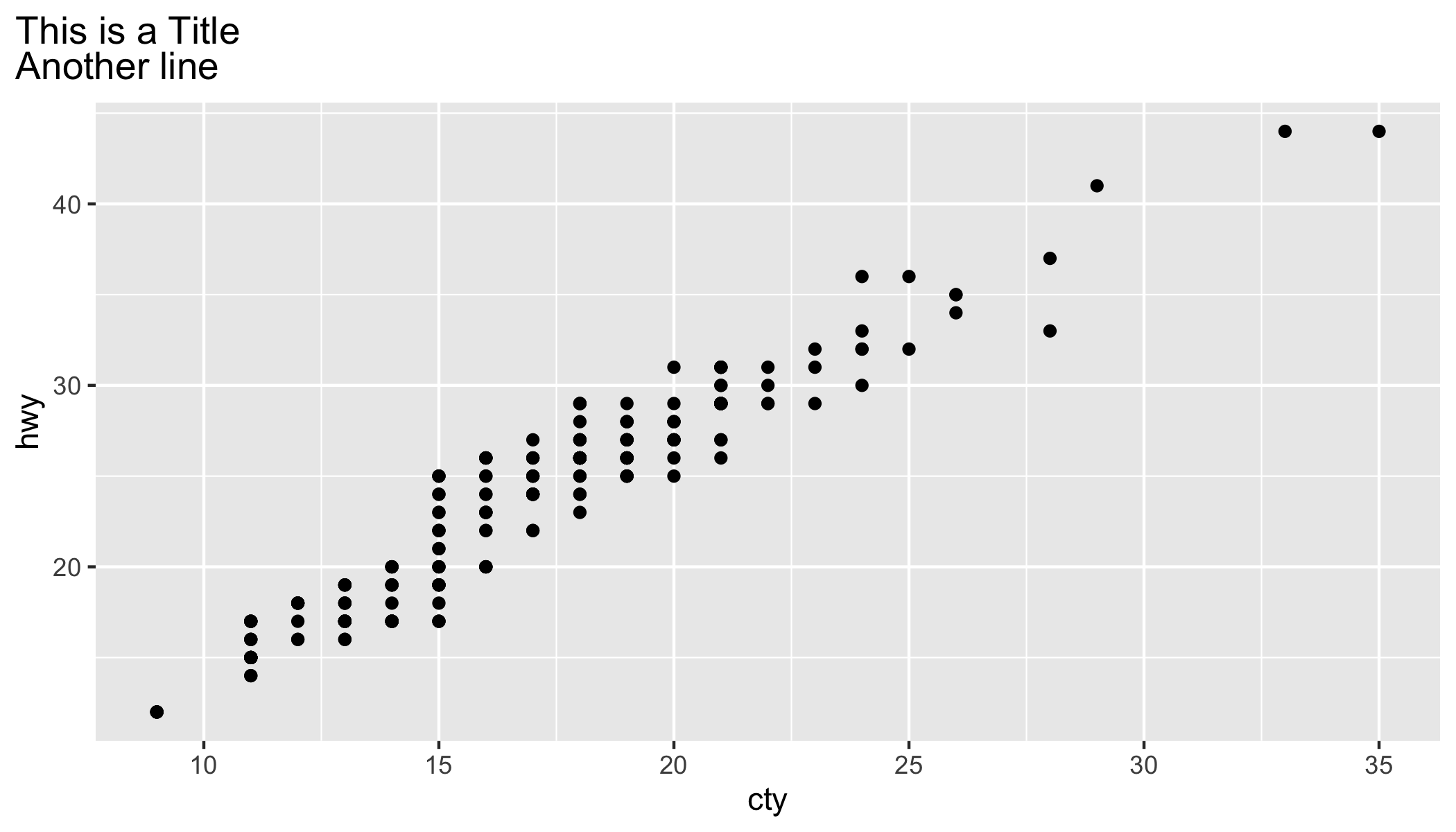
ggtext的好处在于,您可以使用大量的标记/HTML语法来突出显示ggplot2标题和标签中的/colour/主题文本。
选项2-平原ggplot2
使用\n
library(tidyverse)
ggplot(mpg, aes(cty, hwy)) +
  geom_point() +
  labs(title = "This is a Title\nAnother line") +
  theme(plot.title.position = "plot",
        legend.position = "none")
Stack Overflow用户
发布于 2020-02-25 16:41:32
您可以使用两个空格,后面跟着“返回”:
library(ggplot2)
library(ggtext)
ggplot(mpg, aes(cty, hwy)) +
  geom_point() +
  labs(title = "This is a Title
       This is a new line
       ") +
  theme(plot.title.position = "plot",
        plot.title = element_markdown(),
        legend.position = "none")
title = "This is a Title \r\nThis is a new line"也能工作。
Stack Overflow用户
发布于 2020-02-25 20:35:30
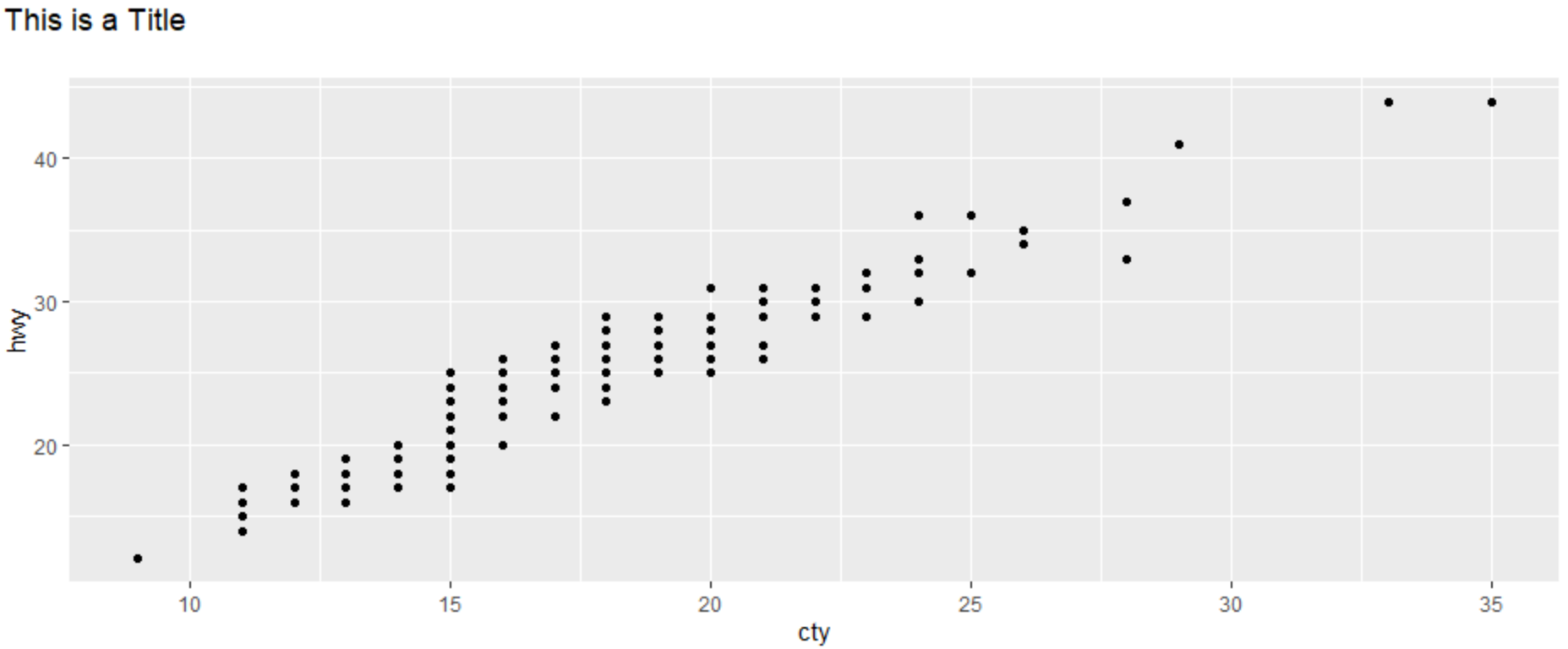
我使用了最简单的解决方案,在\n之前添加两个空格,还需要在换行后添加一个不间断的空间,以获得填充:
library(tidyverse)
library(ggtext)
ggplot(mpg, aes(cty, hwy)) +
  geom_point() +
  labs(title = "This is a Title  \n ") +
  theme(plot.title.position = "plot",
        plot.title = element_markdown(),
        legend.position = "none")
页面原文内容由Stack Overflow提供。腾讯云小微IT领域专用引擎提供翻译支持
原文链接:
https://stackoverflow.com/questions/60387023
复制相关文章
相似问题
腾讯云开发者

Copyright © 2013 - 2026 Tencent Cloud. All Rights Reserved. 腾讯云 版权所有
深圳市腾讯计算机系统有限公司 ICP备案/许可证号:粤B2-20090059  粤公网安备44030502008569号
腾讯云计算(北京)有限责任公司 京ICP证150476号 | 京ICP备11018762号