
UIDocumentPickerViewController in SwiftUI on mac (macCatalyst)
UIDocumentPickerViewController in SwiftUI on mac (macCatalyst)
提问于 2019-11-27 21:22:38
因此,我一直在“移动”一个小型SwiftUI iPad应用程序到Mac,并与UIDocumentPickerViewController发生了一点碰撞。我已经将UIDocumentPickerViewController封装在一个UIViewControllerRepresentable中,如下所示:
struct DocumentPickerView: UIViewControllerRepresentable {
  func makeUIViewController(context: Context) -> UIDocumentPickerViewController {
    let documentPicker = UIDocumentPickerViewController(documentTypes: [(kUTTypeImage as String)], in: .import)
    return documentPicker
  }

  func updateUIViewController(_ uiViewController: UIDocumentPickerViewController, context: Context) {

  }
}
并以如下方式显示:
struct ContentView: View {
@State var shows = false
var body: some View {
    Button(action: { self.shows.toggle() }) {
        Text("Select File")
    }
    .sheet(isPresented: self.$shows) {
        DocumentPickerView()
    }
  }
}
On iPad all运行良好,
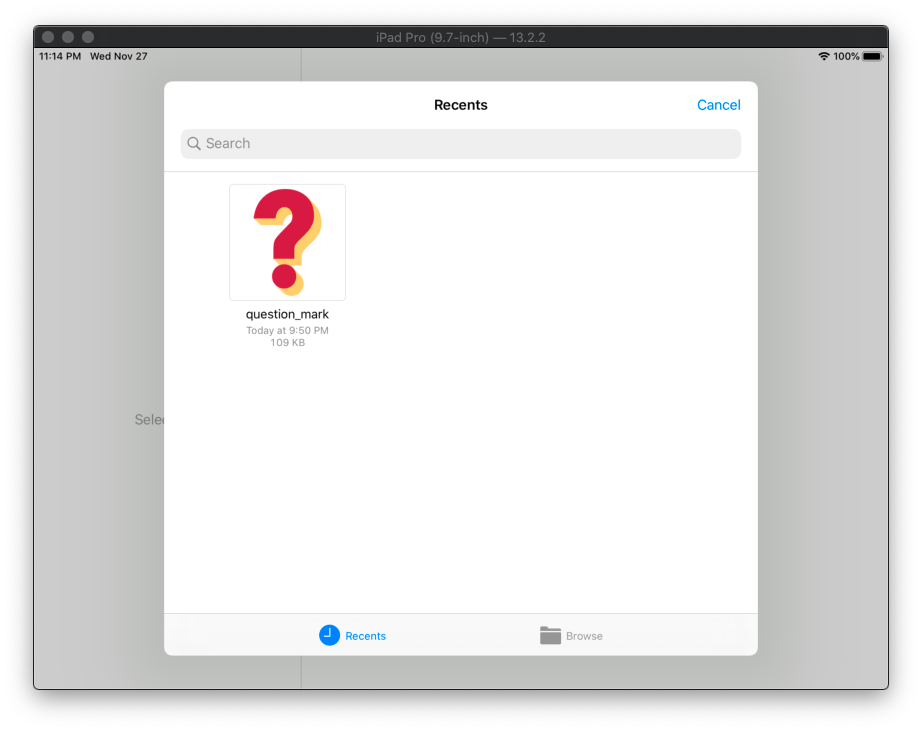
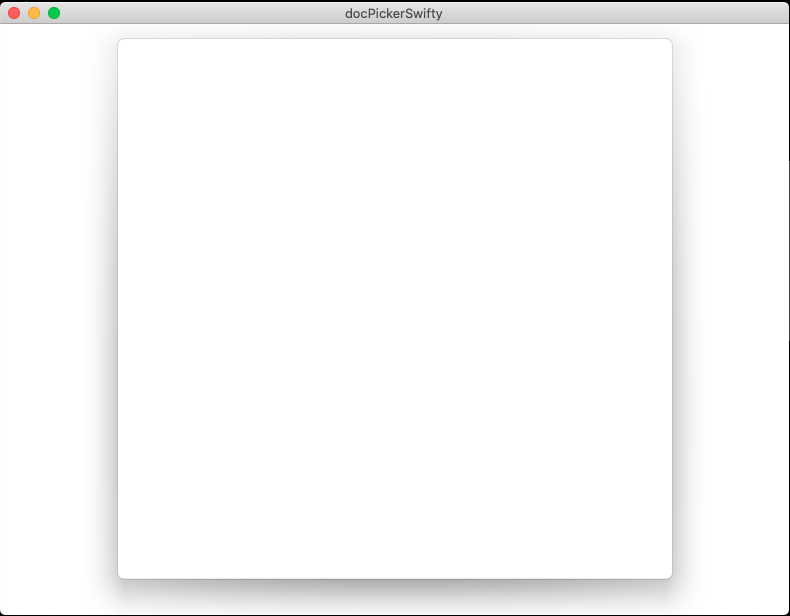
但是在Mac上,UIDocumentPickerViewController没有显示,我们得到了这个空白模式:
回答 2
Stack Overflow用户
发布于 2022-05-02 17:56:09
我替换了不推荐的方法,并为提供的主题启动代码启用了询问权限,它可以工作。
用Xcode 13.3 / macOS 12.2测试
import UniformTypeIdentifiers
struct DocumentPickerView: UIViewControllerRepresentable {
  func makeUIViewController(context: Context) -> UIDocumentPickerViewController {
    let documentPicker = UIDocumentPickerViewController(forOpeningContentTypes: [UTType.image], asCopy: true)
    return documentPicker
  }

  func updateUIViewController(_ uiViewController: UIDocumentPickerViewController, context: Context) {

  }
}
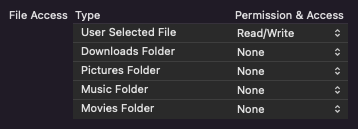
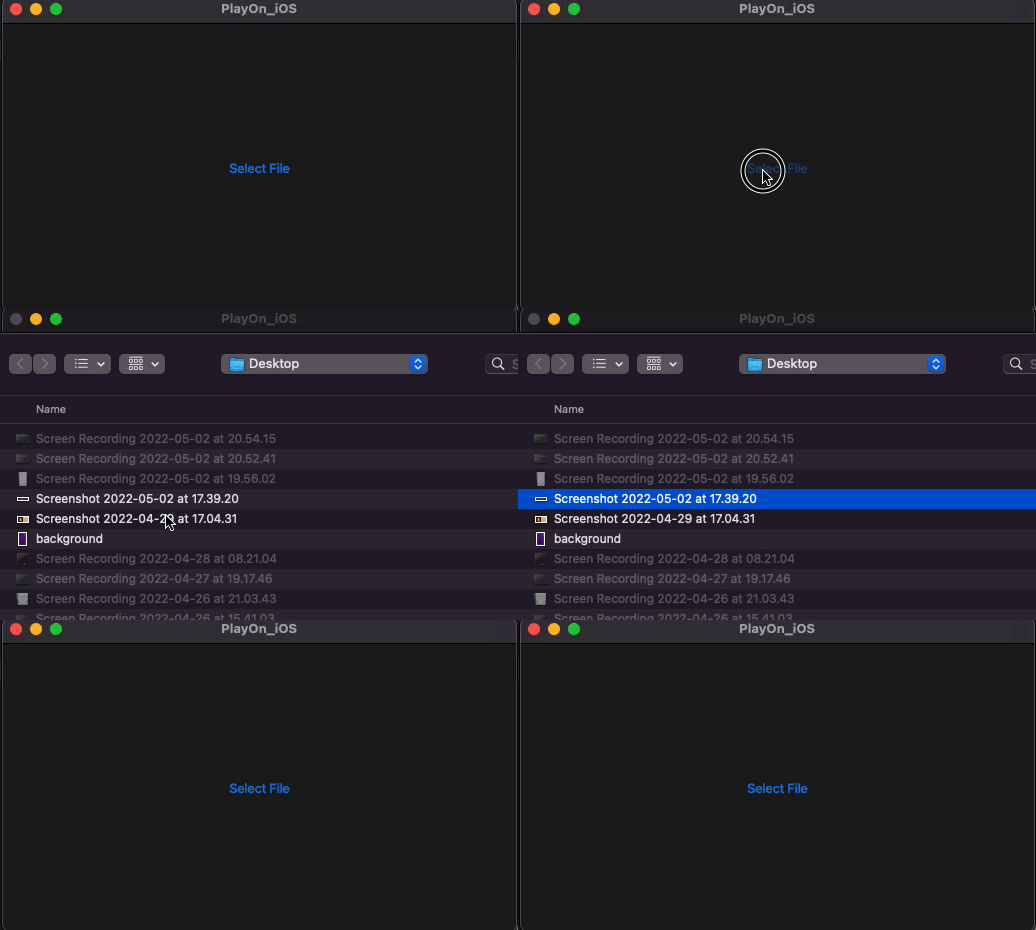
并演示开放标准macOS选择器
Stack Overflow用户
发布于 2021-06-24 19:53:51
由于某些原因(我不知道更多的具体细节),以下内容对我起了作用(对于催化剂):
而不是使用in: .import
let documentPicker = UIDocumentPickerViewController(
    documentTypes: [(kUTTypeImage as String)],
    in: .import
)使用in: .open
let documentPicker = UIDocumentPickerViewController(
    documentTypes: [(kUTTypeImage as String)],
    in: .open
)我还没有检查功能是否在iOS中维护,但也许您可以使用某种“标志”来确定是使用.import还是.open
页面原文内容由Stack Overflow提供。腾讯云小微IT领域专用引擎提供翻译支持
原文链接:
https://stackoverflow.com/questions/59078623
复制相关文章
相似问题
腾讯云开发者

Copyright © 2013 - 2026 Tencent Cloud. All Rights Reserved. 腾讯云 版权所有
深圳市腾讯计算机系统有限公司 ICP备案/许可证号:粤B2-20090059  粤公网安备44030502008569号
腾讯云计算(北京)有限责任公司 京ICP证150476号 | 京ICP备11018762号