
找出有内容的区域,然后再进行采购。
我使用OpenCV 4-python3-在黑白图像中找到一个特定区域。
这个区域不是100%填充的形状。白线之间可能会有一些空隙。
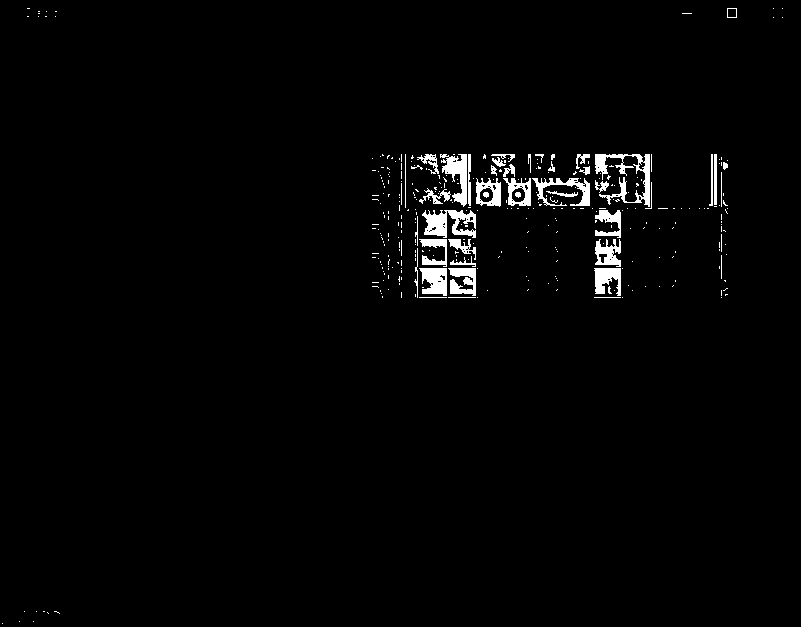
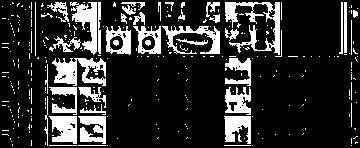
这是我开始处理的基本图像:
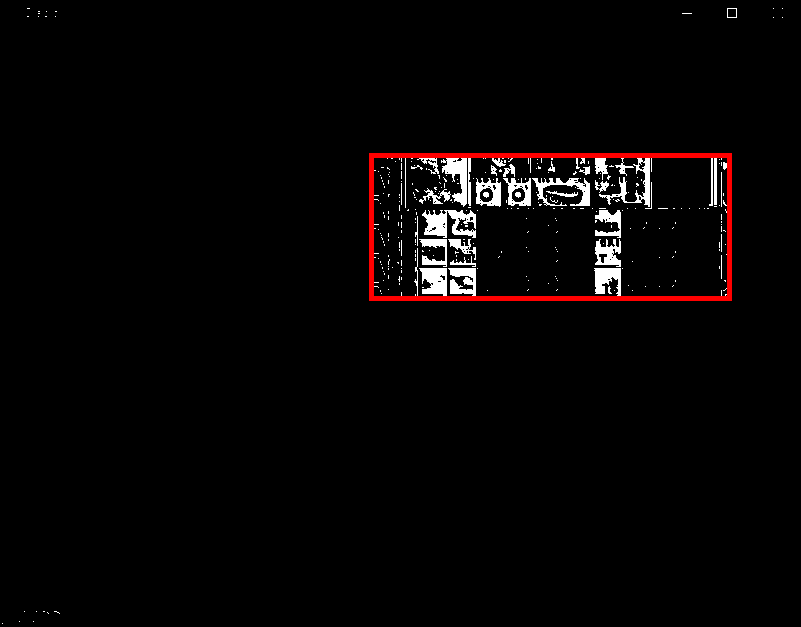
这是我所期待的矩形-用photoshop -制作的:
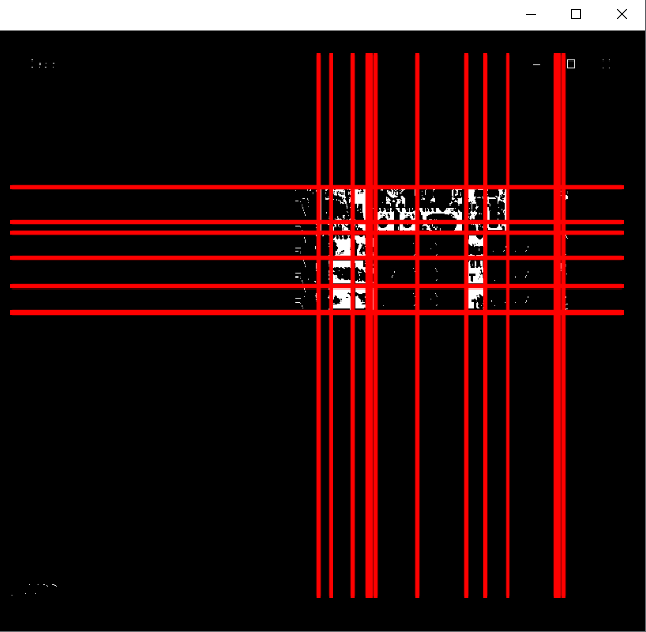
我用hough变换线得到的结果-不准确-
基本上,我从第一个图像开始,我希望在第二个图像中找到你看到的。
知道如何得到第二个图像的矩形吗?
回答 3
Stack Overflow用户
发布于 2019-10-20 17:29:48
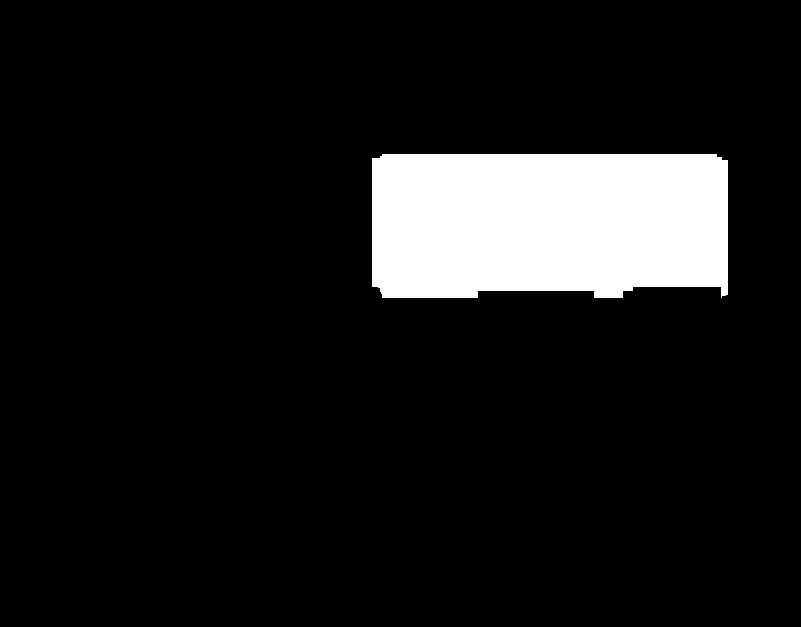
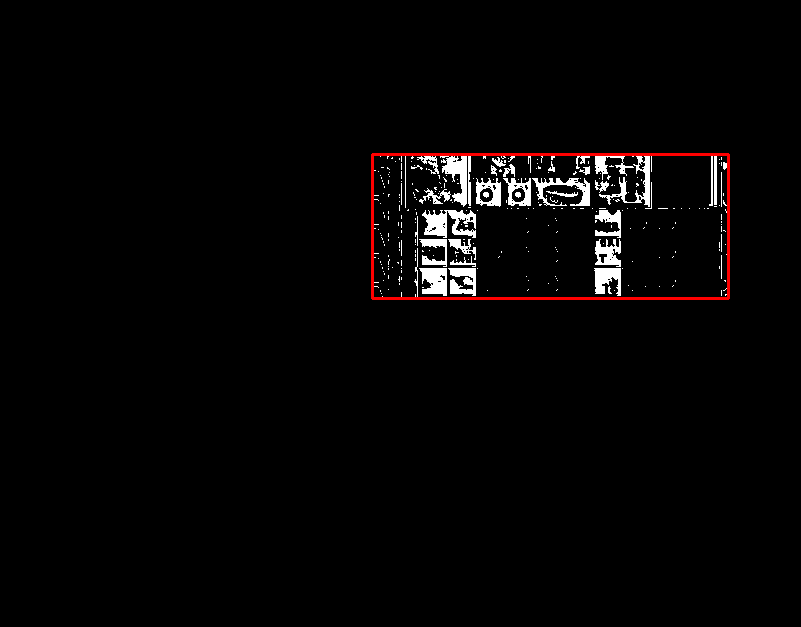
在Python/OpenCV中,您可以使用形态学连接图像的所有白色部分,然后获取外部轮廓。注意,我已经修改了您的图像,以删除在顶部和底部的部分,从您的屏幕快照。
import cv2
import numpy as np

# read image as grayscale
img = cv2.imread('blackbox.png')

# convert to grayscale
gray = cv2.cvtColor(img,cv2.COLOR_BGR2GRAY)

# threshold
_,thresh = cv2.threshold(gray,0,255,cv2.THRESH_BINARY)

# apply close to connect the white areas
kernel = np.ones((75,75), np.uint8)
thresh = cv2.morphologyEx(thresh, cv2.MORPH_CLOSE, kernel)

# get contours (presumably just one around the outside)
result = img.copy()
contours = cv2.findContours(thresh, cv2.RETR_EXTERNAL, cv2.CHAIN_APPROX_SIMPLE)
contours = contours[0] if len(contours) == 2 else contours[1]
for cntr in contours:
    x,y,w,h = cv2.boundingRect(cntr)
    cv2.rectangle(result, (x, y), (x+w, y+h), (0, 0, 255), 2)

# show thresh and result
cv2.imshow("thresh", thresh)
cv2.imshow("Bounding Box", result)
cv2.waitKey(0)
cv2.destroyAllWindows()

# save resulting images
cv2.imwrite('blackbox_thresh.png',thresh)
cv2.imwrite('blackbox_result.png',result)
输入:
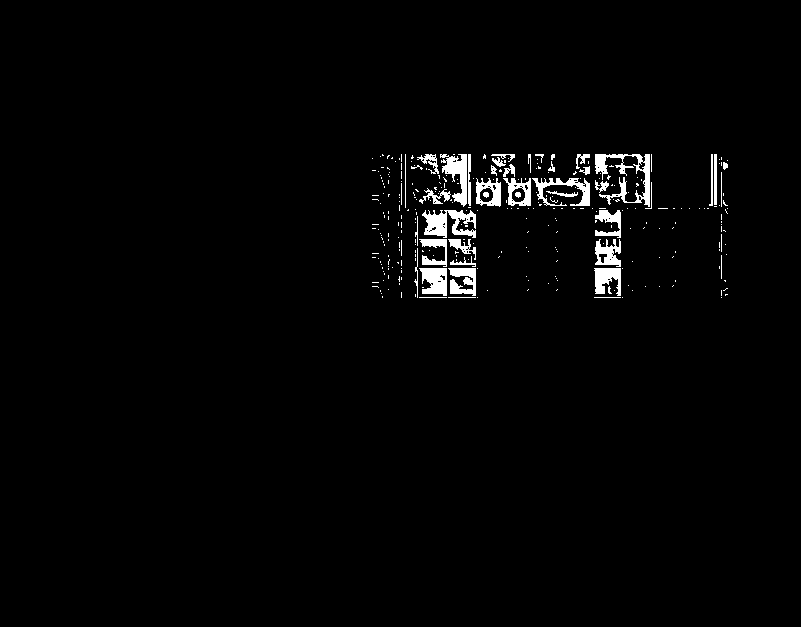
形态学后的图像:
结果:
Stack Overflow用户
发布于 2019-10-21 05:13:26
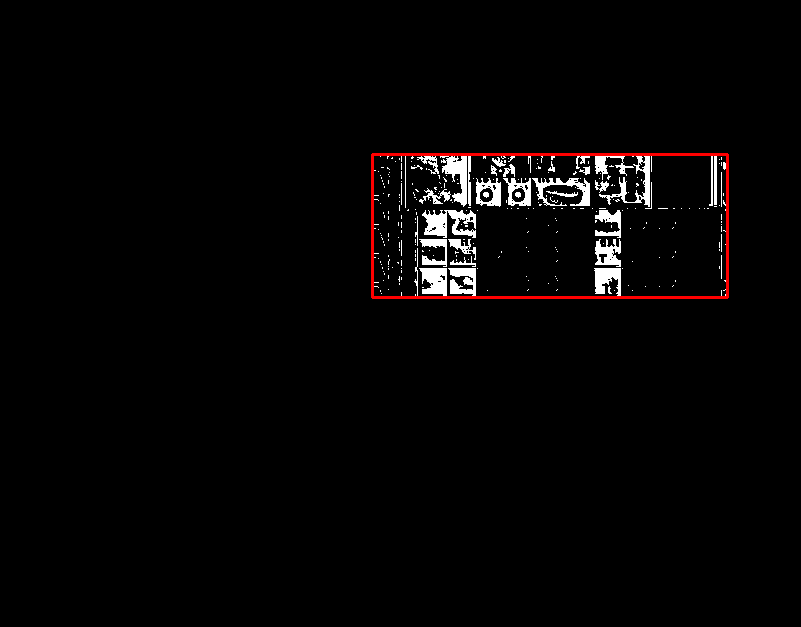
我想提出一种方法,它在计算上可能比fmw42's answer中仅使用NumPy的nonzero函数的解决方案更便宜。基本上,找到了两个轴的所有非零指数,然后得到了极小值和最大值。因为这里有二进制图像,所以这种方法工作得很好。
让我们看看下面的代码:
import cv2
import numpy as np

# Read image as grayscale; threshold to get rid of artifacts
_, img = cv2.threshold(cv2.imread('images/LXSsV.png', cv2.IMREAD_GRAYSCALE), 0, 255, cv2.THRESH_BINARY)

# Get indices of all non-zero elements
nz = np.nonzero(img)

# Find minimum and maximum x and y indices
y_min = np.min(nz[0])
y_max = np.max(nz[0])
x_min = np.min(nz[1])
x_max = np.max(nz[1])

# Create some output
output = cv2.cvtColor(img, cv2.COLOR_GRAY2BGR)
cv2.rectangle(output, (x_min, y_min), (x_max, y_max), (0, 0, 255), 2)

# Show results
cv2.imshow('img', img)
cv2.imshow('output', output)
cv2.waitKey(0)
cv2.destroyAllWindows()
我借用了fmw42 42的答案中的裁剪图像作为输入,我的输出应该是相同的(或最相似的):
希望(也)有帮助!
Stack Overflow用户
发布于 2019-10-21 21:32:21
下面是对@fmw42's answer的一个小小的修改。这个想法是把想要的区域连接到一个轮廓中是非常相似的,但是你可以直接找到包围矩形,因为只有一个对象。使用相同的裁剪输入图像,结果如下。
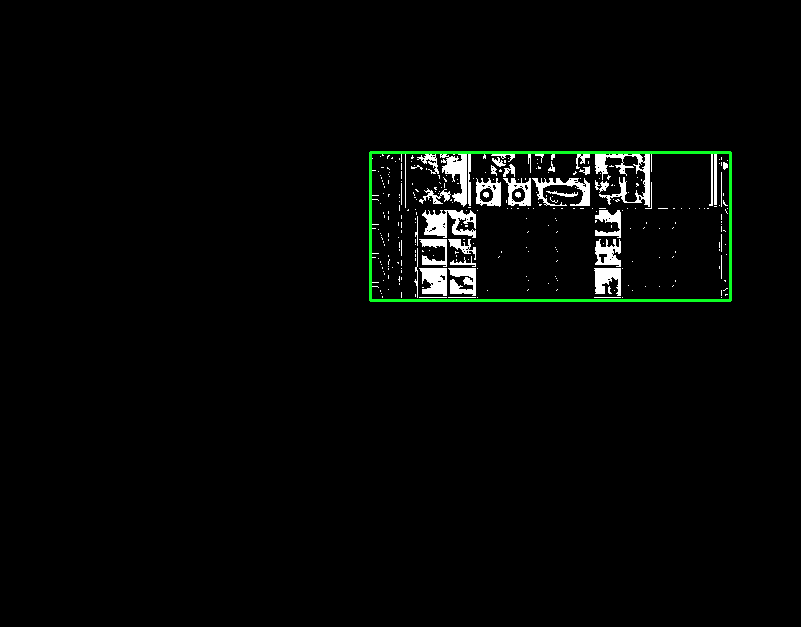
我们也可以选择提取ROI。
import cv2

# Grayscale, threshold, and dilate
image = cv2.imread('3.png')
original = image.copy()
gray = cv2.cvtColor(image, cv2.COLOR_BGR2GRAY)
thresh = cv2.threshold(gray, 0, 255, cv2.THRESH_BINARY + cv2.THRESH_OTSU)[1]

# Connect into a single contour and find rect
kernel = cv2.getStructuringElement(cv2.MORPH_RECT, (5,5))
dilate = cv2.dilate(thresh, kernel, iterations=1)
x,y,w,h = cv2.boundingRect(dilate)
ROI = original[y:y+h,x:x+w]
cv2.rectangle(image, (x, y), (x+w, y+h), (36, 255, 12), 2)

cv2.imshow('image', image)
cv2.imshow('ROI', ROI)
cv2.waitKey()https://stackoverflow.com/questions/58473998
复制相似问题
腾讯云开发者

Copyright © 2013 - 2026 Tencent Cloud. All Rights Reserved. 腾讯云 版权所有
深圳市腾讯计算机系统有限公司 ICP备案/许可证号:粤B2-20090059  粤公网安备44030502008569号
腾讯云计算(北京)有限责任公司 京ICP证150476号 | 京ICP备11018762号