
无法在mac中使用android studio打开ics-openvpn
无法在mac中使用android studio打开ics-openvpn
提问于 2019-12-03 10:50:27
我在OpenVPN中克隆了ics-openvpn项目。然后我安装NDK,CMake,swig(4.0.1),更新git .跟着doc/README.txt,然后我用安卓工作室打开它。但是当使用Android打开这个项目时,我看不到项目中的另一个包。
这里是我的结果:
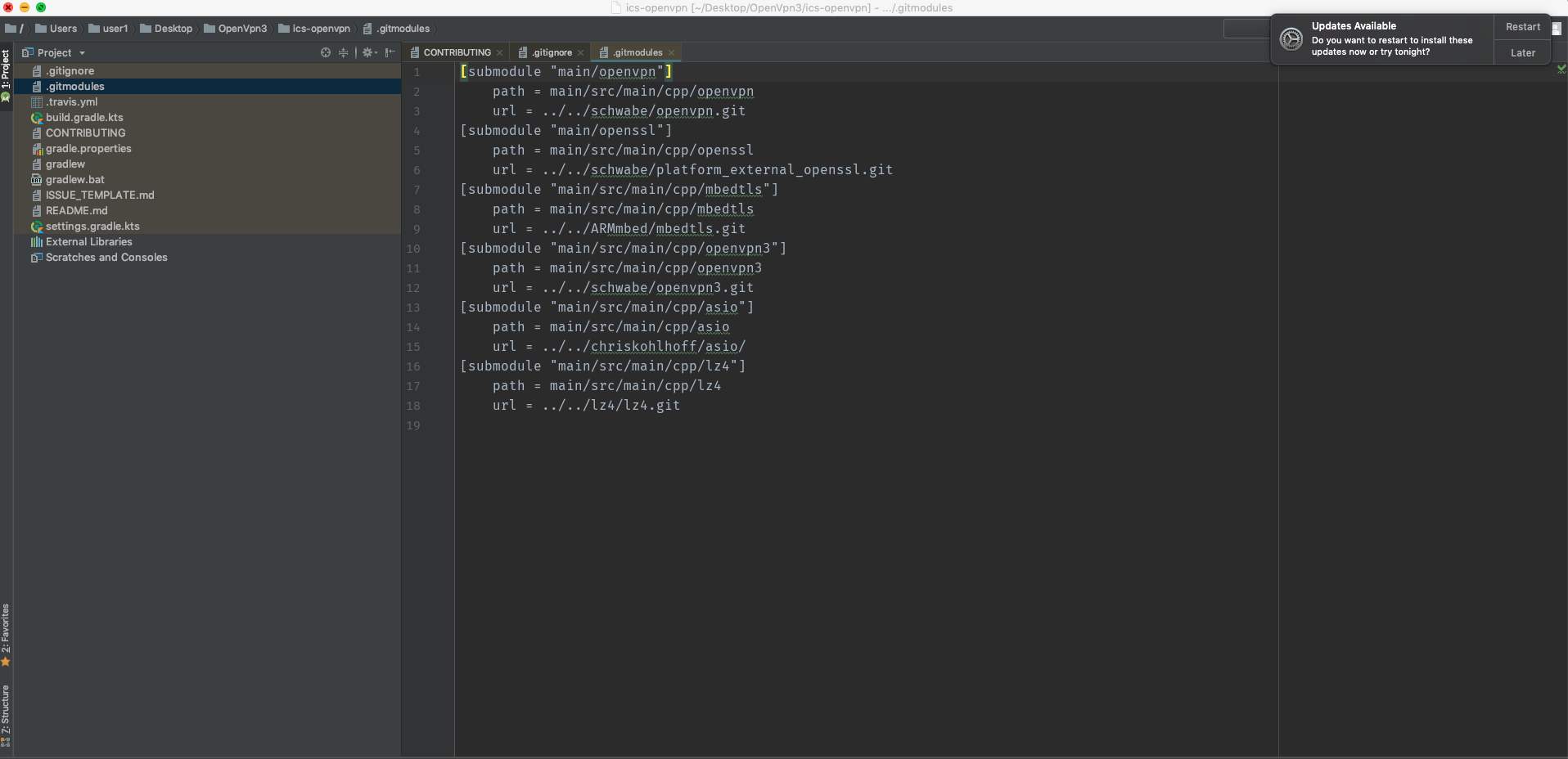
如何修复它以查看所有包并构建项目?
非常感谢!
回答 1
Stack Overflow用户
发布于 2019-12-03 14:05:49
- 如果要开发此项目,请执行以下步骤:
1. clone the repo
2. create a new empty project
3. click on File then new then import module and go to the repo that you download. open it and choose **main** folder
4. build the project
5. open terminal from the android studio and type `cd main/cpp` or the name that you name it to this module and download this sub modules :- git子模块添加https://github.com/schwabe/openvpn.git
- git子模块添加openssl.git
- git子模块添加https://github.com/ARMmbed/mbedtls.git
- git子模块添加https://github.com/schwabe/openvpn3.git
- git子模块添加https://github.com/lz4/lz4.git
- git子模块添加https://github.com/chriskohlhoff/asio.git
1. run this commands on terminal :git子模块init
git子模块更新
1. go to build.gradle for openvpn module and change the following :id("com.android.application")到id("com.android.library")
1. copy this snipt of code that exist in `build.gradle` for the library and paste it in your `build.gradle` inside android script : flavorDimensions("implementation")
productFlavors {
create("ui") {
setDimension("implementation")
buildConfigField("boolean", "openvpn3", "true")
}
create("skeleton") {
setDimension("implementation")
buildConfigField("boolean", "openvpn3", "false")
}
}- 在
build.gradle中的依赖项中添加模块:
implementation project(path: ':your-module-name')
- 同步项目并完成:-)
注意:如果看不到模块文件,请单击android右侧的gradle,然后单击openvpn模块,然后选择刷新Gradle项目.。
我希望它能帮到别人。
页面原文内容由Stack Overflow提供。腾讯云小微IT领域专用引擎提供翻译支持
原文链接:
https://stackoverflow.com/questions/59155389
复制相关文章
相似问题
腾讯云开发者

Copyright © 2013 - 2026 Tencent Cloud. All Rights Reserved. 腾讯云 版权所有
深圳市腾讯计算机系统有限公司 ICP备案/许可证号:粤B2-20090059  粤公网安备44030502008569号
腾讯云计算(北京)有限责任公司 京ICP证150476号 | 京ICP备11018762号