
在调整窗口大小时调整画布大小(JavaScript)
在调整窗口大小时调整画布大小(JavaScript)
提问于 2020-04-23 06:39:19
我想做什么
我想把帆布的尺寸保持在窗户上。
问题是什么?
我设置帆布尺寸如下所述。
canvas.width = window.innerWidth;
canvas.height = window.innerHeight;
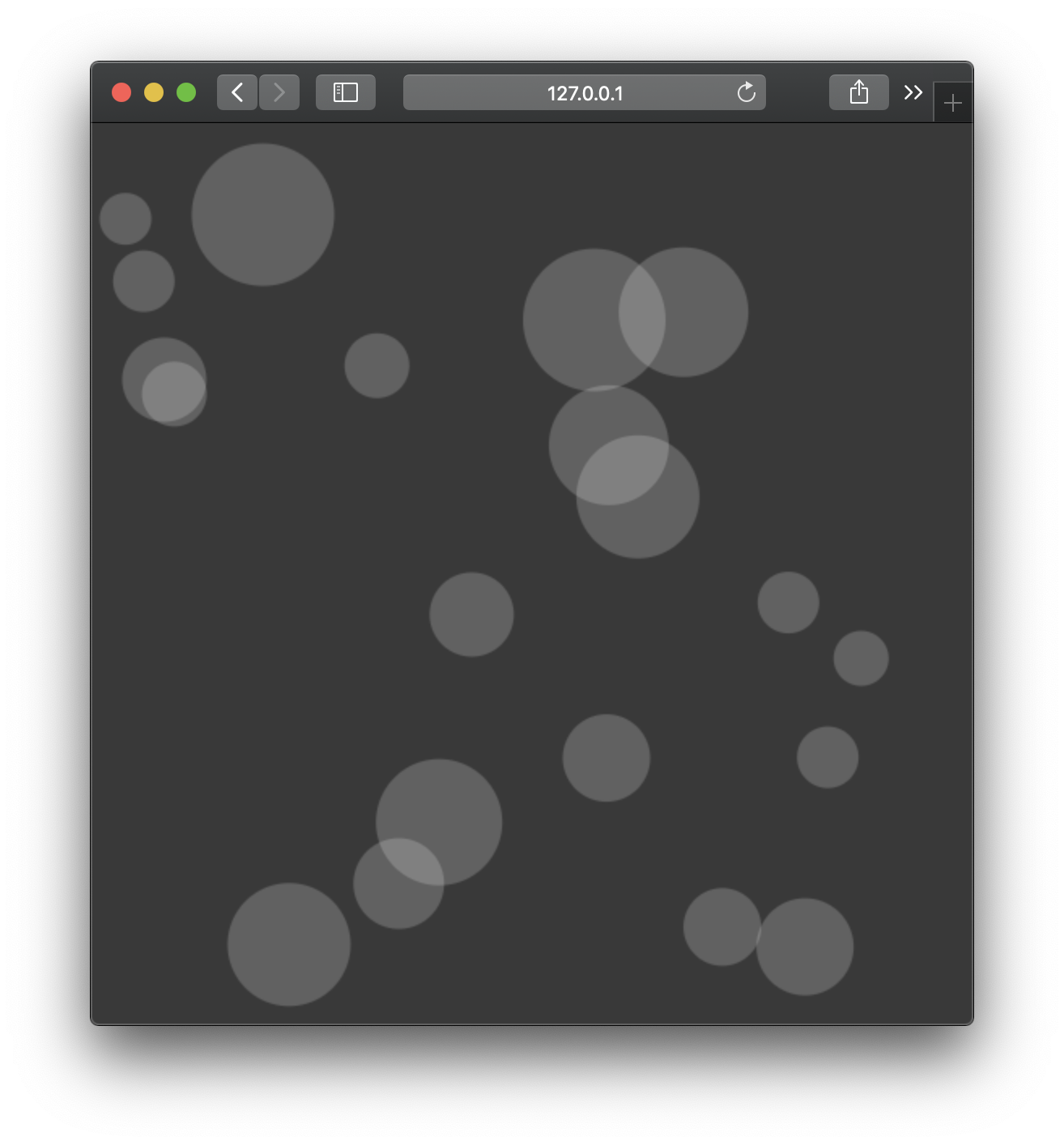
啊,真灵。
但是当我调整窗口的大小时,画布大小并没有改变,而是保持了最初的大小。
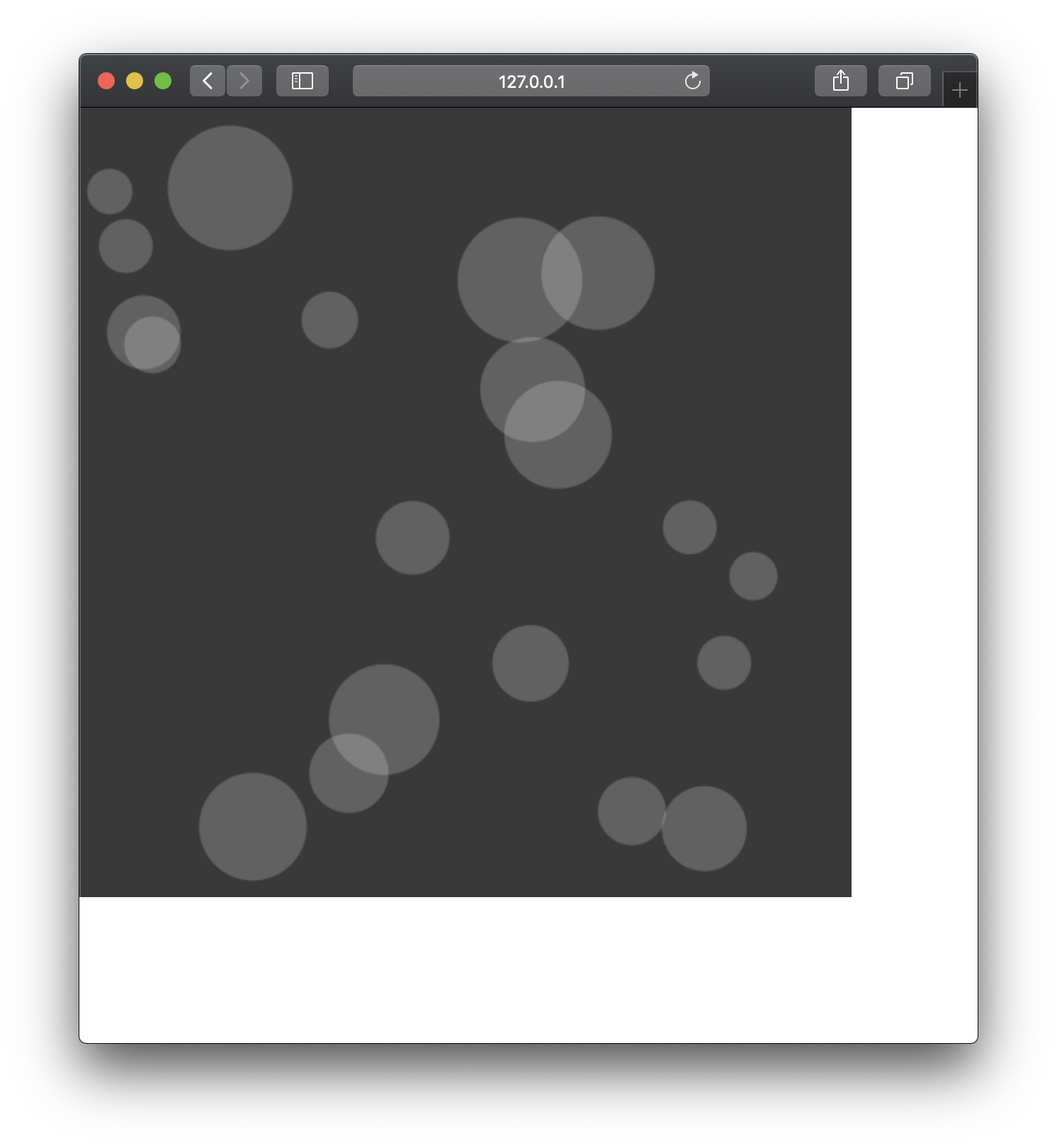
,我应该怎么做才能在不改变球大小的情况下保持画布大小满?
这是我的密码
const canvas = document.querySelector('#sandBox');
canvas.width = window.innerWidth;
canvas.height = window.innerHeight;
const ctx = canvas.getContext('2d');

class Circle {
  constructor(x, y, r, c) {
    this.x = x;
    this.y = y;
    this.r = r;
    this.c = c;
  }

  draw() {
    ctx.beginPath();
    ctx.fillStyle = this.c;
    ctx.arc(this.x, this.y, this.r, 0, Math.PI * 2);
    ctx.fill();
    ctx.closePath();
  }
}

const balls = [];

for (let i = 0; i < 20; i++) {
  let r = Math.floor(Math.random() * 30) + 15;
  let x = Math.random() * (canvas.width - r * 2) + r;
  let y = Math.random() * (canvas.height - r * 2) + r;
  let c = 'rgba(255,255,255,0.2)';
  balls.push(new Circle(x, y, r, c));
}

balls.forEach(ball => ball.draw());body {
position: relative;
}
canvas {
/* width: 100vw;
height: 100vh; */
background-color: #393939;
position: absolute;
top: 0;
left: 0;
z-index: -1;
}<canvas id="sandBox"></canvas>
回答 1
Stack Overflow用户
回答已采纳
发布于 2020-04-23 06:56:19
您可以有一个回调onresize,并使用它重新创建画布:
每次调整窗口大小时,都必须重新绘制画布,除非您将其保存在某个地方。
function init() {
  const canvas = document.querySelector("#sandBox");
  canvas.width = window.innerWidth;
  canvas.height = window.innerHeight;
  const ctx = canvas.getContext("2d");

  class Circle {
    constructor(x, y, r, c) {
      this.x = x;
      this.y = y;
      this.r = r;
      this.c = c;
    }

    draw() {
      ctx.beginPath();
      ctx.fillStyle = this.c;
      ctx.arc(this.x, this.y, this.r, 0, Math.PI * 2);
      ctx.fill();
      ctx.closePath();
    }
  }

  const balls = [];

  for (let i = 0; i < 20; i++) {
    let r = Math.floor(Math.random() * 30) + 15;
    let x = Math.random() * (canvas.width - r * 2) + r;
    let y = Math.random() * (canvas.height - r * 2) + r;
    let c = "rgba(255,255,255,0.2)";
    balls.push(new Circle(x, y, r, c));
  }

  balls.forEach((ball) => ball.draw());
}

window.onload = function() {
  init();
};body {
position: relative;
}
canvas {
width: 100vw;
height: 100vh;
background-color: #393939;
position: absolute;
top: 0;
left: 0;
z-index: -1;
}<body onresize="init()">
<canvas id="sandBox"></canvas>
</body>
页面原文内容由Stack Overflow提供。腾讯云小微IT领域专用引擎提供翻译支持
原文链接:
https://stackoverflow.com/questions/61380792
复制相关文章
相似问题
腾讯云开发者

Copyright © 2013 - 2026 Tencent Cloud. All Rights Reserved. 腾讯云 版权所有
深圳市腾讯计算机系统有限公司 ICP备案/许可证号:粤B2-20090059  粤公网安备44030502008569号
腾讯云计算(北京)有限责任公司 京ICP证150476号 | 京ICP备11018762号