
我如何AutoScroll与反应-排序-特别(表)?
我一直在努力实现这个例子,特别是使用表中的autoscroll行为来实现react-sortable-hoc示例页面中的内容。不幸的是,源代码似乎并不存在于存储库的示例目录中。
虽然我在下面的代码框中实现的代码是一个非常简单的例子,但我已经花了几个小时使用useWindowAsScrollContainer和getContainer来解决这个问题,但是似乎什么也解决不了这个问题。
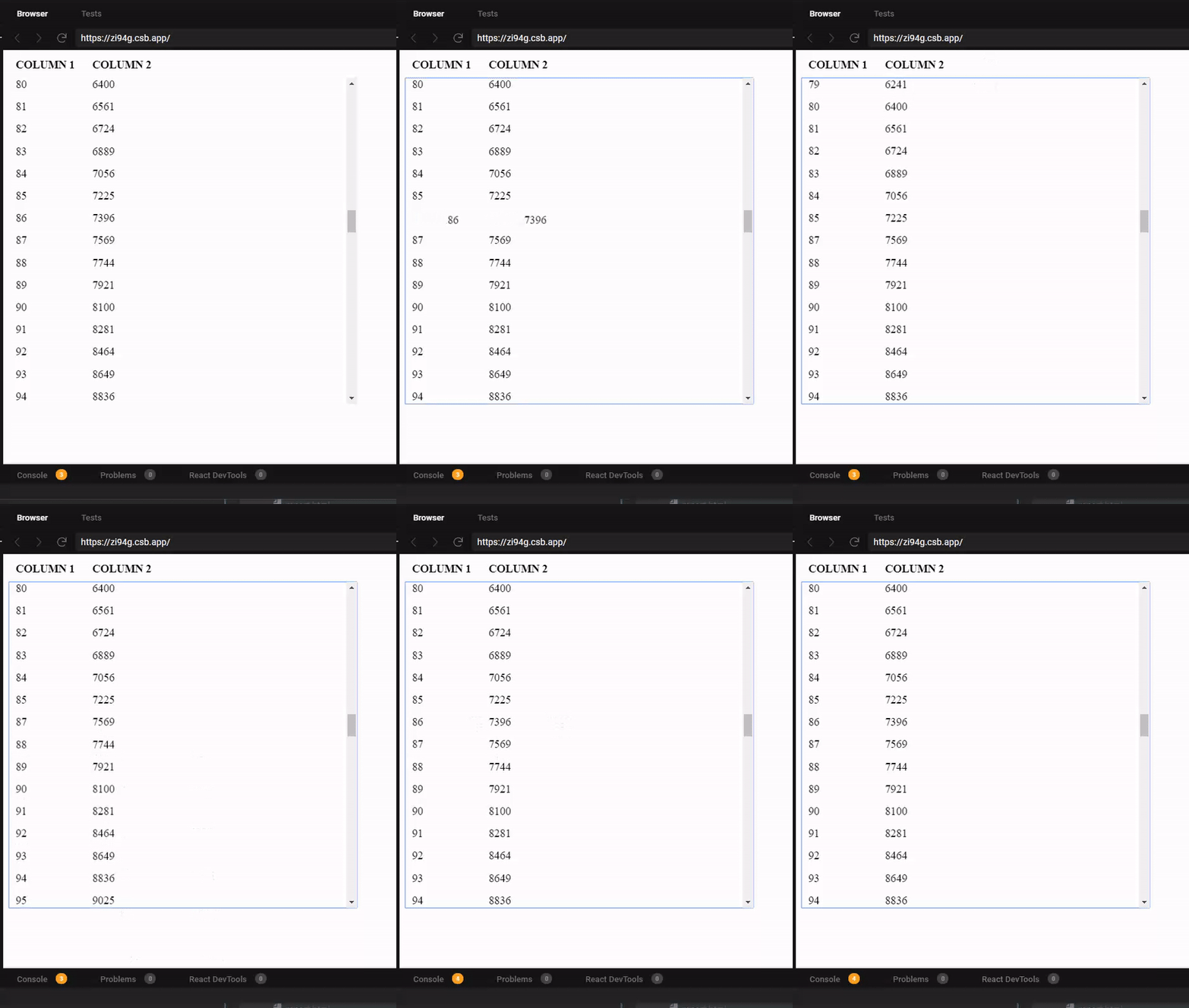
尽管如此,我注意到的行为是:当滚动出容器,甚至从窗口滚动时,autoscroll功能从来不起作用。我甚至求助于使用document.body返回getContainer,这应该限制容器,但似乎无法复制存储库的示例中提到的行为。
另外,虽然我已经在SortableTable组件上指定了固定的高度和宽度,但理想情况下,应该用<AutoSizer />包装,但是暂时删除它是为了消除任何副作用。
https://codesandbox.io/s/mysortabletable-zi94g?file=/MySortableTable.js
- react-sortable-hoc:1.11.0
- react-virtualized:9.7.5
回答 1
Stack Overflow用户
发布于 2020-05-24 18:04:23
您需要将容器提供给可排序组件,当使用第三方库使用sortableElement支柱进行呈现时,容器必须将getContainer限制到该组件。
根据反应可排序的特别文件:
getContainer是返回可滚动容器元素的可选函数。此属性默认为SortableContainer元素本身或(如果useWindowAsScrollContainer为真)窗口。使用此函数指定自定义容器对象(例如,这对于与某些第三方组件(如FlexTable)集成非常有用)。这个函数被传递给一个参数( wrappedInstance function元素),它将返回一个DOM元素。
现在,由于不能将直接引用传递给子组件,所以可以在表组件上编写一个小包装器,然后再将它传递给特设
const MyTable = ({ tableRef, ...rest }) => {
    return <Table ref={this.props.tableRef} {...rest} />;
}
const SortableTable = SortableContainer(MyTable);
const SortableTableRowRenderer = SortableElement(defaultTableRowRenderer);

/**
 * Define the table schema
 */
const schema = [
  { dataKey: "col1", label: "Column 1" },
  { dataKey: "col2", label: "Column 2" }
];

/**
 * Generate row data according to the schema above
 * @param {*} rowCount
 */
function generateRows(rowCount) {
  const rows = [];
  for (let i = 0; i < rowCount; i++) {
    rows.push({ col1: i, col2: i * i });
  }
  return rows;
}

class MySortableTable extends Component {
  state = {
    schema,
    rows: generateRows(200)
  };

  onSortEnd = ({ oldIndex, newIndex }) => {
    this.setState(({ rows }) => ({
      rows: arrayMove(rows, oldIndex, newIndex)
    }));
  };

  rowRenderer = props => {
    return <SortableTableRowRenderer {...props} />;
  };

  getRow = ({ index }) => {
    const { rows } = this.state;
    return rows[index];
  };

  render() {
    const { rows, schema } = this.state;

    return (
      <SortableTable
        width={500}
        height={500}
        headerHeight={32}
        rowHeight={32}
        tableRef={ref => (this.tableRef = ref)}
        getContainer={() => ReactDOM.findDOMNode(this.tableRef.Grid)}
        rowCount={rows.length}
        rowGetter={this.getRow}
        onSortEnd={this.onSortEnd}
        rowRenderer={this.rowRenderer}
      >
        {schema.map(col => (
          <Column {...col} key={col.dataKey} width={100} />
        ))}
      </SortableTable>
    );
  }
}https://stackoverflow.com/questions/61947059
复制相似问题
腾讯云开发者

Copyright © 2013 - 2026 Tencent Cloud. All Rights Reserved. 腾讯云 版权所有
深圳市腾讯计算机系统有限公司 ICP备案/许可证号:粤B2-20090059  粤公网安备44030502008569号
腾讯云计算(北京)有限责任公司 京ICP证150476号 | 京ICP备11018762号