
open62541:引用函数的链接器工具错误
我试图让open62541在我的Windows 10机器上工作,但是即使有了这个帖子,我仍然在挣扎。
目标
我想要执行一个具有所有相关功能的cpp OPC_UA客户机(CRUD对可编程控制器变量等等)。
当前状态
我已经根据官方的open62541 文档和帖子构建了这个帖子项目
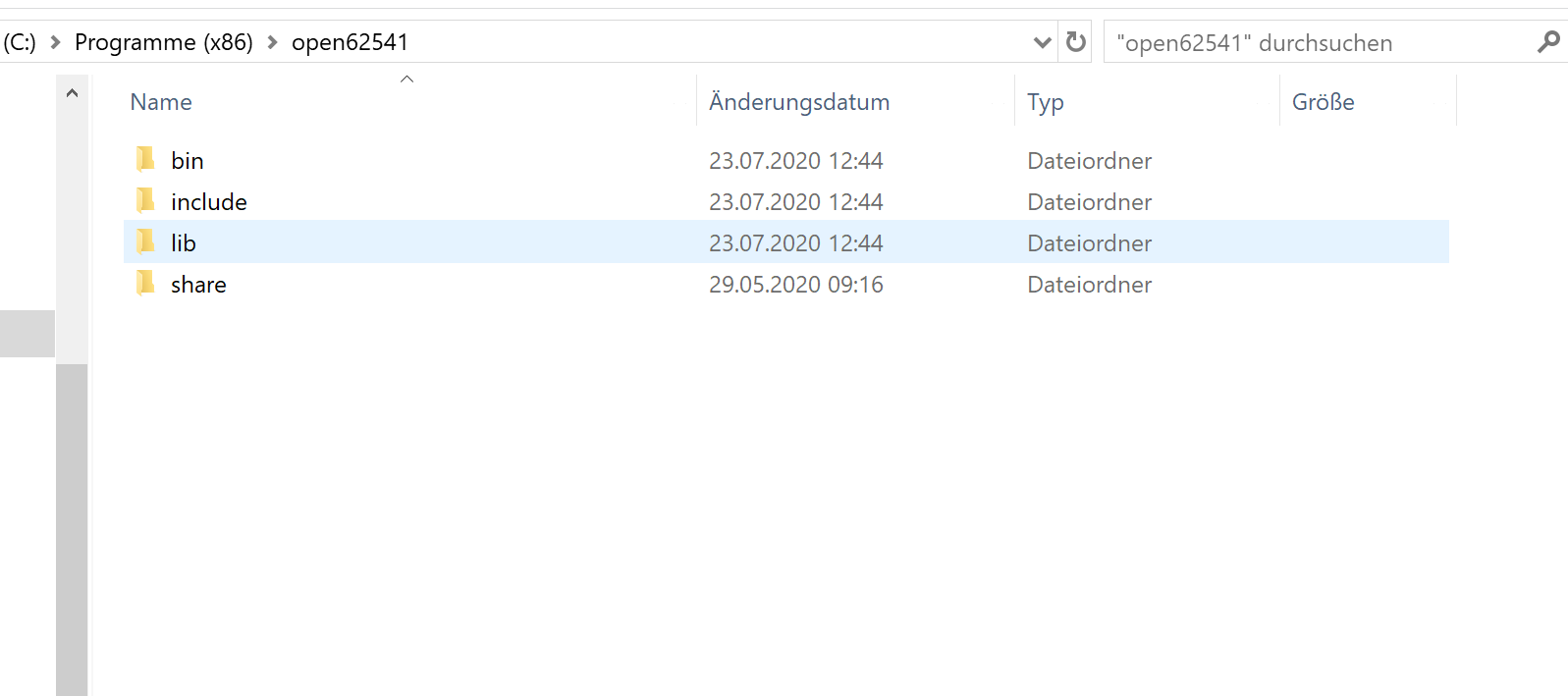
cmake -DBUILD_SHARED_LIBS=ON -DCMAKE_BUILD_TYPE=RelWithDebInfo -UA_NAMESPACE_ZERO=FULL ..之后,我运行ALL_BUILD并安装,没有任何问题(如果我作为一个管理员运行VisualStudio 16,2019 )。因此,我将open62541文件夹与Program files (x86)下的.h、.dll和.lib文件放在一起:
下一步是创建包含客户端代码的CMake项目。我使用CMake图形用户界面链接open62541文件/文件夹,但在我的CMakeSetting.json中也必须这样做:
Test.cpp
#include "open62541.h"
#include <iostream>

int main()
{
    UA_Client* client = UA_Client_new();
    UA_Client_delete(client);
    std::cout << "Hello CMake." << std::endl;
    return 0;
}
CMakeList.txt
cmake_minimum_required (VERSION 3.8)

project ("Test")
add_subdirectory ("Test")

# Find the generated/amalgamated header file
find_path(OPEN62541_INCLUDE_DIR open62541.h)

# Find the generated .lib file
find_library(OPEN62541_LIBRARY open62541)

# Find open62541 with dependencies (Full NS0)
find_package(open62541 REQUIRED COMPONENTS FullNamespace)

# Include open62541 include folder
include_directories(${OPEN62541_INCLUDE_DIR})

# Set open62541 libary
set(open62541_LIBRARIES ${open62541_LIBRARIES} ${OPEN62541_LIBRARY})

# Create main.exe
add_executable(main "Test/Test.cpp")

# Link open62541 to main.
target_link_libraries(main ${open62541_LIBRARIES})
CMakeSettings.json
{
  "configurations": [
    {
      "name": "x64-Debug",
      "generator": "Ninja",
      "configurationType": "Debug",
      "inheritEnvironments": [ "msvc_x64_x64" ],
      "buildRoot": "${projectDir}\\out\\build\\${name}",
      "installRoot": "${projectDir}\\out\\install\\${name}",
      "cmakeCommandArgs": "",
      "buildCommandArgs": "",
      "ctestCommandArgs": "",
      "variables": [
        {
          "name": "OPEN62541_LIBRARY",
          "value": "C:/Program Files (x86)/open62541/lib/open62541.lib",
          "type": "FILEPATH"
        },
        {
          "name": "OPEN62541_INCLUDE_DIR",
          "value": "C:/Program Files (x86)/open62541/include",
          "type": "PATH"
        }
      ]
    }
  ]
}
问题
构建项目或执行main.exe之后,对于引用的OPC对象的每个实例,我都会得到LNK2019错误:
LNK2019 unresolved external symbol __imp_UA_Client_delete referenced in function main 我也使用open62541项目中的构建示例进行了尝试,但也有相同的错误。
回答 1
Stack Overflow用户
发布于 2020-07-24 10:42:42
安装文件描述使用导入的 CMake目标将open62541链接到CMake目标:
find_package(open62541 REQUIRED COMPONENTS Events FullNamespace) add_executable(main main.cpp) target_link_libraries(main open62541::open62541)
通过使用导入的目标,您的CMake代码中的以下命令变得不必要了:
find_pathfind_libraryinclude_directories
此外,如果您还没有这样做,您需要告诉CMake在您的系统上哪里可以找到open62541。可以通过将生成的open62541Config.cmake文件的路径附加到CMAKE_PREFIX_PATH变量(如描述的这里 )来实现这一点。
此外,还不清楚您使用哪些选项运行cmake,但是安装文档建议使用以下选项运行:
cmake -DBUILD_SHARED_LIBS=ON -DCMAKE_BUILD_TYPE=RelWithDebInfo -DUA_NAMESPACE_ZERO=FULL ..https://stackoverflow.com/questions/63071570
复制相似问题
腾讯云开发者

Copyright © 2013 - 2026 Tencent Cloud. All Rights Reserved. 腾讯云 版权所有
深圳市腾讯计算机系统有限公司 ICP备案/许可证号:粤B2-20090059  粤公网安备44030502008569号
腾讯云计算(北京)有限责任公司 京ICP证150476号 | 京ICP备11018762号