
如何使用eyed3将艺术品转换成Tkinter图像?
如何使用eyed3将艺术品转换成Tkinter图像?
提问于 2020-07-28 23:30:47
类似于这个问题:
我希望将.m4a文件(类似于`.mp3')中的音乐艺术品放到Tkinter中,以便在标签上显示。
由于一些奇怪的原因,链接中的所有答案都使用:
import eyed3但我得用
import eyeD3要安装,我必须使用:
sudo apt install python-eyed3
sudo apt install eyed3我最迟将运行Ubuntu16.04.6LTS到2021年,这意味着我使用的是Python2.7.12。我理解eyeD3或eyed3 Python3.5版本中的语法和命名约定可能已经改变,这是Ubuntu16.04.6LTS的另一种选择。我也在使用Linux,但我对此表示怀疑。
注意:今天早上尝试了从.m4a调用ffmpeg将.m4a文件的艺术品转换成.jpg文件,但这“很复杂”,我希望eyed3或eyeD3能更简单一些。
回答 1
Stack Overflow用户
回答已采纳
发布于 2020-07-29 03:19:48
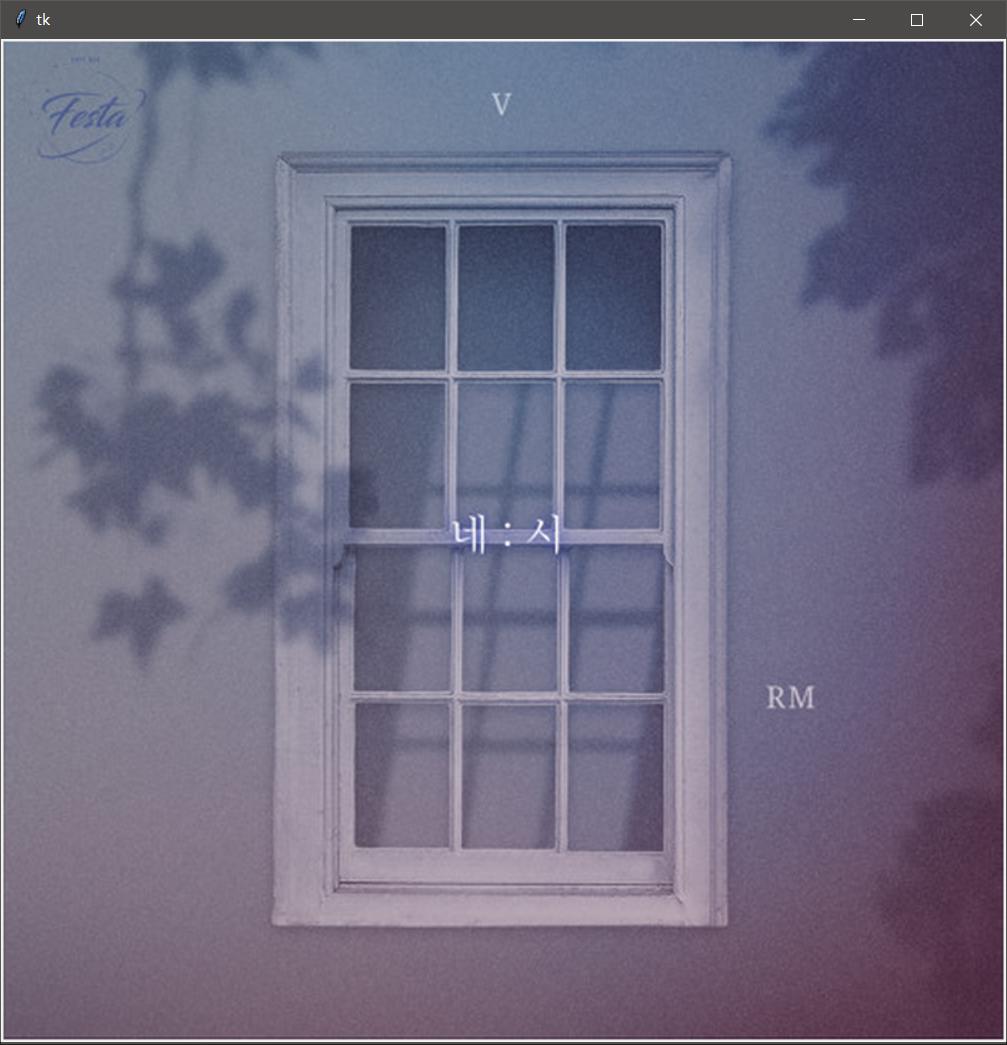
使用file.tag.images并迭代它,使用i.image_data获取图像的字节。
例如:
import eyed3, io
from PIL import Image, ImageTk
import tkinter as tk

root = tk.Tk()
file = eyed3.load(r"music_path")

# if there contains many images
for i in file.tag.images:
     img = ImageTk.PhotoImage(Image.open(io.BytesIO(i.image_data)))
     tk.Label(root, image=img).pack()

# or if there only one image here:

# img = ImageTk.PhotoImage(Image.open(io.BytesIO(file.tag.images[0].image_data)))
# tk.Label(root, image=img).pack()

root.mainloop()
在我的电脑上工作得很好。
页面原文内容由Stack Overflow提供。腾讯云小微IT领域专用引擎提供翻译支持
原文链接:
https://stackoverflow.com/questions/63144242
复制相关文章
相似问题
腾讯云开发者

Copyright © 2013 - 2026 Tencent Cloud. All Rights Reserved. 腾讯云 版权所有
深圳市腾讯计算机系统有限公司 ICP备案/许可证号:粤B2-20090059  粤公网安备44030502008569号
腾讯云计算(北京)有限责任公司 京ICP证150476号 | 京ICP备11018762号