
Avalonia UI缩放问题
我正在使用Avalonia开发跨平台桌面MVVM应用程序,我的问题很简单:
我想调整整个窗口以适应目标设备的显示分辨率。例如,UI应该始终按比例缩放,以覆盖显示的25 %至50%,但不应该更大。缩放应该包括所有字体大小、宽度和高度等属性。要将其可视化,这里是它在我的4K桌面上的样子,这是它应该看起来的样子:
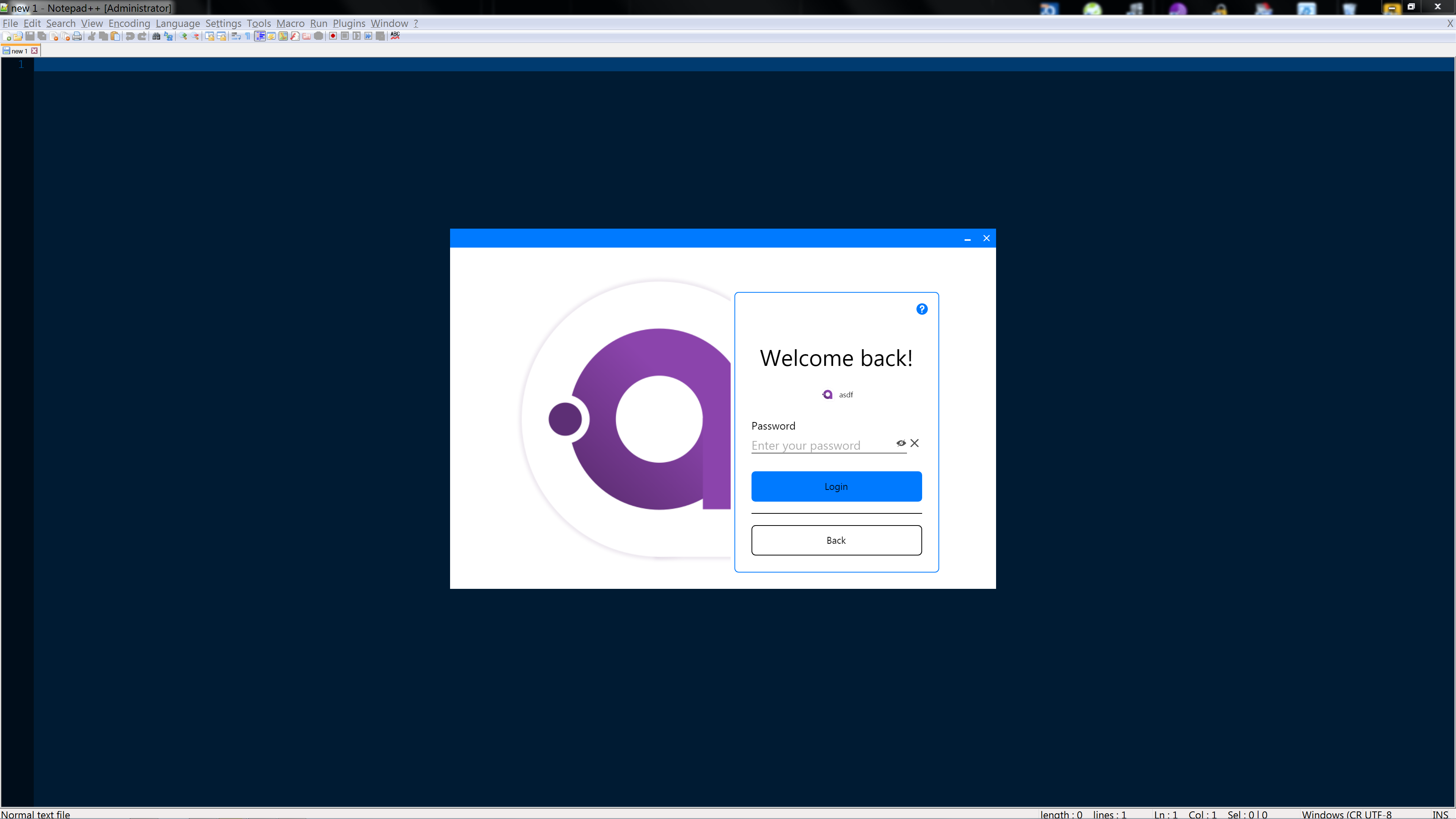
在我的linux笔记本电脑上,分辨率要低得多,看上去如下所示:
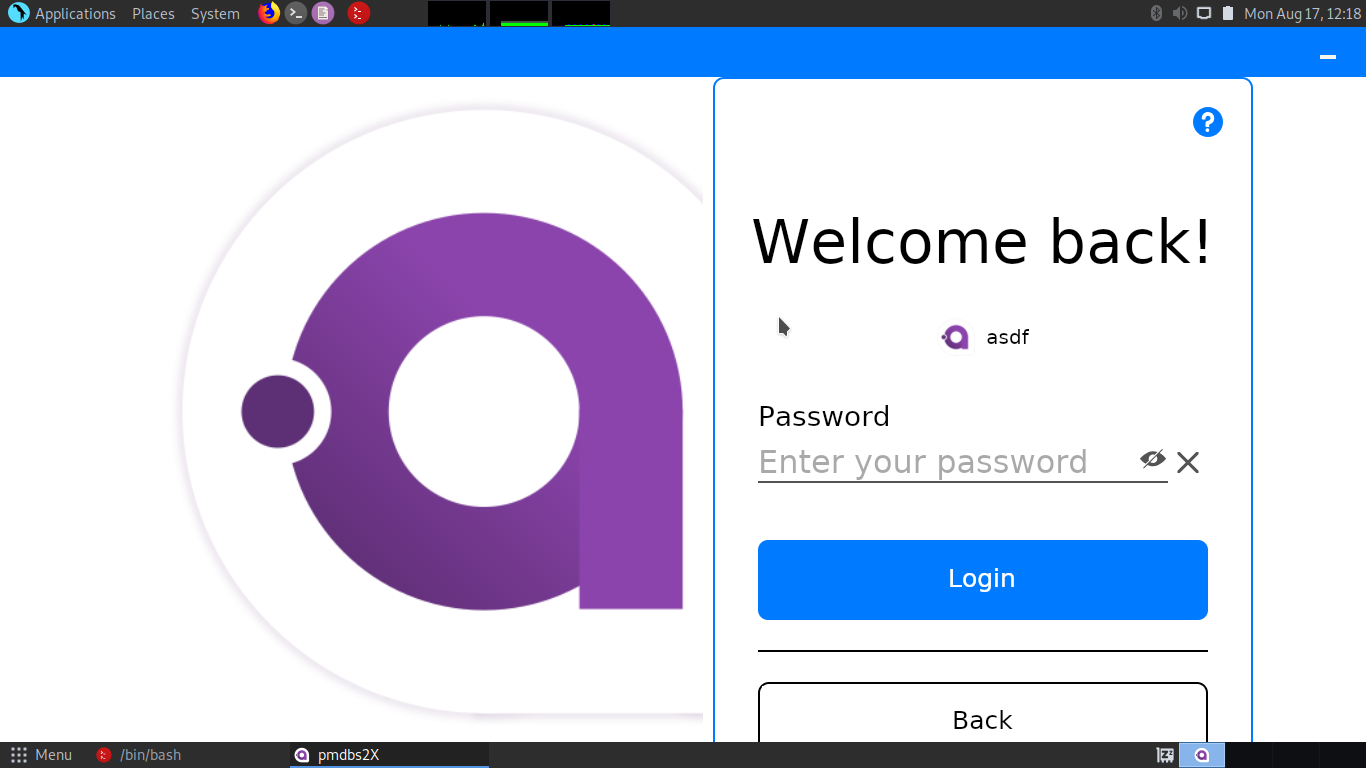
我想要做的是根据显示分辨率向上或向下缩放,这样看起来就不像垃圾了,并且字体总是清晰可读的(所以字体也需要缩放)。(可能还有一个用于UI扩展的WinAPI调用,但该解决方案也应该在linux和OSX上工作)
如何使用Avalonia实现这一点?或者,是否有更好的方法来实现这一点?
请注意,应用程序的宽度与高度比应保持不变,应用程序不应覆盖整个屏幕。
到目前为止我的想法:
- 我可能会为每个大小参数创建绑定,并在应用程序启动时使用某种缩放因子重新计算最佳大小,但这将需要一堆新代码,而且使用字体大小实现起来也很困难。
- 也许会创建绑定和一些样式预置,比如CSS媒体查询?不过,那也是一堆工作。
是否有更好的方法达到预期的效果?
回答 1
Stack Overflow用户
发布于 2020-11-02 09:51:14
我可能会为每个大小参数创建绑定,并在应用程序启动时使用某种缩放因子重新计算最佳大小,但这将需要一堆新代码,而且使用字体大小实现起来也很困难。
这就是我所做的。我必须创建一个完整的单独的命名空间来保存执行此操作所需的所有类。因此,如果有人感兴趣的话,在这个答案但是我把我的全部代码放在GitHub上中输入太多的代码。
基本上,这一切归结为迭代Avalonia LogicalTree,如下所示:
/// <summary>
/// Recursively registers all <see cref="ILogical"/>s in <paramref name="logicals"/> to the <paramref name="bindingContext"/>.
/// </summary>
/// <param name="logicals">A <see cref="Queue{T}"/> containing the root controls that will be recursively registered.</param>
/// <param name="bindingContext">The <see cref="BindingContext"/> the <see cref="ScalableObject"/>s will be registered to.</param>
public static void RegisterControls(Queue<IEnumerable<ILogical>> logicals, BindingContext bindingContext)
{
    while (logicals.Count > 0)
    {
        IEnumerable<ILogical> children = logicals.Dequeue();
        foreach (ILogical child in children)
        {
            logicals.Enqueue(child.GetLogicalChildren());
            if (child is AvaloniaObject avaloniaObject)
            {
                ScalableObject scalableObject = new ScalableObject(avaloniaObject);
                bindingContext.Add(scalableObject);
            }
        }
    }
}其中,我的ScalableObject的构造函数如下所示:
/// <summary>
/// Initializes a new <see cref="ScalableObject"/> from the provided <paramref name="avaloniaObject"/>.
/// </summary>
/// <param name="avaloniaObject">The <see cref="AvaloniaObject"/> to be mapped to this new instance of <see cref="ScalableObject"/>.</param>
public ScalableObject(AvaloniaObject avaloniaObject)
{
    if (avaloniaObject is TextBlock textBlock)
    {
        Register(avaloniaObject, TextBlock.FontSizeProperty, textBlock.FontSize);
    }
    if (avaloniaObject is TemplatedControl templatedControl)
    {
        Register(avaloniaObject, TemplatedControl.FontSizeProperty, templatedControl.FontSize);
    }
    if (avaloniaObject is Border border)
    {
        Register(avaloniaObject, Border.CornerRadiusProperty, border.CornerRadius);
    }
    // .... This goes on like this for a while
}
然后,我可以在所有创建的绑定上迭代一个新的UI缩放因子,如下所示:
/// <summary>
/// Applies the specified <paramref name="scalingFactor"/> to this <see cref="ScalableObject"/> and all of it's children.
/// </summary>
/// <param name="scalingFactor">The scaling factor to be applied to all <see cref="IScalable"/>s of this <see cref="ScalableObject"/>.</param>
public void ApplyScaling(double scalingFactor)
{
    PreScalingAction?.Invoke();
    foreach (IScalable binding in Bindings.Values)
    {
        binding.ApplyScaling(scalingFactor);
    }
    PostScalingAction?.Invoke();
}
同样,这确实是太多的代码放在这个答案中,但希望它能让您了解我的解决方案是如何实现的。
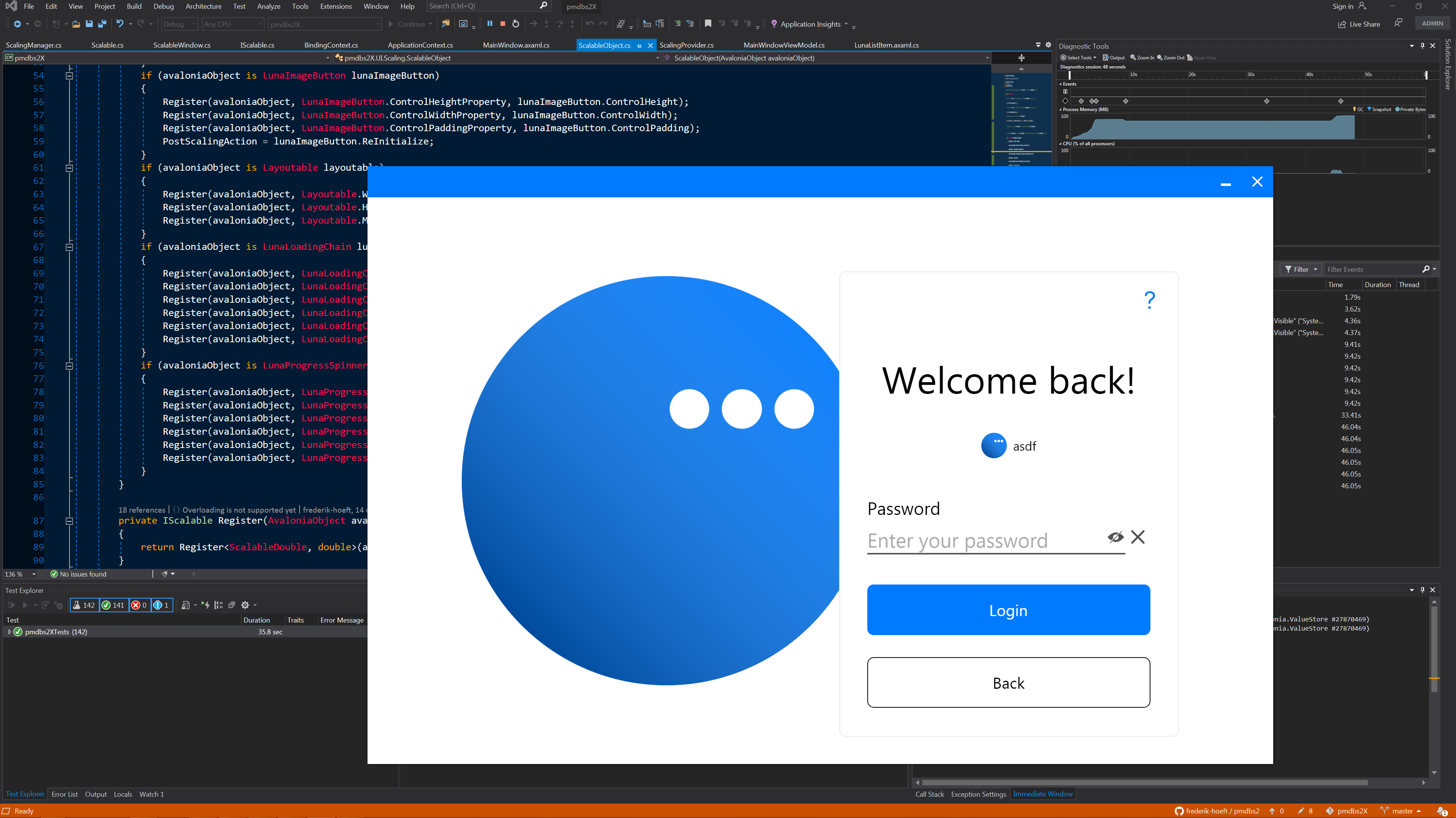
其结果是:
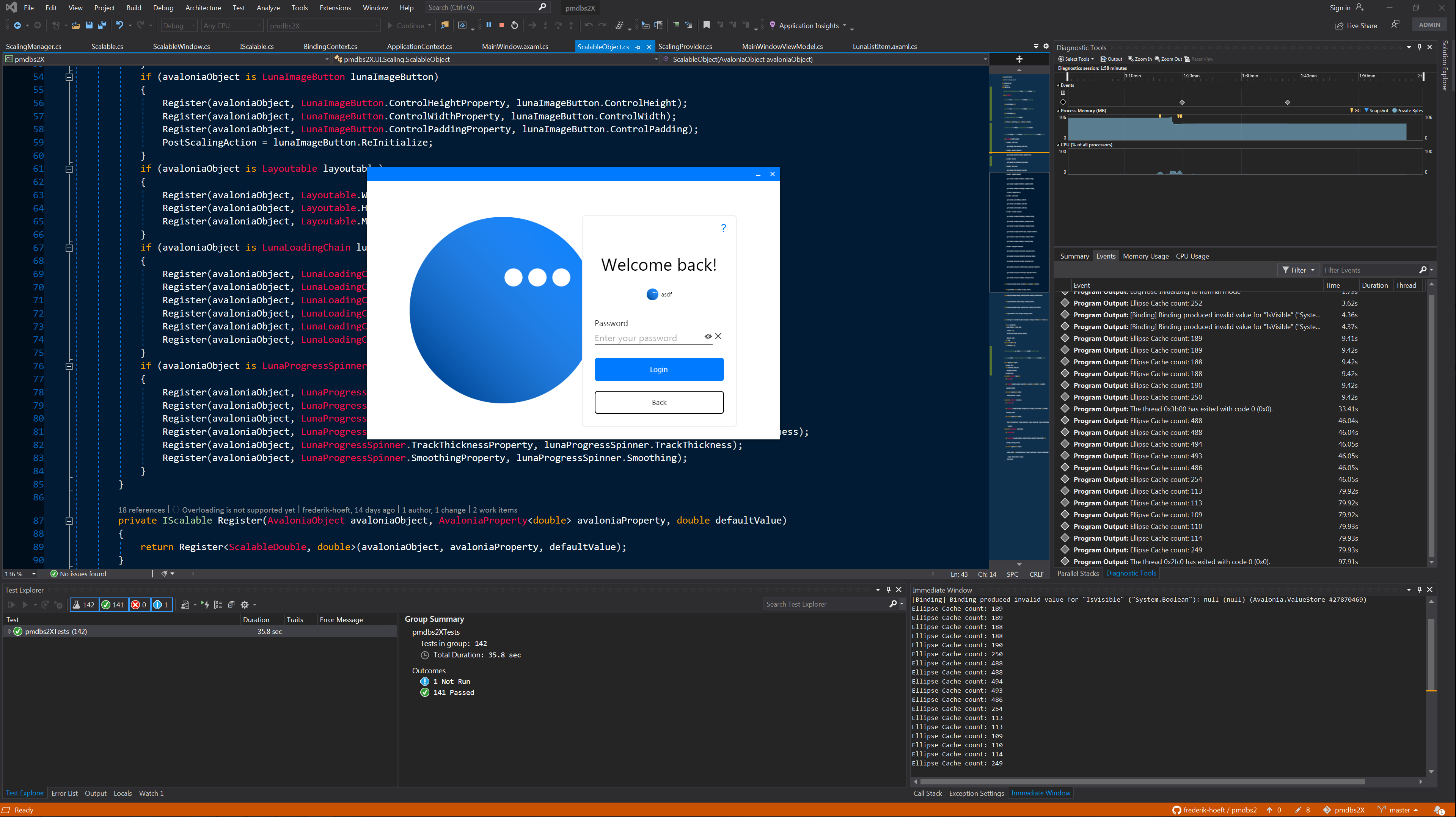
可以缩放到这个
https://stackoverflow.com/questions/63448372
复制相似问题
腾讯云开发者

Copyright © 2013 - 2026 Tencent Cloud. All Rights Reserved. 腾讯云 版权所有
深圳市腾讯计算机系统有限公司 ICP备案/许可证号:粤B2-20090059  粤公网安备44030502008569号
腾讯云计算(北京)有限责任公司 京ICP证150476号 | 京ICP备11018762号