
忽略闪存mms.cfg设置
我有下面的mms.cfg
%localappdata%\Google\Chrome\User Data\Default\Pepper Data\Shockwave Flash\System\mms.cfg%localappdata%\Microsoft\Edge\User Data\Default\Pepper Data\Shockwave Flash\System\mms.cfg%windir%System32\Macromed\Flash\mms.cfg%windir%\SysWOW64\Macromed\Flash\mms.cfg
EOLUninstallDisable=1
SilentAutoUpdateEnable=0
EnableAllowList=1
AutoUpdateDisable=0
AllowListUrlPattern=http://localhost/flash/
ErrorReportingEnable=1
EnableInsecureLocalWithFileSystem=1
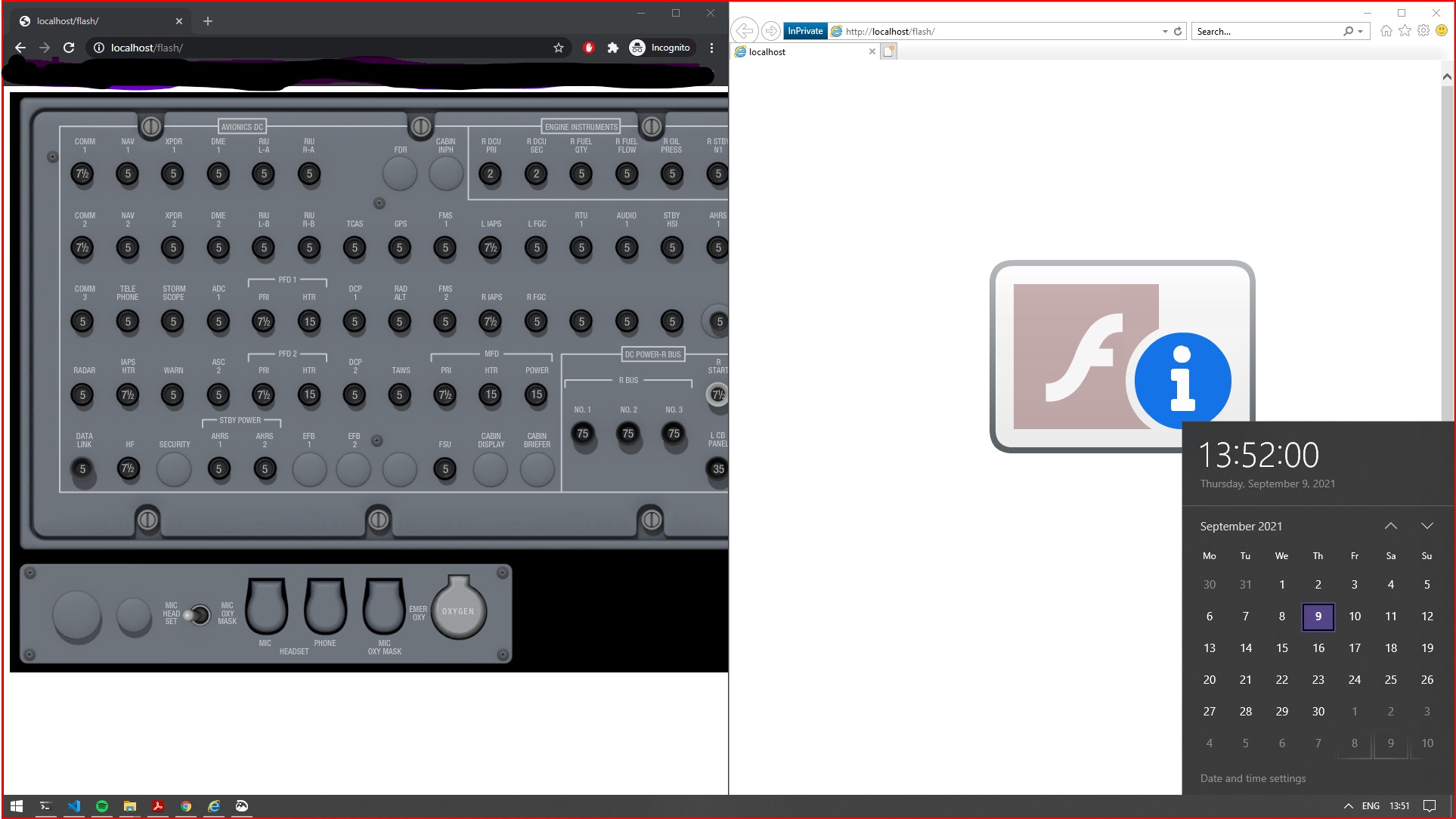
在我把我的个人电脑日期设定在2021年的时候。我可以运行Flash
- Chrome --它在
%localappdata%\Google\Chrome\User Data\Default\Pepper Data\Shockwave Flash\System\mms.cfg中使用配置 - 边缘铬--它在
%localappdata%\Microsoft\Edge\User Data\Default\Pepper Data\Shockwave Flash\System\mms.cfg中使用配置 - 火狐-
%windir%System32\Macromed\Flash\mms.cfg
根据我的理解,IE11应该使用%windir%System32\Macromed\Flash\mms.cfg中的一个,但是不管出于什么原因,它似乎忽略了它,并且这个文件中的设置没有效果,闪存仍然是禁用的。
为了100%确定IE使用配置文件,我运行了ProcMon,看起来IE实际上正在打开文件,就像您在图片中看到的那样。

我的问题是,为什么互联网浏览器忽视这一点?我能做些什么?其他有用的信息:
- Firefox和Chromium浏览器使用32.0.0.433
- IE11使用32.0.0.387,这是windows嵌入式版本的flash。
- 在上测试
- Windows 10 Pro 10.0.18362
- Windows 10 Pro 10.0.19041
- Windows 10家庭10.0.18362
- 我从旧版本的Windows中获取了Flash 32.0.0.330版本,我甚至没有得到EOL的行为。这使我相信这是一个FP版本问题,由MS发布的32.0.0.387版本可能不支持
AllowListUrlPattern。
我尝试过但没有成功的事情包括:
- 重新启动机器
- 将.cfg的编码设置为UTF-8.
回答 3
Stack Overflow用户
发布于 2020-10-30 12:50:22
我在Windows 10 Enterprise10.0.19041和Flash 32.0.0.387上进行了测试,结果相同。
然后我运行Windows更新程序,安装了Flash 32.0.0.445。https://support.microsoft.com/en-us/help/4580325/security-update
此版本如预期一样尊重mms.cfg设置。
我的mms.cfg放在%windir%\SysWOW64\Macromed\Flash和%windir%\System32\Macromed\Flash里
看起来是这样的:
EOLUninstallDisable=1
EnableAllowList=1
AllowListUrlPattern=*://*.mydomain.com/
AllowListUrlPattern=*://localhost/
AllowListUrlPattern=*://localhost:5311/
此外,在玩了不同的日期后,我确定截止日期是01/12/2021。
Stack Overflow用户
发布于 2021-01-16 10:11:08
从这里https://community.adobe.com/t5/flash-player/ie-11-ignores-allowlisturlpattern-in-mms-cfg/td-p/11426041?page=1的文章中获得一笔战利品
基本上,尝试更改属性名称:
- 将
EnableAllowList转化为EnableWhiteList - 将
AllowlistPreview转化为WhitelistPreview - 将
AllowListUrlPattern转化为WhitelistUrlPattern
Stack Overflow用户
发布于 2020-12-04 14:54:11
我在IE 11中遇到了同样的问题,并在这个页面上找到了答案。
简而言之,使用EnableWhitelist、WhitelistPreview、WhitelistUrlPattern标志而不是在mms.cfg文件中使用EnableAllowList、AllowListPreview、AllowListUrlPattern为我工作。
我的mms.cfg文件位于下面的路径中:
C:\Windows\SysWOW64\Macromed\Flash谢谢
https://stackoverflow.com/questions/63799628
复制相似问题
腾讯云开发者

Copyright © 2013 - 2026 Tencent Cloud. All Rights Reserved. 腾讯云 版权所有
深圳市腾讯计算机系统有限公司 ICP备案/许可证号:粤B2-20090059  粤公网安备44030502008569号
腾讯云计算(北京)有限责任公司 京ICP证150476号 | 京ICP备11018762号