
反应本机ImageBackground取向变化
即使我可以获得屏幕方向的更改来更新状态和重新呈现,ImageBackground组件仍然不会更新其宽度。
我有以下代码:
<View
  onLayout={event => this.mylayoutchange(event)}
  style={{ flex: 1, backgroundColor: 'green' }}
>
  <ImageBackground
    style={{ flex: 1, width: this.state.width, height: this.state.height }}
    imageStyle={{ resizeMode: 'repeat' }}
    source={require('../assets/images/my_background.jpg')}
  >
    <View>
      <Text>.... Other code here....</Text>
    </View>
  </ImageBackground>
</View>;当用户改变设备的方向时,mylayoutchange()函数将被调用。它正确地更新状态。呈现函数将更新。宽度和高度被正确地改变,就像在console.log()中所看到的那样。但是,无论出于什么原因,<ImageBackground>都不会更新其正确的宽度和高度。
当屏幕旋转时,背景图像不再填充屏幕的整个大小,相反,我看到了绿色的背景色。
我做错了什么?
我的环境:
"react": "16.13.1",
"react-native": "0.63.2",回答 3
Stack Overflow用户
发布于 2020-10-27 14:21:17
为了使图像实际调整大小,需要使用resize对resizeMethod进行调整:
resizeMethod当图像的尺寸与图像视图的尺寸不同时,应该用来调整图像大小的机制。默认为auto。
auto:使用启发式方法在resize和scale之间进行选择。resize:一种软件操作,它在解码前改变内存中的编码图像。当图像比视图大得多时,应该使用它来代替scale。scale:图像会被缩小或向上缩放。与resize相比,scale更快(通常是硬件加速)并产生更高质量的图像。如果图像小于视图,则应使用此方法。如果图像比视图稍大,也应该使用它。
很明显,RN在您的情况下选择scale,因此您必须显式地将其设置为resize,以便在方向改变和flex样式更改开始时工作:
return (
  <View
    style={{ flex: 1, backgroundColor: 'blue' }}
  >
    <ImageBackground
      // All props other than children, style, imageStyle, imageRef,
      // will be passed to the inner Image component,
      // so, we can use resizeMethod that will be passed to the Image component

      resizeMethod="resize"

      style={{
        flex: 1,
        borderWidth: 1,
        borderColor: 'red'
      }}
      imageStyle={{
        resizeMode: 'repeat',
      }}
      source={require('../assets/images/my_background.jpg')}
    >
      <View>
        <Text style={{
          backgroundColor: 'white'
        }}>.... Other code here....</Text>
      </View>
      <View style={{
        position: 'absolute',
        right: 0,
        bottom: 0
      }}>
        <Text style={{
          backgroundColor: 'white'
        }}>Absolute bottom-right text</Text>
      </View>
    </ImageBackground>
  </View>
);
结果屏幕截图:
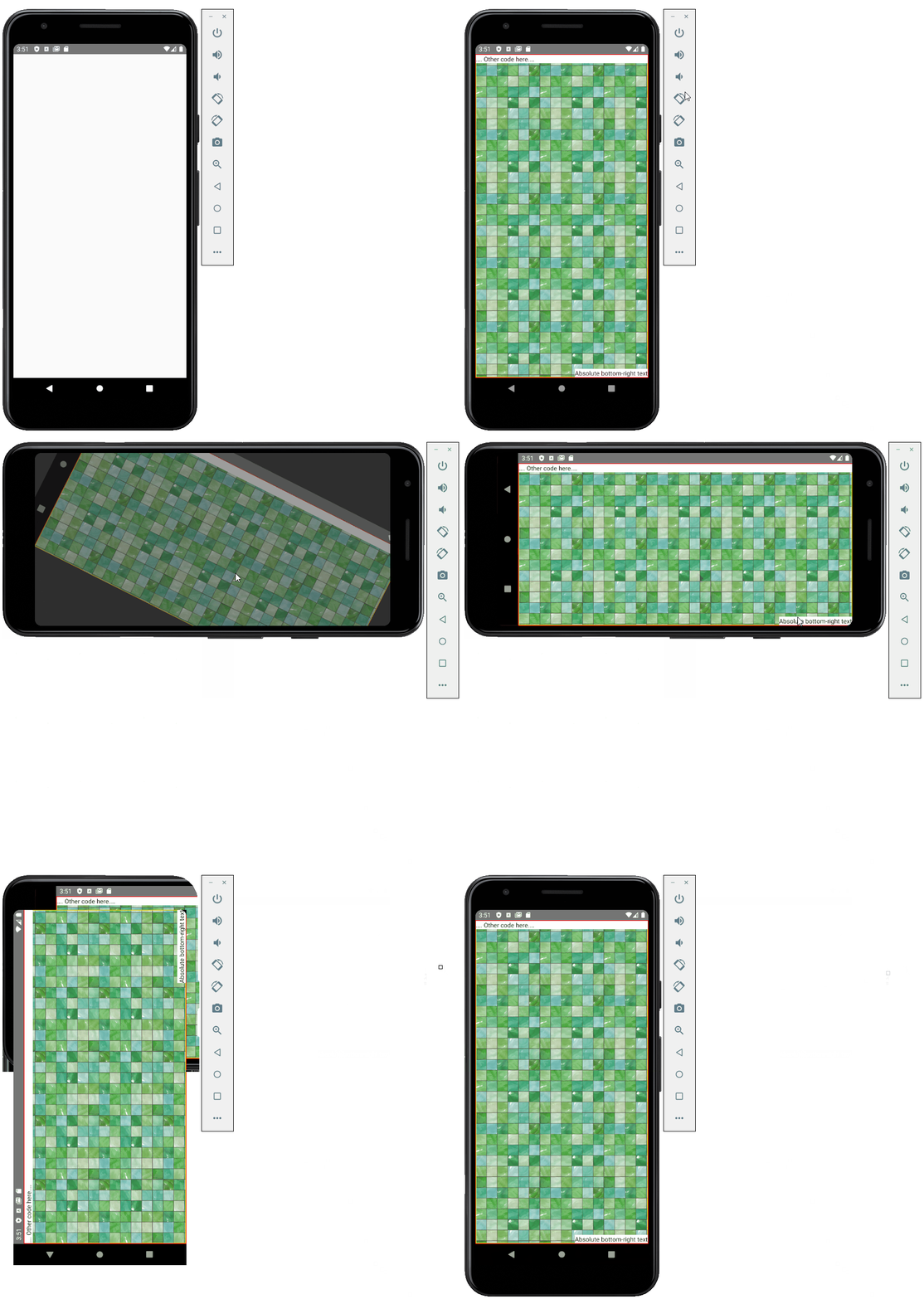
用环境测试:
"react": "16.13.1",
"react-native": "0.63.2",
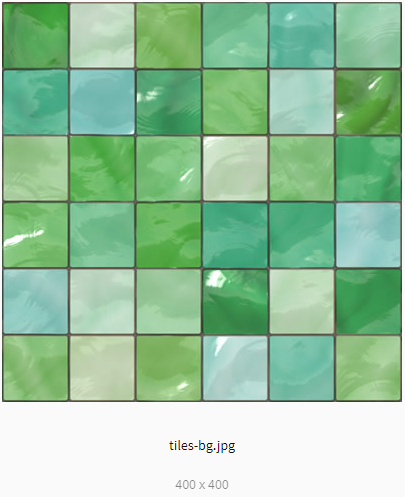
用于重复背景(400×400像素)的瓷砖图像样本:
世博美食:
Stack Overflow用户
发布于 2020-10-20 10:34:34
您可以使用CSS自动指定宽度和高度,这将确保您的视图对每个大小/布局都采用完全的宽度/高度。
     <View
        onLayout={(event) => this.mylayoutchange(event)}
        style={{flex: 1, backgroundColor: 'green'}}>
        <ImageBackground
          style={{
            flex: 1,
            width: '100%',
            height: '100%',
          }}
          imageStyle={{resizeMode: 'repeat'}}
          source={require('../assets/images/my_background.jpg')}>
          <View>
            <Text>.... Other code here....</Text>
          </View>
        </ImageBackground>
      </View>
考虑因素:
Stack Overflow用户
发布于 2020-10-22 00:18:34
我刚刚遇到了一个类似的问题。我发现的一个解决办法是在每个方向更改时生成一个唯一ID ( UUID ),并将该UUID用作ImageBackground的一个键。这将重新装入映像并绕过bug。
https://stackoverflow.com/questions/64397404
复制相似问题
腾讯云开发者

Copyright © 2013 - 2026 Tencent Cloud. All Rights Reserved. 腾讯云 版权所有
深圳市腾讯计算机系统有限公司 ICP备案/许可证号:粤B2-20090059  粤公网安备44030502008569号
腾讯云计算(北京)有限责任公司 京ICP证150476号 | 京ICP备11018762号