
扎马林形成AdMob自适应广告广告
我想添加一个AdMob自适应广告到我的应用程序的页面底部,但无论我做什么,我不能让它正确地显示。我没有问题,加载广告(和间隙广告,我也工作得很好),但我永远不能让它自己正确的定位。我尝试了上百万位代码和属性的组合,并查看了我在互联网上能找到的所有东西,但都没有用。
我的代码有三部分:
共享项目中的自定义视图,继承自Frame类(尽管在互联网上有一些指南说要从视图继承,广告是完全不可见的,除非我从框架继承)。
using Xamarin.Forms;

namespace MyApp.Views
{
    public class AdAdaptiveBannerView : Frame
    {
        public AdAdaptiveBannerView()
        {
        }
    }
}
Android项目中的自定义呈现程序。
using Android.Content;
using Android.Gms.Ads;
using Android.Widget;
using System;
using Xamarin.Essentials;
using Xamarin.Forms;
using Xamarin.Forms.Platform.Android;

[assembly: ExportRenderer(typeof(MyApp.Views.AdAdaptiveBannerView), typeof(MyApp.Droid.AdAdaptiveBanner_Droid))]
namespace MyApp.Droid
{
    public class AdAdaptiveBanner_Droid : ViewRenderer<Views.AdAdaptiveBannerView, AdView>
    {
        public static AdView adView;

        public AdAdaptiveBanner_Droid(Context context) : base(context)
        {
        }

        private AdView CreateAdView()
        {
            adView = new AdView(Android.App.Application.Context)
            {
                AdUnitId = "ca-app-pub-3940256099942544/6300978111", //ca-app-pub-3940256099942544/6300978111 is a banner test unit.
                LayoutParameters = new LinearLayout.LayoutParams(LayoutParams.WrapContent, LayoutParams.WrapContent), //For Adaptive Banner.
                AdSize = AdSize.GetCurrentOrientationAnchoredAdaptiveBannerAdSize(Android.App.Application.Context, (int)(DeviceDisplay.MainDisplayInfo.Width / DeviceDisplay.MainDisplayInfo.Density))
                //LayoutParameters = new LinearLayout.LayoutParams(LayoutParams.MatchParent, LayoutParams.WrapContent), //For SmartBanner.
                //AdSize = AdSize.SmartBanner
            };

            adView.AdListener = new ListeningRegular();
            adView.LoadAd(new AdRequest.Builder().Build());

            return adView;
        }

        protected override void OnElementChanged(ElementChangedEventArgs<Views.AdAdaptiveBannerView> e)
        {
            base.OnElementChanged(e);

            if (e.NewElement != null && Control == null) SetNativeControl(CreateAdView());
        }
    }

    internal class ListeningRegular : AdListener
    {
        public override void OnAdLoaded()
        {
            Console.WriteLine("Ad has loaded.");
            base.OnAdLoaded();
        }

        public override void OnAdClosed()
        {
            Console.WriteLine("Ad has closed.");
            AdAdaptiveBanner_Droid.adView.Dispose();
            AdAdaptiveBanner_Droid.adView = null;
            AdAdaptiveBanner_Droid.adView.AdListener = null;
            GC.Collect();
            base.OnAdClosed();
        }
    }
}
以及共享项目中的内容页面XAML (我将背景颜色设置为某些内容,以便更容易地看到正在发生的事情)。
<?xml version="1.0" encoding="utf-8" ?>
<ContentPage xmlns="http://xamarin.com/schemas/2014/forms"
             xmlns:x="http://schemas.microsoft.com/winfx/2009/xaml"
             xmlns:views="clr-MyApp.Views"
             x:Class="MyApp.Pages.Page1">
    <ContentPage.Content>
        <StackLayout>
            <Grid VerticalOptions="EndAndExpand">
                <Grid.RowDefinitions>
                    <RowDefinition Height="*" />
                </Grid.RowDefinitions>
                <views:AdAdaptiveBannerView BackgroundColor="DeepSkyBlue" />
            </Grid>
        </StackLayout>
    </ContentPage.Content>
</ContentPage>
就像我说的,这样可以加载广告,但是它总是把广告的底部剪掉。除了看起来很傻之外,谷歌的政策也明确禁止这样做。
当打开页面时,它还随机决定填充屏幕的宽度,或者只使用标准的横幅广告宽度,比如以下两张图片(取自运行安卓7的三星Galaxy S6 )。
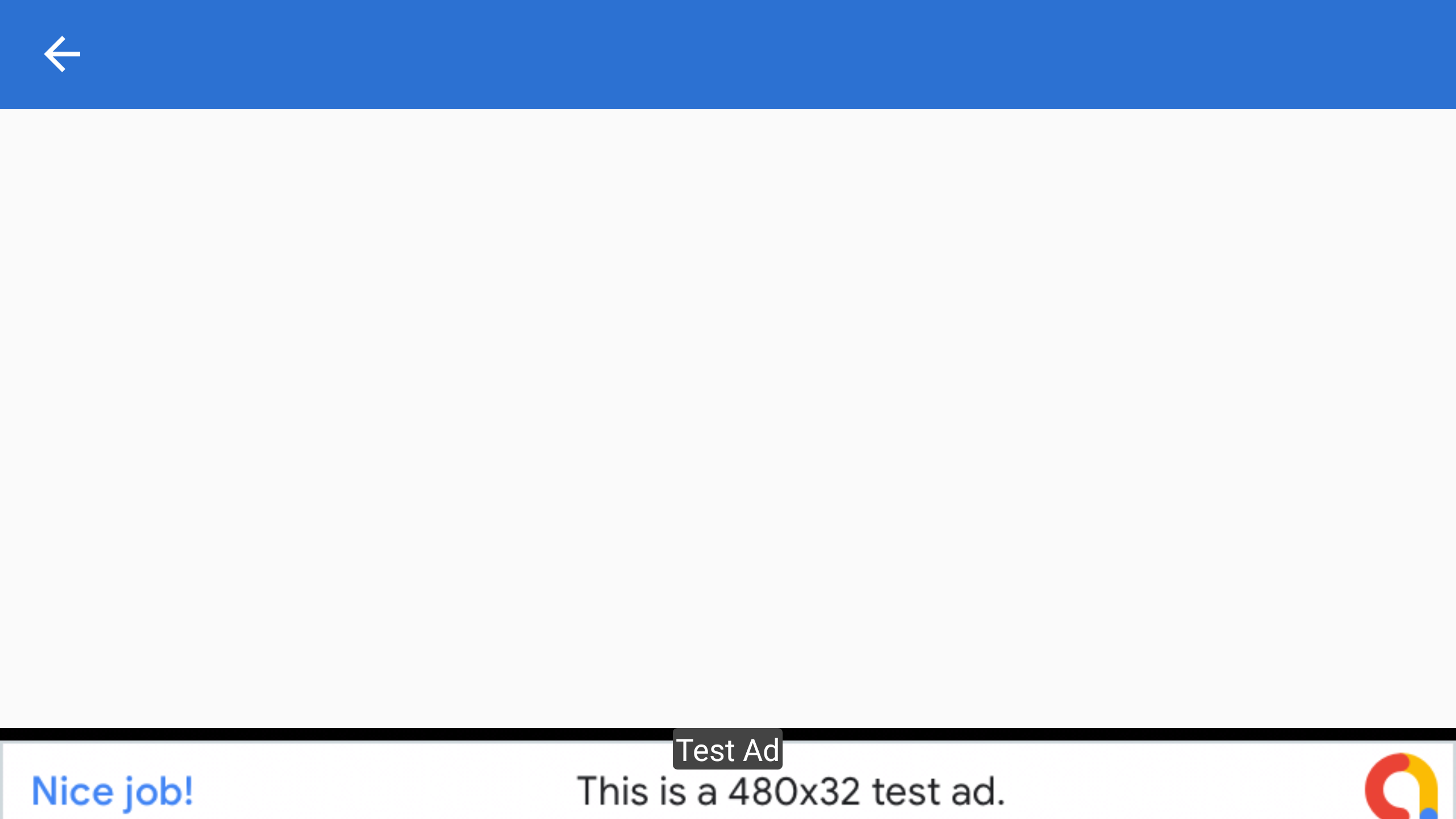
和
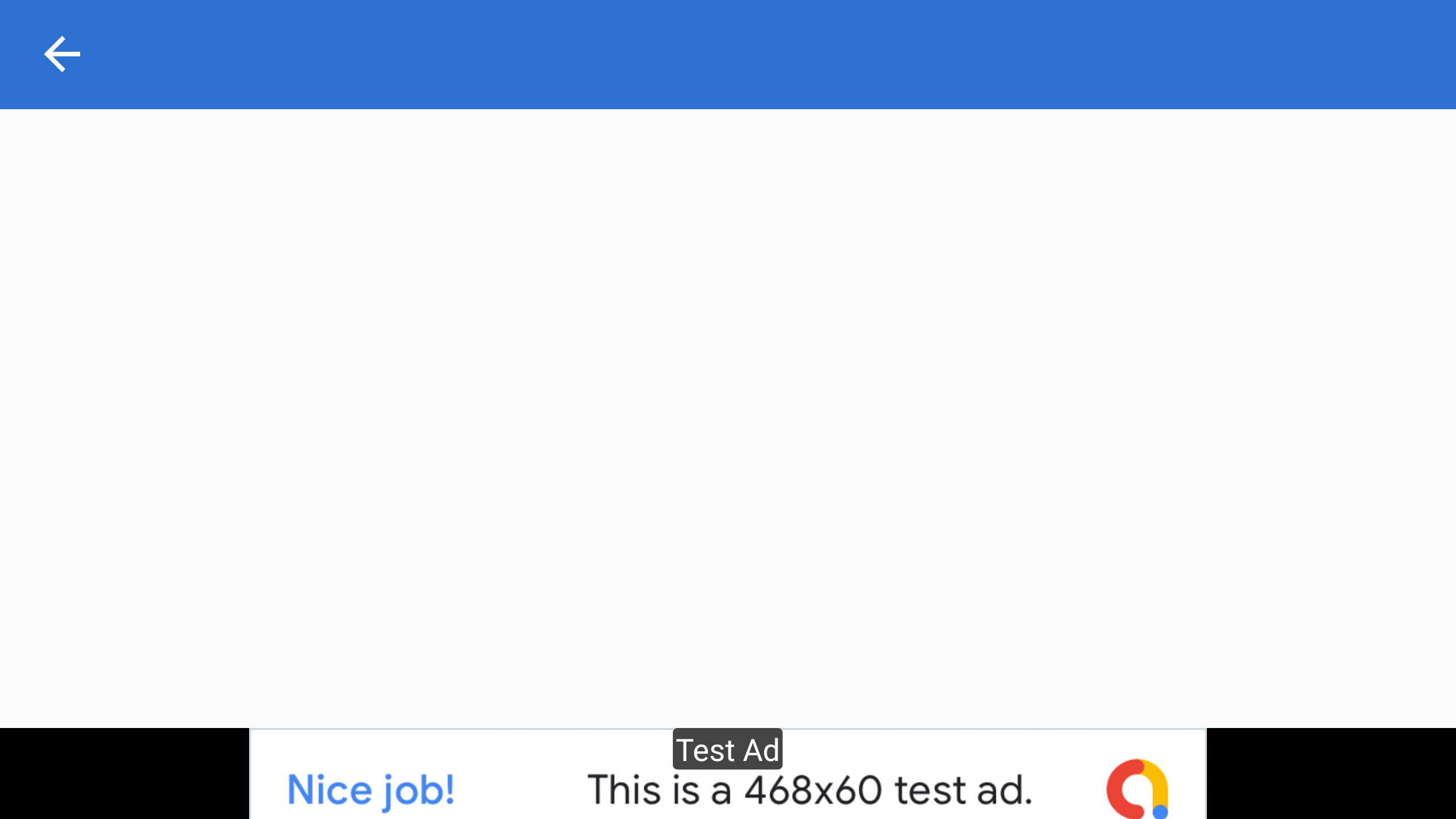
我认为这可能是因为GetPortraitAnchoredAdaptiveBannerAdSize不知道设备的方向,并在纵向和景观之间随机选择,但是如果我使用GetLandscapeAnchoredAdaptiveBannerAdSize和GetPortraitAnchoredAdaptiveBannerAdSize依赖于DeviceDisplay.MainDisplayInfo.Orientation,它仍然是随机选择的。
如果我放弃了使用Adaptive的尝试,而是使用了一个智能边框(通过取消注释上面第二块代码中的两行注释,并注释掉上面的两行),它看起来也一样糟糕,它周围有一个奇怪的边框。
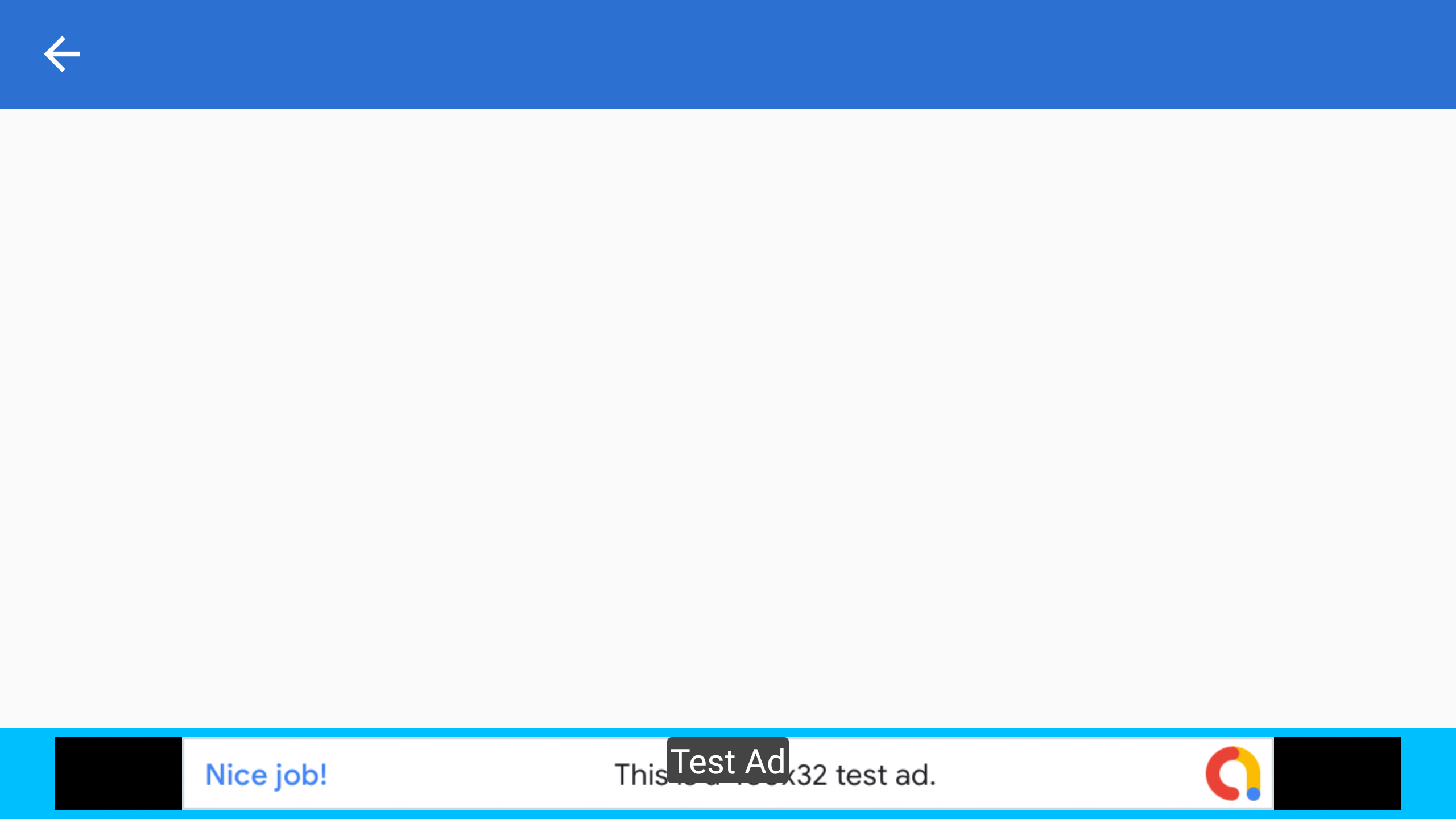
它还随机选择要加载哪个大小的广告(例如,看看它在哪里显示‘这是一个XxY测试广告’),尽管我认为这应该取决于屏幕的宽度,所以应该总是相同的。
我尝试过将它放入不同的容器中(例如,如上面代码所示的网格),但什么也没有。这篇文章已经够长的了,如果我描述了我试过的每一件事,它将是50页。
很长一段时间以来,我的印象是,这与填充有关,因为它继承了框架(默认填充为20),但没有一个填充的组合(将此设置为0使广告完全消失)、边距、垂直选项、水平选项、行定义属性或其他任何东西都没有帮助。
另外,我不知道如何使它对正在旋转的设备做出反应,因此这是另一个问题,因为当您旋转屏幕时,它看起来是错误的(您只能设置一次AdSize )。
有人能帮忙吗?
编辑:我刚刚尝试以编程方式而不是在XAML中添加横幅广告,结果完全相同。太让人沮丧了。
回答 1
Stack Overflow用户
发布于 2021-03-20 00:57:55
经过几个小时的faff,看起来我有了一个解决方案。我必须使用方法后面的代码(感谢@的代码)来设置内容页面中自适应横幅视图的高度请求。我不知道怎么在渲染器里做这个。
它仍然偶尔在顶部和底部有一个薄薄的黑色条带,但我怀疑这与测试广告有关。
我真正想知道的是,为什么我必须这样做,而似乎没有其他人必须这样做。
要回答我的第二个问题,即如何在旋转设备时更新它,是比较简单的。我以编程的方式将广告视图添加到页面中,然后当设备旋转时,我将其替换为新的。
https://stackoverflow.com/questions/66661164
复制相似问题
腾讯云开发者

Copyright © 2013 - 2026 Tencent Cloud. All Rights Reserved. 腾讯云 版权所有
深圳市腾讯计算机系统有限公司 ICP备案/许可证号:粤B2-20090059  粤公网安备44030502008569号
腾讯云计算(北京)有限责任公司 京ICP证150476号 | 京ICP备11018762号