
安卓仿真程序在Mac M1中没有显示默认的Android
我正在使用Macbook Pro与M1芯片。我安装了
Android 4.2.1构建#AI-202.7660.26.42.7351085,建于2021年5月10日运行时版本: 11.0.8+10-b944.6916264 x86_64 VM: OpenJDK 64位服务器VM通过N/A macOS 10.16 GC: G1年轻一代,G1老一代内存:1.28亿内核:8注册表: external.system.auto.import.disabled=true
我根据这。的说明创建了以下设备
名称: /Users/vineethpalani/.android/avd/Pixel_4_API_S.avd Pixel_4_API_S CPU/ABI: google_apis (arm64-v8a)路径: google_apis目标:google_apis Google皮肤: pixel_4 SD Card: 512 m fastboot.chosenSnapshotFile: runtime.network.speed: full hw.accelerometer: yes hw.device.name: pixel_4 hw.lcd.width: 1080 image.androidVersion.codename: S hw.initialOrientation:肖像image.androidVersion.api: 30 tag.id: google_apis hw。mainKeys: no hw.camera.front:模拟avd.ini.displayname:像素4 API S hw.gpu.mode: auto hw.ramSize: 1536 PlayStore.enabled: false fastboot.forceColdBoot: no hw.cpu.ncore: 4 hw.keyboard: yes hw.sensors.proximity: yes hw.dPad: no hw.lcd.height: 2280 vm.heapSize: yes hw.device.manufacturer: yes hw.device.manufacturer: yes hw.audioInput: yes image.sysdir.1: system-images/android-S/ Google _apis/arm64-v8a/ showDeviceFrame: yes hw.camera.back: AvdId: Pixel_4_API_S hw.lcd.density: 440 hw.arc: false hw.device.hash2: MD5:6b59437fe196d842659d2e43022e20 fastboot.forceChosenSnapshotBoot: no fastboot.forceFastBoot: yes hw.trackBall: hw.battery: yes hw.sdCard: yes tag.display: none disk.dataPartition.size: 800M hw.sensors.orientation: yes avd.ini.encoding: UTF-8 hw.gpu.enabled: yes
虽然我能够运行这个设备,但它没有访问互联网,它的Wifi也没有启用。
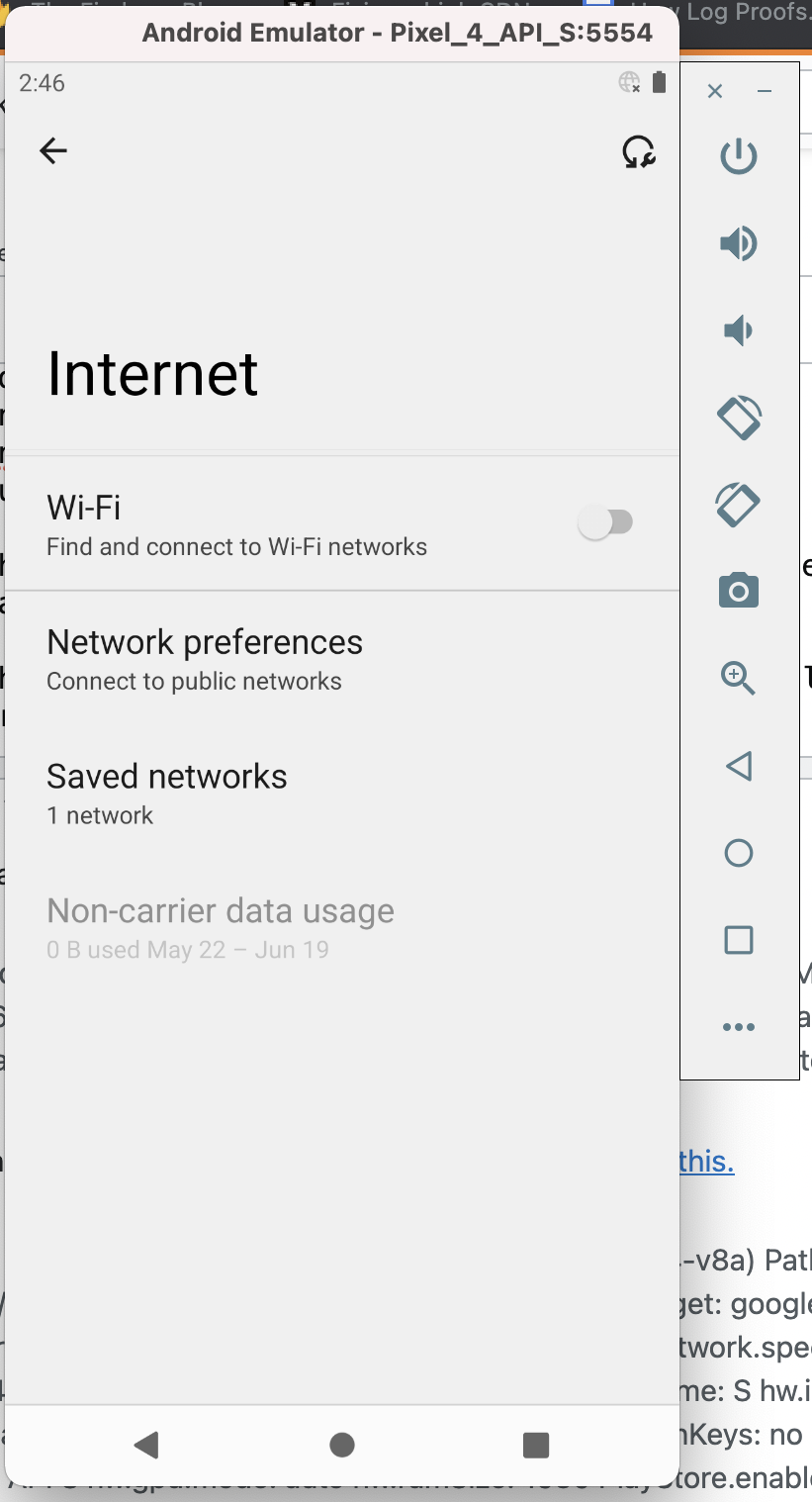
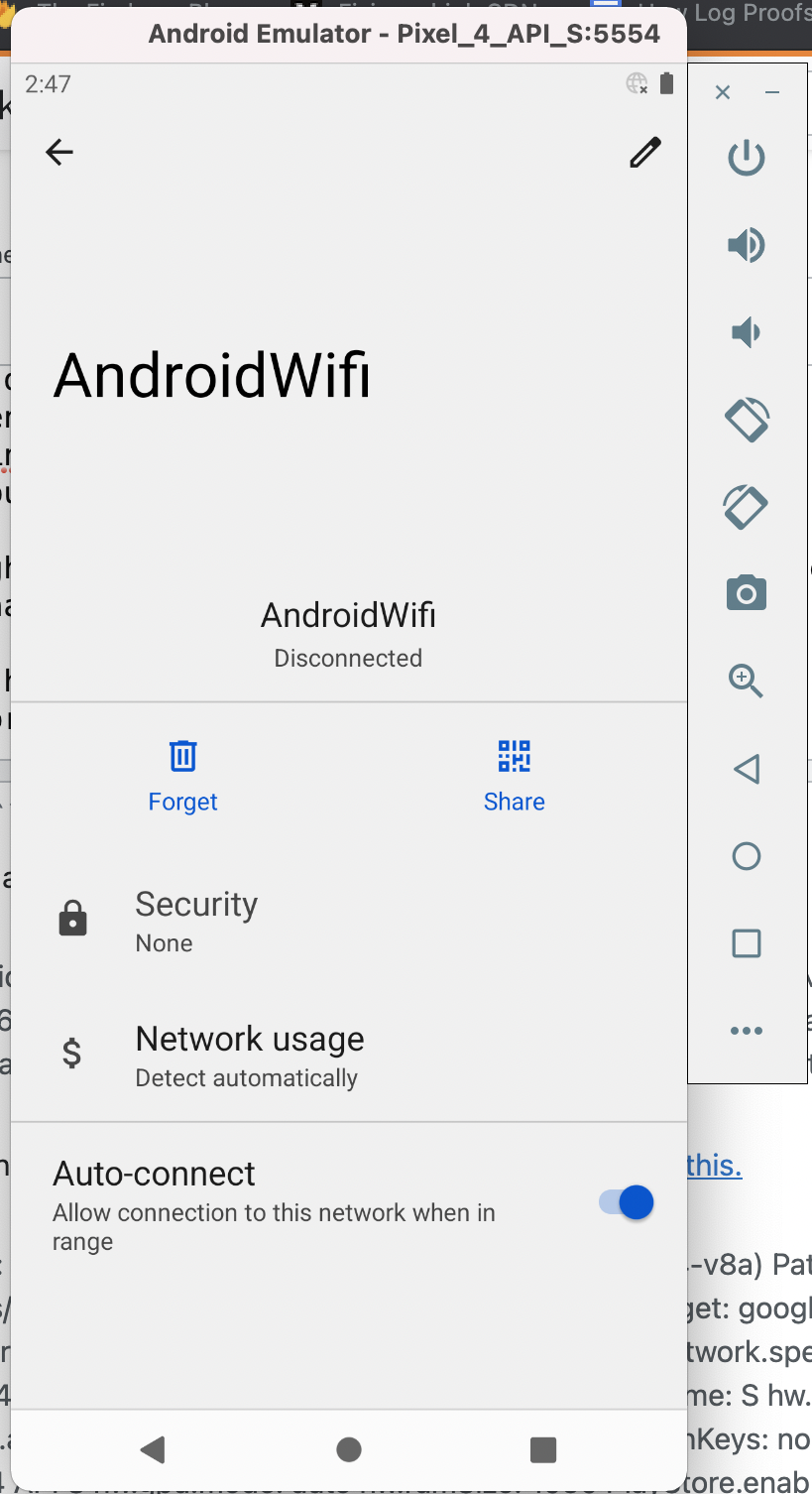
即使我打开Wifi,它也会关闭。我还尝试根据互联网搜索显示的内容添加DNS。我试着重新启动,打开和关闭两个Wifi以及设备。
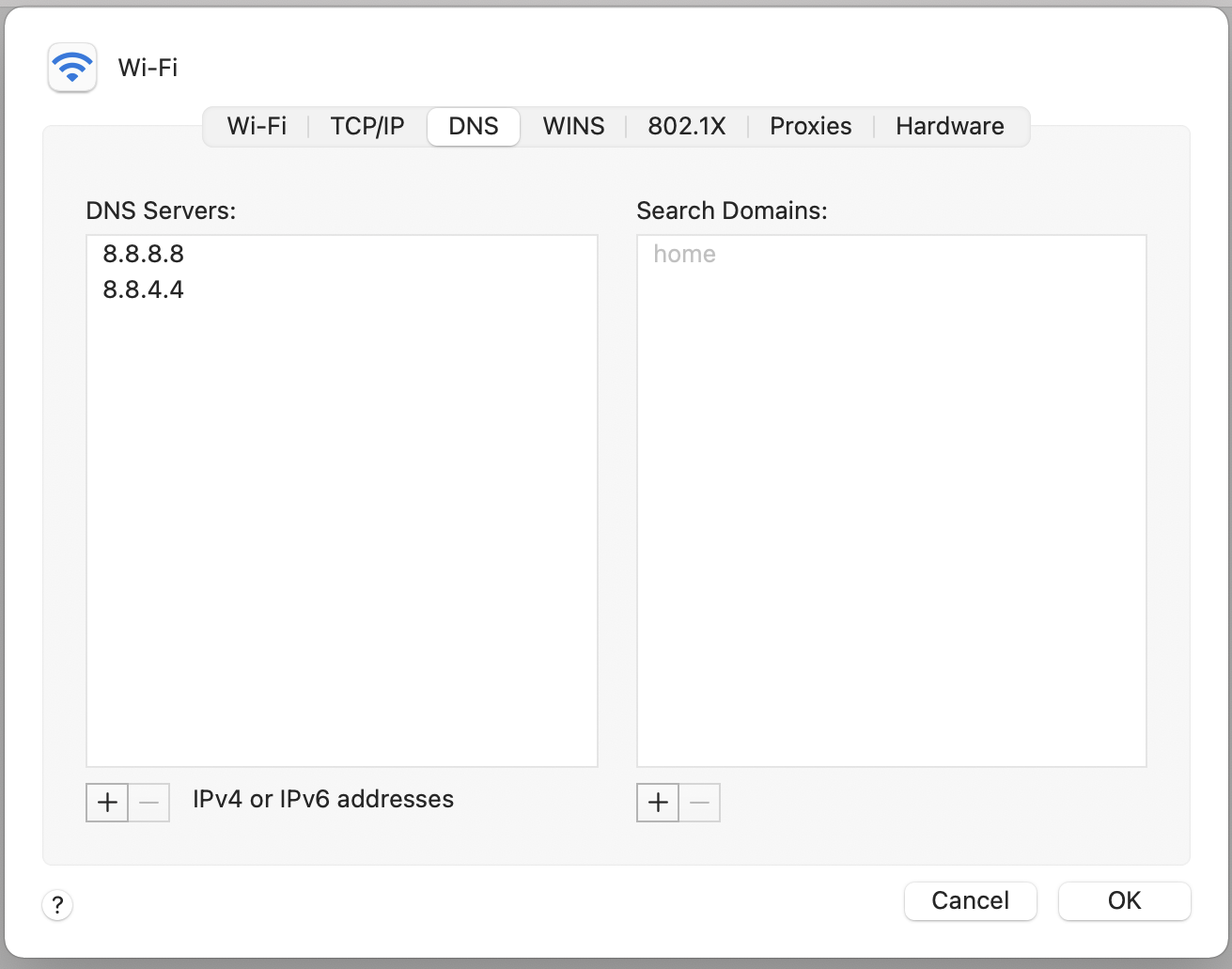
似乎什么都起不到作用。我漏掉了什么吗?
回答 1
Stack Overflow用户
发布于 2021-07-28 08:22:56
这对我起了作用:
- 安装最新版本的Android。使用MAC ARM版本(苹果硅)。
- 创建新的虚拟设备时,请使用API级别S和arm64虚拟映像。(可在其他图像中找到)
下面是android发布列表的链接:https://developer.android.com/studio/archive
https://stackoverflow.com/questions/68049864
复制相似问题
腾讯云开发者

Copyright © 2013 - 2026 Tencent Cloud. All Rights Reserved. 腾讯云 版权所有
深圳市腾讯计算机系统有限公司 ICP备案/许可证号:粤B2-20090059  粤公网安备44030502008569号
腾讯云计算(北京)有限责任公司 京ICP证150476号 | 京ICP备11018762号