
“has_header来自csv.Sniffer错误:无法确定分隔符”
“has_header来自csv.Sniffer错误:无法确定分隔符”
提问于 2021-09-04 12:08:52
我想在新创建的带有csv.Sniffer()的csv文件中检查现有的头文件。但我总是会犯同样的错误:
:_csv.Error:无法确定分隔符
“守则”:
import csv

with open('example.csv', 'w') as csvfile:
    print("file created")

with open('example.csv', 'r') as check_header_file:
            has_header = csv.Sniffer().has_header(check_header_file.read(1024))
我已经尝试将大小从1024增加到2048和3072。我尝试在'rb‘模式下打开csv,而不是只打开'r’。对于那些在完全回溯电话中感兴趣的人:
Traceback (most recent call last):
  File "c:/Users/USER/Documents/Hobby/Test.py", line 6, in <module>
    has_header = csv.Sniffer().has_header(check_header_file.read(1024))
  File "C:\Users\USER\AppData\Local\Programs\Python\Python38\lib\csv.py", line 393, in has_header
    rdr = reader(StringIO(sample), self.sniff(sample))
  File "C:\Users\USER\AppData\Local\Programs\Python\Python38\lib\csv.py", line 187, in sniff
    raise Error("Could not determine delimiter")
_csv.Error: Could not determine delimiter
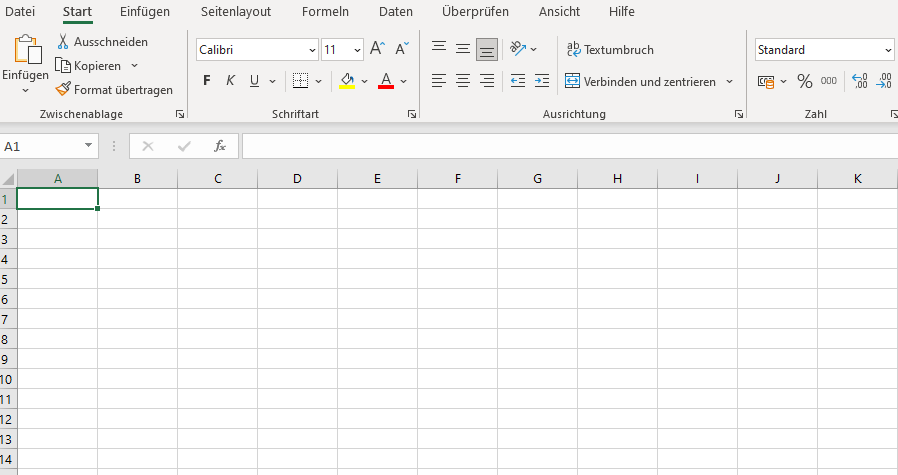
和一些空的.csv的图片,在那里我试图从

回答 1
Stack Overflow用户
发布于 2021-09-05 19:17:03
不能用python嗅探器检查空的.csv文件。所以我尝试了一种不同的方法来尝试和尝试。我的解决方案:
import csv

#array of Headers
fields = ['Header1', 'Header2', 'Header3']

#if .csv file doesn't exist, create one
#try to read from desired file, to check if one exists
try:
    with open('example.csv', 'r', newline='') as csvfile:
        print('file exists')
#if desired file doesn't exist, create it with the write ('w') or
#append 'a' mode
except:
    with open('example.csv', 'a', newline='') as csvfile:
        print('file created')

#if .csv file doesn't contain Headers, populate it with Headers
#read first row in file, to check if some Headers exists
with open('example.csv', 'r') as csvfile:
    try:
        reader = csv.reader(csvfile)
        row1 = next(reader)
        print("headers exist")
        print(row1)
#if no Headers exists, create Headers with the help of the
#previously declared and initialized fields array
    except:
        with open('example.csv', 'w', encoding='UTF8', newline='') as csvfile:
            writer = csv.DictWriter(csvfile, fieldnames = fields)
            writer.writeheader()
            print("write headers")
首先,您可以使用try检查文件是否已经存在或具有标头。如果不存在,则创建文件或标头。
页面原文内容由Stack Overflow提供。腾讯云小微IT领域专用引擎提供翻译支持
原文链接:
https://stackoverflow.com/questions/69055138
复制相关文章
相似问题
腾讯云开发者

Copyright © 2013 - 2026 Tencent Cloud. All Rights Reserved. 腾讯云 版权所有
深圳市腾讯计算机系统有限公司 ICP备案/许可证号:粤B2-20090059  粤公网安备44030502008569号
腾讯云计算(北京)有限责任公司 京ICP证150476号 | 京ICP备11018762号