
用Next.js导入动态Heroicons
用Next.js导入动态Heroicons
提问于 2021-10-12 21:38:50
我在我的Next.js项目中使用英雄主义者,因为它目前不支持动态导入(通过将图标名传递给组件),所以我创建了自己的组件。
// HeroIcon.tsx
import * as SolidIcons from '@heroicons/react/solid';
import * as OutlineIcons from '@heroicons/react/outline';

interface Props {
  icon: string;
  color?: string;
  size?: number;
  outline?: boolean;
}

export const HeroIcon = (props: Props): JSX.Element => {
  const { icon, color, size, outline = false } = props;

  const { ...icons } = outline ? OutlineIcons : SolidIcons;

  // @ts-ignore
  const Icon: JSX.Element = icons[icon];

  const classes = [
    `${color ? color : 'text-black'}`,
    `h-${size ? size : 6}`,
    `w-${size ? size : 6}`
  ];

  return (
    // @ts-ignore
    <Icon className={classes.join(' ')} />
  );
};
我以后可以这样用它:
<HeroIcon icon='CogIcon' color='text-blue-600' size={6} outline />当它在我的开发服务器上工作时:
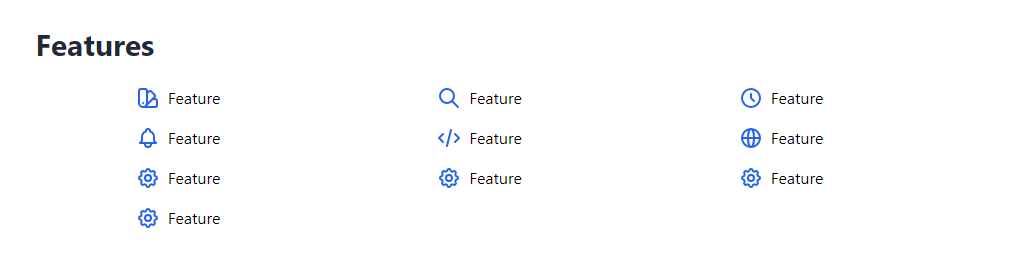
当我用npm run build构建项目并使用npm start启动它的时候,我会得到这样的结果:
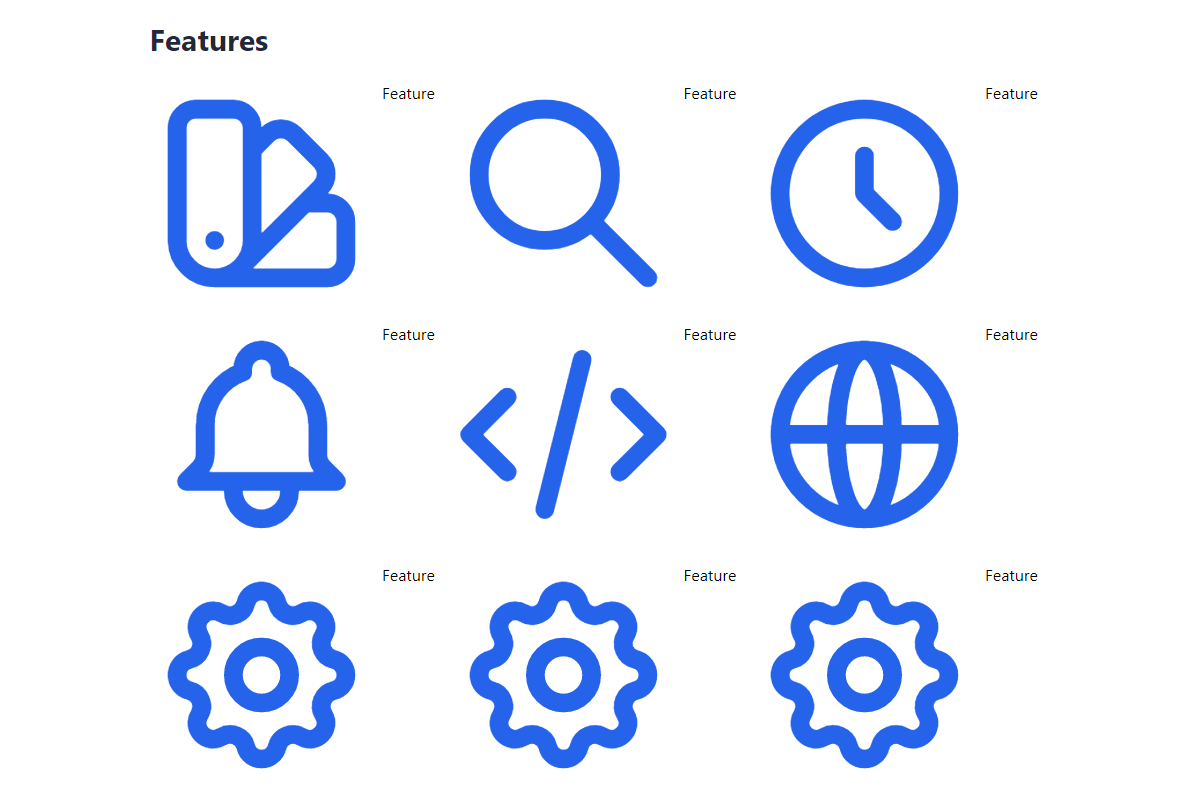
在移动设备上,图标根本看不见。
该页面使用SSG预呈现,并同时使用getStaticPaths和getStaticProps。
知道原因是什么吗?
回答 1
Stack Overflow用户
发布于 2022-02-11 13:05:44
这个代码就是问题所在。
  const classes = [
    `${color ? color : 'text-black'}`,
    `h-${size ? size : 6}`,
    `w-${size ? size : 6}`
  ];
如果您想动态地更改尾风CSS样式,请像下面这样编写代码。
  const classes = [
    `${color ? color : 'text-black'}`,
    size ? 'h-12' : 'h-6',
    size ? 'w-12' : 'w-6',
  ];
这是因为Purge是如何工作的,而Tailwind CSS在引擎盖下使用Purge来优化您的Tailwind类以进行生产。
遗憾的是,您不能像h-{x}那样编写类,因为Tailwind在构建时被清除,而h-{x}不计算为有效的Tailwind类。
参考
https://v2.tailwindcss.com/docs/optimizing-for-production#writing-purgeable-html
页面原文内容由Stack Overflow提供。腾讯云小微IT领域专用引擎提供翻译支持
原文链接:
https://stackoverflow.com/questions/69547316
复制相关文章
相似问题
腾讯云开发者

Copyright © 2013 - 2026 Tencent Cloud. All Rights Reserved. 腾讯云 版权所有
深圳市腾讯计算机系统有限公司 ICP备案/许可证号:粤B2-20090059  粤公网安备44030502008569号
腾讯云计算(北京)有限责任公司 京ICP证150476号 | 京ICP备11018762号