
Argo CD -申请过渡到恶化状态的限制时间
Argo CD -申请过渡到恶化状态的限制时间
提问于 2021-12-01 07:42:57
下面是我们坚持使用的常见场景:
- Argocd应用程序创建并与Helm同步,它有一个pod的部署,全是绿色的。
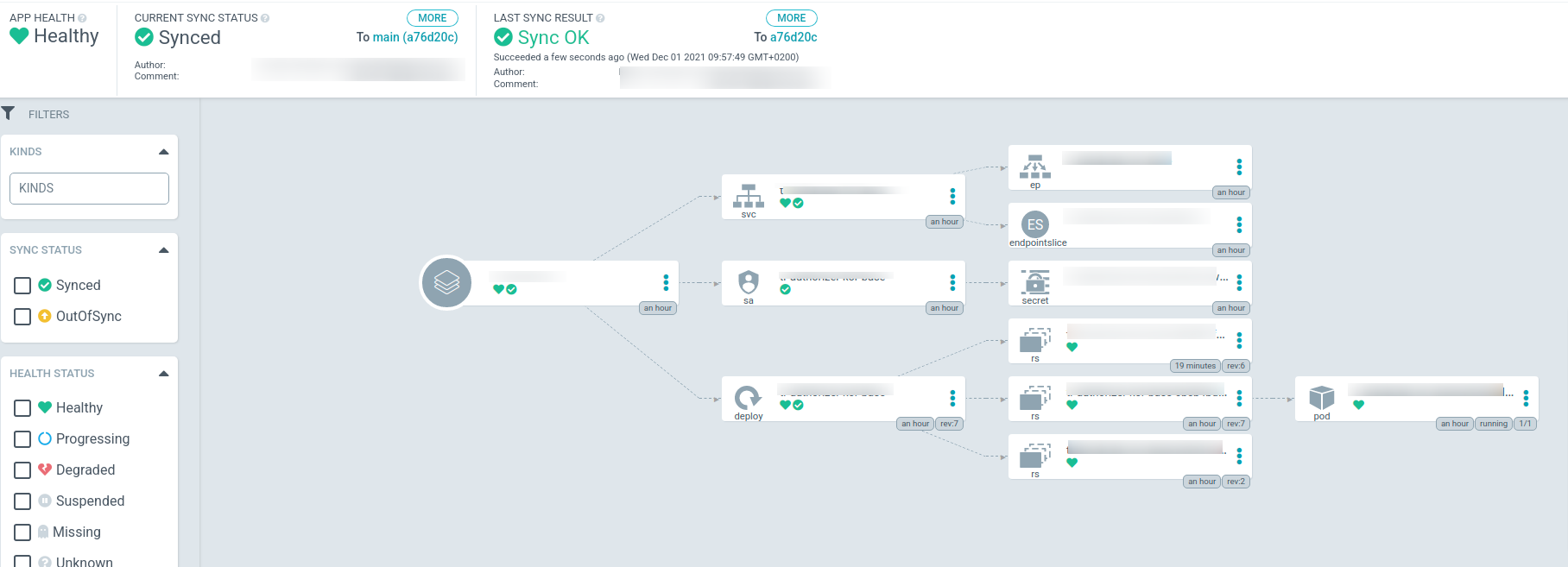
- 我们用我们的Docker注册表中不存在的坏值更新部署映像标记,并将更改推送到green。
- Argo从green获取更新,同步状态是绿色同步状态,但应用程序健康是“处理”
。
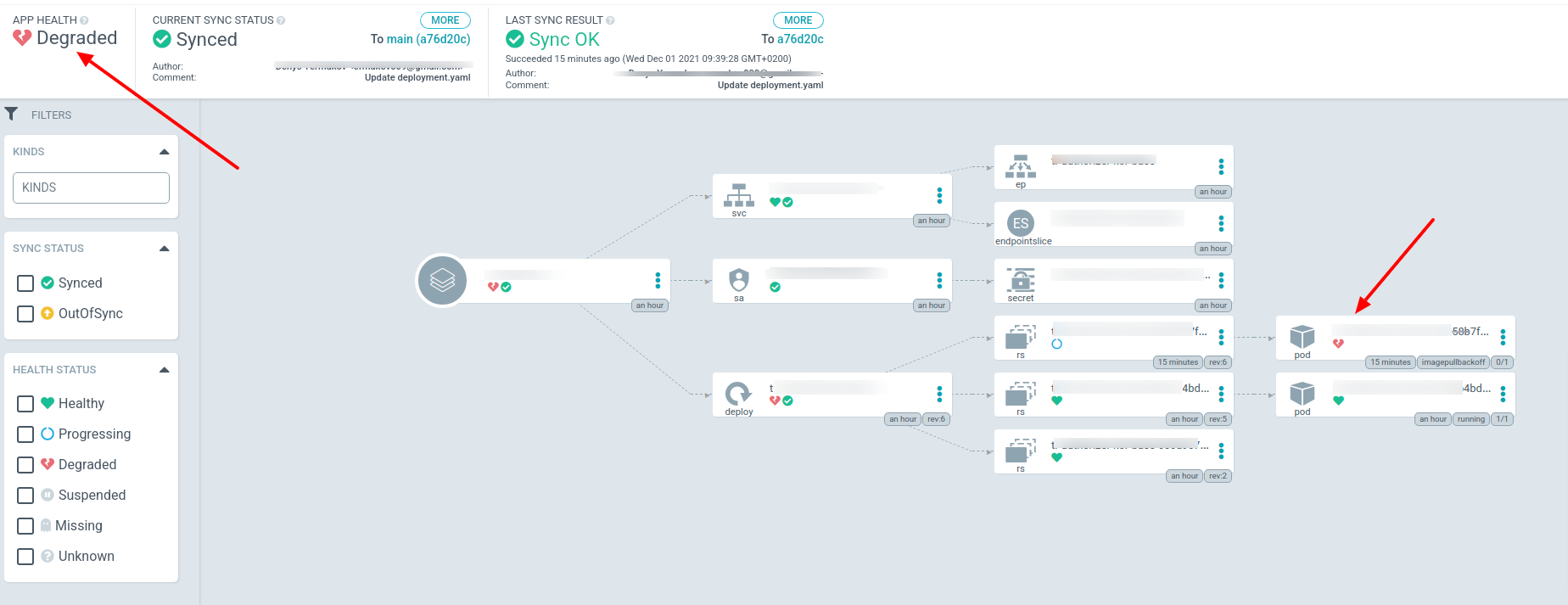
改变部署的结果是,
- 尝试推出带有破损图像标记的新吊舱,但显然做不到。
- Agrocd应用程序在大约10分钟内停留在应用程序健康“处理”状态,并最终过渡到"Degradated“状态
。
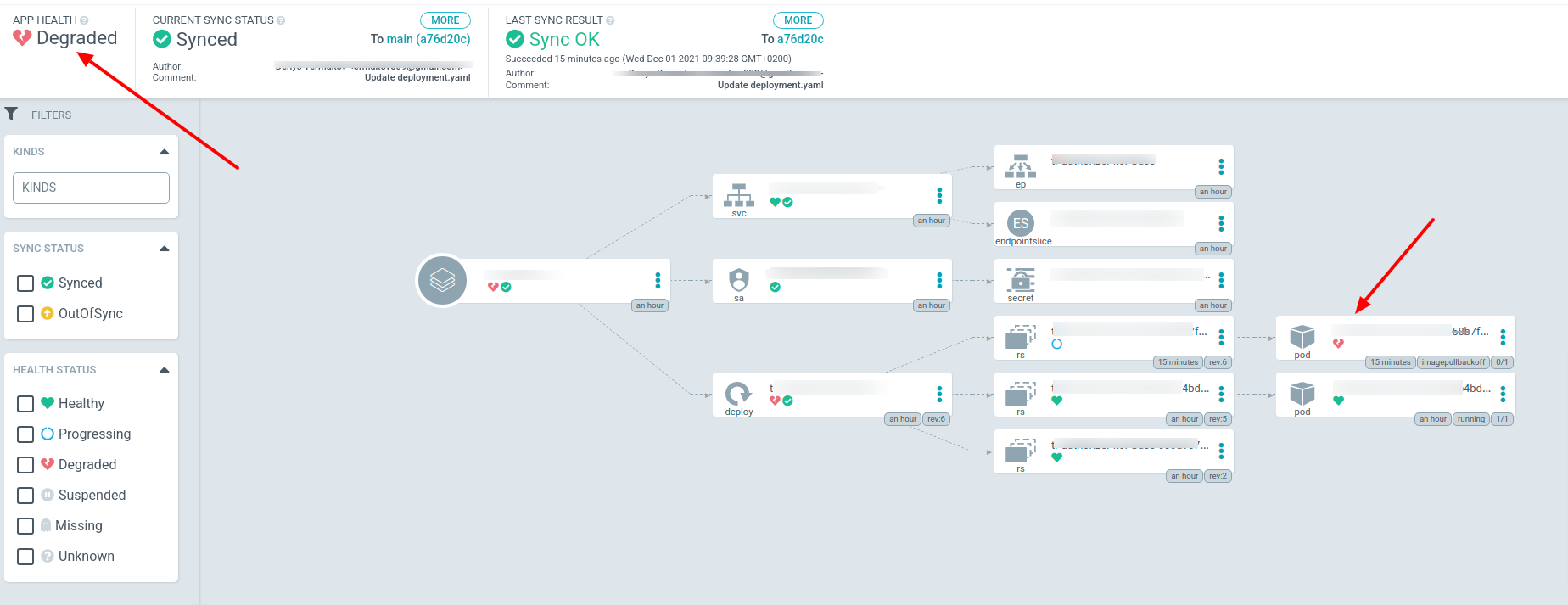
现在的问题是,我们可以限制这一次,让“退化”状态在1或2分钟内,而不是10分钟?
回答 2
Stack Overflow用户
发布于 2021-12-02 02:22:39
您用GUI或yaml文件创建应用程序吗?
如果使用yaml文件创建应用程序,可以通过设置字段限制或重试中的maxDuration来完成。
下面是一个例子
apiVersion: argoproj.io/v1alpha1
kind: Application
metadata:
  name: guestbook
  # You'll usually want to add your resources to the argocd namespace.
  namespace: argocd
  # Add a this finalizer ONLY if you want these to cascade delete.
  finalizers:
    - resources-finalizer.argocd.argoproj.io
spec:
  # The project the application belongs to.
  project: default

  # Source of the application manifests
  source:
    repoURL: https://github.com/argoproj/argocd-example-apps.git
    targetRevision: HEAD
    path: guestbook

    # helm specific config
    helm:
      # Release name override (defaults to application name)
      releaseName: guestbook

      # Helm values files for overriding values in the helm chart
      # The path is relative to the spec.source.path directory defined above
      valueFiles:
      - values-prod.yaml

      # Optional Helm version to template with. If omitted it will fall back to look at the 'apiVersion' in Chart.yaml
      # and decide which Helm binary to use automatically. This field can be either 'v2' or 'v3'.
      version: v2

  # Destination cluster and namespace to deploy the application
  destination:
    server: https://kubernetes.default.svc
    namespace: guestbook

  # Sync policy
  syncPolicy:
    automated: # automated sync by default retries failed attempts 5 times with following delays between attempts ( 5s, 10s, 20s, 40s, 80s ); retry controlled using `retry` field.
      prune: true # Specifies if resources should be pruned during auto-syncing ( false by default ).
      selfHeal: true # Specifies if partial app sync should be executed when resources are changed only in target Kubernetes cluster and no git change detected ( false by default ).
      allowEmpty: false # Allows deleting all application resources during automatic syncing ( false by default ).
    syncOptions:     # Sync options which modifies sync behavior
    - Validate=false # disables resource validation (equivalent to 'kubectl apply --validate=false') ( true by default ).
    - CreateNamespace=true # Namespace Auto-Creation ensures that namespace specified as the application destination exists in the destination cluster.
    - PrunePropagationPolicy=foreground # Supported policies are background, foreground and orphan.
    - PruneLast=true # Allow the ability for resource pruning to happen as a final, implicit wave of a sync operation
    # The retry feature is available since v1.7
    retry:
      limit: 5 # number of failed sync attempt retries; unlimited number of attempts if less than 0
      backoff:
        duration: 5s # the amount to back off. Default unit is seconds, but could also be a duration (e.g. "2m", "1h")
        factor: 2 # a factor to multiply the base duration after each failed retry
maxDuration: 3m # the maximum amount of time allowed for the backoff strategyStack Overflow用户
发布于 2022-09-22 14:06:24
我相信问题不是来自ArgoCD,因为正如您提到的,同步状态是可以的。
您可能希望在您的progressDeadlineSeconds对象中设置Deployment
页面原文内容由Stack Overflow提供。腾讯云小微IT领域专用引擎提供翻译支持
原文链接:
https://stackoverflow.com/questions/70180573
复制相关文章
相似问题
腾讯云开发者

Copyright © 2013 - 2026 Tencent Cloud. All Rights Reserved. 腾讯云 版权所有
深圳市腾讯计算机系统有限公司 ICP备案/许可证号:粤B2-20090059  粤公网安备44030502008569号
腾讯云计算(北京)有限责任公司 京ICP证150476号 | 京ICP备11018762号