
如何使用OpenCV仅检测在参考图像中出现的黑色矩形
如何使用OpenCV仅检测在参考图像中出现的黑色矩形
提问于 2021-12-01 00:31:12
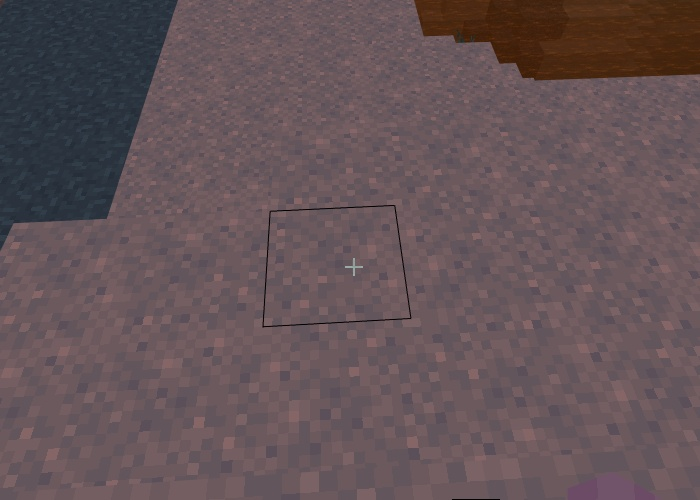
我只需要检测出现在那里的黑色矩形,但出于某种原因,我的代码没有检测到它,但它确实检测到了许多其他东西。
import cv2

img=cv2.imread('vision.png') #read image
gray = cv2.cvtColor(img, cv2.COLOR_BGR2GRAY)
Blur=cv2.GaussianBlur(gray,(5,5),1) #apply blur to roi
Canny=cv2.Canny(Blur,10,50) #apply canny to roi

#Find my contours
contours =cv2.findContours(Canny,cv2.RETR_EXTERNAL,cv2.CHAIN_APPROX_NONE)[0]

cntrRect = []
for i in contours:
        epsilon = 0.05*cv2.arcLength(i,True)
        approx = cv2.approxPolyDP(i,epsilon,True)
        if len(approx) == 4:
            cv2.drawContours(img,cntrRect,-1,(0,255,0),2)
            cv2.imshow('Image Rect ONLY',img)
            cntrRect.append(approx)

cv2.waitKey(0)
cv2.destroyAllWindows()
如何仅检测图像中出现的黑色矩形?
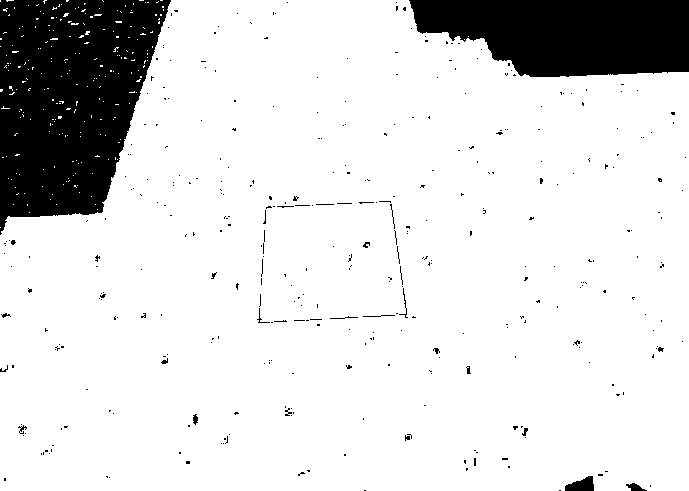
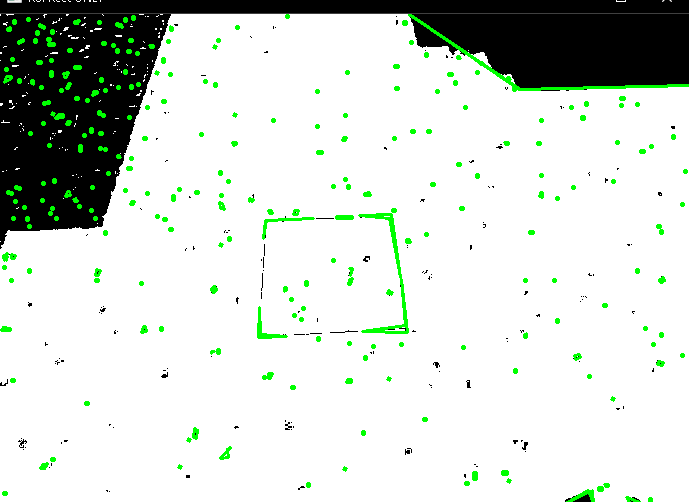
但是这段代码检测更多的矩形,我不想要whis,但我只想检测黑色的倒计时矩形
回答 1
Stack Overflow用户
回答已采纳
发布于 2021-12-01 05:17:18
这里有一种在Python/OpenCV中实现这一功能的方法。
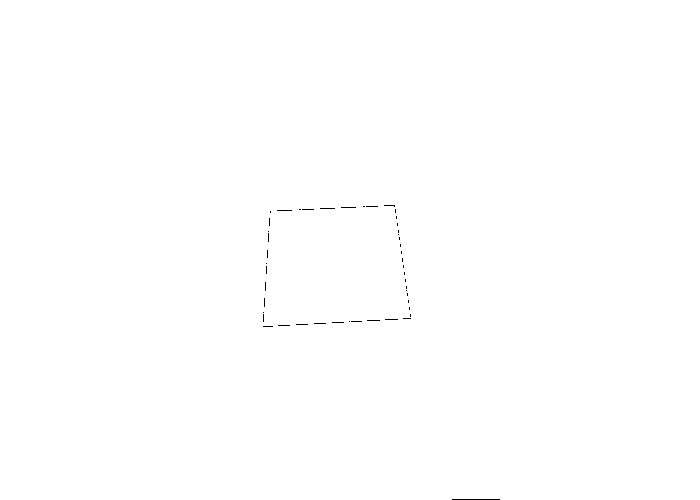
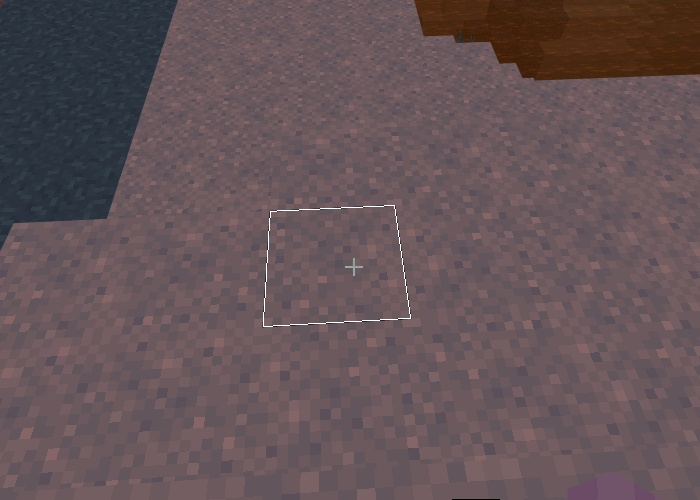
将图像阈值化。然后使用形态学填充矩形。然后得到最大的轮廓并在输入上绘制。
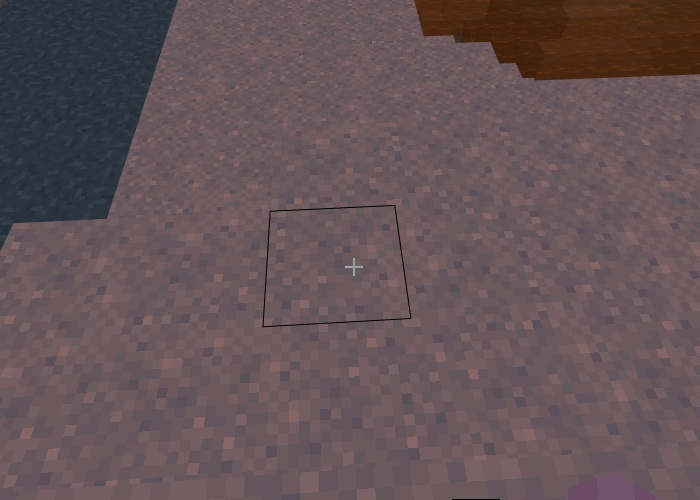
输入:
import cv2
import numpy as np

# load image
img = cv2.imread("black_rectangle_outline.png")

# convert to grayscale
gray = cv2.cvtColor(img, cv2.COLOR_BGR2GRAY)

# threshold
thresh = cv2.threshold(gray, 30, 255, cv2.THRESH_BINARY)[1]

# apply close morphology
kernel = np.ones((111,111), np.uint8)
morph = cv2.morphologyEx(thresh, cv2.MORPH_OPEN, kernel)

# invert so rectangle is white
morph = 255 - morph

# get largest contour and draw on copy of input
result = img.copy()
contours = cv2.findContours(morph, cv2.RETR_EXTERNAL, cv2.CHAIN_APPROX_SIMPLE)
contours = contours[0] if len(contours) == 2 else contours[1]
big_contour = max(contours, key=cv2.contourArea)
cv2.drawContours(result, [big_contour], 0, (255,255,255), 1)

# write result to disk
cv2.imwrite("black_rectangle_outline_thresh.png", thresh)
cv2.imwrite("black_rectangle_outline_morph.png", morph)
cv2.imwrite("black_rectangle_outline_result.png", result)

# display results
cv2.imshow("THRESH", thresh)
cv2.imshow("MORPH", morph)
cv2.imshow("RESULT", result)
cv2.waitKey(0)
cv2.destroyAllWindows()
阈值图像:
形态学图像:
结果:
页面原文内容由Stack Overflow提供。腾讯云小微IT领域专用引擎提供翻译支持
原文链接:
https://stackoverflow.com/questions/70177760
复制相关文章
相似问题
腾讯云开发者

Copyright © 2013 - 2026 Tencent Cloud. All Rights Reserved. 腾讯云 版权所有
深圳市腾讯计算机系统有限公司 ICP备案/许可证号:粤B2-20090059  粤公网安备44030502008569号
腾讯云计算(北京)有限责任公司 京ICP证150476号 | 京ICP备11018762号