
VSCode ESLint on save Vue.js
VSCode ESLint on save Vue.js
提问于 2021-11-30 21:00:03

在vscode和vue.js中,我是ESLint的新手
我运行yarn add -D eslint eslint-plugin-vue,并将这个"eslint-plugin-vue": "^8.1.1"放在我的package.json中
我在文件夹的根部有一个文件
.eslintrc
{
    "extends": [
    "eslint:recommended",
    "plugin:vue/recommended"
    ],
    "rules": {
    "vue/html-self-closing": "off"
    }
}
我的settings.json里也有这个
"editor.codeActionsOnSave": {
      "source.fixAll.eslint": true
},
"vetur.validation.template": true,我试过,故意拼错了component。
<script>
import Task from "./Task.vue"

export default {
    name: "Tasks",
    props: {
        tasks: Array
    },
    component: {
        Task
    }
}
</script>
当我保存文件时,它并没有阻止我并突出显示我拼错了。
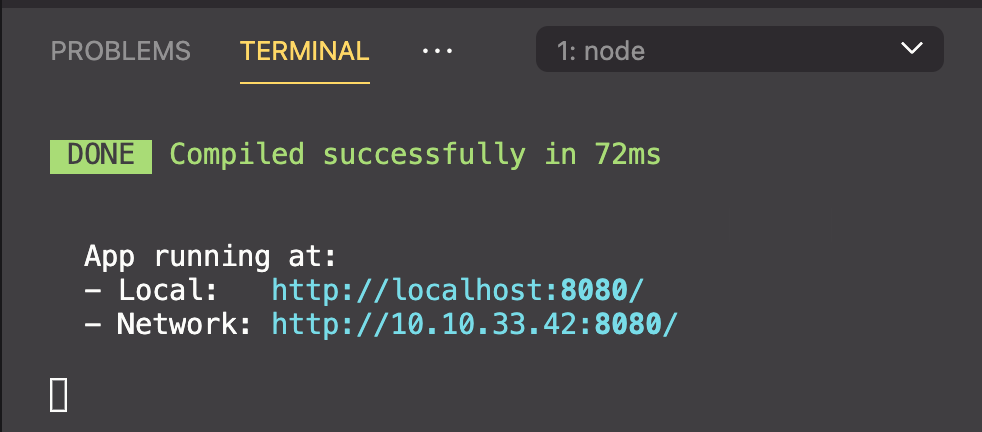
我在这里做错了什么?
有人能帮我把我的VSCode和vue.js一起用吗?
回答 1
Stack Overflow用户
发布于 2021-11-30 21:30:07
我没有找到一种方法来防止这个特定的错误,但是将它添加到.eslintrc文件中的规则中会让您在下一次遇到麻烦。
"vue/no-restricted-component-options": [
        "error",
        {
            "name": "component",
            "message": "Use \"components\" instead."
        }
]页面原文内容由Stack Overflow提供。腾讯云小微IT领域专用引擎提供翻译支持
原文链接:
https://stackoverflow.com/questions/70176001
复制相关文章
相似问题
腾讯云开发者

Copyright © 2013 - 2026 Tencent Cloud. All Rights Reserved. 腾讯云 版权所有
深圳市腾讯计算机系统有限公司 ICP备案/许可证号:粤B2-20090059  粤公网安备44030502008569号
腾讯云计算(北京)有限责任公司 京ICP证150476号 | 京ICP备11018762号