
SvelteKit应用程序在中不上传
SvelteKit应用程序在中不上传
提问于 2022-11-16 04:36:48
我正在尝试上传我的应用程序在Azure静态Web应用程序。我在本地测试了我的SvelteKit应用程序,它运行良好。首先,我使用VS代码在我的GitHub帐户中完成了我的项目。然后我转到Azure,点击添加一个新的静态Web,这是我的以下设置:Azure门户设置

然后,在GitHub中,我看到了下面的错误:GitHub误差

Could not detect any platform in the source directory.
Error: Could not detect the language from repo.


---End of Oryx build logs---
Oryx was unable to determine the build steps. Continuing assuming the assets in this folder are already built. If this is an unexpected behavior please contact support.
Finished building app with Oryx
[WARNING] Api Directory Location: 'api' could not be found. Azure Functions will not be created.
Failed to find a default file in the app artifacts folder (/). Valid default files: index.html,Index.html.
If your application contains purely static content, please verify that the variable 'app_location' in your workflow file points to the root of your application.
If your application requires build steps, please validate that a default file exists in the build output directory.


For further information, please visit the Azure Static Web Apps documentation at https://docs.microsoft.com/en-us/azure/static-web-apps/
If you believe this behavior is unexpected, please raise a GitHub issue at https://github.com/azure/static-web-apps/issues/
Exiting
我注意到它抱怨html文件的名称of,但是,如果更改HTML文件的名称,应用程序就无法工作。
不知道我做错了什么。我已经尝试过为每个可能的文件夹更改应用程序的位置,但仍然无法工作。
希望有人能帮我。
回答 1
Stack Overflow用户
发布于 2022-11-16 12:37:23
- 我使用GitHub存储库在azure门户中部署了一个静态web应用程序。通过使用以下步骤
- 在您的GitHub中检查一次存储库是否存在
- 首先,您必须将代码部署到GitHub存储库,如下所示
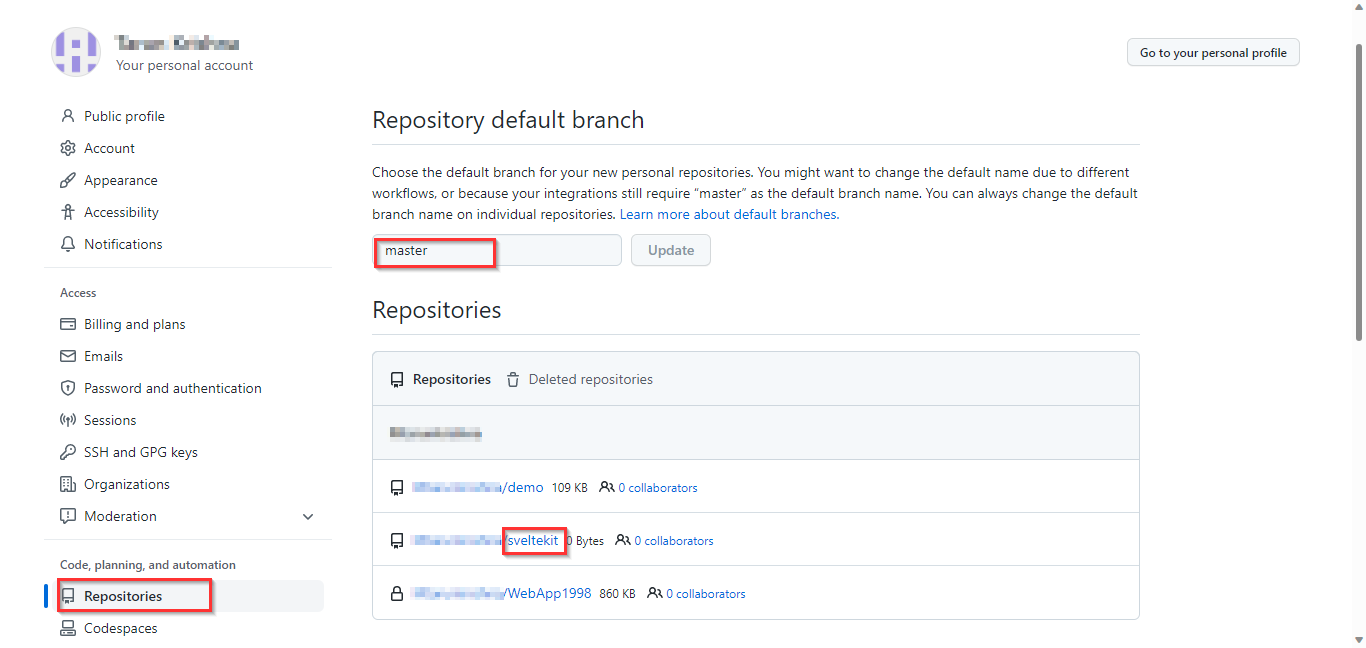
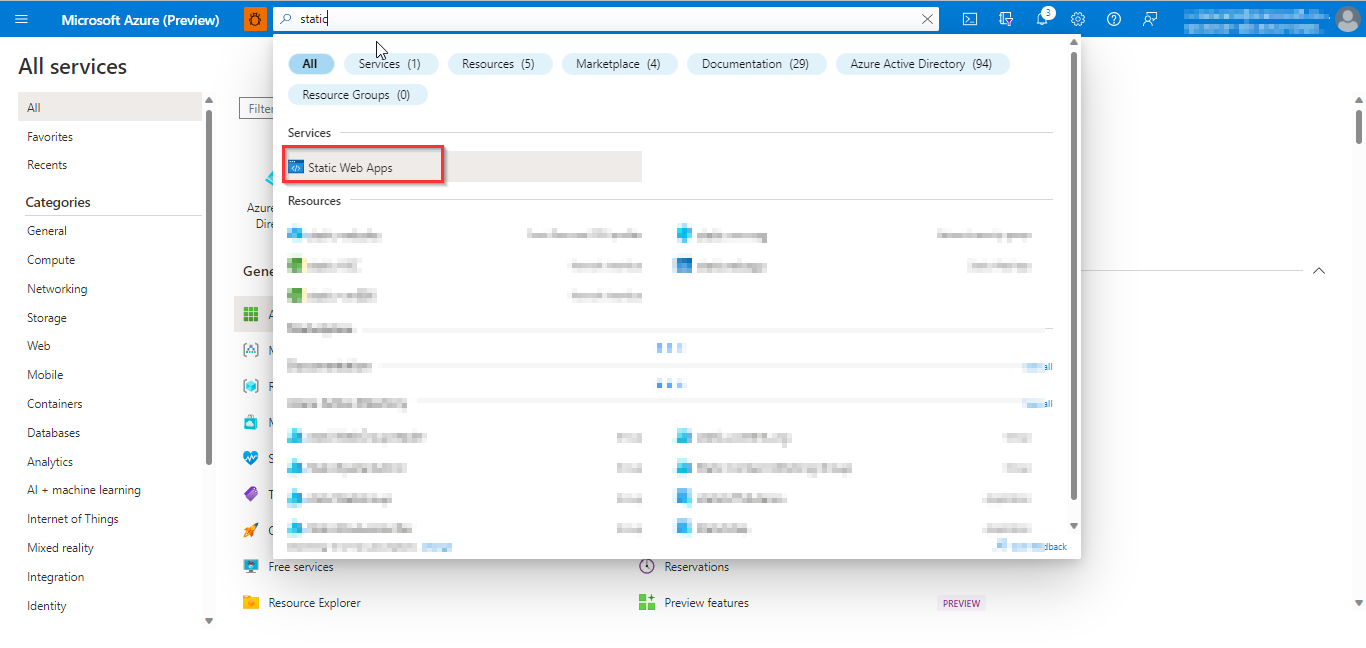
- 打开天蓝色门户并搜索静态web应用程序
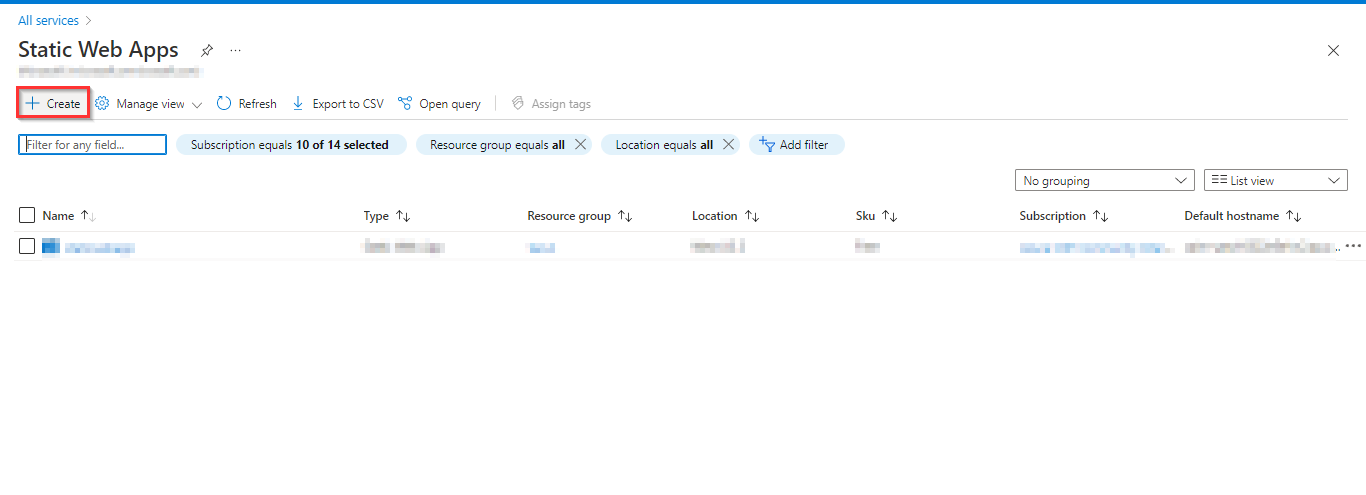
- 点击创建
- 之后,我们必须填写订阅ID,资源,,静态web应用程序名,
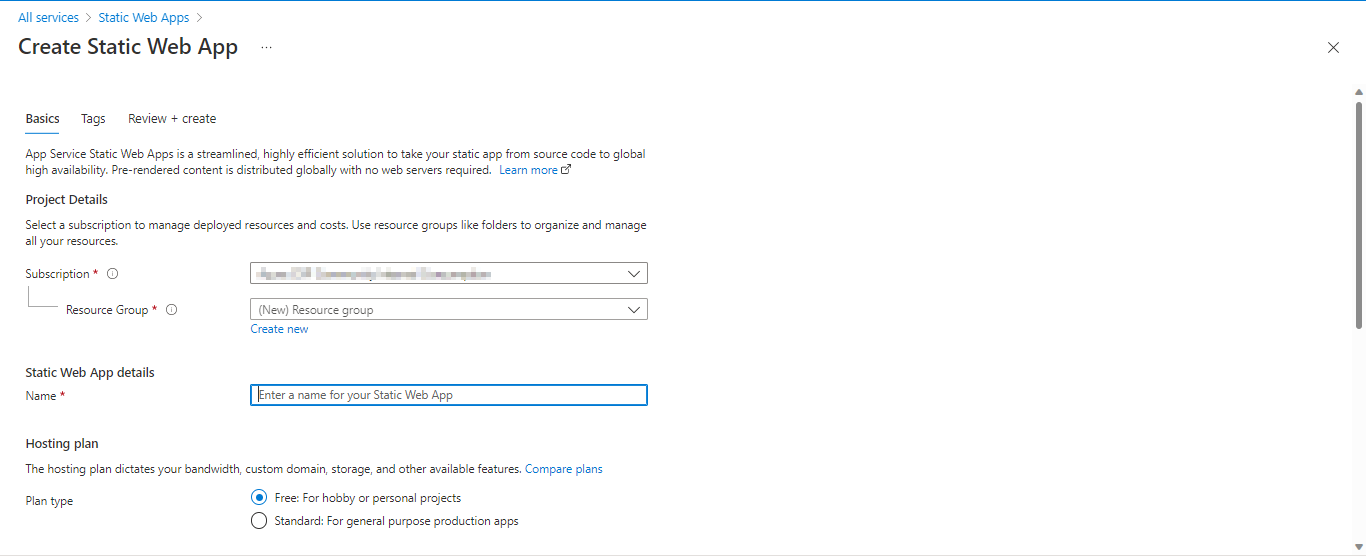
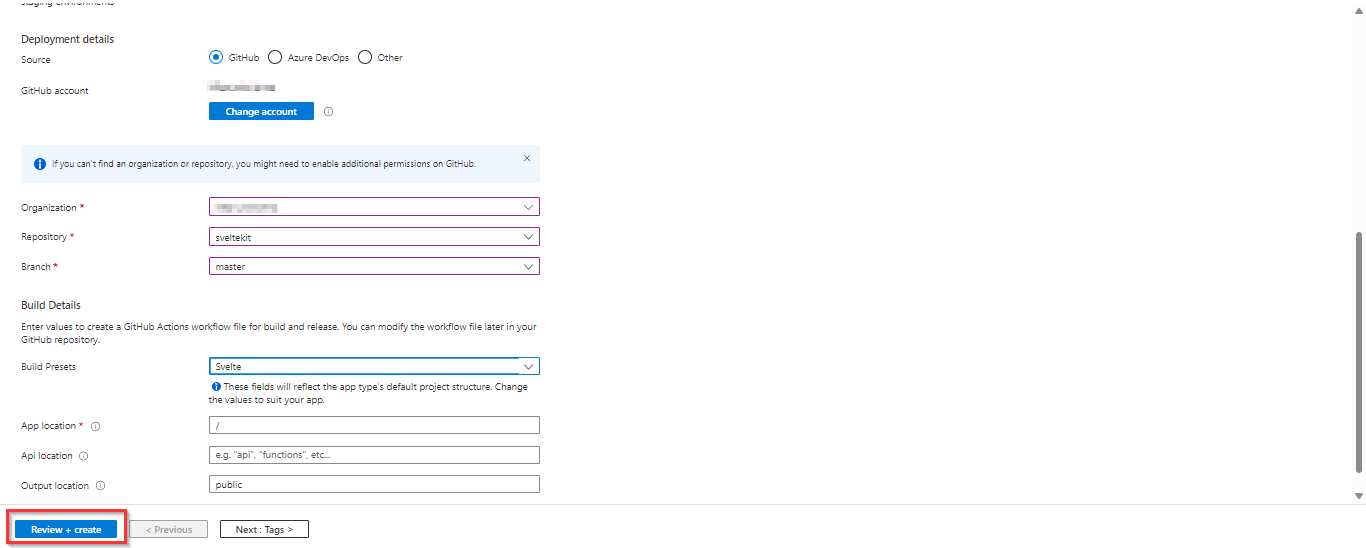
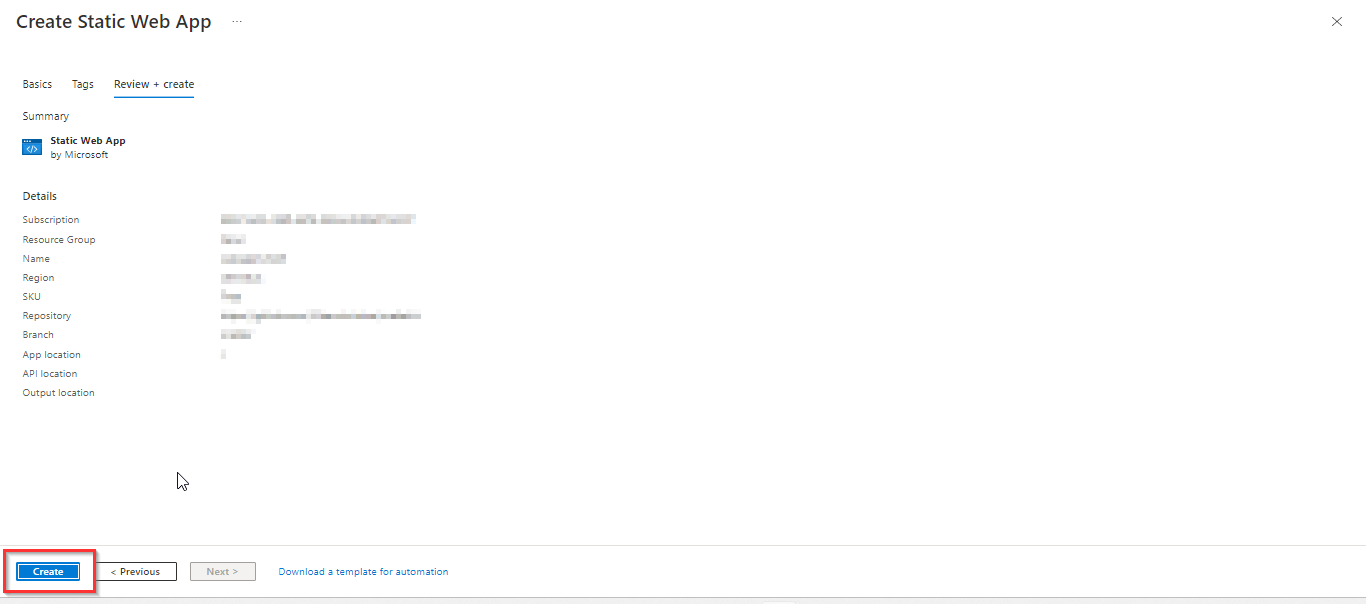
- 单击Create后,我们将在下面找到并选择Create
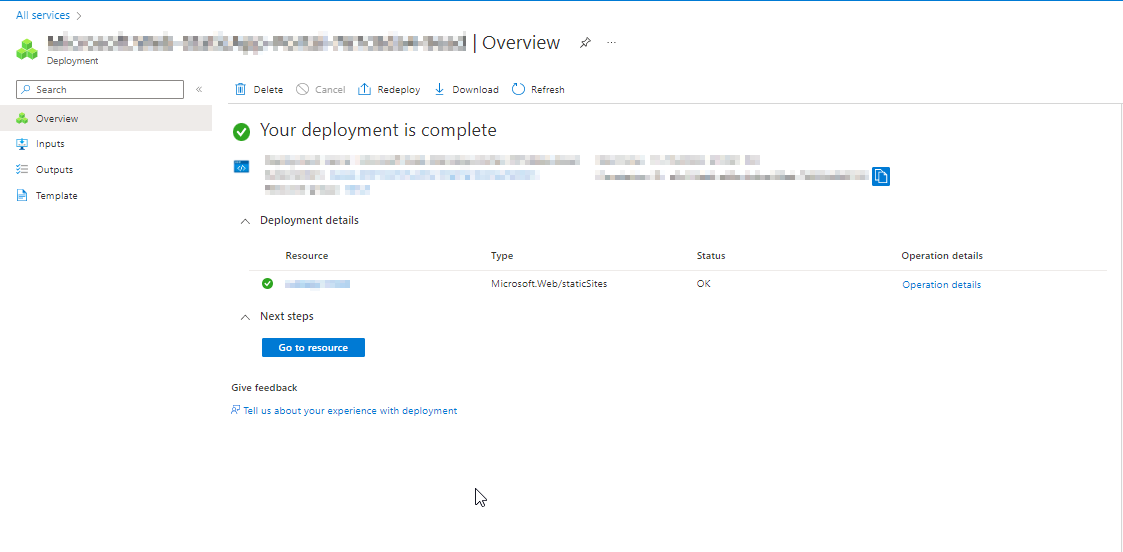
- 成功部署后,请参阅azure门户,如下所示
页面原文内容由Stack Overflow提供。腾讯云小微IT领域专用引擎提供翻译支持
原文链接:
https://stackoverflow.com/questions/74455234
复制相关文章
相似问题
腾讯云开发者

Copyright © 2013 - 2026 Tencent Cloud. All Rights Reserved. 腾讯云 版权所有
深圳市腾讯计算机系统有限公司 ICP备案/许可证号:粤B2-20090059  粤公网安备44030502008569号
腾讯云计算(北京)有限责任公司 京ICP证150476号 | 京ICP备11018762号