
创建包含文本和照片的QR代码
它可以创建一个QR代码,其中包含一些文本和照片(这是一个小的标志)在python?
我是说文字,这不是照片的一部分。但是我将有单独的文本(字符串变量)和照片(例如,*.png)。
到目前为止,我只看到了从文本或照片创建QR代码的例子。我找不到两个同时使用的例子。
基本上,当我扫描我的QR代码,我希望它显示我的照片(标志)和文字信息。
回答 2
Stack Overflow用户
发布于 2022-11-14 20:35:18
扩展我的评论。QR码用于对文本进行编码。因此,您必须在图像中读取,转换为base64,在字符串中添加一些分隔符,然后写出QR代码。
因为在存储QR代码之前,我们采取了特殊步骤对数据(图像和字符串)进行编码,所以我们还必须有一个特殊的应用程序来读取QR代码,用定界符将base64字符串拆分,然后将base64片段解码为适当的媒体(将二进制文件写入图像文件并打印出已解码的字符串)。
总之,这看起来如下所示:
import base64

#open image and convert to b64 string
with open("small.png", "rb") as img_file:
    my_string = base64.b64encode(img_file.read())

#append a message to b64 encoded image
my_string = my_string + b'\0' + base64.b64encode(b'some text')

#write out the qrcode
import qrcode
qr = qrcode.QRCode(
    version=2,
    error_correction=qrcode.constants.ERROR_CORRECT_M,
)
qr.add_data(my_string, optimize=0)
qr.make()
qr.make_image().save("qrcode.png")

#--------Now when reading the qr code:-------#
#open qr code and read in with cv2 (as an example), decode with pyzbar
from pyzbar.pyzbar import decode
import cv2 #importing opencv
img = cv2.imread('qrcode.png', 0)
barcodes = decode(img)

for barcode in barcodes:
    barcodeData = barcode.data.decode("utf-8")

#split the b64 string by the null byte we wrote
data = barcodeData.split('\x00')

#save image to file after decoding b64
filename = 'some_image.jpg'
with open(filename, 'wb') as f:
    f.write(base64.b64decode(data[0]))

#print out message after decoding
print(base64.b64decode(data[1]))显然,这只适用于非常小的图像和一点点文本。您很快就会消除QR代码的最大大小,甚至在达到标准限制之前,您就会达到qrcode和pyzbar模块的极限。
有了这个,您可以从一个很小的图像开始:

在编码和附加文本之后,有一个qr代码,类似于:
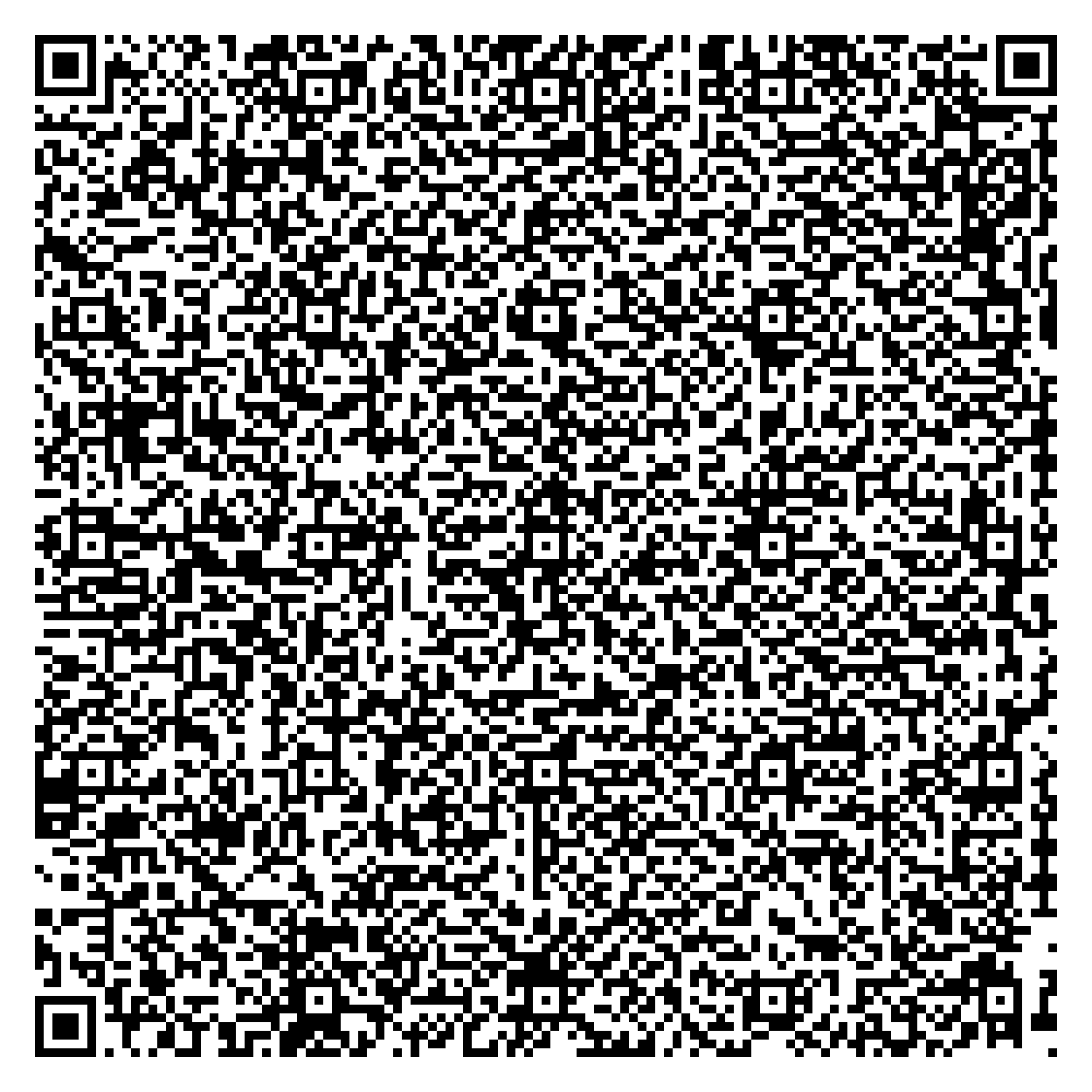
最后得到完全相同的图片和附加的文本
最终,这并不是非常有用,因为您必须有一个特殊的应用程序来解码您的QR代码。创建包含您想要共享的内容的网页的传统方法,以及包含到该页面的链接的qr代码,是一种更加方便用户和易于理解的解决方法。
Stack Overflow用户
发布于 2022-11-14 16:27:38
当我扫描我的QR代码时,我希望它能显示我的照片(徽标)和文本信息
您可以将图片和文本放在公共网页上,然后在QR代码中对网页的URL进行编码。
https://stackoverflow.com/questions/74434255
复制相似问题
腾讯云开发者

Copyright © 2013 - 2026 Tencent Cloud. All Rights Reserved. 腾讯云 版权所有
深圳市腾讯计算机系统有限公司 ICP备案/许可证号:粤B2-20090059  粤公网安备44030502008569号
腾讯云计算(北京)有限责任公司 京ICP证150476号 | 京ICP备11018762号