
react语法高亮符不适用于TailwindCSS。
我正在使用@sanity/block-content-to-react显示理智块内容。BlockContent组件是由div包装的,类为“散文性”。
 <div className="prose prose-zinc font-display prose-h1:font-normal prose-code:mx-1 prose-code:before:content-none prose-code:after:content-none dark:prose-invert ">
     <BlockContent
         // Pass in block content straight from Sanity.io
          blocks={singleBlog.body}
          serializers={serializers}
      />
</div>在序列化程序中,我传递自定义的<Code/>组件。
  const serializers = {
    types: {
      code: (props) => <Code props={props} />,
    },
  };
在我的自定义代码组件中,我使用语法高亮笔按代码内容包装。
      <SyntaxHighlighter style={theme} language={props.node.language}>
        {props.node.code}
      </SyntaxHighlighter>
但是,无论我选择哪个主题,它只改变背景颜色和字体大小,但对文本颜色没有影响。
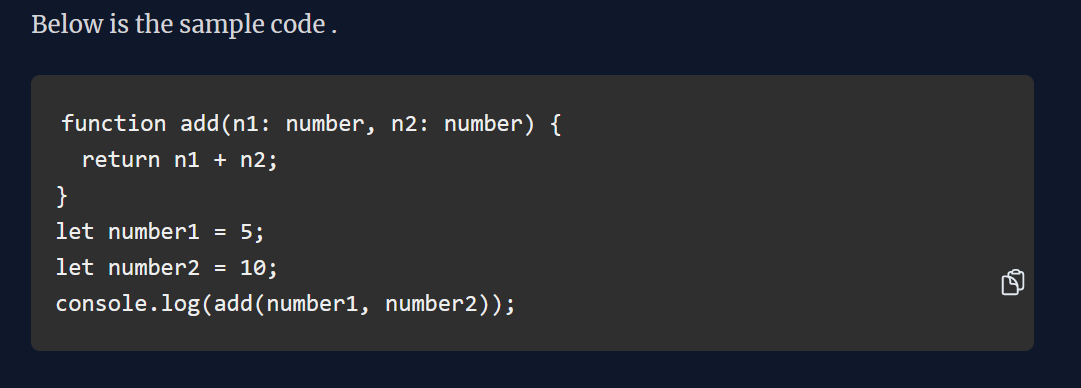
我认为包装器div上的“散文”类是造成问题的原因。但移除也没用。
          {/* <div className="prose prose-zinc font-display prose-h1:font-normal prose-code:mx-1 prose-code:before:content-none prose-code:after:content-none   dark:prose-invert "> */}
          <BlockContent
            // Pass in block content straight from Sanity.io
            blocks={singleBlog.body}
            serializers={serializers}
          />
          {/* </div> */}
有人有什么解决办法吗?
回答 1
Stack Overflow用户
发布于 2022-11-03 17:26:08
我不确定您是在使用自定义主题,还是使用多个选项之一。但是,如果您使用的是可用的,您可以在这里找到:https://react-syntax-highlighter.github.io/react-syntax-highlighter/demo/prism.html
那你的进口可能会有问题。
如果我导入这样的主题(使用hljs ):import {dark} from "react-syntax-highlighter/dist/esm/styles/hljs";,我只会得到背景色。
如果我使用‘棱镜’选项导入像这样的主题,我也会得到文本颜色:import {dark} from "react-syntax-highlighter/dist/esm/styles/prism";
https://stackoverflow.com/questions/74298880
复制相似问题
腾讯云开发者

Copyright © 2013 - 2026 Tencent Cloud. All Rights Reserved. 腾讯云 版权所有
深圳市腾讯计算机系统有限公司 ICP备案/许可证号:粤B2-20090059  粤公网安备44030502008569号
腾讯云计算(北京)有限责任公司 京ICP证150476号 | 京ICP备11018762号