
不确定容器是否列为[]在蔚蓝存储中
我遵循(先前和)本教程:https://learn.microsoft.com/en-us/training/modules/connect-an-app-to-azure-storage/9-initialize-the-storage-account-model?pivots=javascript将应用程序连接到Azure存储帐户。
在步骤8中,当我通过运行给定的Azure CLI命令并用我的存储帐户替换来验证容器的创建时:
az storage container list \
--account-name <name>
我得到以下输出:
There are no credentials provided in your command and environment, we will query for account key for your storage account.
It is recommended to provide --connection-string, --account-key or --sas-token in your command as credentials.

You also can add `--auth-mode login` in your command to use Azure Active Directory (Azure AD) for authorization if your login account is assigned required RBAC roles.
For more information about RBAC roles in storage, visit https://learn.microsoft.com/azure/storage/common/storage-auth-aad-rbac-cli.

In addition, setting the corresponding environment variables can avoid inputting credentials in your command. Please use --help to get more information about environment variable usage.
[]
我不确定容器是否在上面输出的末尾被列为[]。
欢迎提出意见和建议。谢谢!
回答 2
Stack Overflow用户
发布于 2022-09-27 09:36:47
- 这个错误是由于一个问题引起的。
- 因此,有三种解决方案,一种是在运行
az storage container list之前运行以下命令
az login- 另一种方法是在
--auth-mode中使用az storage container list选项,这是在错误提示本身中写入的,您已经给出了这个提示。
命令:
az storage container list --account-name <name> --auth-mode login这将提示您输入登录凭据,前提是输出应该如下所示
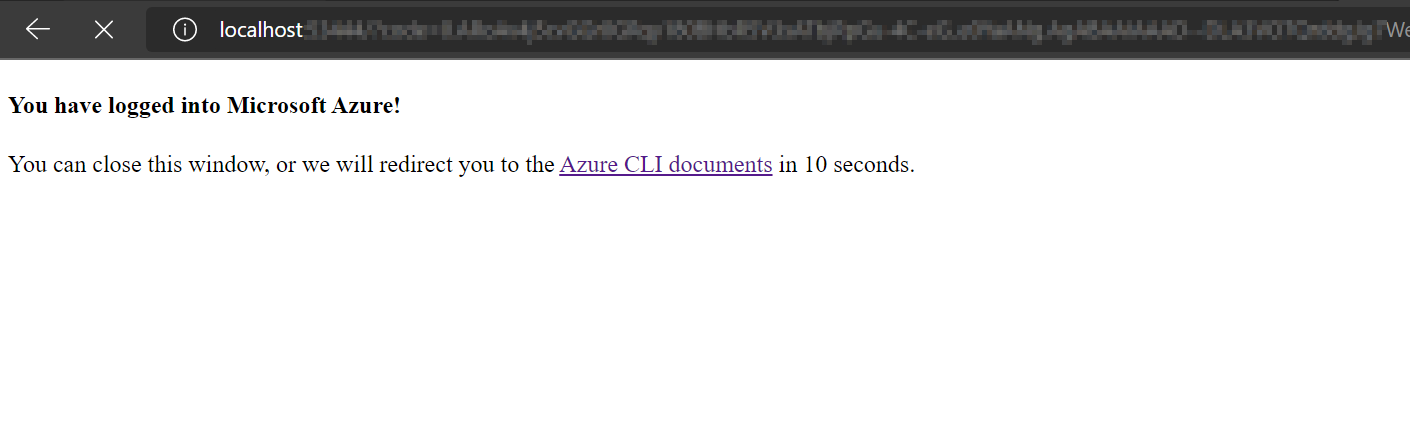
- 最后,您可以使用与上面相同的选项,但使用键。
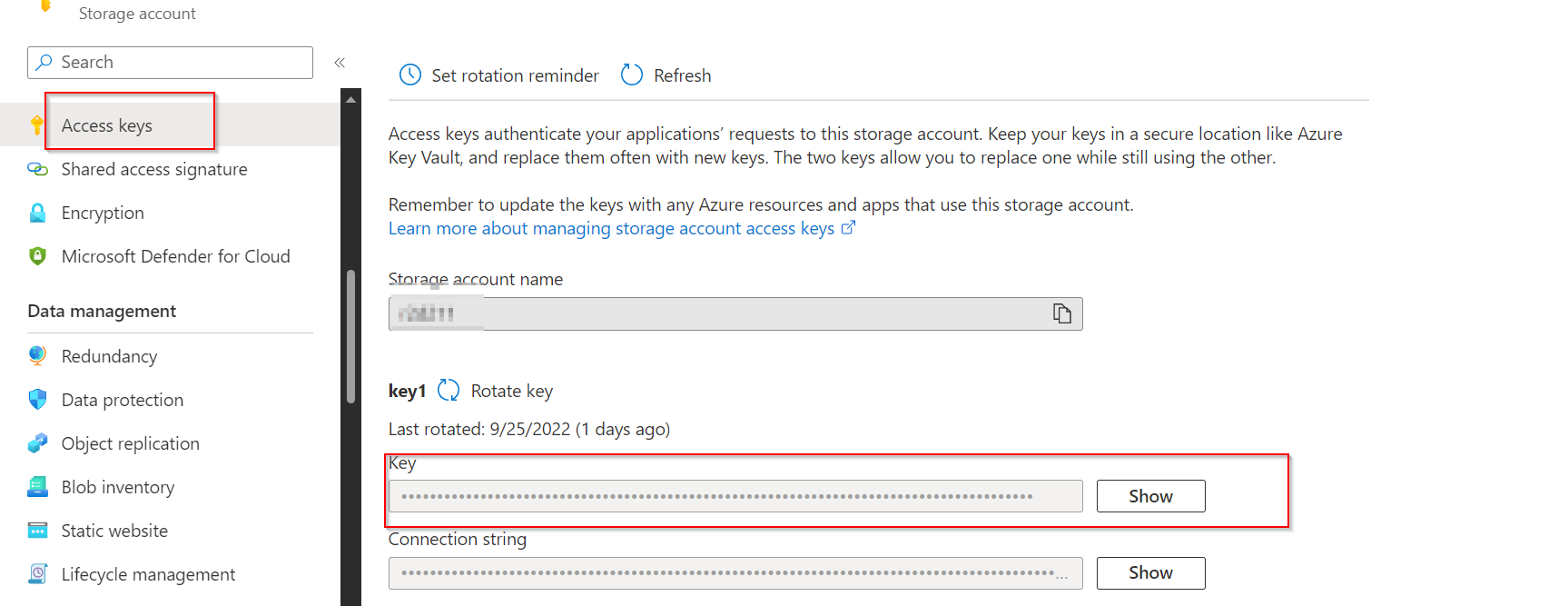
az storage container list --account-name <name> --auth-mode key <key>您可以从访问密钥下的门户获取密钥。
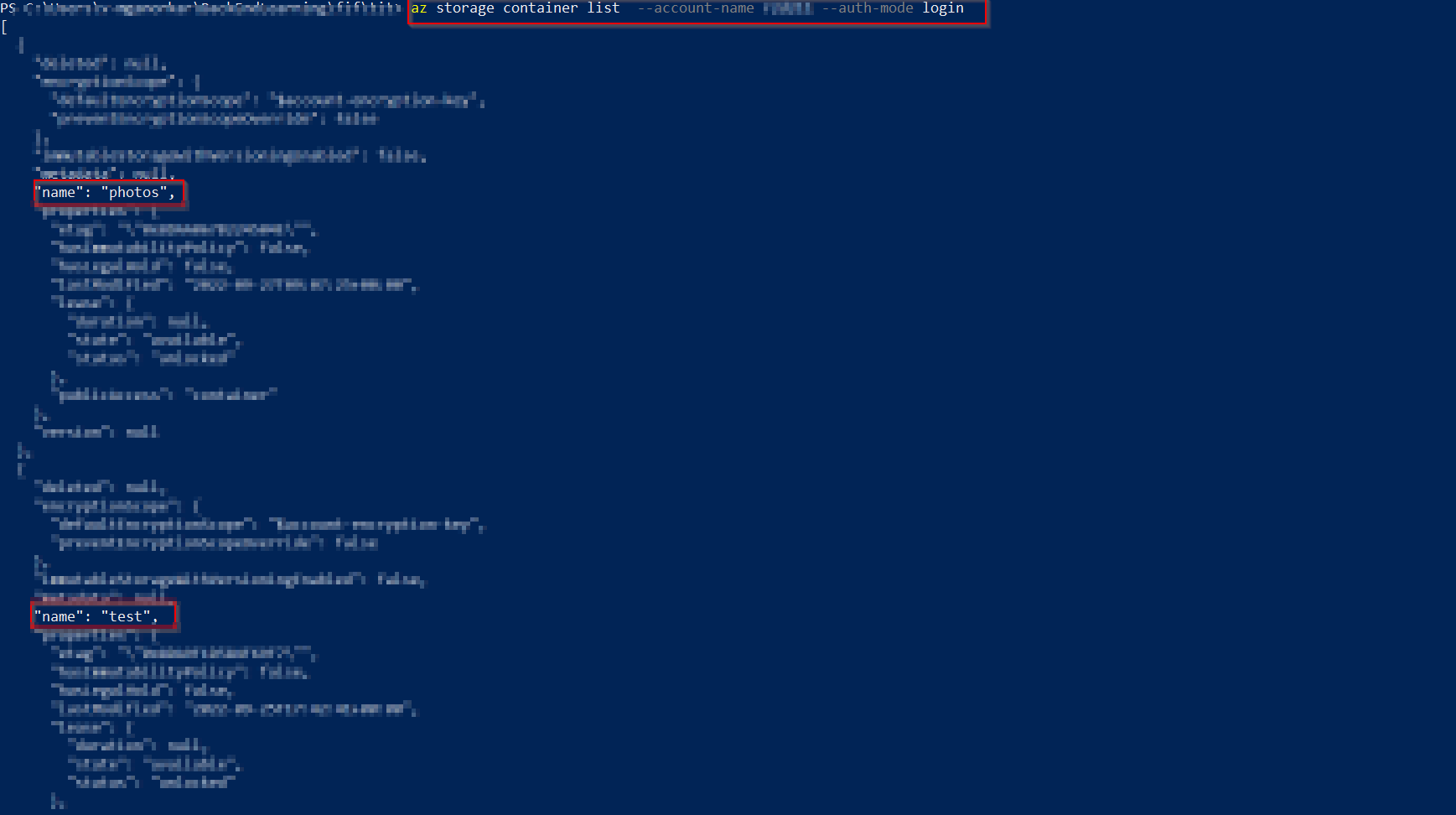
命令的输出应该如下所示,我有两个容器、名称、照片和测试。
Stack Overflow用户
发布于 2022-09-27 09:55:08
,我试图在我的环境中进行复制,但是我得到了同样的错误:

您的命令和环境中没有提供凭据,我们将查询您的存储帐户的帐户密钥。建议在命令中提供--连接-字符串、--帐户-键或-sas-令牌作为凭据。 如果您的登录帐户被分配了所需的RBAC角色,您还可以在命令中添加
--auth-mode login以使用Active (Azure )进行授权。有关存储中RBAC角色的更多信息,请访问https://learn.microsoft.com/azure/storage/common/storage-auth-aad-rbac-cli。 此外,设置相应的环境变量可以避免在命令中输入凭据。请使用--帮助获取有关环境变量使用的更多信息。[]
上述错误表明,在您的存储帐户中,您没有创建任何容器和文件。
我已经创建了一个容器并添加了文件。
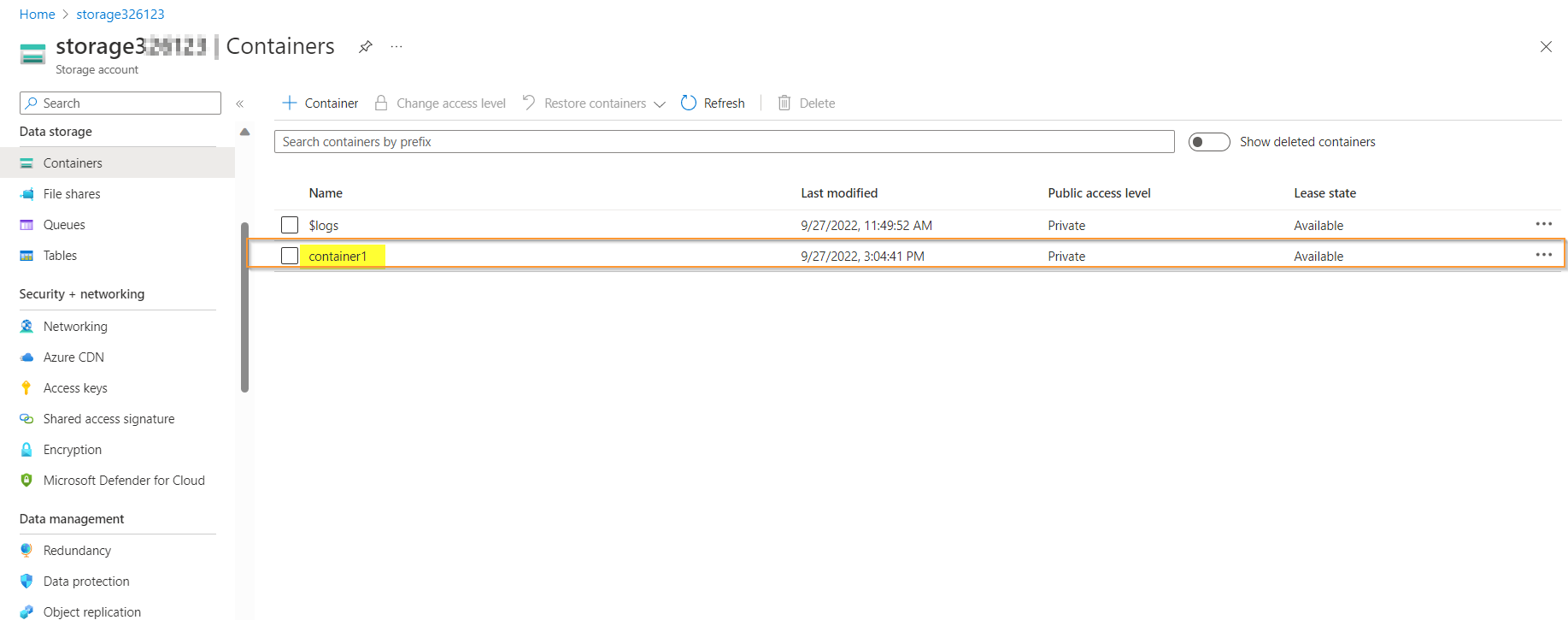
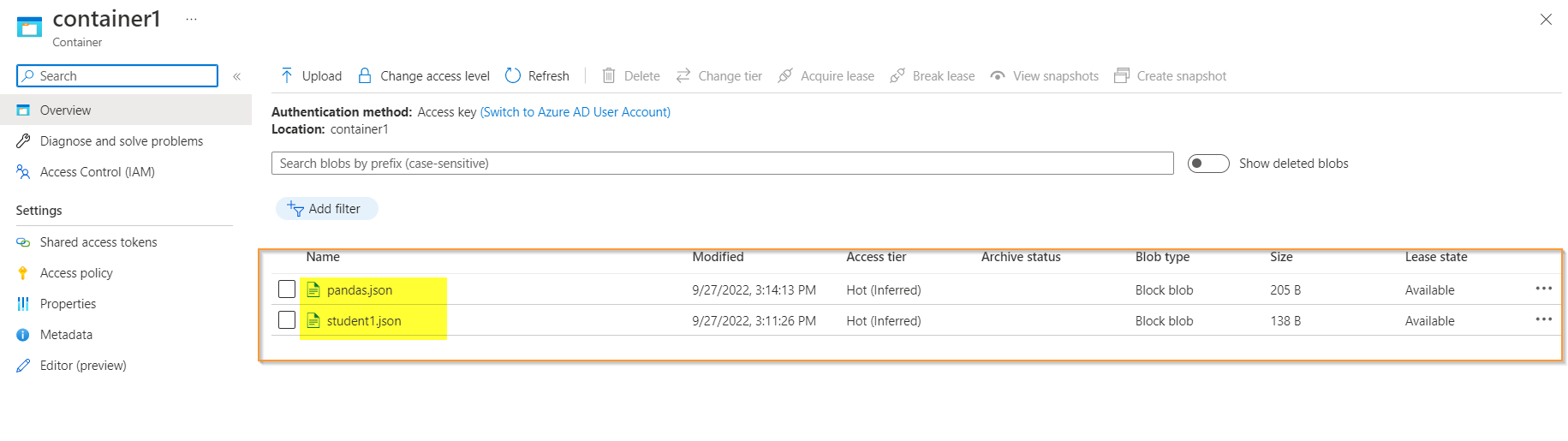
我尝试了相同的命令,现在我成功地获得了一个输出。
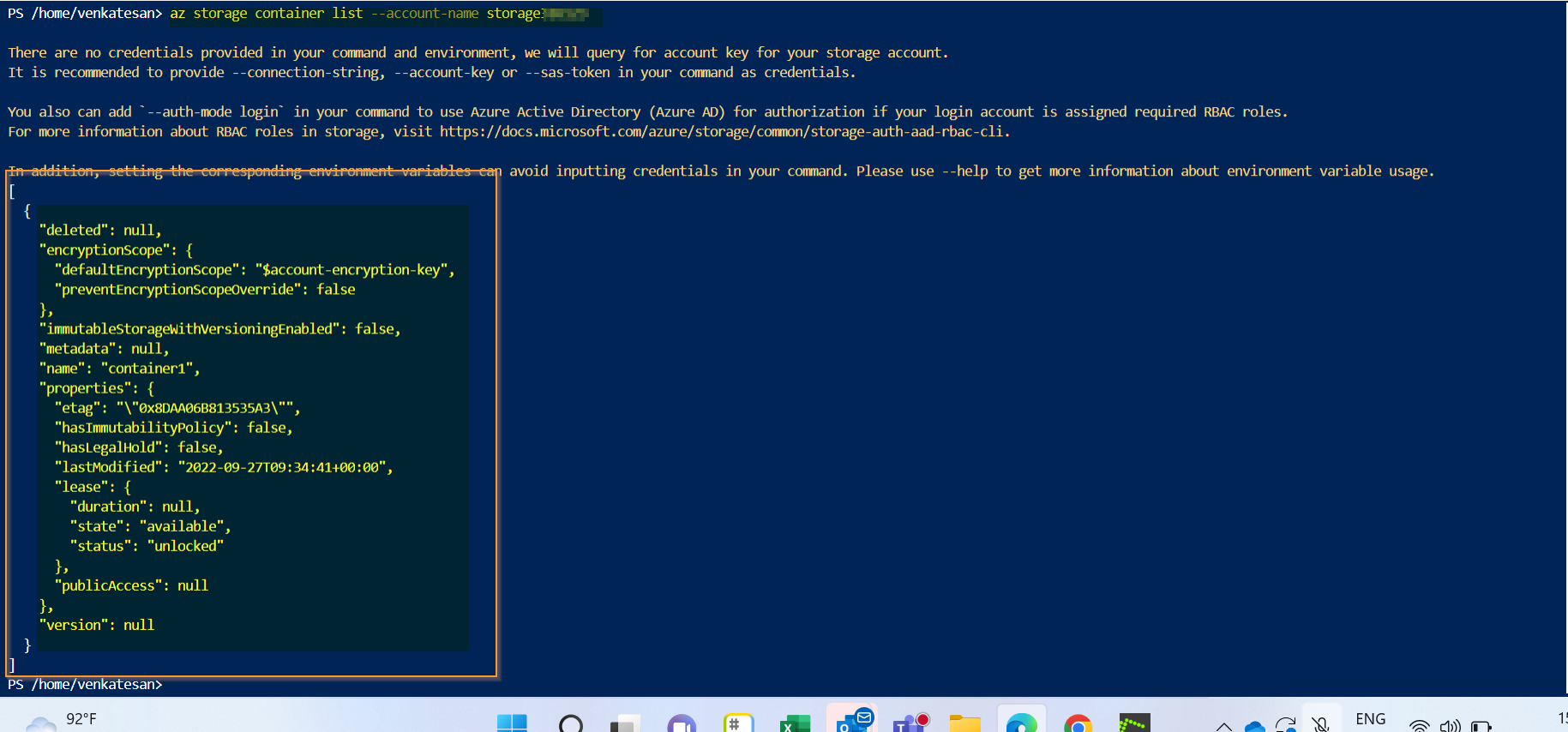
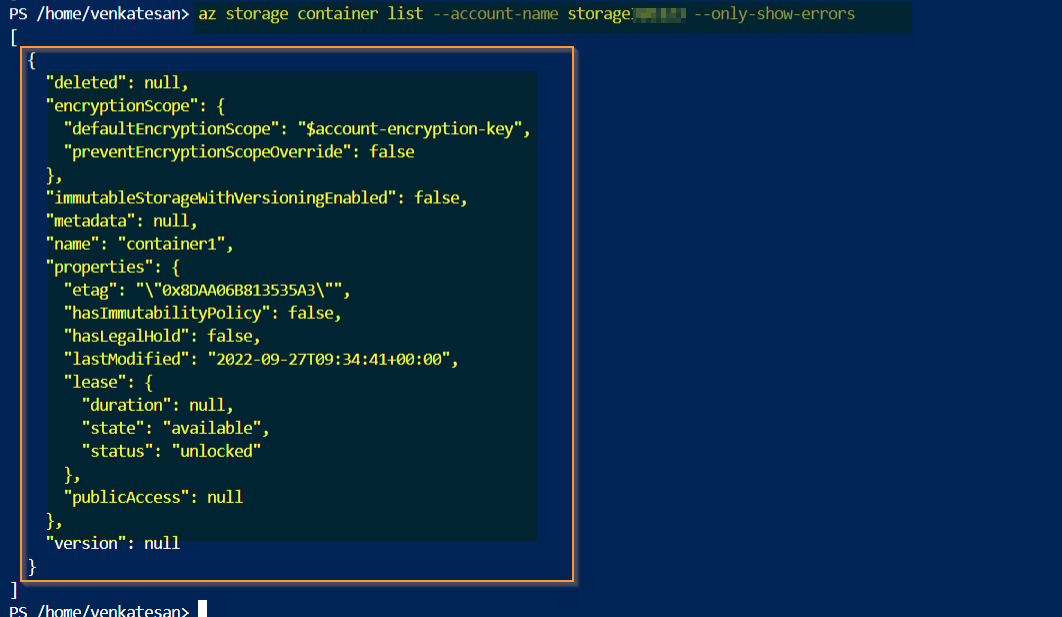
如果需要删除警告,可以使用此命令--only-show-errors
https://stackoverflow.com/questions/73864401
复制相似问题
腾讯云开发者

Copyright © 2013 - 2026 Tencent Cloud. All Rights Reserved. 腾讯云 版权所有
深圳市腾讯计算机系统有限公司 ICP备案/许可证号:粤B2-20090059  粤公网安备44030502008569号
腾讯云计算(北京)有限责任公司 京ICP证150476号 | 京ICP备11018762号