
在"Reactable“表中自定义字体/样式(R)
我在这里学习本教程:https://glin.github.io/reactable/articles/examples.html#language-options -我正在尝试制作一个交互式表格。我复制/粘贴了以下代码,并成功地制作了一个交互式表格:
  library(reactable)

data <- MASS::Cars93[, c("Manufacturer", "Model", "Type", "Price")]

 reactable(
    data,
    columns = list(
        Manufacturer = colDef(
            filterable = TRUE,
            # Filter by case-sensitive text match
            filterMethod = JS("function(rows, columnId, filterValue) {
        return rows.filter(function(row) {
          return row.values[columnId].indexOf(filterValue) !== -1
        })
      }")
        )
    ),
    defaultPageSize = 5
)
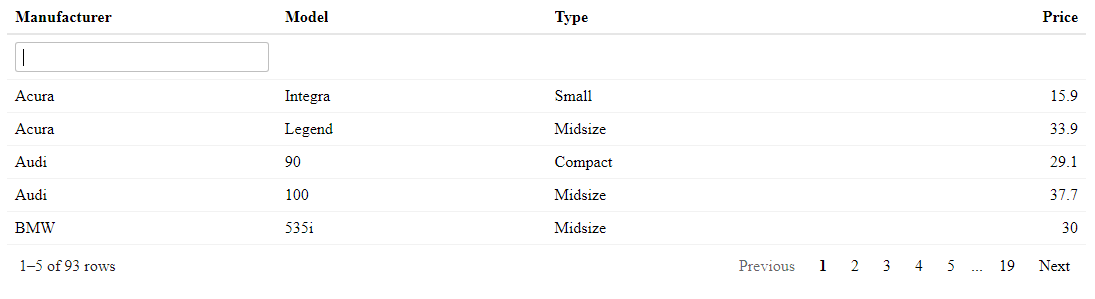
我唯一的问题是,输出的字体/样式与教程不同(我刚刚从教程中抓取了其中一个表的屏幕快照,所有表的字体/样式都是相同的):
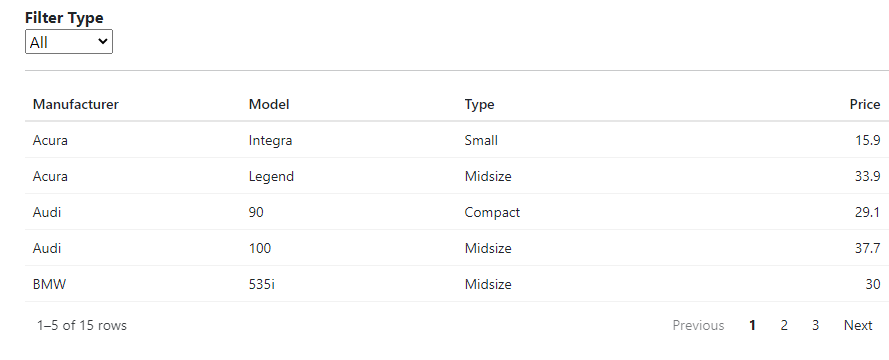
- 有人知道为什么我的字体/样式与本教程中的字体/样式不匹配吗?我是否可以指定一些默认选项来解决这个问题?
谢谢!
回答 1
Stack Overflow用户
发布于 2022-09-13 05:44:39
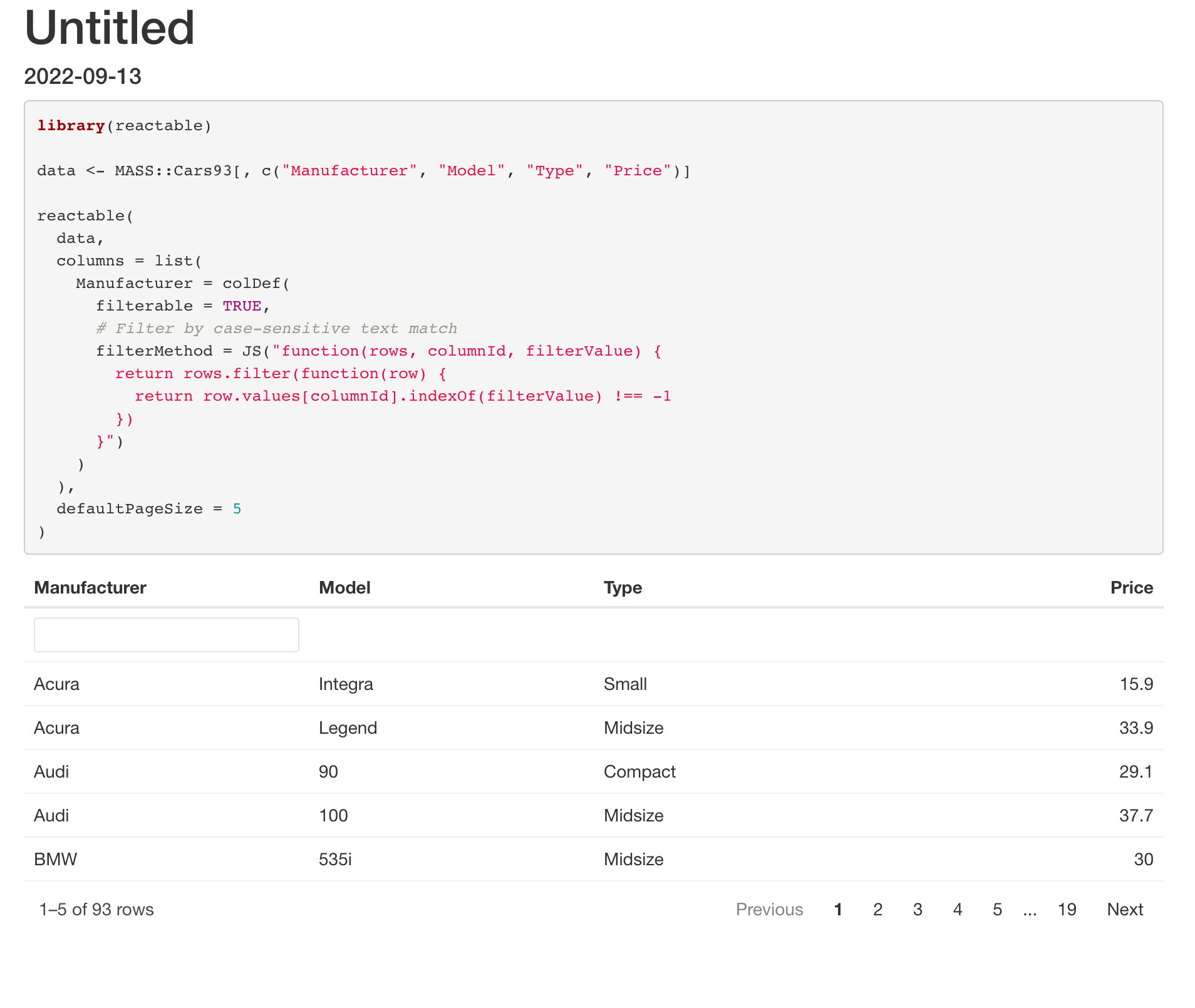
问题是这些示例是通过RMarkdown创建的,它将添加一些默认的CSS样式规则,包括用于文档的字体系列。
当从R内部运行相同的代码时,情况并非如此。也就是说,您可以得到一个或多或少普通的HTML表,几乎没有CSS规则,也没有字体系列。因此浏览器或RStudio查看器或..。将使用它的默认字体系列来显示HTML输出。
因此,要获得与示例中相同的字体,可以在Markdown文档中运行代码:
---
title: "Untitled"
output: html_document
date: "2022-09-13"
---

```{r}
库(可达)
数据<-质量::MASS 93,c(“制造商”、“型号”、“类型”、“价格”)
reactable(
数据,
列=列表(
Manufacturer = colDef( filterable = TRUE, # Filter by case-sensitive text match filterMethod = JS("function(rows, columnId, filterValue) { return rows.filter(function(row) { return row.values[columnId].indexOf(filterValue) !== -1 }) }"))),
defaultPageSize =5
)
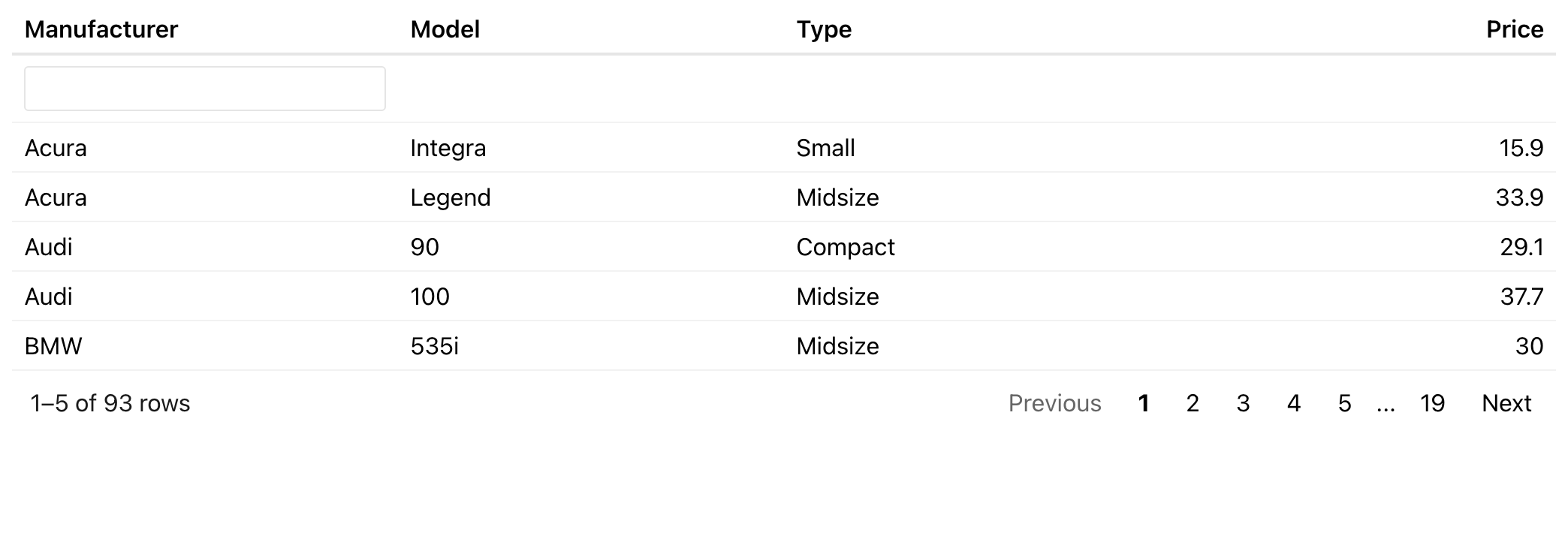
第二个选项是在通过RScript参数从theme运行时设置字体系列,如主题化示例中所示:
library(reactable)

data <- MASS::Cars93[, c("Manufacturer", "Model", "Type", "Price")]

reactable(
  data,
  columns = list(
    Manufacturer = colDef(
      filterable = TRUE,
      # Filter by case-sensitive text match
      filterMethod = JS("function(rows, columnId, filterValue) {
        return rows.filter(function(row) {
          return row.values[columnId].indexOf(filterValue) !== -1
        })
      }")
    )
  ),
  defaultPageSize = 5,
  theme = reactableTheme(
    style = list(fontFamily = "-system-ui, -apple-system, BlinkMacSystemFont, Segoe UI, Helvetica, Arial, sans-serif")
  )
)
https://stackoverflow.com/questions/73697806
复制相似问题
腾讯云开发者

Copyright © 2013 - 2026 Tencent Cloud. All Rights Reserved. 腾讯云 版权所有
深圳市腾讯计算机系统有限公司 ICP备案/许可证号:粤B2-20090059  粤公网安备44030502008569号
腾讯云计算(北京)有限责任公司 京ICP证150476号 | 京ICP备11018762号