
排版中心
排版中心
提问于 2022-09-08 23:41:59
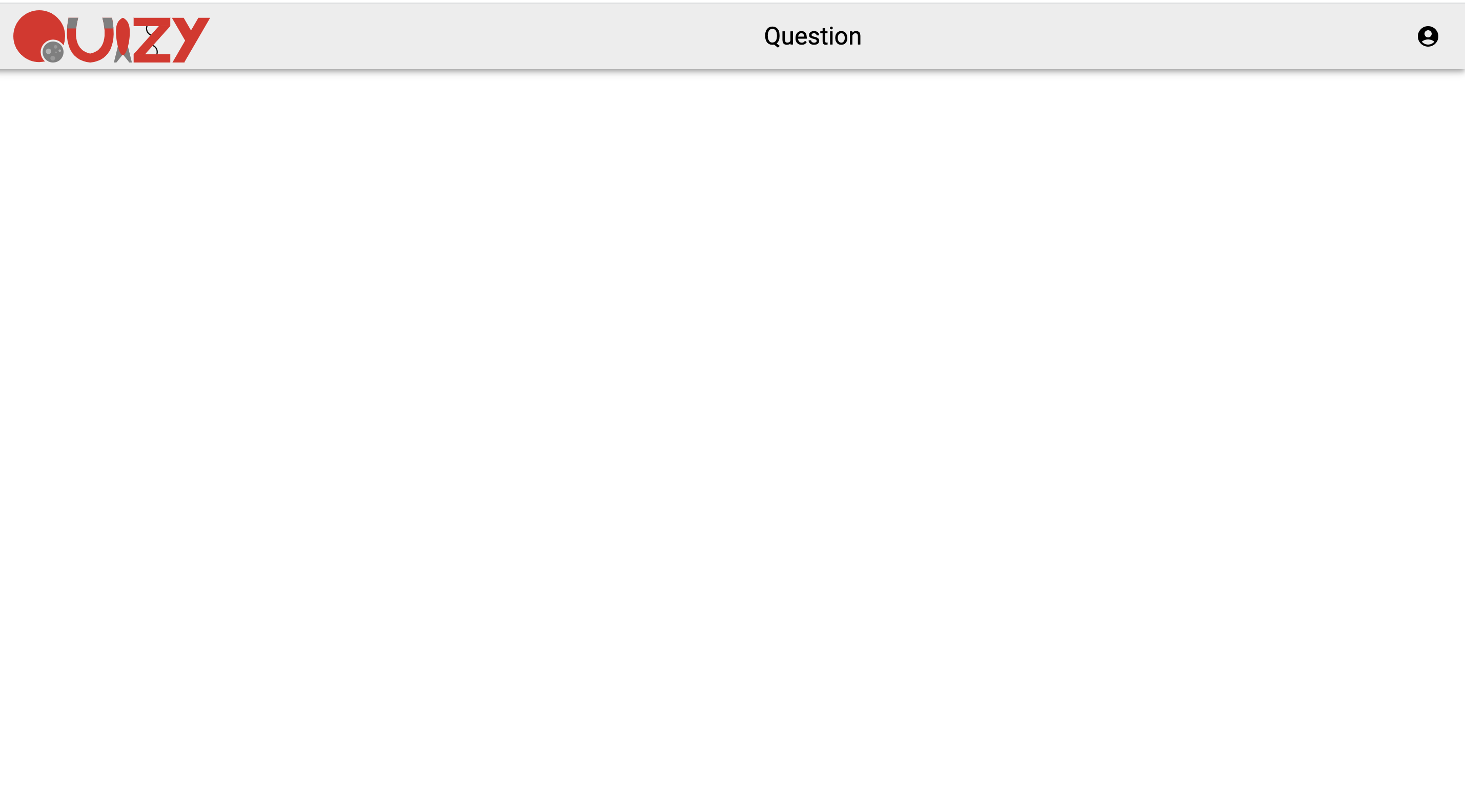
我试图使用textAlign和align两种方法将排版放在中心,但这不起作用。有人能帮我吗?生成的页面位于代码下面。
    import React, {useState} from 'react'
    import logo from '../../images/logo.svg'
    import { Typography } from '@mui/material'
    import AccountCircleIcon from "@mui/icons-material/AccountCircle"

    const NavBar = () => {
      const StyledToolbar = styled(Toolbar)({
         display: "flex",
         alignItems: "center",
         justifyContent: "space-between"
      });

      const Logo = styled("img")({
         width: "12rem",
         height: "auto",
      });

      const StyledAppBar = styled(AppBar)({
         position: "sticky",
         backgroundColor: "#EDEDED",
      });

      return (
        <StyledAppBar>
          <StyledToolbar>
            <Logo src={logo} alt="quizy" />
            <Typography variant="h5" color="black" align='center'>
              Question
            </Typography>
            <AccountCircleIcon
              style={{ color: "black" }}

            />
          </StyledToolbar>
        </StyledAppBar>
      );
    }
页面结果
回答 1
Stack Overflow用户
回答已采纳
发布于 2022-09-08 23:59:27
它实际上是按照它的宽度居中。要以3个子元素为中心,可以按照CSS属性分配Logo、Typography和Icon:
挠曲-生长:1挠度-基础:0
这可能会将AccountCircleIcon向左移动一点,但您可以为它分配margin-left: auto。您还必须移除指定的Logo宽度。例如:
import React, {useState} from 'react'
import logo from '../../images/logo.svg'
import { Typography } from '@mui/material'
import AccountCircleIcon from "@mui/icons-material/AccountCircle"

const NavBar = () => {
  const StyledToolbar = styled(Toolbar)({
     display: "flex",
     alignItems: "center",
     justifyContent: "space-between"
  });

  const Logo = styled("img")({
     width: "12rem",
     height: "auto"
  });

  const StyledAppBar = styled(AppBar)({
     position: "sticky",
     backgroundColor: "#EDEDED",
  });

  return (
    <StyledAppBar>
      <StyledToolbar>
        <div style={{ flexGrow: 1, flexBasis: 0 }}>
          <Logo src={logo} alt="quizy" />
        </div>
        <Typography style={{ flexGrow: 1, flexBasis: 0 }} variant="h5" color="black" align='center'>
          Question
        </Typography>
        <div style={{ flexGrow: 1, flexBasis: 0, textAlign: "right" }}>
          <AccountCircleIcon
            style={{ marginLeft: 'auto', color: "black" }}
          />
        </div>
      </StyledToolbar>
    </StyledAppBar>
  );
}页面原文内容由Stack Overflow提供。腾讯云小微IT领域专用引擎提供翻译支持
原文链接:
https://stackoverflow.com/questions/73655969
复制相关文章
相似问题
腾讯云开发者

Copyright © 2013 - 2026 Tencent Cloud. All Rights Reserved. 腾讯云 版权所有
深圳市腾讯计算机系统有限公司 ICP备案/许可证号:粤B2-20090059  粤公网安备44030502008569号
腾讯云计算(北京)有限责任公司 京ICP证150476号 | 京ICP备11018762号