
请参阅Github操作中的Docker图像变量名
我是非常新的github行动,caprover和码头形象,所以我可能会问非常愚蠢的问题,如果是这样,对不起。我找了很长时间,我自己也不明白.
所以,我试着在我的github操作中部署一个在前面构建的对接者映像。请参阅下面的.yml文件:
name: Docker Image CI

on:
  push:
    branches: [ "main" ]
  pull_request:
    branches: [ "main" ]

jobs:

  build:

    runs-on: ubuntu-latest

    steps:
    - uses: actions/checkout@v3
    - name: Build the Docker image
      run: docker build . --file Dockerfile --tag my-image-name:latest

    - name: Print image names
      run: docker images -q my-image-name

    - name: Deploy image
      uses: floms/action-caprover@v1
      with:
        host: '${{ secrets.CAPROVER_SERVER }}'
        password: '${{ secrets.CAPROVER_PASSWORD }}'
        app: '${{ secrets.APP_NAME }}'
        image: my-image-name:latest
Build the Docker image步骤是成功的,但Deploy image步骤没有成功。我收到的错误消息是:
Build started for ***
An explicit image name was provided (my-image-name:latest). Therefore, no build process is needed.
Pulling this image: my-image-name:latest This process might take a few minutes.
Build has failed!
----------------------
Deploy failed!
Error: (HTTP code 404) unexpected - pull access denied for my-image-name, repository does not exist or may require 'docker login': denied: requested access to the resource is denied基于错误消息,我相信我没有给floms/action-caprover@v1操作正确的图像名称。这就是为什么我创建了第2步Print image names,以便更好地理解所创建的图像的真实名称。我尝试了几个字段名image的解决方案,但是都导致了一个错误.
谢谢你所能提供的一切帮助!
回答 2
Stack Overflow用户
发布于 2022-09-18 18:49:35
感谢努涅兹指出,在尝试发布到caprover之前,我应该部署到注册表。
我跟踪了github博士,最后使用github操作成功地发布到caprover。下面是完美工作的.yml文件。
name: Publish to caprover

on:
  push:
    branches: [ "main" ]
  pull_request:
    branches: [ "main" ]

env:
  REGISTRY: ghcr.io
  IMAGE_NAME: ${{ github.repository }}

jobs:

  build:

    runs-on: ubuntu-latest

    steps:
    - name: Checkout repository
      uses: actions/checkout@v3

    - name: Log in to the Container registry
      uses: docker/login-action@v2
      with:
        registry: ghcr.io
        username: ${{ github.actor }}
        password: ${{ secrets.PAT }}

    - name: Extract metadata (tags, labels) for Docker
      id: meta
      uses: docker/metadata-action@v4
      with:
        images:  ${{ env.REGISTRY }}/${{ env.IMAGE_NAME }}

    - name: Build and push
      uses: docker/build-push-action@v3
      with:
        context: .
        push: true
        tags: ${{ steps.meta.outputs.tags }}
        labels: ${{ steps.meta.outputs.labels }}

    - name: Deploy image
      uses: floms/action-caprover@v1
      with:
        host: '${{ secrets.CAPROVER_SERVER }}'
        password: '${{ secrets.CAPROVER_PASSWORD }}'
        app: '${{ secrets.APP_NAME }}'
image: ${{ steps.meta.outputs.tags }}Stack Overflow用户
发布于 2022-09-04 18:39:39
为了确保您的CapRover实例能够从github停靠器注册表中提取图像,需要在CapRover实例上注册它。
TLDR: --我在GitHub操作配置中没有看到发布步骤(对于您的对接者映像)。如果要使用图像名称将其推送到CapRover,则需要将其发布到注册表,无论是GitHub的容器注册表、Nexus注册表还是任何其他注册表。
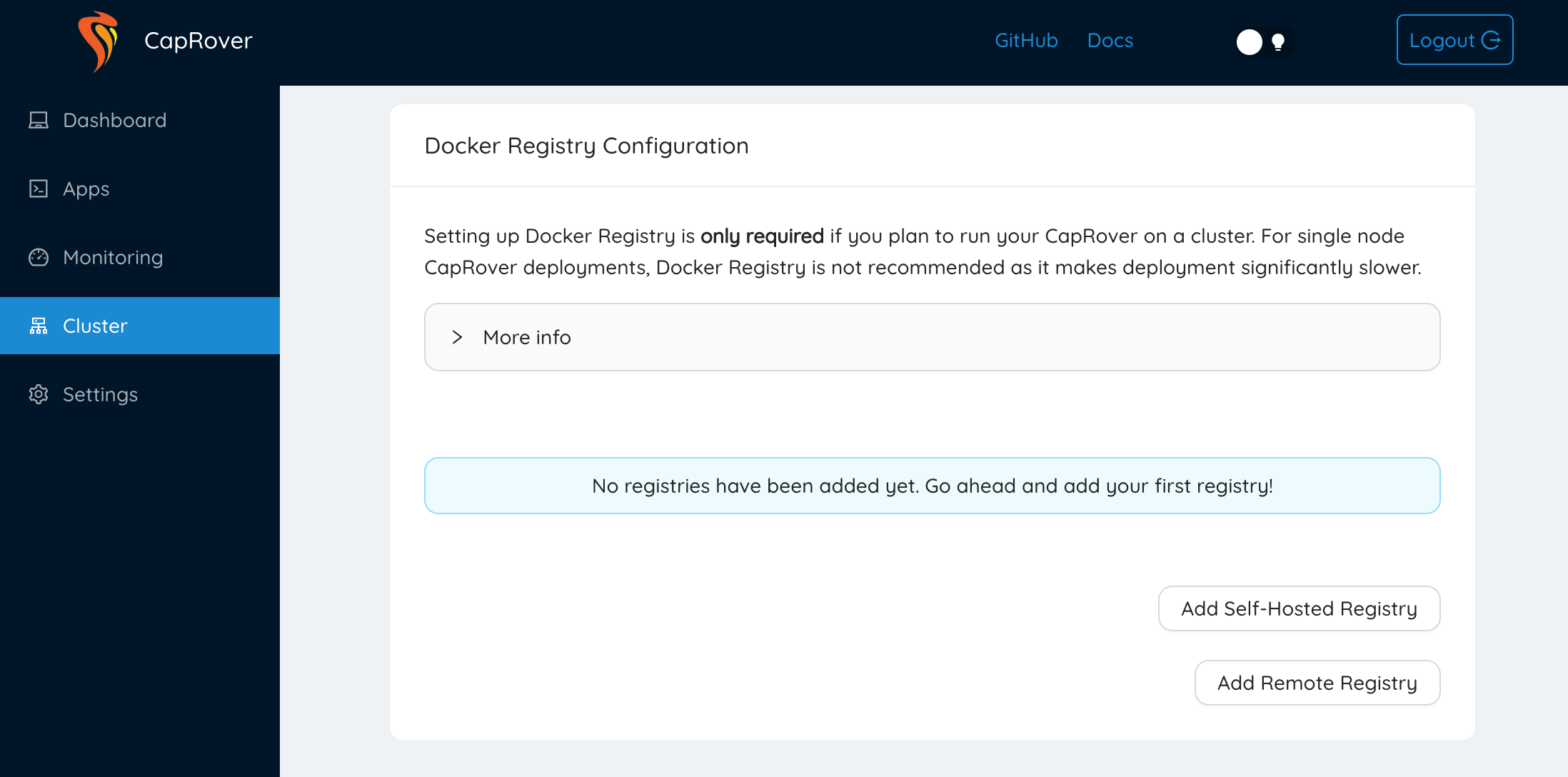
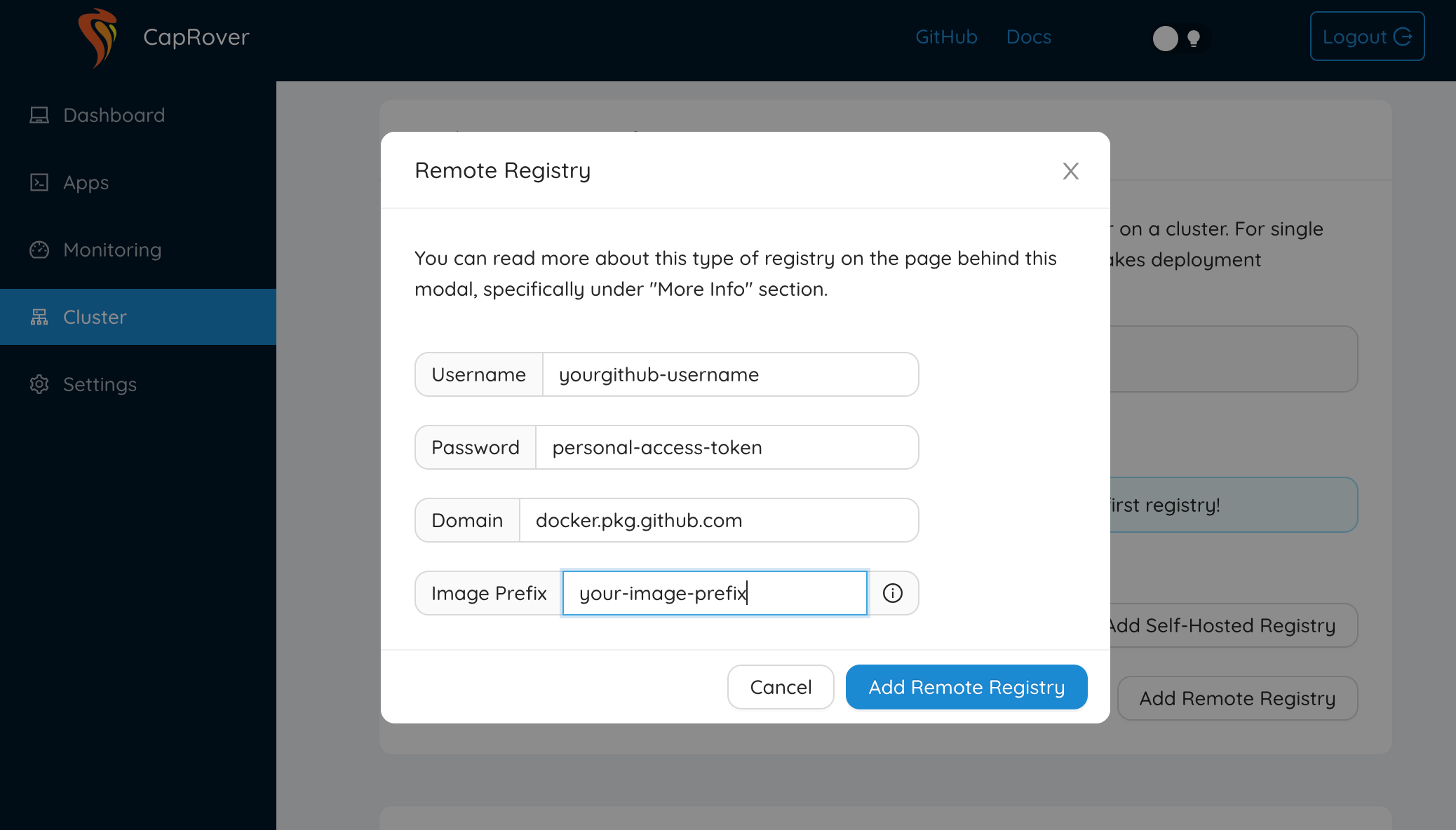
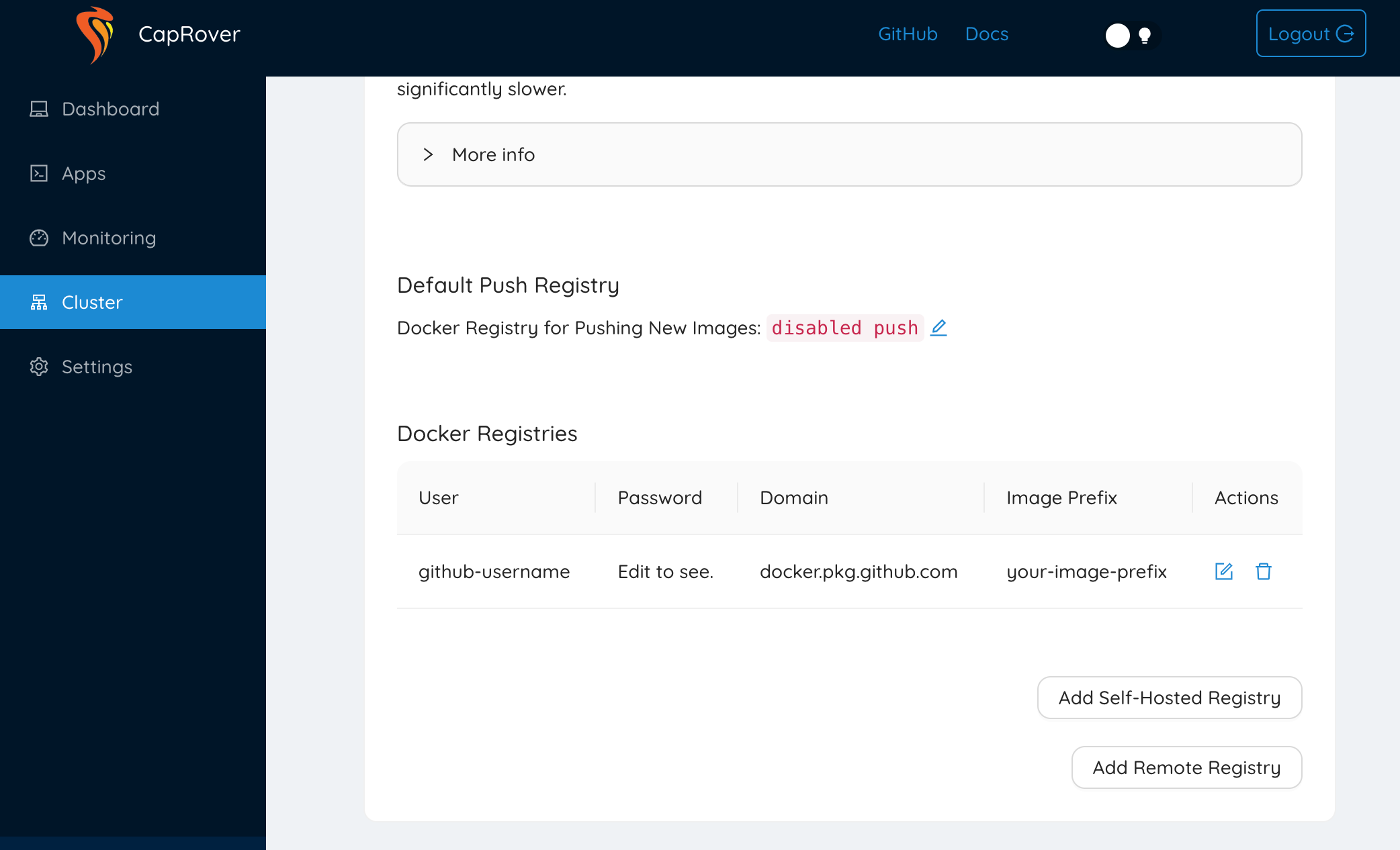
要在CapRover实例中这样做,您需要进入Cluster > Docker Registry Configuration > Add Remote Registry。然后,您将继续输入GitHub容器注册表的配置。通常,您将需要一个Personal Access Token来允许CapRover与GitHub通信,而不是使用您的密码。
码头注册配置
远程注册表配置
Docker注册表配置-远程注册表配置
https://stackoverflow.com/questions/73599803
复制相似问题
腾讯云开发者

Copyright © 2013 - 2026 Tencent Cloud. All Rights Reserved. 腾讯云 版权所有
深圳市腾讯计算机系统有限公司 ICP备案/许可证号:粤B2-20090059  粤公网安备44030502008569号
腾讯云计算(北京)有限责任公司 京ICP证150476号 | 京ICP备11018762号