
如何在Azure ML工作室进行标签编码?
如何在Azure ML工作室进行标签编码?
提问于 2022-09-01 08:42:10
回答 1
Stack Overflow用户
发布于 2022-09-13 12:00:09
在features中,我们可以使用三个不同的特性来执行预测。我们可以用看起来像木星笔记本的笔记本来表演。第二种模式是使用AutoML。利用这个AutoML特性,我们将使用预定义的规则和最终的设计器来自动实现预测模型。Designer是一种基于输入和输出的工具,它以节点的形式将所有需求连接到另一个节点。
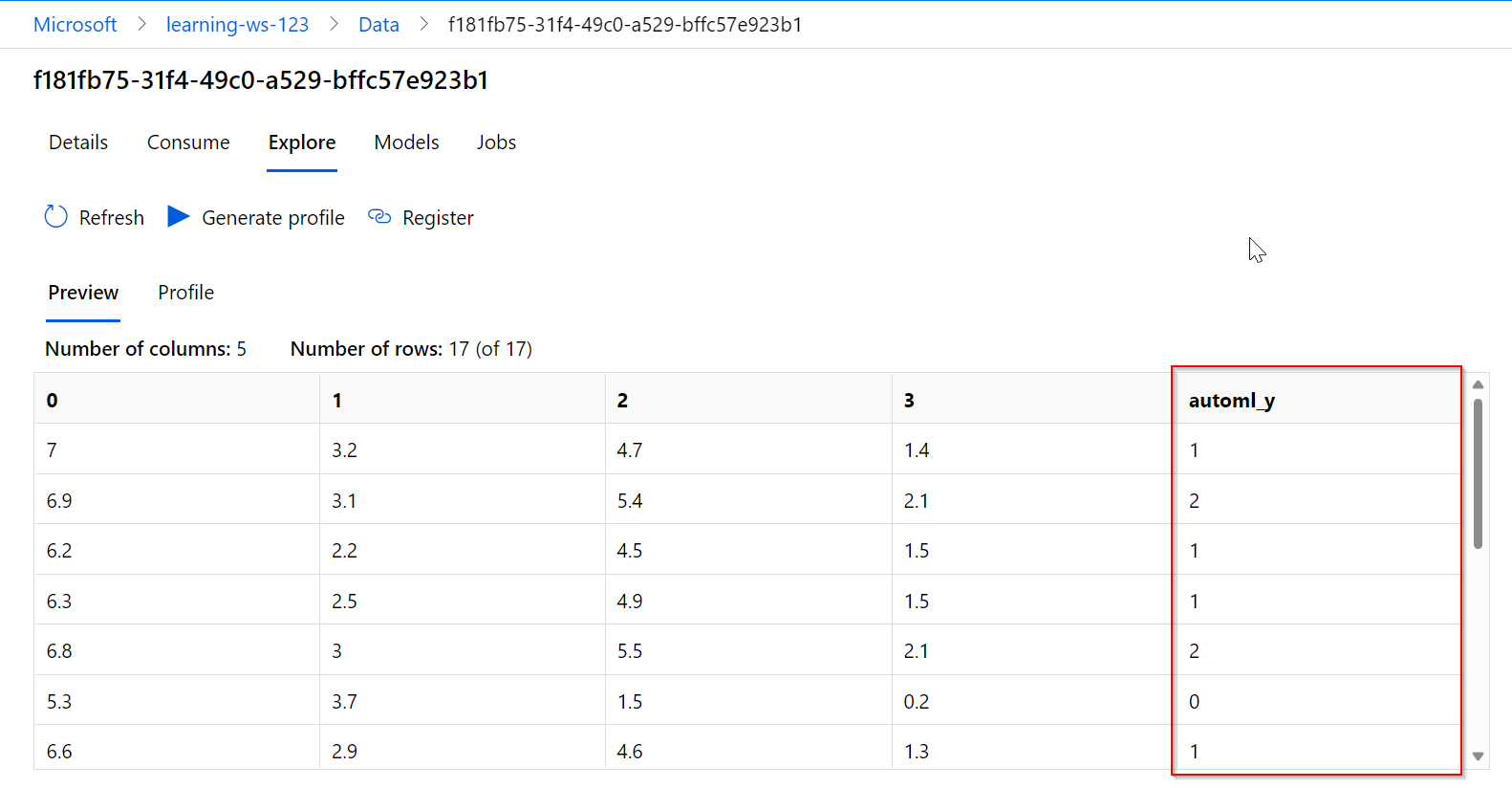
标签编码器在AutoML和Designer中不能作为独占选项直接使用。此功能嵌入到具有编程结构的笔记本中。在AutoML中,一旦我们在上传数据集之后开始运行模型,它将在内部由模型本身执行。标签将在AutoML数据集输出中生成并可见,以进行验证。
import pandas as pd

df = pd.read_csv(“filename.csv”)

df.head() # to get top 5 rows of the dataset
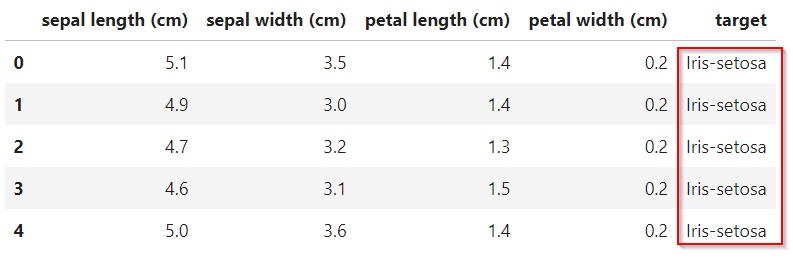
df.dtypes #types of every variable
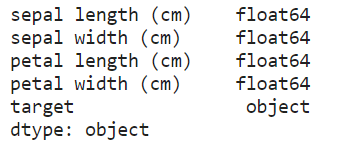
#我们需要实现对象变量的标签编码器。
df['target'].unique() # we will get the unique variables

df[“Class”].value_count() #get the count of each category
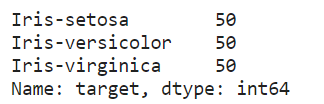
from sklearn.preprocessing import LabelEncoder

lable_encoder = LabelEncoder() #created the object for label encoder class
#在目标变量上实现标签编码器。并将其保存到原始数据
df['target] = label_encoder.fit_transform(df[“Class”]) #transformed and replaced with original dataframe若要检查数据集是否已更新,请执行以下操作。
df.dtypes #use this method to get the updated dataset data types for each column(feature).
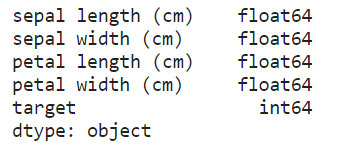
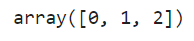
df['target'].unique() # we will get number for each category in that column
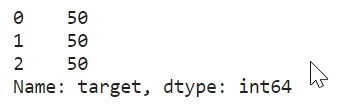
知道每个类别的计数
df['target'].value_counts() # will get total amount of count for each category
要在Azure平台上运行这个特性,我们需要创建一个资源并使用订阅键,并在笔记本中使用上面的代码。
在AutoML的情况下,通过上传数据集来运行模型,建模后的结果将类似于下面的场景。
页面原文内容由Stack Overflow提供。腾讯云小微IT领域专用引擎提供翻译支持
原文链接:
https://stackoverflow.com/questions/73566496
复制相关文章
相似问题
腾讯云开发者

Copyright © 2013 - 2026 Tencent Cloud. All Rights Reserved. 腾讯云 版权所有
深圳市腾讯计算机系统有限公司 ICP备案/许可证号:粤B2-20090059  粤公网安备44030502008569号
腾讯云计算(北京)有限责任公司 京ICP证150476号 | 京ICP备11018762号