
如何在Python中将两个几何图形组合成一个图
如何在Python中将两个几何图形组合成一个图
提问于 2022-08-21 13:15:27
问题背景:我试图在蟒蛇的一个地块中画出两个几何图形。我做了一个几何,这是一个物体有网格,如下图所示。这里还提到了相应的代码。
df_1_new = pd.DataFrame()
df_1_new['X_coordinate']=pd.Series(x_new)
df_1_new['Y_coordinate']=pd.Series(y_new)
df_1_new['node_number'] = df_1_new.index
df_1_new = df_1_new[['node_number','X_coordinate','Y_coordinate']]

plt.scatter(x_new, y_new)
plt.show
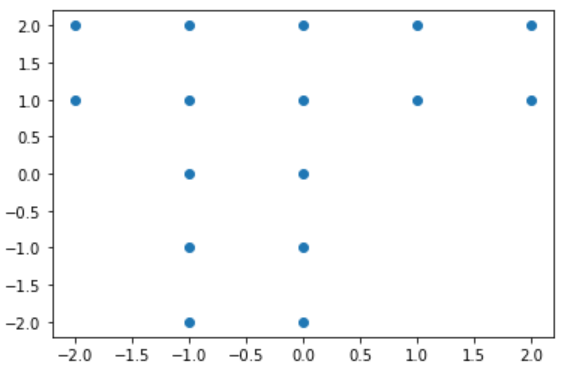
第二个几何学,这是一个圆,我让这个几何学运行在代码下面。
from matplotlib import pyplot as plt, patches
plt.rcParams["figure.figsize"] = [9.00, 6.50]
plt.rcParams["figure.autolayout"] = True
fig = plt.figure()
ax = fig.add_subplot()
circle1 = plt.Circle((2, 2), radius=5, fill = False)
ax.add_patch(circle1)
ax.axis('equal')
plt.show()
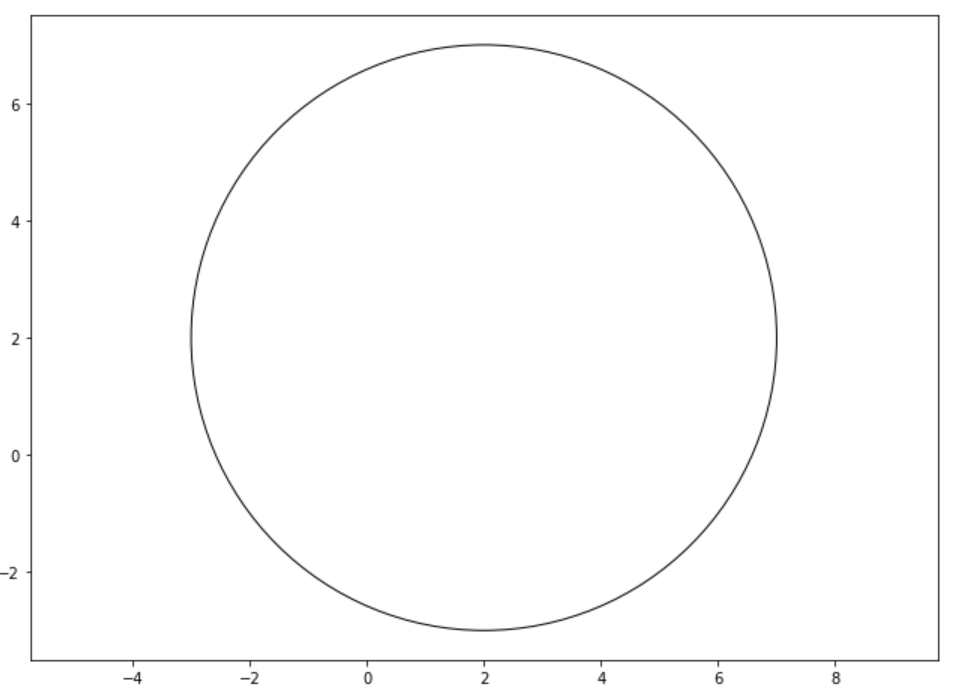
我的问题是:我如何把上面提到的两个几何图形结合在一起。我想把我的圆圈放在我的几何(物体)周围。几何学有一个质心(2,2),我想把我的圆的质心精确地放在几何学的质心上,所以我将在我的几何图形周围有一个圆。我应该写什么代码。请帮我这个忙。
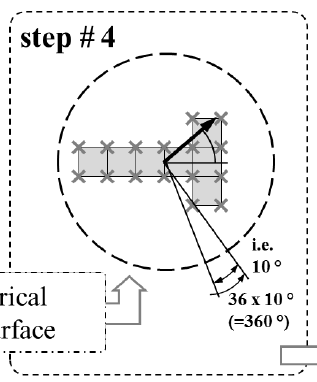
供你参考:我要我的情节,就像在下面的图片。
回答 1
Stack Overflow用户
回答已采纳
发布于 2022-08-21 13:24:51
您需要在子图创建和发出plt.show()命令之前进行所有绘图,就像它之后的任何命令都会创建一个新图形一样。
from matplotlib import pyplot as plt, patches
plt.rcParams["figure.figsize"] = [9.00, 6.50]
plt.rcParams["figure.autolayout"] = True
fig = plt.figure()
ax = fig.add_subplot()
# other plt.scatter or plt.plot here
plt.scatter([3,4,5,6,4],[5,4,2,3,2]) # example
circle1 = plt.Circle((2, 2), radius=5, fill = False)
ax.add_patch(circle1)
ax.axis('equal')
plt.show()
要得到圆圈内的点,你需要使用圆圈半径和中心,直到你得到正确的。
你可以做的就是在x和y值的np.median处做圆圈,这样你就可以确定中心位置了。
页面原文内容由Stack Overflow提供。腾讯云小微IT领域专用引擎提供翻译支持
原文链接:
https://stackoverflow.com/questions/73434759
复制相关文章
相似问题
腾讯云开发者

Copyright © 2013 - 2026 Tencent Cloud. All Rights Reserved. 腾讯云 版权所有
深圳市腾讯计算机系统有限公司 ICP备案/许可证号:粤B2-20090059  粤公网安备44030502008569号
腾讯云计算(北京)有限责任公司 京ICP证150476号 | 京ICP备11018762号