
反应色差-三纤维
反应色差-三纤维
提问于 2022-07-21 19:31:05
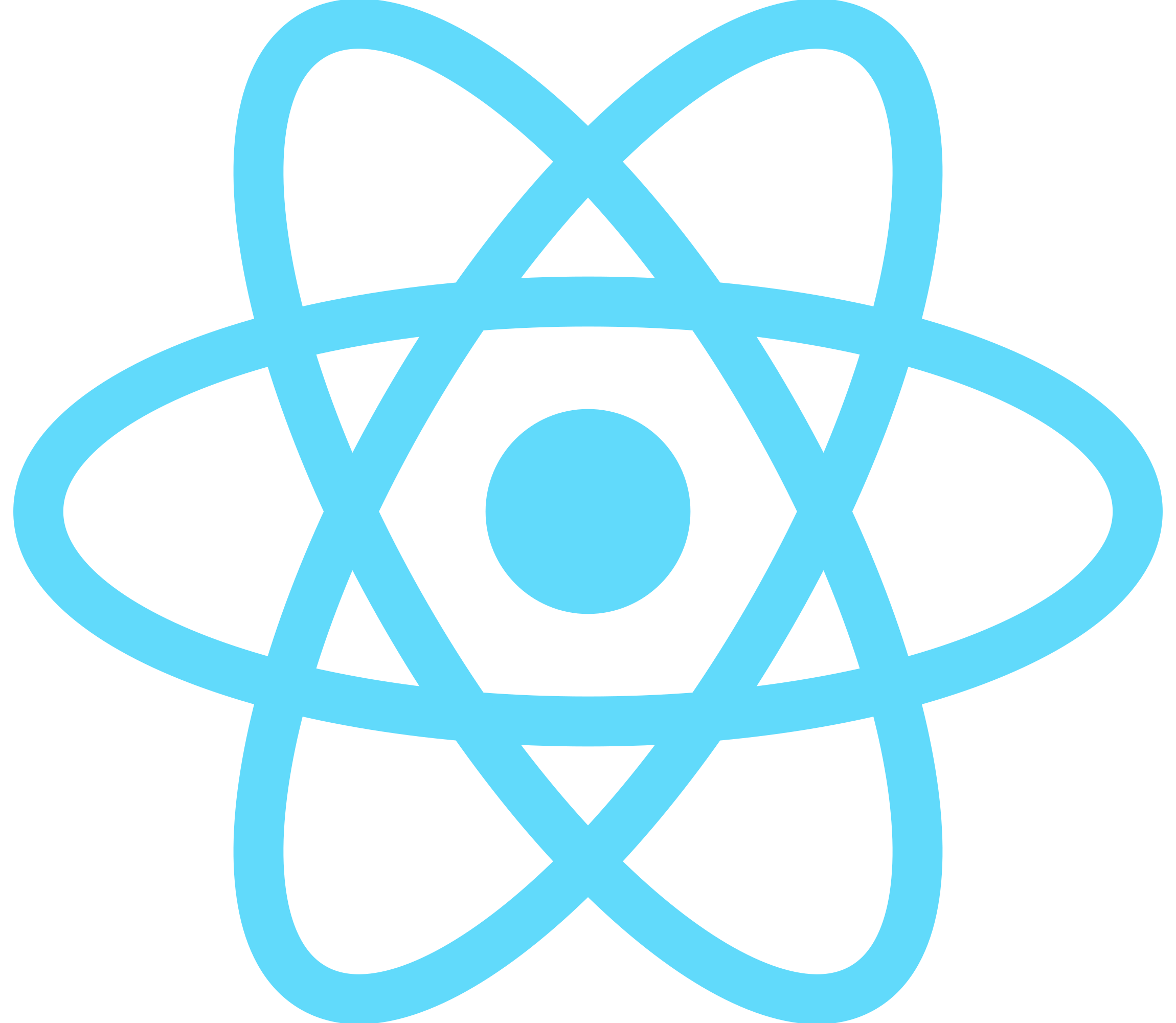
当同时使用meshBasicMaterial时和在组件中使用meshStanderard材料用图像纹理渲染一个盒子时,纹理看起来与原始图像不同。我尝试过将colorManagement={false}>放在画布组件中,但是没有什么改变。提前谢谢。
反应三纤维
原始图像

所用代码
function Element( props ) {
const ref = useRef()
props = props.props
useFrame((state, delta) => (ref.current.rotation.y += 0.01))
const texture = useLoader(TextureLoader, props.texture)
return (
    <mesh
    ref={ref}
    position={props.position}
    rotation={[0,0,-10]}
    >
        <boxGeometry args={[1,0,1]}/>
        <meshBasicMaterial map={texture} texture={'sRGB'} transparent={true} />
    </mesh >
)

}


const CameraControls = () => {
const {
    camera,
    gl: { domElement },
} = useThree();
// Ref to the controls, so that we can update them on every frame using useFrame
const controls = useRef();
useFrame((state) => controls.current.update());
return <orbitControls ref={controls} args={[camera, domElement]} />;
};

export default function App() {
return (
    <>
        <div style={{
            height: '100vh',
            width: '100vw',
        }}>
            <Canvas>
                <CameraControls />
                <ambientLight color={ '#ffffff' } intensity={.5}/>
                <group>
                    <Element props={{texture: 'react.png', position: [1,1,0]}}/>
                    <Element props={{texture: 'js.png', position: [3,3,-2]}}/>
                </group>


            </Canvas>
        </div>
    </>
);
}
回答 1
Stack Overflow用户
回答已采纳
发布于 2022-07-21 20:49:26
正如在Color differences between threejs + vanilla js and react-three-fiber + create-react-app中所看到的,这是有效的,尽管这个线程上的答案不起作用,但它比所选择的答案更有效。<Canvas gl={{ antialias: true, toneMapping: NoToneMapping }} linear>
页面原文内容由Stack Overflow提供。腾讯云小微IT领域专用引擎提供翻译支持
原文链接:
https://stackoverflow.com/questions/73071710
复制相关文章
相似问题
腾讯云开发者

Copyright © 2013 - 2026 Tencent Cloud. All Rights Reserved. 腾讯云 版权所有
深圳市腾讯计算机系统有限公司 ICP备案/许可证号:粤B2-20090059  粤公网安备44030502008569号
腾讯云计算(北京)有限责任公司 京ICP证150476号 | 京ICP备11018762号